
开发者工具2 weeks ago
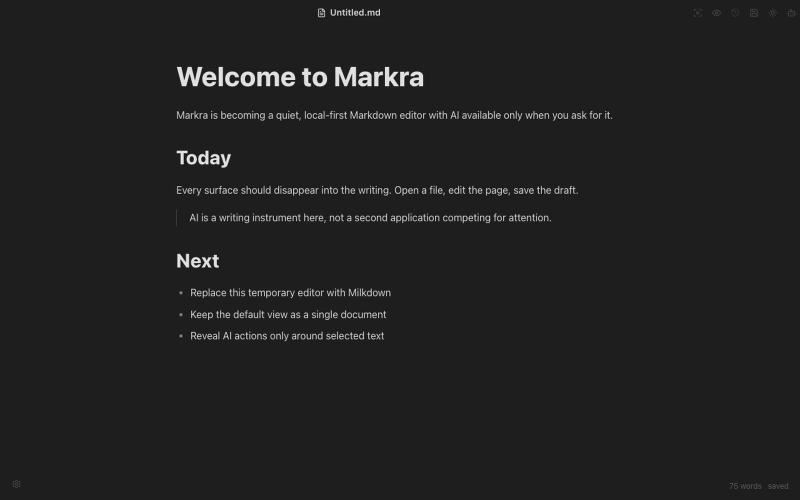
Markra
开源Markdown编辑器,支持本地存储、跨平台和AI辅助编辑。
Open source
Markra — 本地优先的开源所见即所得 Markdown 编辑器,支持 Web、macOS、Windows 和 Linux,AI 修改可预览后应用 - [更多介绍](https://github.com/markrahq/markra/blob/main/README.zh-CN.md)
完整作品展
技术栈
60 projects
开源Markdown编辑器,支持本地存储、跨平台和AI辅助编辑。
Markra — 本地优先的开源所见即所得 Markdown 编辑器,支持 Web、macOS、Windows 和 Linux,AI 修改可预览后应用 - [更多介绍](https://github.com/markrahq/markra/blob/main/README.zh-CN.md)

用于查看和接受Claude代理代码编辑的Markdown编辑器
samuelstros
RightPDFKit是免费PDF编辑器,有51个工具,无需账户,支持离线。

@zubidavies · X
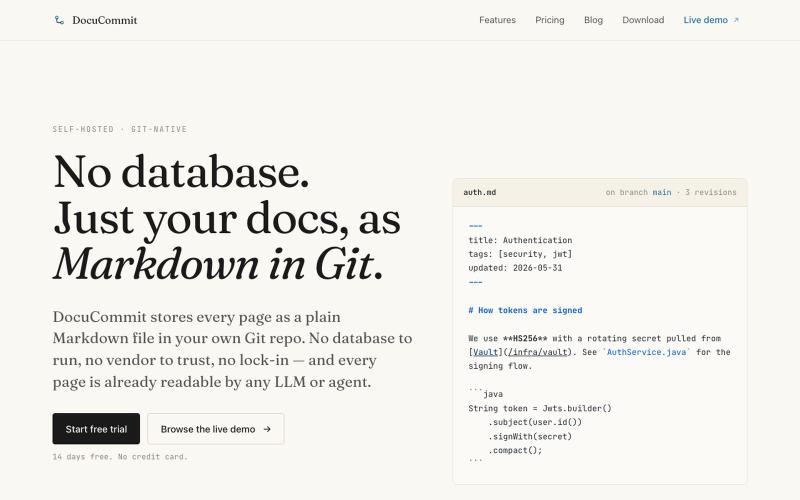
在Git仓库中存储Markdown文档,无数据库依赖,无厂商锁定。

@alizreim · X
Documentation that lives in your own git repository
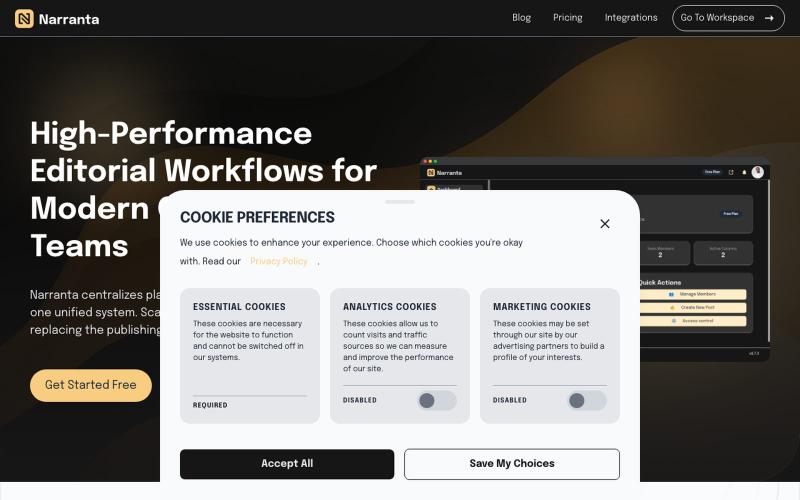
Narranta 是团队编辑工作流平台,支持内容规划、撰写、审核和发布。

@duke_can_c_u · X
Hi I’m the founder of a content collaboration platform for teams and creators, with focus on editorial workflows. Always looking to connect with people passionate about content, SaaS, and building great products.
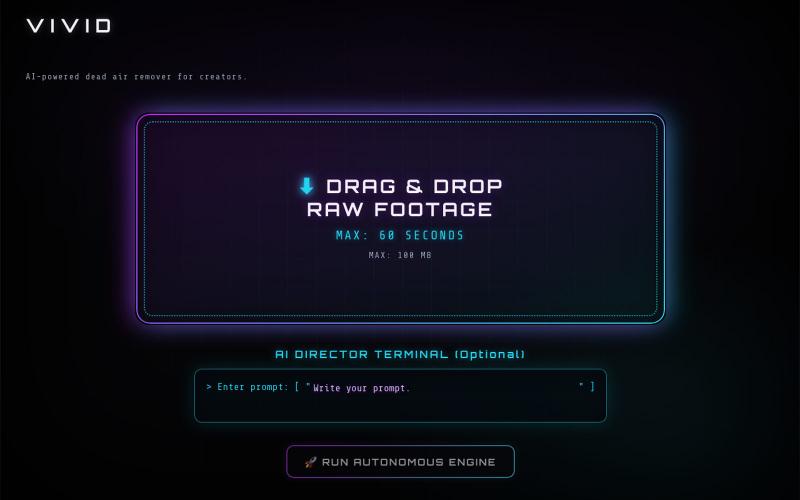
VIVID 是一款 AI 视频编辑器,能自动删除静音并编辑播客、短视频和教程。

@MohidMalikAI · X
its great that you are seeing I am currently building an Agentic AI Video Editor Name VIVID here its Beta version try it and I am waiting for your feedback
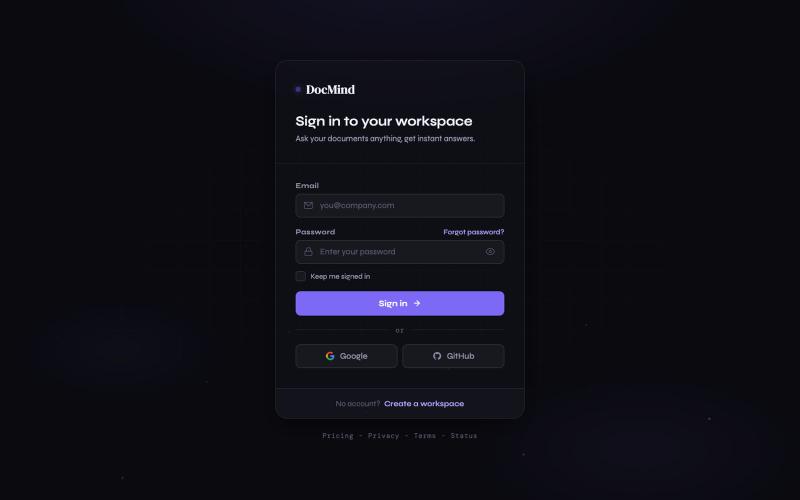
上传文档并提问,获得 AI 驱动的即时答案。

@Rehman68128710 · X
I Made an AI support bot — just feed it your website or a doc and it's ready to answer customer questions.
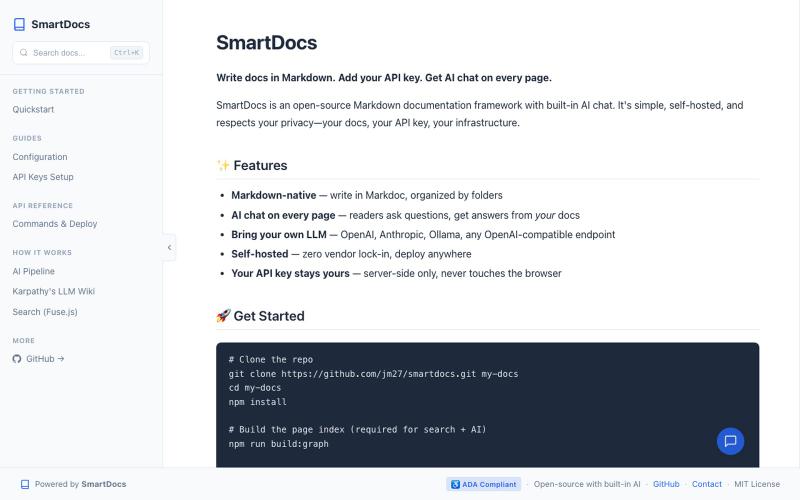
开源Markdown文档框架,内置AI助手回答文档相关问题。
u/jm_ka · Reddit
SmartDocs - open-source docs framework with AI chat; just add your API key. SmartDocs is an open-source Markdown documentation with built-in AI chat. The pitch: write docs in Markdown, add your API key to .env, and every page gets a grounded AI assistant. Self-hosted, your data, your control. Tech: Next.js + Markdoc + Tailwind. No vector DB — uses graph-backed retrieval (keyword scoring + link traversal) inspired by Karpathy's LLM Wiki pattern. Live demo (no key needed): https://www.ge
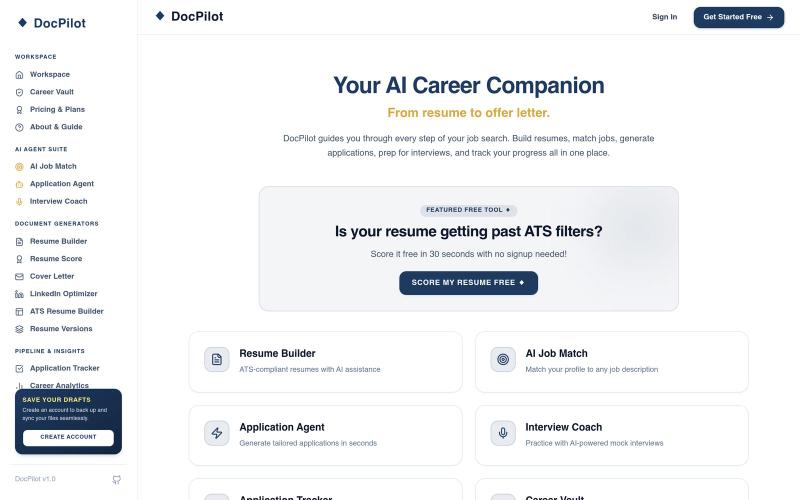
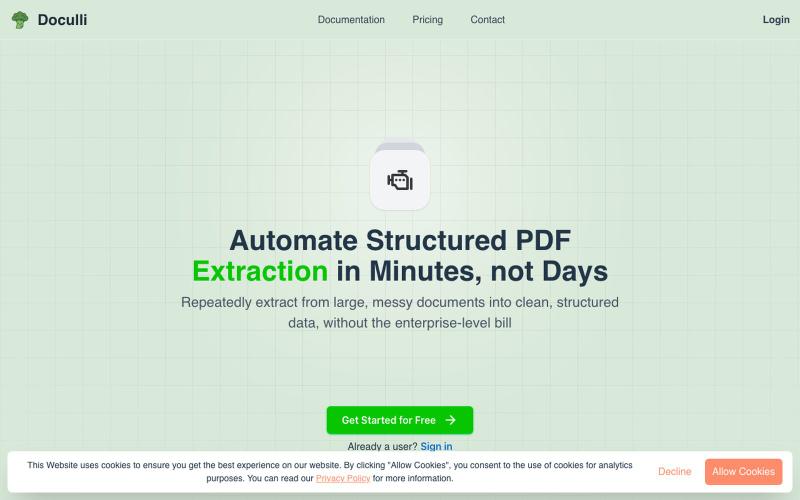
从 PDF 自动提取结构化数据,用于工作流自动化。
u/yonnnyy · Reddit
How should I revive my Saas after 300 hours spent developing To provide context, a couple months ago I created a pdf to JSON ai extraction engine. I know... There are hundreds of products like this but for me the value proposition is that other solutions were heavy weight, expensive, non intuitive templates, and was slow. Therefore I created my own and I met my goals. I see genuine value in my product but the lack of users says otherwise. I think my best option is to build on top of this

浏览器中免费合并PDF、压缩图片、去除背景和其他实用工具。

@damiadeh · X
Your files utility tools stacks in your browser. No uploads, files stays on your pc.
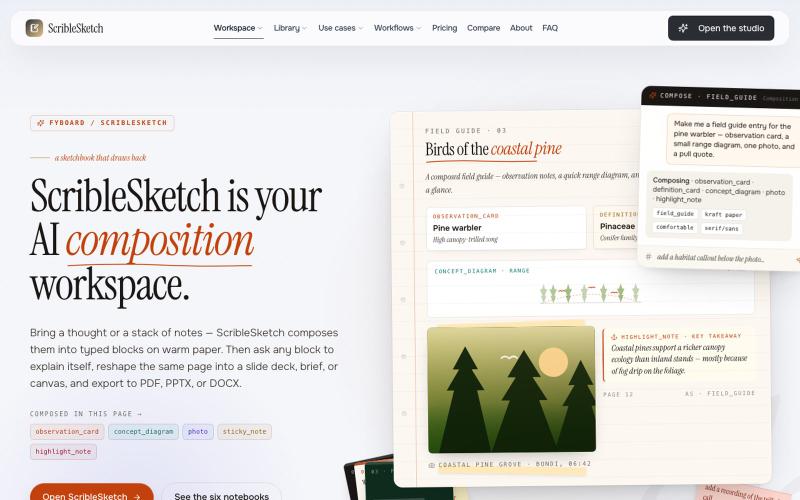
一次编写,多格式导出为笔记、幻灯片、PDF、PPTX、DOCX 或画布。

@mr_wickedhacks · X
Write the doc once → get a notebook, slide deck, canvas, or resume from the same source. No rewriting for every format.
