

生产力4 days ago
Klority — Replace Jira, Confluence & TestRail with One Affordable Tool
项目管理、文档和测试管理的一体化工作空间。

@klorityx · X
One workspace for project management, documentation, test management & CRM. Enterprise features without enterprise pricing.
完整作品展
技术栈
28 projects
项目管理、文档和测试管理的一体化工作空间。
@klorityx · X
One workspace for project management, documentation, test management & CRM. Enterprise features without enterprise pricing.

创建可共享表单收集客户证言,展示社交证明并分析转化。

@AmyVaradkar · X
It solves the scattered testimonial problem. Freelancers and agencies collect feedback via shareable form, display it anywhere, get real analytics on what converts. Beta access available right now which gives free pro plan for 15 days.

450+隐私保护的格式转换和PDF处理工具,全部在浏览器本地运行,无需注册。

@tentaco_cc · X
Hey! I built 🐙 It’s a privacy-first web space packed with over 450+ free micro-tools for tech, design, marketing, and PDFs. The best part? Everything runs 100% locally in your browser. No registration, no ads. Let's connect! 🛠️

通过文本提示使用 AI 生成自定义商业印章和徽章。
pixsprout.com — 专注于生成复古橡皮印章效果的 AI 工具,支持文字生成印章、图片转印章及自动去底 - [更多介绍](https://pixsprout.com/image-to-stamp)
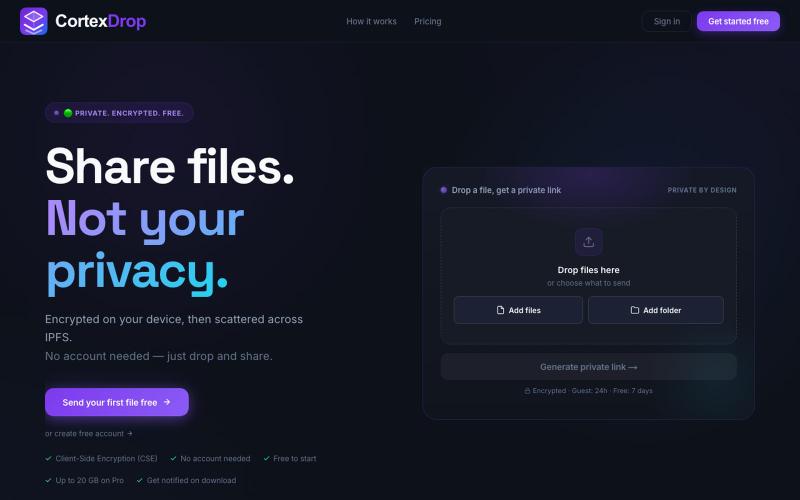
上传加密文件,获得自销毁链接分享,无需登录。

@cortexdrop · X
CortexDrop- first consumer file sharing built on IPFS. Drop a file, get a private link.
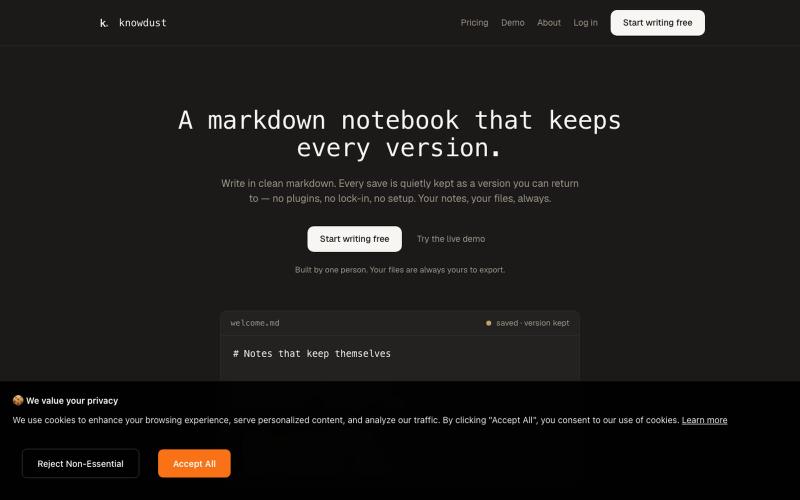
一个Markdown笔记本,自动保存每个编辑版本,让你随时回到过去的内容。

@khagankarimi · X
simple markdown notebook with version history
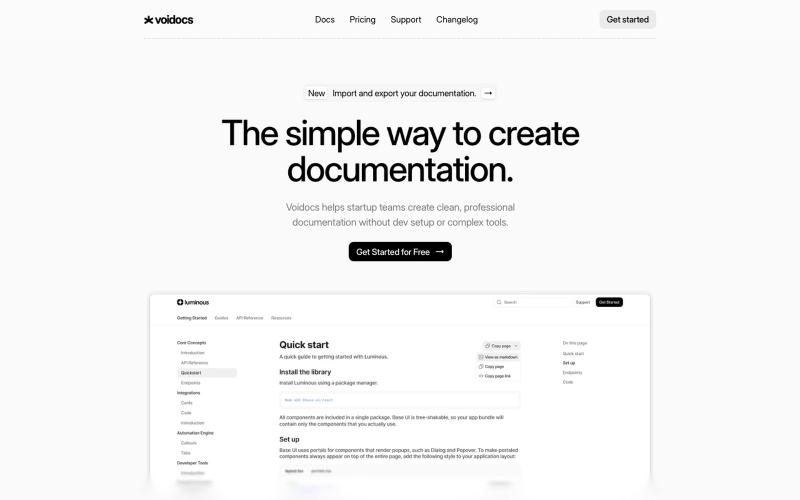
Voidocs 为初创团队创建专业文档,无需代码配置。

@hannah24_app · X
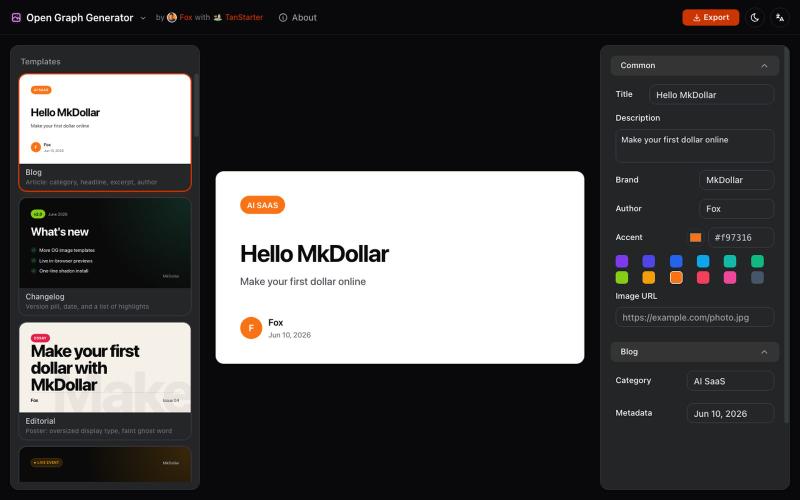
从模板生成可定制的 Open Graph 图片,用于博客和社交媒体。
javayhux · V2EX
名称:Open Graph 图片生成器 网址:[https://og.mkdollar.com]( https://og.mkdollar.com) 功能:内置 10+ Open Graph 图片模板,选择模板,配置参数,即可生成好看的 OG 图片,适用于文章配图、社媒帖 子封面等场景 价格:免费使用,免费下载 
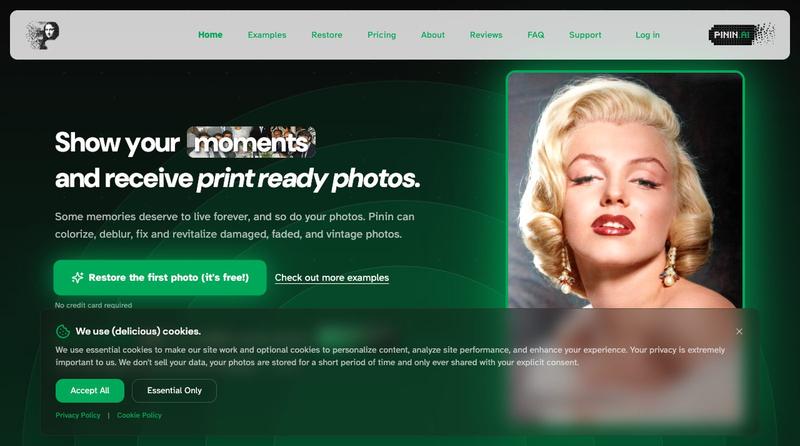
利用 AI 恢复和增强旧照片,修复损伤、添加颜色并提高清晰度

@Umitech_AU · X
AI photo restoration without the AI slop.
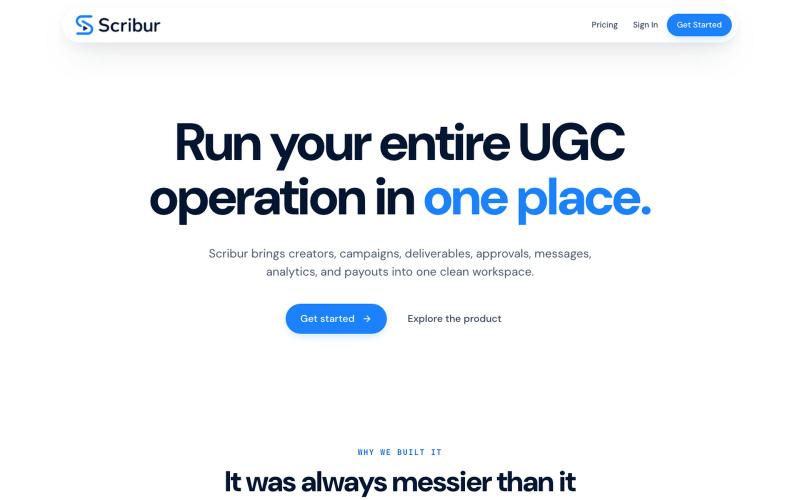
在一个工作区中规划、制作、审查和发布创作者内容。

@DaiwikShashi · X
Building Scribur — the operating system for in-house UGC teams. We help in-house teams manage campaigns, content ideas, scripts, submissions, revisions, approvals, creator communication, and performance tracking all in one place.
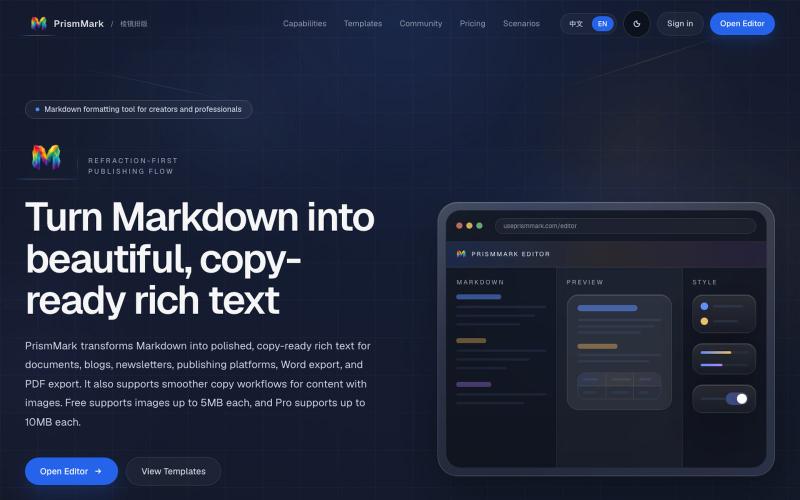
将 Markdown 转换为适合微信公众号、Word 和 PDF 的排版内容。

@bingobray · X
我做了一个类似的工具: 除了支持公众号,还支持word和pdf😁
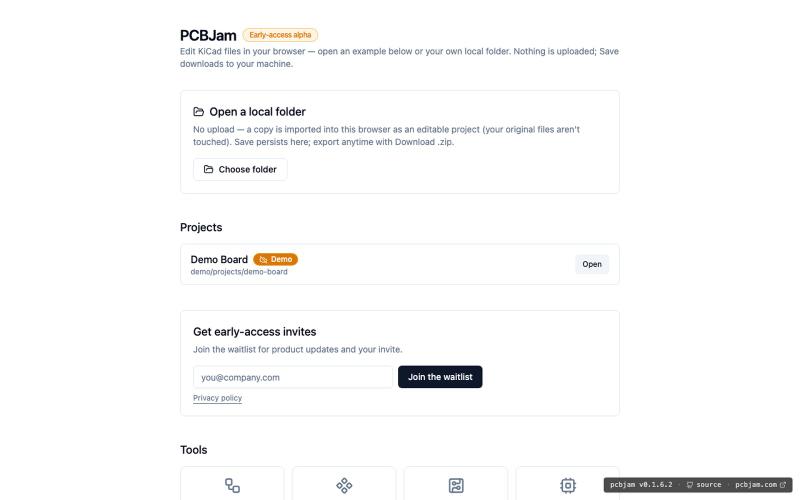
在浏览器中使用 KiCad 设计电子电路和 PCB,无需安装。
ViktorEE · HN
KiCad, a PCB EDA suite is now working in a browser, you can try it at the link, there's a demo project or you can bring your own. Firefox is best, Chrome is good, Safari is "working". We’re Emergence Engineering, a dev shop from Hungary, mostly working with rich text editors, CRDTs. PCBJam started as my (Viktor, CTO, ex-electrical engineer) hobby project but as time went on I put more and more energy into it, and a product started shaping up in my head, in the last few months we’ve started to focus on this project a bit more, and this is the first MVP~ish result. This project is a ton of fun, ton of learning, ton of improvements over improvements: - I thought there must be ways to emulate the PCB canvas OpenGL code on the web. And yes, there are a lot of ways, all of them very buggy. Turns out it’s faster to just write WebGL code that works with KiCad’s Graphics Abstraction Layer if you add the right intermediate debugging steps. I (with Claude) implemented the features and compared