
生产力2 weeks ago
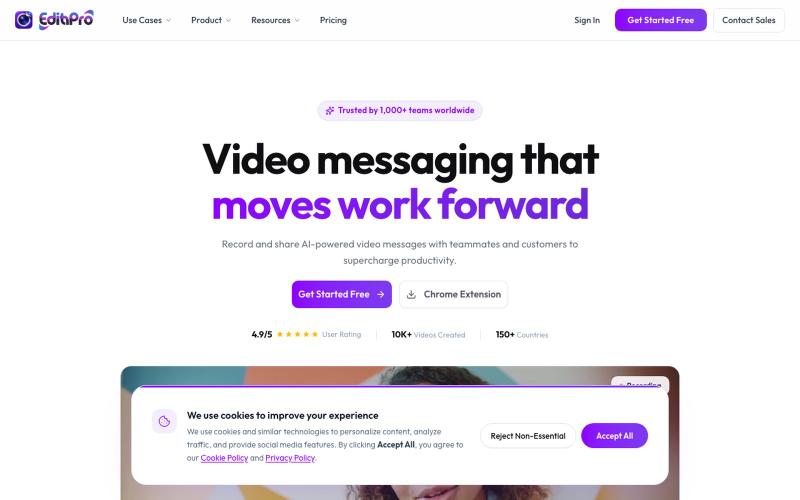
AI-Powered Video Messaging for Modern Teams
屏幕录制和AI摘要,快速生成团队消息。

@edithproapp · X
Best screen recording and sharing tool for teams. Built-in video automation and workflows. Businesses can integrate it in their apps using our SDKs
完整作品展
技术栈
60 projects
屏幕录制和AI摘要,快速生成团队消息。
@edithproapp · X
Best screen recording and sharing tool for teams. Built-in video automation and workflows. Businesses can integrate it in their apps using our SDKs
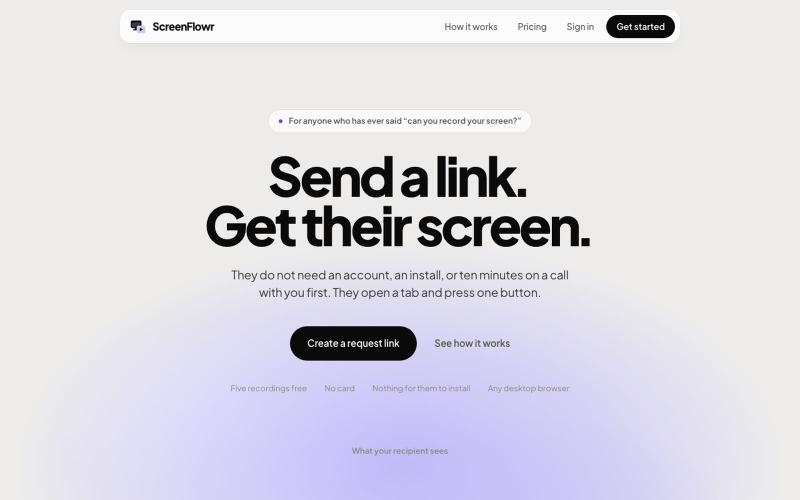
Send someone a link and get their screen recording back. No account, no install, and nothing for them to work out. Five recordings free.

@mikevannelli · X
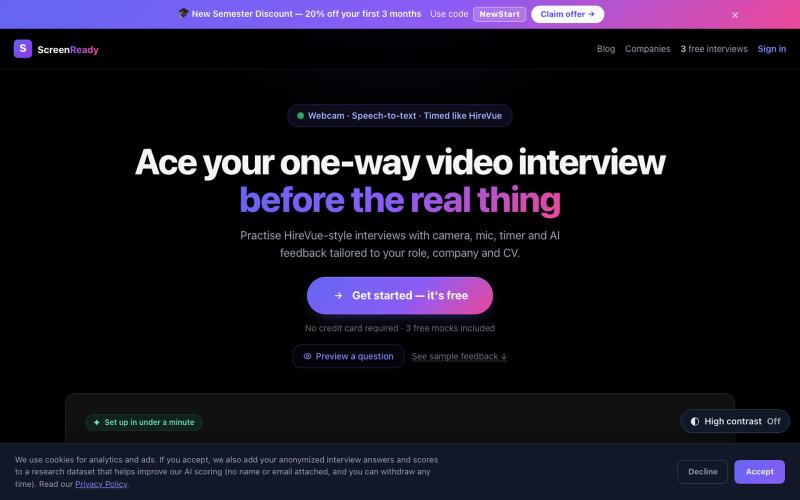
Practise one-way AI video interviews — camera on, mic live, timer running. Get structured AI feedback and scores on timed webcam answers. Free to start.

@getscreenready · X
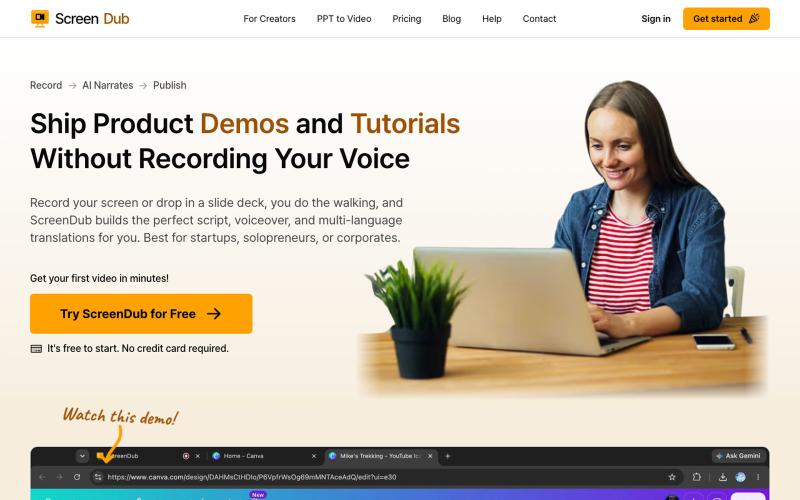
ScreenDub 可快速录制屏幕并生成AI配音脚本,支持多语言教程和产品演示。

@me_using_x · X
Do you need a product demo or wanna make tutorial/help videos? Your problem is solved for ever now! Try: PS: I am the developer who built this and I am self promoting it via this thread. 😀
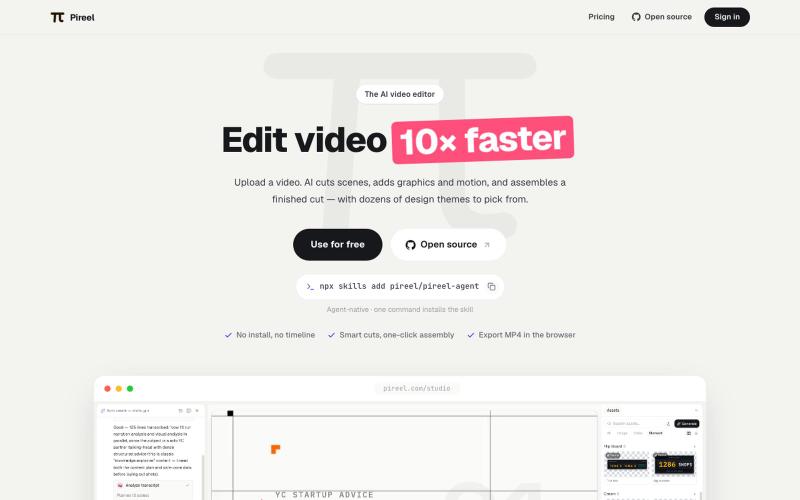
AI视频编辑器,自动剪辑、添加图形动画、应用主题生成成品。
pireel · GitHub
pireel Open-source, backend-free AI video editor for talking-head video — storyboarding, designed graphics, kinetic captions, themes and in-browser WebCodecs export. Drivable by any AI agent over MCP.
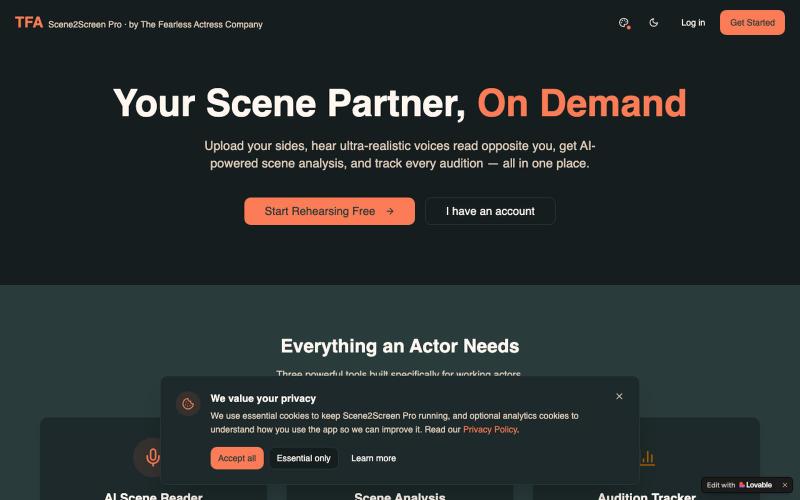
Scene2Screen Pro by The Fearless Actress Company: AI scene reader, script analysis, and an audition tracker built for working actors.

@TFActress · X
Hi 🙋🏾♀️ I built a rehearsal app for actors who can’t find a reader in time for their self-tape auditions 🖤
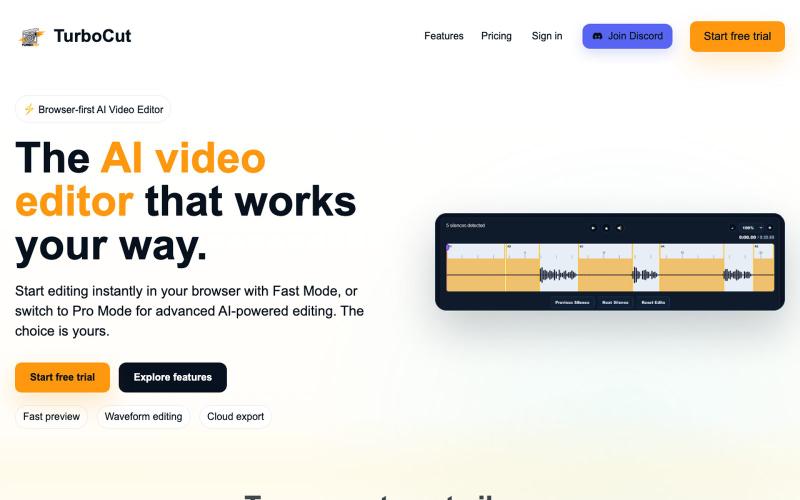
浏览器中的AI视频编辑器,支持云工作流和快速编辑。

@AtifIqrar · X
Building TurboCut 🚀 An AI video editor that runs directly in your browser for private, lightning-fast editing, with optional cloud AI for heavier workflows. Built for YouTubers, content creators, educators and agencies who want to save hours editing.
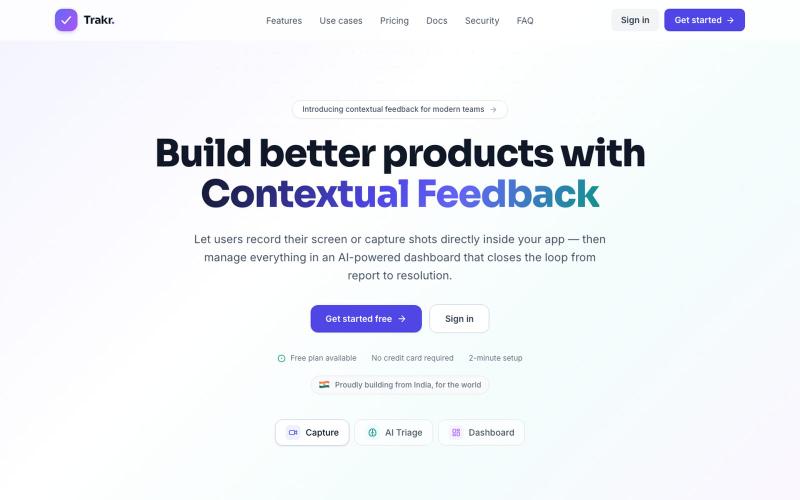
录制应用内录像和截图,用AI整理反馈以快速修复bug。

@keshav__dev · X
Hi priyanka i am also building in customer feedback space but with some dev related features. Maybe you want to check

在浏览器中编辑、压缩、转换和合并视频和音频文件。
zhw2590582 · V2EX
最近对网站进行了重构,做成了免费的视频工具站:[ArtPlayer Tools]( https://artplayer.org/tools/) 主要是围绕着 ffmpeg.wasm 和 mediabunny 实现的一些可以直接在浏览器里用的视频/音频工具,常用的有: - 视频压缩:[Compress Video]( https://artplayer.org/compress-video/) - 视频裁剪:[Crop Video]( https://artplayer.org/crop-video/) - 视频合并:[Merge Video]( https://artplayer.org/merge-video/) - 视频尺寸调整:[Resize Video]( https://artplayer.org/resize-video/) - 视频旋转:[Rotate Video]( https://artplayer.org/rotate-video/) - 视频调速:[Change Video Speed]( https://artplayer.org/change-video-speed/) - 添加文字到视频:[Add Text to Video]( https://artplayer.org/add-text-to-video/) - 添加水印:[Watermark Video]( https://artplayer.org/watermark-video/) - 提取字幕:[Subtitle Editor]( https://artplayer.org/subtitle-editor/) - HLS 转 MP4:[HLS to MP4]( https://artplayer.org/hls-to-mp4/) - 音频可视化:[Audio Visualizer]( https://artplayer.org/audio-visualizer/) 大部分工具都是本地处理,文件不会上传到服务器。最开始是因为自己偶尔要处理一些视频,开剪辑软件又有点重,在线工具又担心隐私,所以就慢慢做成了一个站。 目前还在持续完善,体验肯定还有不少粗糙的地方,比如不同浏览器的兼容、移动端操作、长视频性能之类的。 网站: [ArtPlayer Tools]( https:
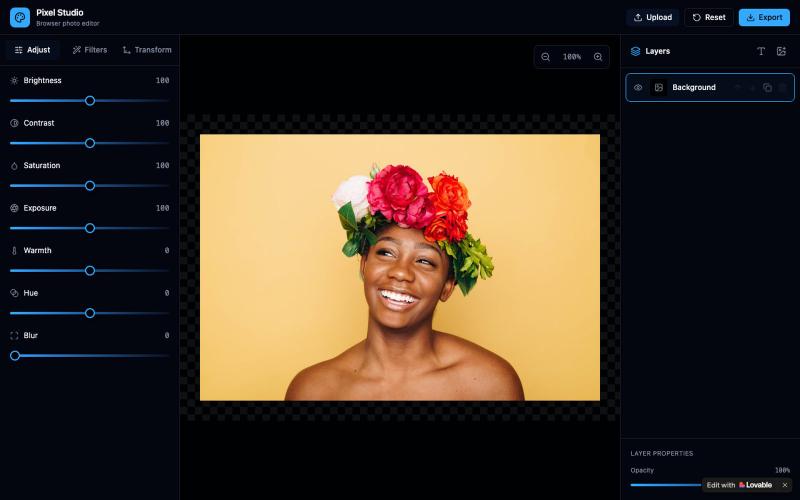
在线照片编辑器,支持滤镜、调整和图像转换,无需安装。

@MBahar5050 · X
Check out what I just built with Lovable!
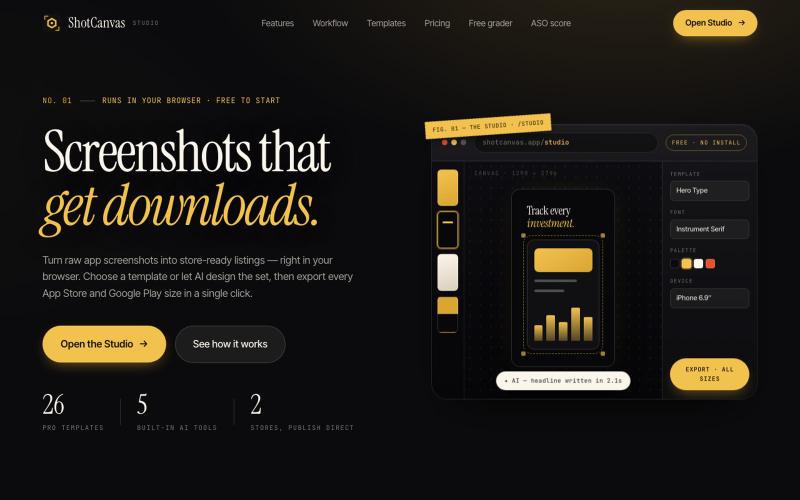
ShotCanvas Studio turns raw app screenshots into store-ready listings — 26 pro templates, AI-designed layouts and headlines, and one-click export in every App Store and Google Play

@shotcanvasapp · X
anyone willing to give feedback, ill do the same in return!
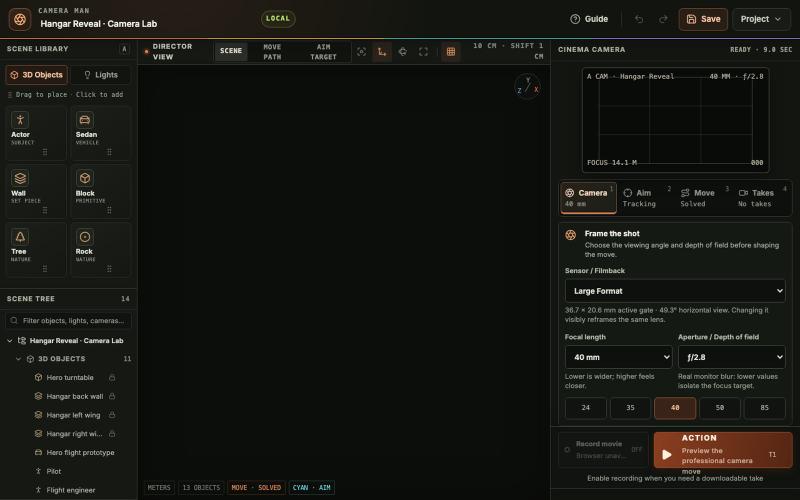
在浏览器中放置3D物体和灯光、设计电影相机路径、预览运动并录制镜头。

@tahabahrami · X
Solve the camera movement in AI videos. We created a Blender web version with cinematic camera control.