
生产力1 month ago
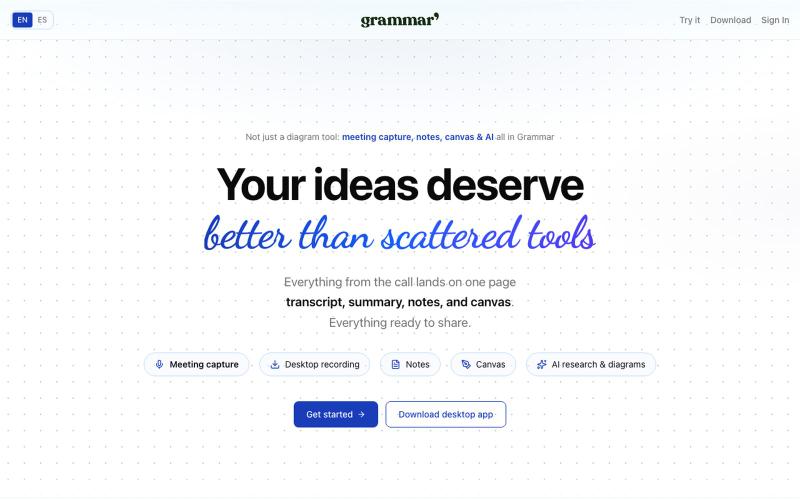
Grammar — Your ideas deserve better than scattered tools
在一个地方捕捉会议、用AI写笔记、在共享画布上创建图表。

@rubs_murga · X
完整作品展
技术栈
60 projects
在一个地方捕捉会议、用AI写笔记、在共享画布上创建图表。
@rubs_murga · X
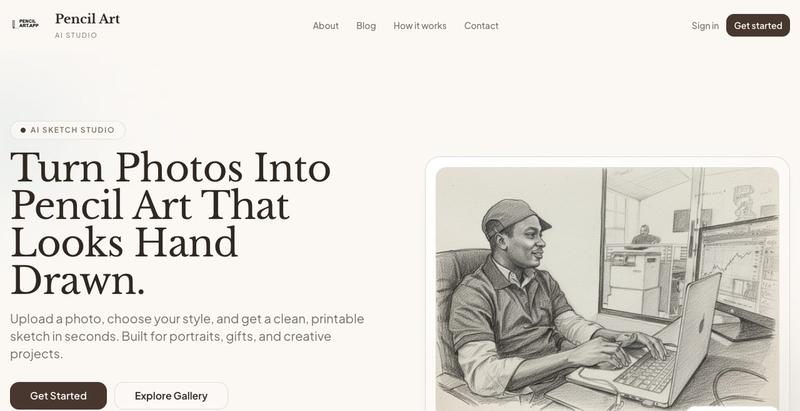
用AI将照片转换为逼真的铅笔素描艺术

@_samuelaidoo · X
Getting users
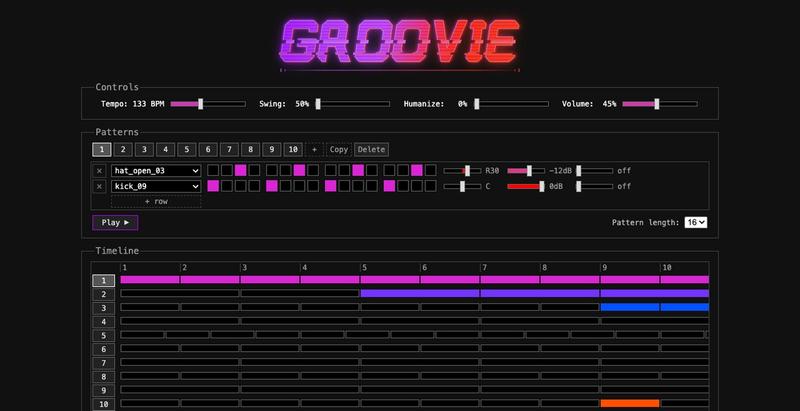
在浏览器中绘制鼓点,编排成歌曲,并通过链接分享。
maxime_cb · HN
I built one of the most advanced web-based drum/beat sequencers
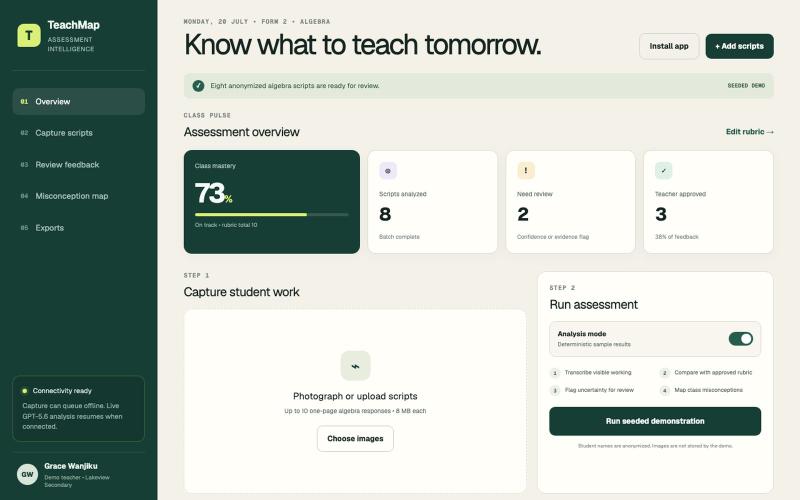
分析学生手写作业,提供AI反馈并识别概念误解。

@WachangaWinston · X
An algebra crisis at home became TeachMap: teacher-reviewed AI feedback and misconception maps from handwritten work. Built with Codex + GPT-5.6 Sol for OpenAI Build Week.
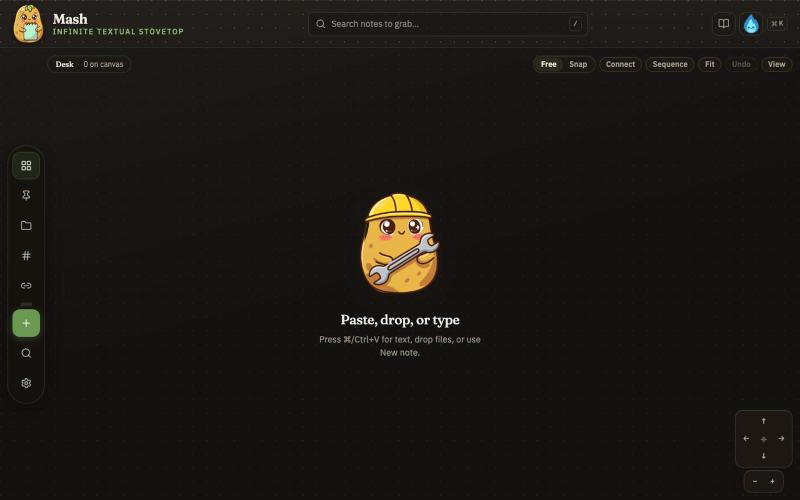
在无限画布上创建笔记,组合并导出为 PDF 页面。

@JonnyD · X
I'm happy to announce "Mash" A local first browser based app for compiling notes and ideas on an infinite canvas. Make as many notes as you want, drag and drop to "Mash" them by combining. Create "sequences" that allow you to export a pdf with each sticky as it's own page. Drop in PDF or DocX or images to easily browse the file and select your favorite clippings to a new canvas, and manipulate them or export them how you want to. Drop a GIF to get all the individual frames. Mash features a roster of cute food themed mascots because this is your infinite textual stove top. Pull in some ingredients, mash them together, stitch them together, arrange them into a flow chart, whatever you find useful, and then get out quickly. Mash is for the little moments that speed up work, and the spontaneous thoughts that inspire new directions. There is no fancy AI feature, no data collection, no login, just a utility for you. Free open source licence. Run it offline if you want
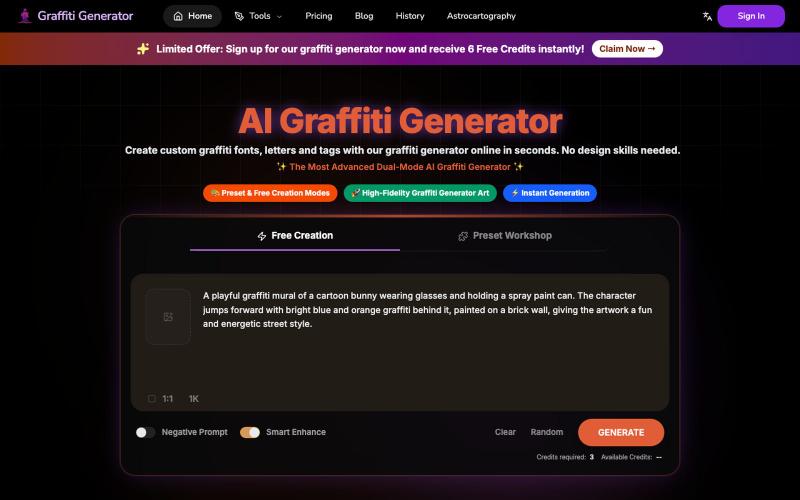
从任何文字快速生成专业涂鸦艺术和字体设计。
Graffiti Generator — 生成涂鸦艺术,旨在降低涂鸦创作的门槛。它结合了 AI 绘画生成与传统的字体设计功能,让用户无需任何绘画基础,也能在几秒钟内创造出专业级的涂鸦作品。
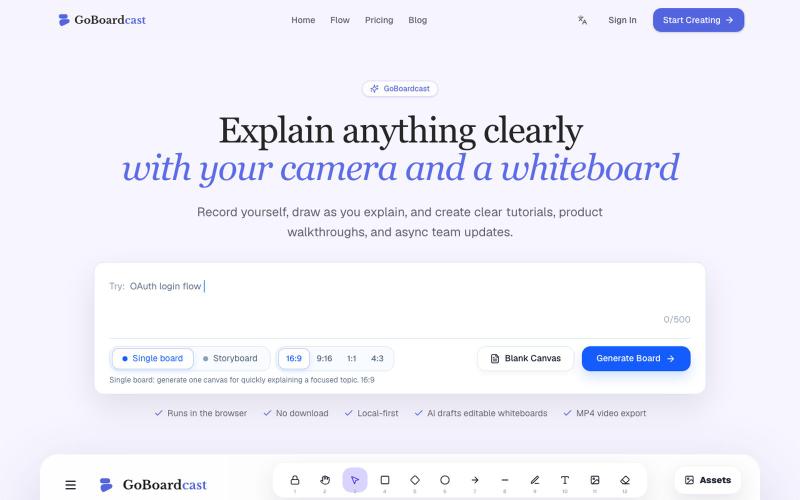
在白板上绘画并录制,创建教程视频和团队更新。
GoBoardcast — AI 白板讲解视频工具,把任意主题生成可编辑白板,并录制摄像头、麦克风、光标讲解后导出 MP4

TeachSpark为学前至12年级教师提供AI课程规划、行为干预和学生进度追踪工具。

@gigi2026tcsp · X
Check out what I just built with Lovable! I've spent month working on this. Teachers, Check it out!
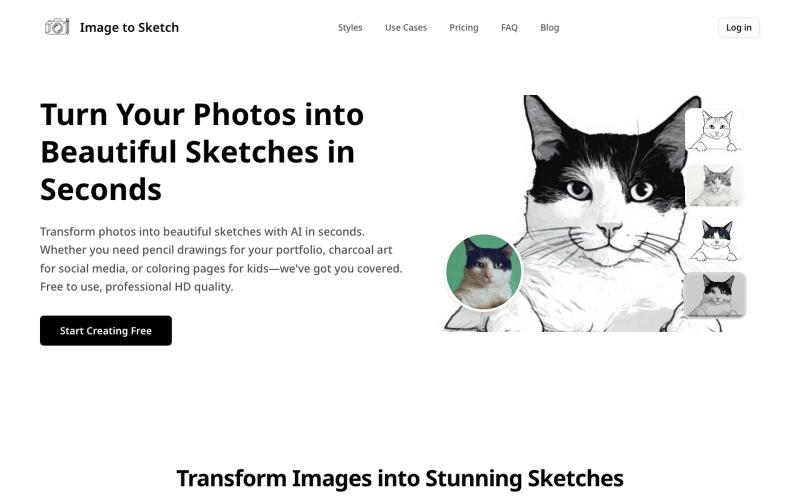
用AI将照片转换成素描、炭画或卡通艺术,即时在线生成。
image-to-sketch — 图片转素描 AI 小工具

图片转 ASCII 字符画、复制符号、查看码表、进制转换——全在浏览器。
HeStudy · V2EX
做了个纯前端的 ASCII 工具站:图片转字符画、banner 生成、符号一键复制 平时偶尔需要查 ASCII 码表、复制一些特殊符号(箭头、制表符这类),每次都是搜一个满屏广告的老站凑合用,索性自己做了一个: https://getascii.com 目前有这些工具: 图片转 ASCII 字符画(拖一张图进去就行,支持调宽度/字符集/反色) 文字转 ASCII banner 大字 常用符号一键复制(箭头、制表符、数学符号、颜文字) 完整 ASCII 码表 + 一个交互式键盘映射图(点键盘上的键显示对应的 dec/hex 码) 进制转换器( hex/dec/bin ↔ ASCII ) 几个实现上的点: Astro 构建的纯静态站,所有工具都是纯客户端计算,图片不会上传到任何服务器 没有账号系统,没有付费墙,打开就用 整站是绿色荧光终端风( CRT 扫描线 + JetBrains Mono ),算是给终端审美交个作业 顺手给它做了个 25 秒的宣传片: https://www.youtube.com/watch?v=AjzU5mw1PrI
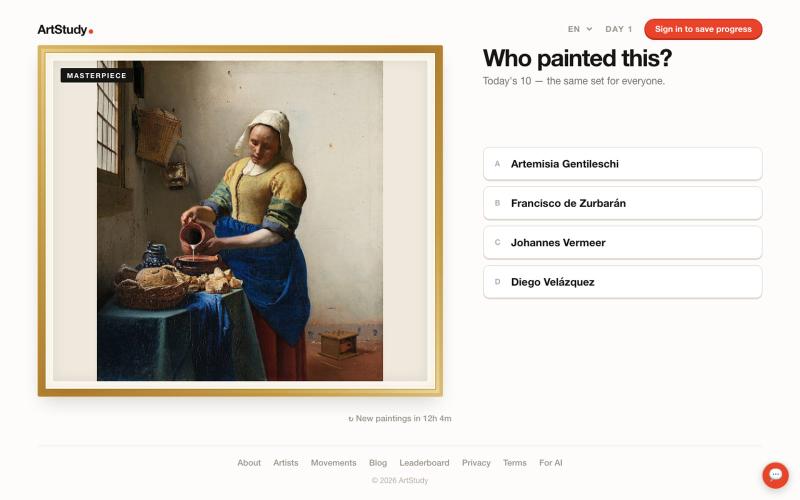
每日艺术问答游戏,猜测画家并保持连胜。

@stantokman · X
please destroy it
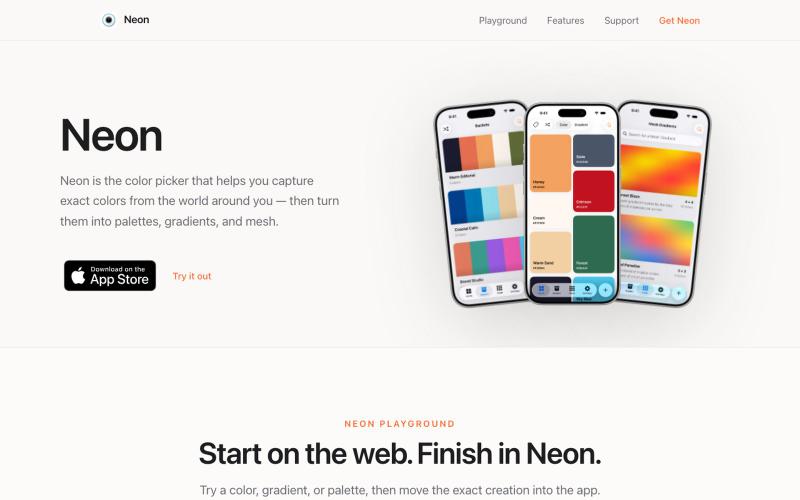
从摄像头捕获颜色,创建支持多种格式的调色板。

@SwapnanilDhol · X
Uploading a new version of my first app ( to the App Store tomorrow built in-part with Codex!