
创意工具1 month ago
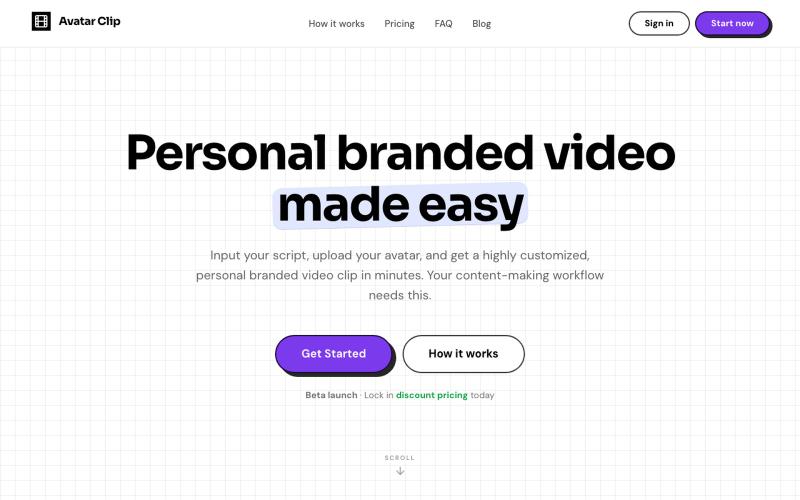
Avatar Clip
将您的音频或文本脚本转换为Avatar Clip定制视频。

@CyberBlueCollar · X
Faceless content booster 🚀
完整作品展
技术栈
22 projects
将您的音频或文本脚本转换为Avatar Clip定制视频。
@CyberBlueCollar · X
Faceless content booster 🚀
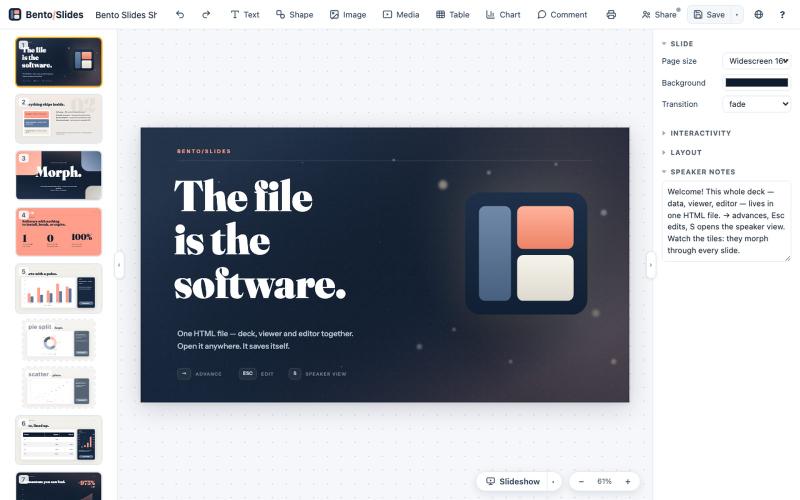
在单个HTML文件中创建和编辑演示文稿,支持实时协作。
starfallg · HN
Bento - An entire PowerPoint in one HTML file (edit+view+data+collab)
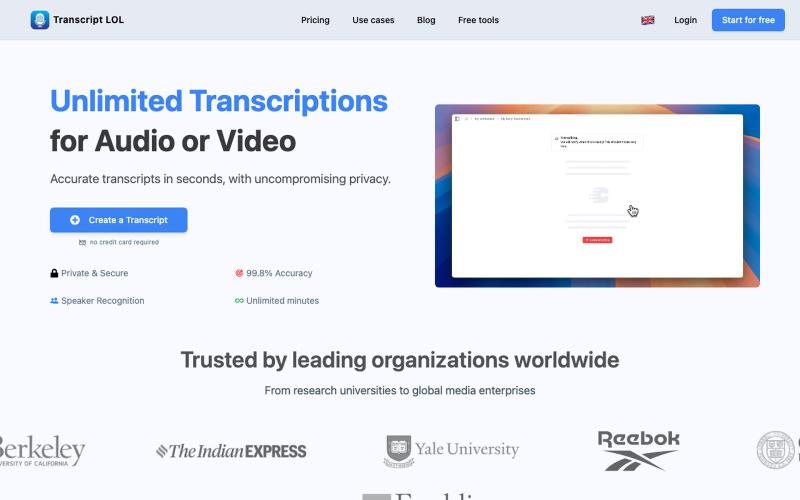
用AI转录音频和视频为文本和摘要

@Mahima_Akkina · X
Yes, you can check - It's a tool used to convert both and video into text and summaries
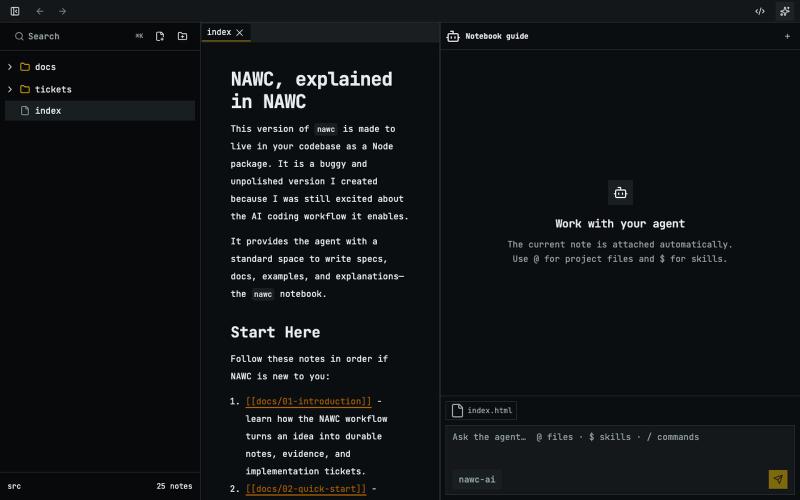
用于与编码代理协作进行规划和原型设计的本地笔记本。
narwhster · HN
A notebook for prototyping with your agent

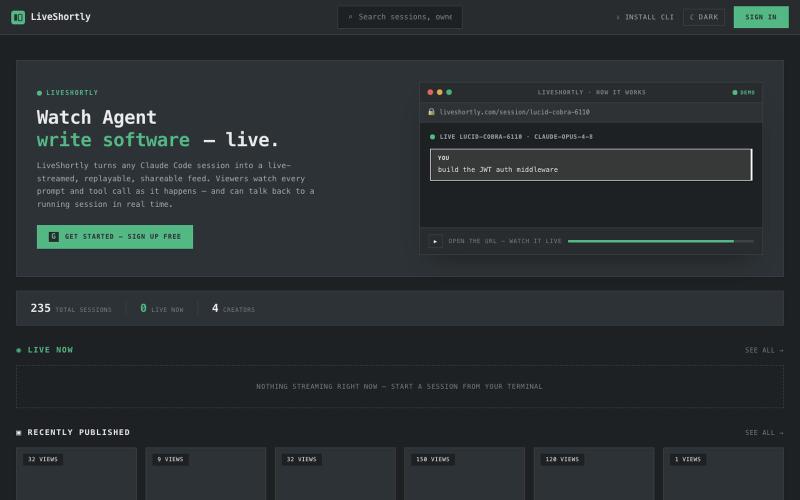
直播您的Claude Code会话,支持即时回放和分享
malviyamukul · HN
Liveshortly - stream and pair prompt with ai agents
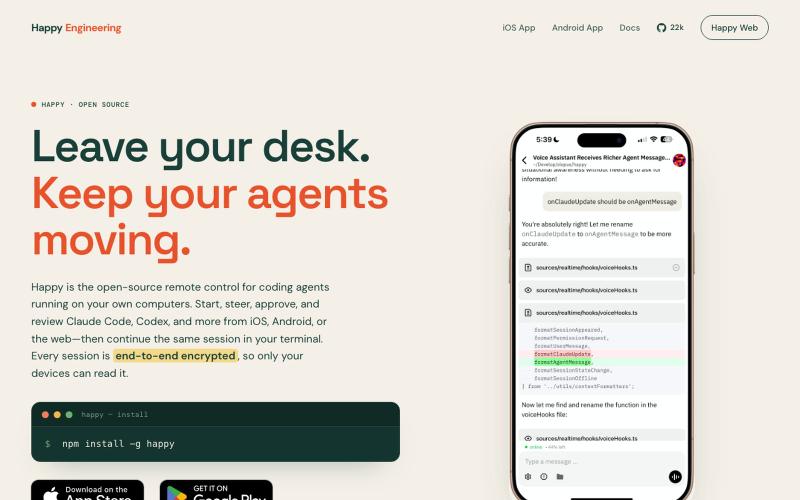
为Claude Code和Codex设计的开源遥控器,支持iOS、Android和网页。

@Ex3NDR · X
Few days ago Happy had a birthday. Tried to refresh one of the most neglected part of it: our Happy Website: also i built a new harness called “rig”. i started to use at work recently instead of codex/claude code and i liked how it does work. i want to share this with everyone. it is a codex and cause code reimplemented using Pi, but keeping native prompts and expanded a little for uniformity (like added workflows to codex yay!). when something new released that is worthy of porting - i ask Sol to mim for prompts or read sources directly and i can have a feature within an hour. why this is needed? i was constantly blocked by the needing of integrating a lot of models together, which each has their own harness or many doesn’t have any, but i didn’t want to go too far from native and don’t like the idea of extensions - i want experience to be the same everywhere. i think configuration > extensions. more soon

用 AI 从文本故事创建网络漫画和漫画,支持多种艺术风格和 4K 导出。
StarVeil AI - 星河入梦 — 使用AI生成连续漫画的网站

在浏览器中编辑、压缩、转换和合并视频和音频文件。
zhw2590582 · V2EX
最近对网站进行了重构,做成了免费的视频工具站:[ArtPlayer Tools]( https://artplayer.org/tools/) 主要是围绕着 ffmpeg.wasm 和 mediabunny 实现的一些可以直接在浏览器里用的视频/音频工具,常用的有: - 视频压缩:[Compress Video]( https://artplayer.org/compress-video/) - 视频裁剪:[Crop Video]( https://artplayer.org/crop-video/) - 视频合并:[Merge Video]( https://artplayer.org/merge-video/) - 视频尺寸调整:[Resize Video]( https://artplayer.org/resize-video/) - 视频旋转:[Rotate Video]( https://artplayer.org/rotate-video/) - 视频调速:[Change Video Speed]( https://artplayer.org/change-video-speed/) - 添加文字到视频:[Add Text to Video]( https://artplayer.org/add-text-to-video/) - 添加水印:[Watermark Video]( https://artplayer.org/watermark-video/) - 提取字幕:[Subtitle Editor]( https://artplayer.org/subtitle-editor/) - HLS 转 MP4:[HLS to MP4]( https://artplayer.org/hls-to-mp4/) - 音频可视化:[Audio Visualizer]( https://artplayer.org/audio-visualizer/) 大部分工具都是本地处理,文件不会上传到服务器。最开始是因为自己偶尔要处理一些视频,开剪辑软件又有点重,在线工具又担心隐私,所以就慢慢做成了一个站。 目前还在持续完善,体验肯定还有不少粗糙的地方,比如不同浏览器的兼容、移动端操作、长视频性能之类的。 网站: [ArtPlayer Tools]( https:
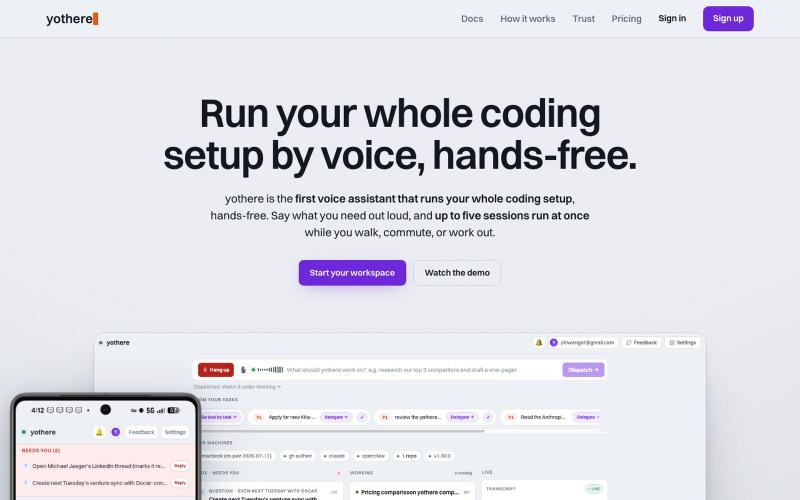
用语音从手机无需手操作运行 Claude Code 会话

@phiwenger · X
Yeah /remote-control is the workaround but it's clunky. I built yothere for exactly this. With yothere you can spin up multiple Claude Code sessions from your phone, run them all hands-free by voice, and just get pinged when done or stuck.