
开发者工具3 weeks ago
trakrlabs
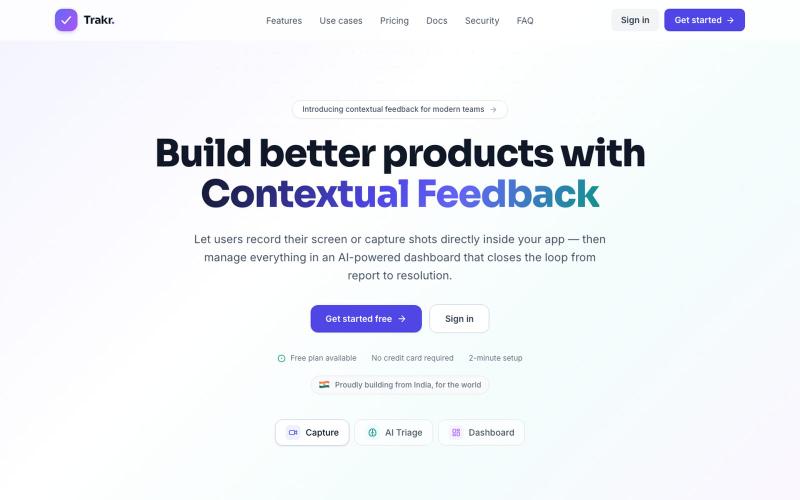
在应用中录制屏幕和截图,用 AI 分类反馈并快速解决问题。

@keshav__dev · X
Hi priyanka i am also building in customer feedback space but with some dev related features. Maybe you want to check
完整作品展
技术栈
60 projects
在应用中录制屏幕和截图,用 AI 分类反馈并快速解决问题。
@keshav__dev · X
Hi priyanka i am also building in customer feedback space but with some dev related features. Maybe you want to check
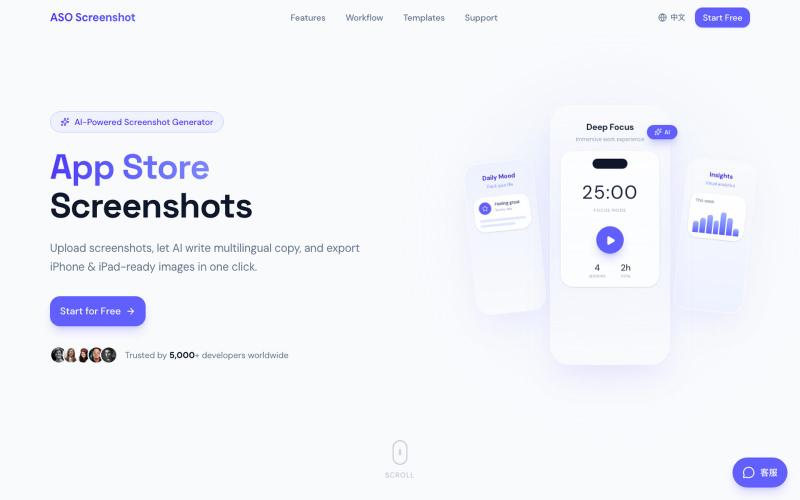
上传应用截图,AI自动生成多语言营销文案和适配所有设备尺寸的商店截图。

@zihengli163713 · X
每次上线APP的时候,做这个截图都要花费很多时间。 所以我做了一个网站,导入你的APP界面,直接一键生成对应的宣传图页面,自动生成6种语言 自动适配尺寸,一键推送到App Store Connect里面。 目前完全免费开放给大家用,欢迎反馈!
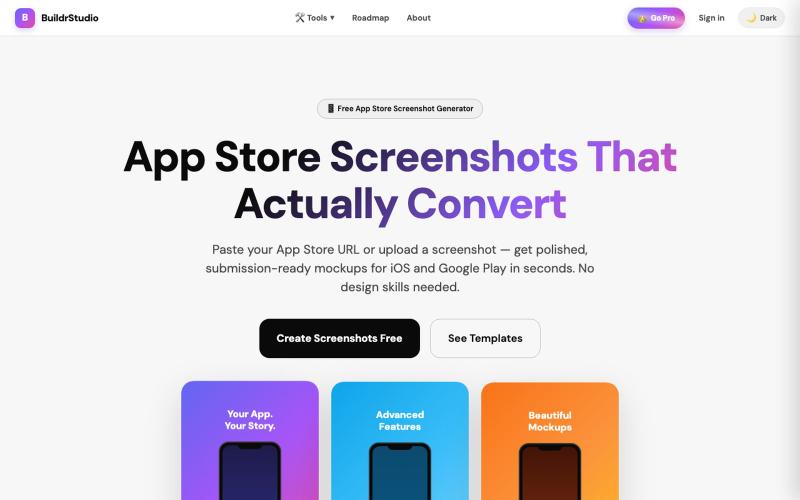
粘贴应用URL即可秒速生成App Store截图,配有AI生成的标题和设备框架。

@buildrstudio · X

用 Chrome 扩展和网页编辑器将屏幕截图转化为精美设计。

@buildwithshyam · X

在浏览器中录制屏幕,保存至 Google Drive,并通过即时链接分享,仅需 $29。

@HashamBuilds · X
Building Walkthrough, screen recorder, $29 once, videos save to your own Google Drive. No subscription, no vendor servers. 14 days refund with no question asked. Now shipping in public daily. 🔗

将社交媒体帖子转换为精美可分享图像,支持多个平台。

@larsbuilds · X
here's the link for the lazy ones :)
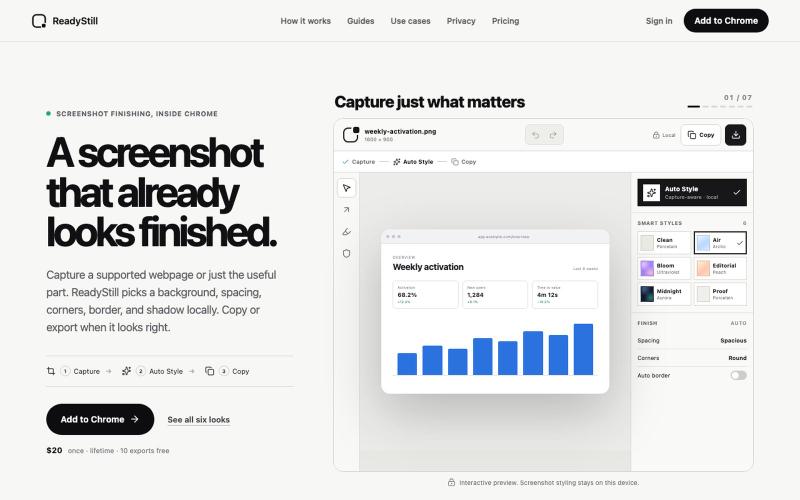
将网页截图转换为精美的产品发布图像,隐私审核编辑。

@pradeepXkapoor · X
It’s A simple screenshot beautifier chrome extension!
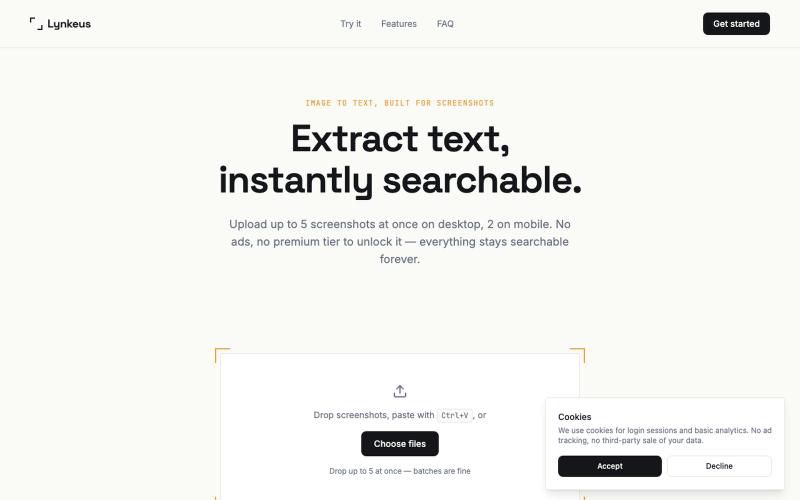
将截图转换为可搜索、可编辑的文本,无需登录。

@DoriaJefferson3 · X
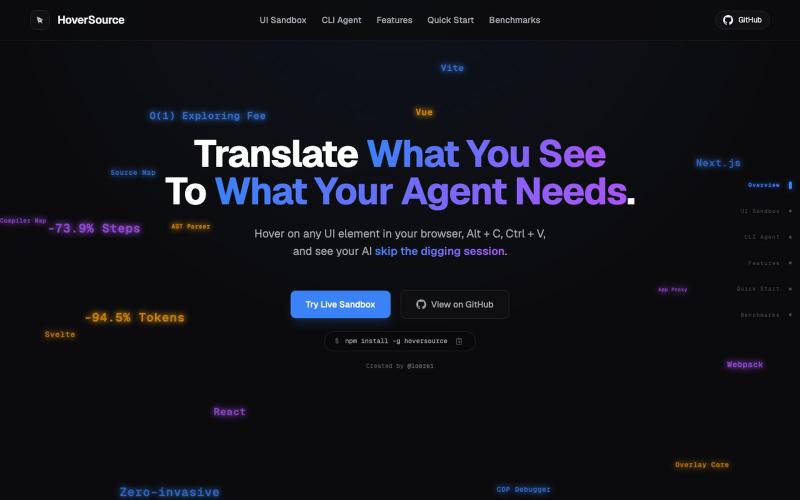
捕获UI元素及其代码上下文,与AI代理分享以调试视觉缺陷。
Loerei · HN
I found that describing where a broken UI is and taking screenshots for AI agents really sucks. I’m too lazy to explain an indescribable visual bug or capture a millisecond-long flash. I also don’t want to remember which file defines an element, whether it's right in the .tsx or a problem with the Parent Styles in .css. And even if you can point out the exact file, your agent still has to dig through thousands of lines of code to know what on earth you're yapping about. In a 7700-file monorepo like Cal.com, simply giving the right file in the prompt for your agent saves about 68.9% of execution time and 94.2% of the tokens your agent needs to digest. HoverSource gives all the needed information and further pushes it to -88.5% time and -94.5% tokens, basically skipping the entire digging session and jumping straight to reasoning and executing. The save is linear to how big your codebase is. I want to save tokens, but don’t want to spend my time and energy digging manually, and a junio
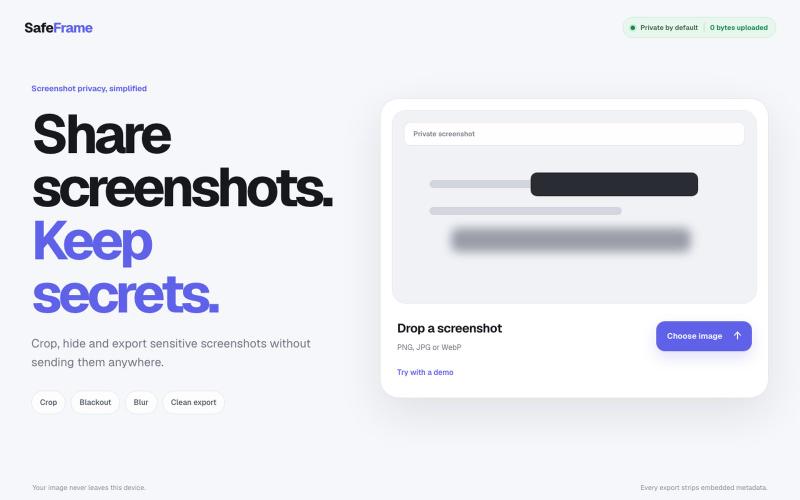
裁剪、编辑、模糊和导出截图,完全私密,无需上传任何数据。

@noshkass · X
Built SAFEFRAME a private, browser-only screenshot sanitizer. Crop, blackout, blur, and export sensitive screenshots without uploading a single byte. Try it: Built with ChatGPT Sites. @chatgptapp #Giveaway
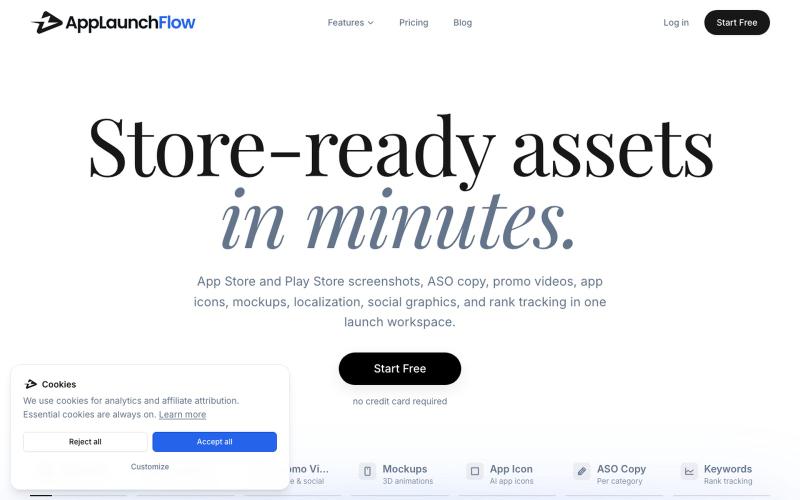
为 AppLaunchFlow 生成应用商店截图、视频、文案和营销资源。
u/Aggravating_Try1332 · Reddit
create app marketing assets using the new ios simulator in claude without leaving the app i built a skill to take screenshots of every page in your app with integration to the AppLaunchFlow MCP so you can create app store screenshots, promo videos, social graphics and more directly from your favourite agent submitted by /u/Aggravating_Try1332 to r/SideProject [link] [comments]
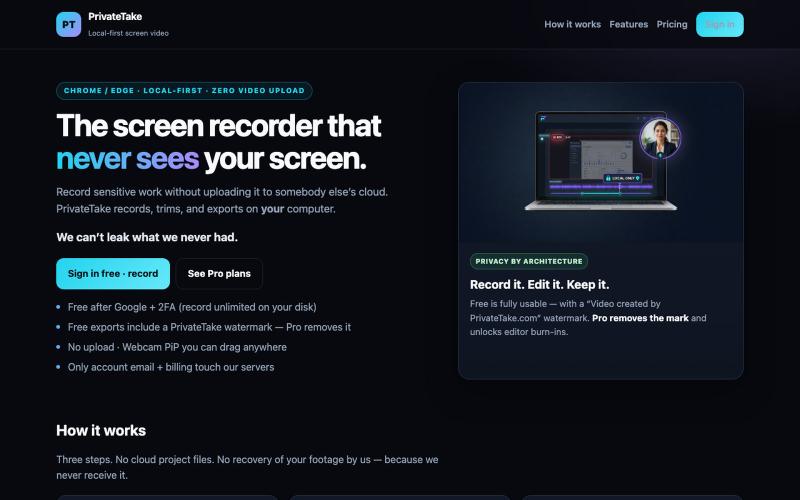
在本地录制和编辑屏幕视频,无云存储和上传。

@MarkZofMarkZ · X
Screen Recorder that doesn't share your recordings to the cloud: