
创意工具1 week ago
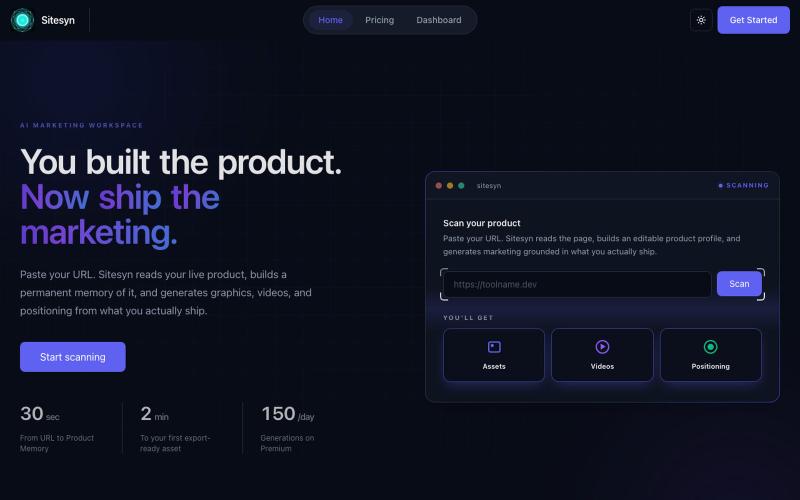
Sitesyn – AI marketing workspace for founders
扫描您的网站以自动生成营销资产、视频和定位策略。

@Synpoint · X
- Create marketing assets based on your website.
完整作品展
技术栈
60 projects
扫描您的网站以自动生成营销资产、视频和定位策略。
@Synpoint · X
- Create marketing assets based on your website.
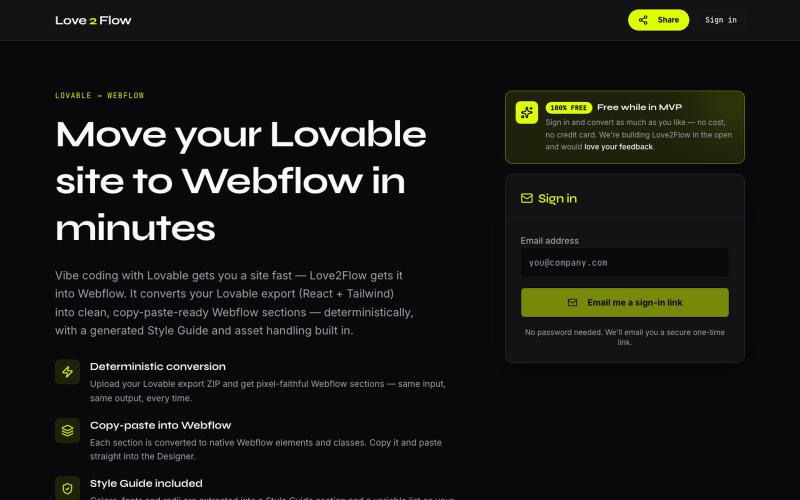
将 Lovable React 导出转换为 Webflow 可粘贴部分

@philippxroth · X
Turn your vibe-coded @Lovable site into clean, paste-ready Webflow sections. Upload your export, organize your migrations in projects, paste straight into @webflow. Free MVP. No password, no credit card — just a magic link and you're in. ✨
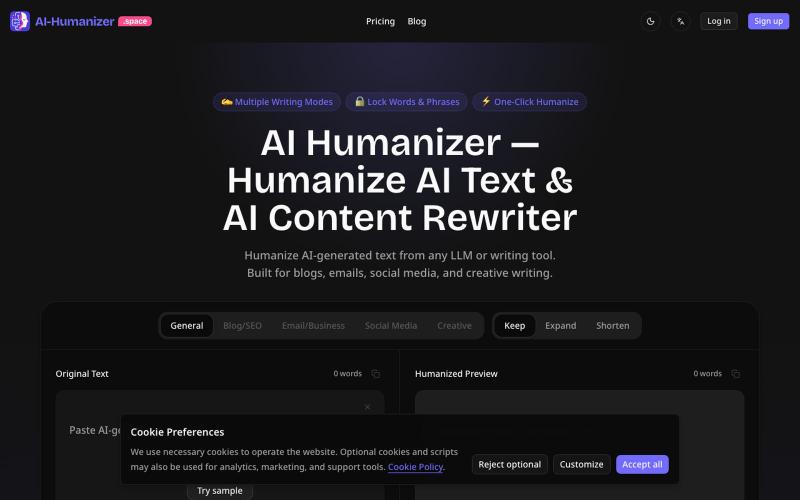
把 AI 生成的文本改写成自然流畅的副本,用于博客、邮件和社交媒体。
oliviamy · HN
AI Humanizer – Rewrite AI text into natural copy

图片转 ASCII 字符画、复制符号、查看码表、进制转换——全在浏览器。
HeStudy · V2EX
做了个纯前端的 ASCII 工具站:图片转字符画、banner 生成、符号一键复制 平时偶尔需要查 ASCII 码表、复制一些特殊符号(箭头、制表符这类),每次都是搜一个满屏广告的老站凑合用,索性自己做了一个: https://getascii.com 目前有这些工具: 图片转 ASCII 字符画(拖一张图进去就行,支持调宽度/字符集/反色) 文字转 ASCII banner 大字 常用符号一键复制(箭头、制表符、数学符号、颜文字) 完整 ASCII 码表 + 一个交互式键盘映射图(点键盘上的键显示对应的 dec/hex 码) 进制转换器( hex/dec/bin ↔ ASCII ) 几个实现上的点: Astro 构建的纯静态站,所有工具都是纯客户端计算,图片不会上传到任何服务器 没有账号系统,没有付费墙,打开就用 整站是绿色荧光终端风( CRT 扫描线 + JetBrains Mono ),算是给终端审美交个作业 顺手给它做了个 25 秒的宣传片: https://www.youtube.com/watch?v=AjzU5mw1PrI
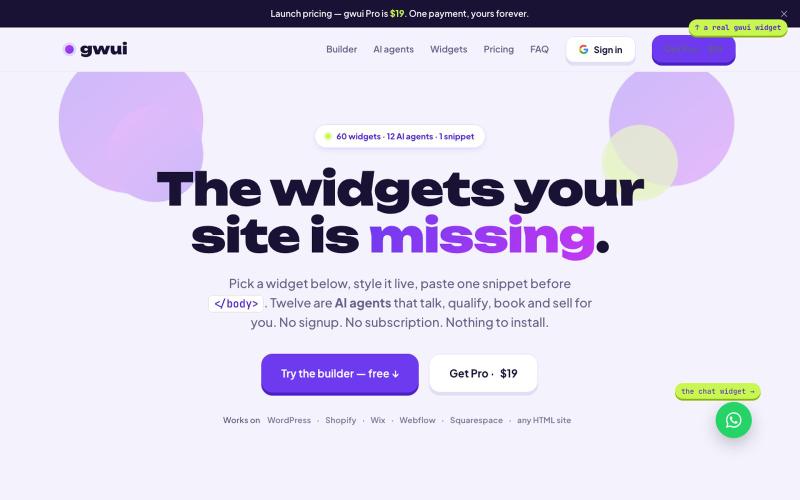
粘贴60个网站小工具和12个AI助手(聊天、搜索、预约等)到你的网站,无需注册。

@TiyebDomainking · X
The AI widgets your site is missing.
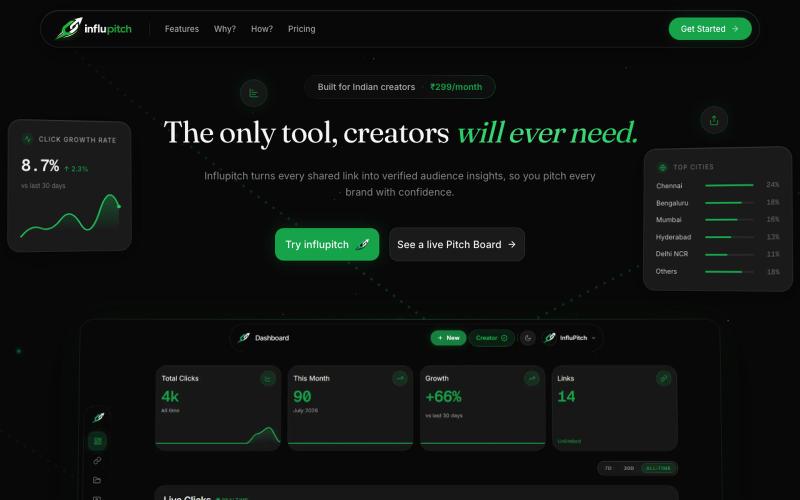
InfluPitch 为创作者整合链接跟踪、二维码和主页,展示真实互动。

@saifcodes_exe · X
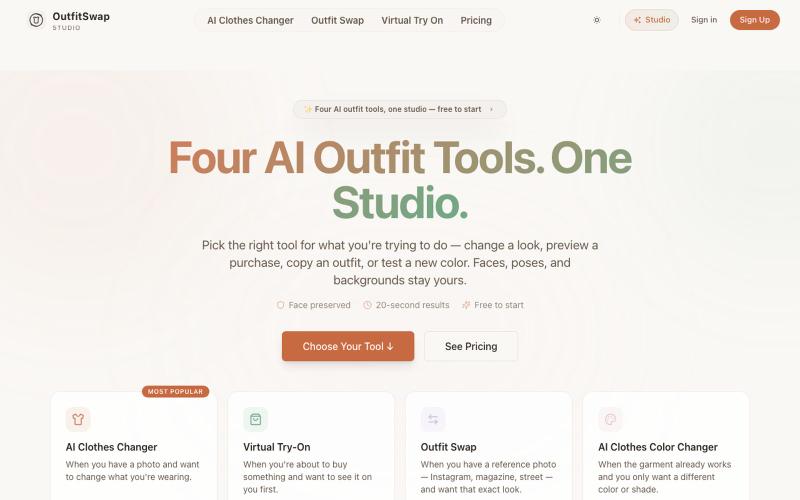
用四个AI工具在照片中试穿和交换服装。
OutfitSwap Studio — AI 换装 / 虚拟试衣工具,支持 AI Clothes Changer、Virtual Try-On 和 Outfit Swap,上传照片即可生成换装效果
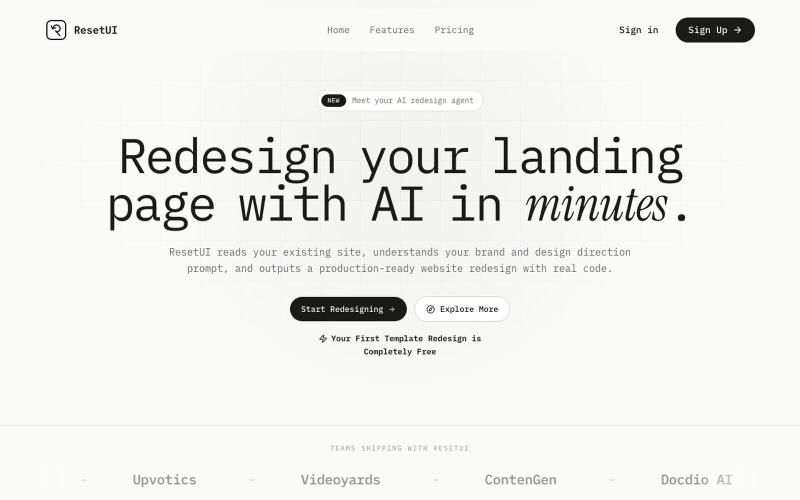
粘贴网址描述需求,用 ResetUI 生成现代化登陆页面设计。

@YaramasaGautham · X
Redesign you Landing page with URL
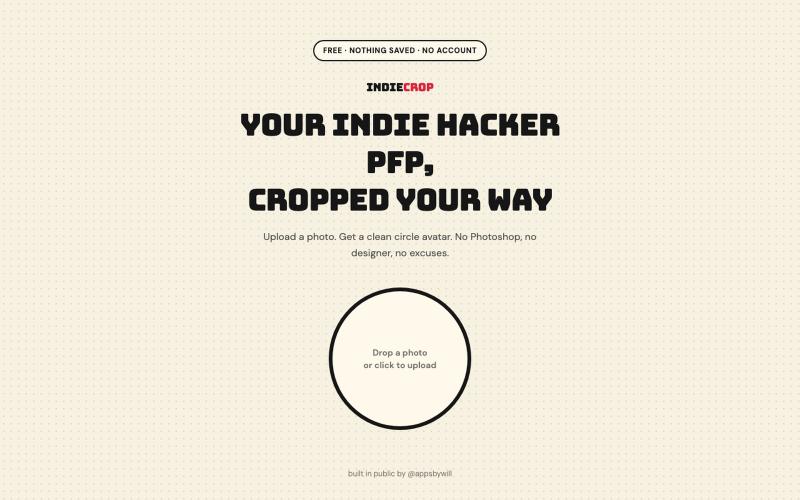
从任何照片生成圆形头像,浏览器中自动去背。

@appsbywill · X
i've been playing around with this profile picture maker, I really want to fine tune the background removal and add more styling templates. Let me know if you find more bugs!
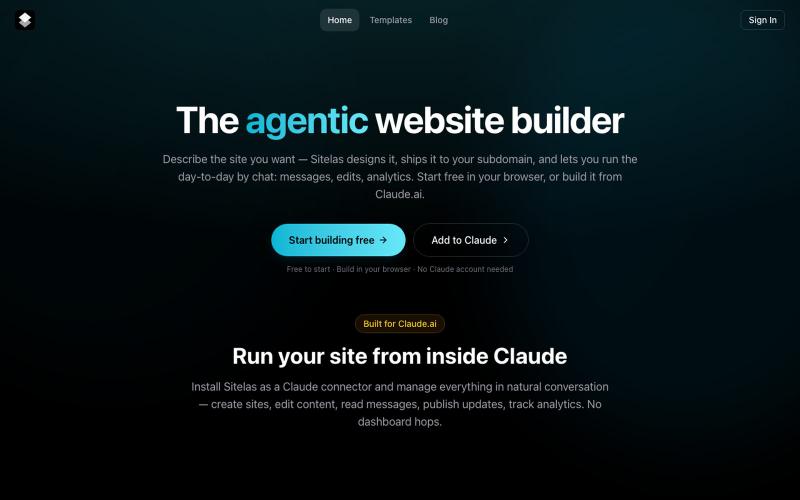
通过与Claude聊天创建网站——它为你设计、发布和管理网站。

@UsmanHaider734 · X
Hi, i'm building an agentic website builder that lives and operates from within Claude AI. followed you, let's connect!
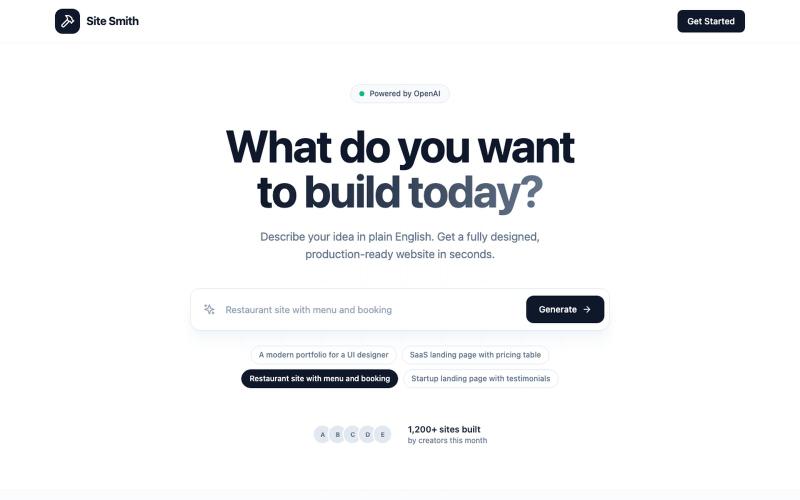
用AI工具构建美观网站,无需编码。
u/FadsScales · Reddit
Finally Got a Paying Customer! For months I kept building features instead of talking to potential users. Nothing happened. I finally changed my approach. I simplified the product, started reaching out to small businesses directly, and focused on solving one problem really well. That got me my first paying customer, and seeing someone actually use something I built felt way better than chasing more features. The biggest lessons I learned: Launch before you think you’re ready. Talk to use
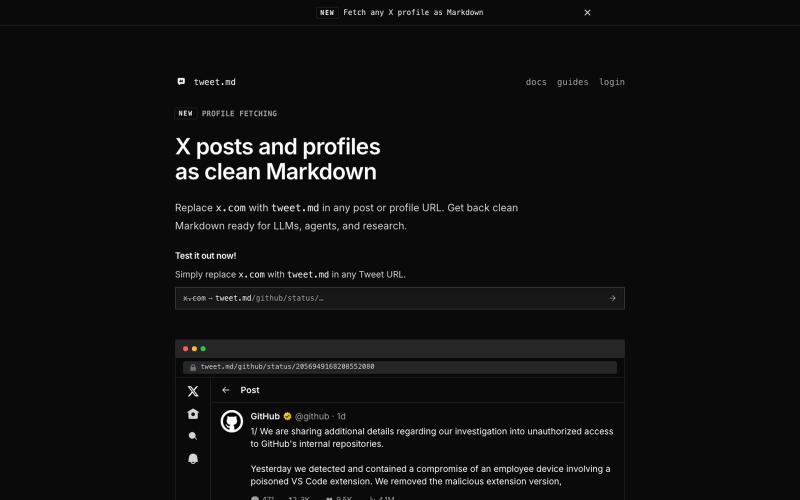
通过 API 或 URL 替换将 X posts 转换为干净的 Markdown,供 LLMs 和 agents 使用

@larsbuilds · X