
社交社区1 week ago
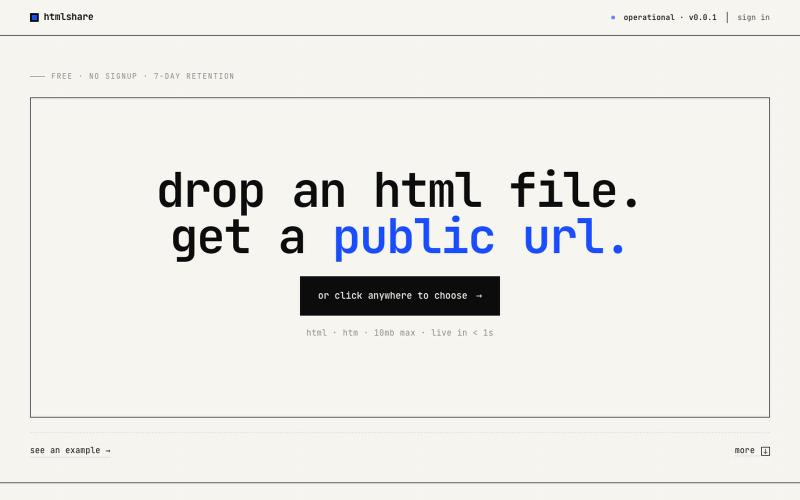
htmlshare — drop an html file. get a link.
drop an html file. get a public url. free, no signup, links live for 7 days. share single-page html in one click.

@kylebuildsweb · X
完整作品展
技术栈
26 projects
drop an html file. get a public url. free, no signup, links live for 7 days. share single-page html in one click.
@kylebuildsweb · X
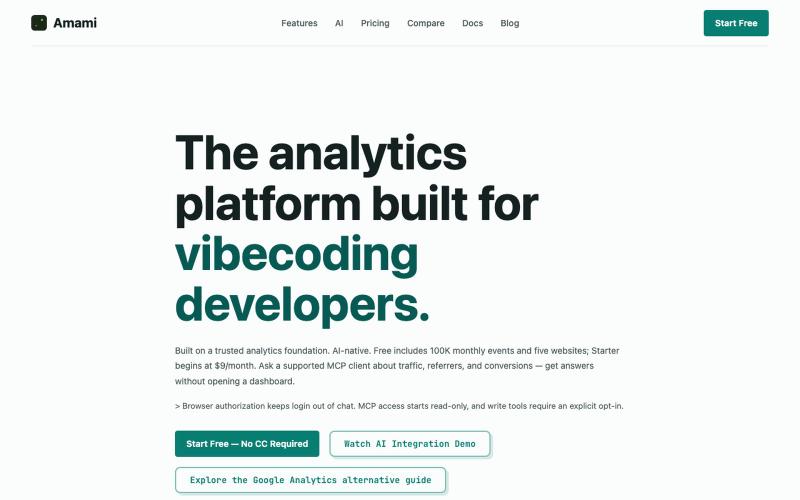
支持MCP客户端集成的AI原生网站分析工具,Google Analytics替代品。

@cdd56656 · X
which helps you know your website user traffic inside your agent
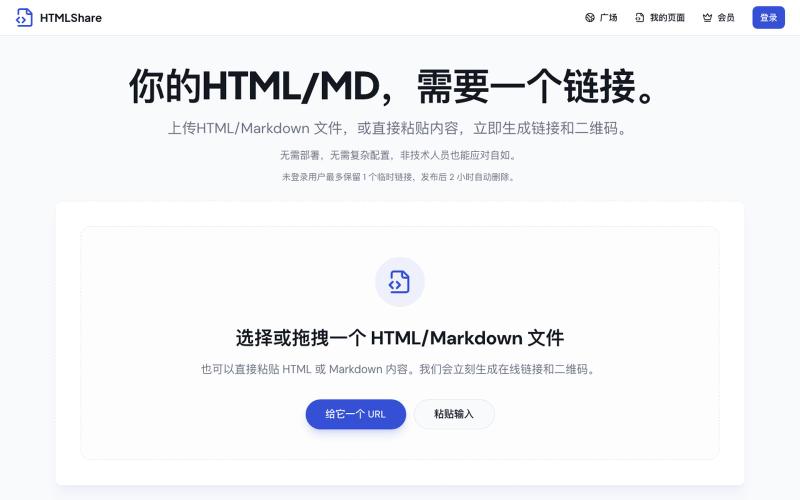
将 HTML 和 Markdown 转换成可分享的链接和二维码。

@gomixo · X
和团队做了一个非常实用的小工具:HTMLShare。 现在用 AI 生成网页、报告、可视化作品越来越方便,但生成后的 HTML 文件,想分享给别人却很麻烦:要么发文件,要么部署网站,要么截图。 HTMLShare 解决的就是这个问题: 👉 欢迎体验,也欢迎反馈建议。
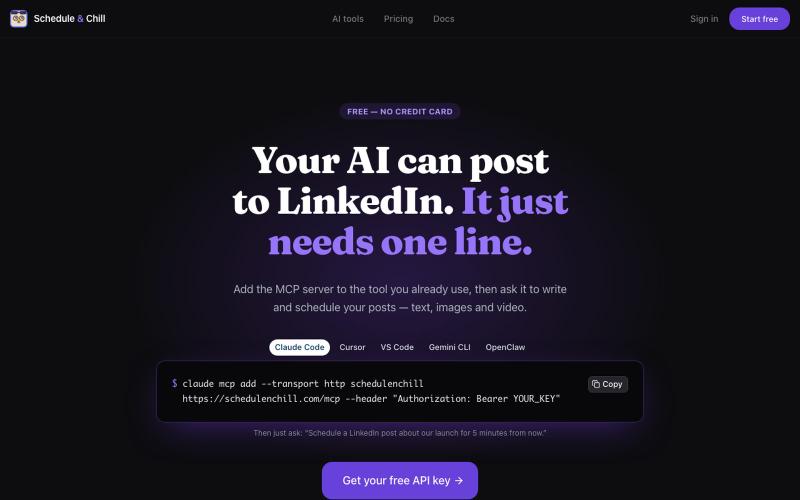
Free LinkedIn post scheduler with an MCP server and REST API. Let Claude Code, Cursor or Gemini CLI write and schedule your posts. No credit card.

@devzakir · X
Schedule & Chill is a free LinkedIn scheduler your AI tools can post through. Built it because I live in Claude Code and wanted to type "post this" instead of opening a tab. MCP server built in. Live: LinkedIn, YouTube, Bluesky, Mastodon.
Deterministic MCP tools for AI agents: EU AI Act and GDPR/CCPA checks, trust scoring, verification. Free tier, no key required — same input, same answer.
Atomadic · HN
Atomadic – Zero-LLM Sub-200us MCP Action Interlock
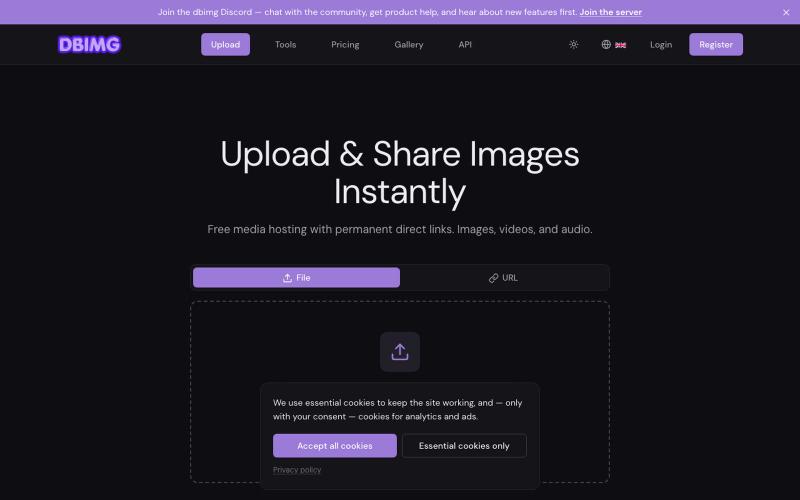
Free media hosting with permanent direct links, embed codes, and global CDN. Upload images, videos, and audio — no account required.

@dbimgapp · X
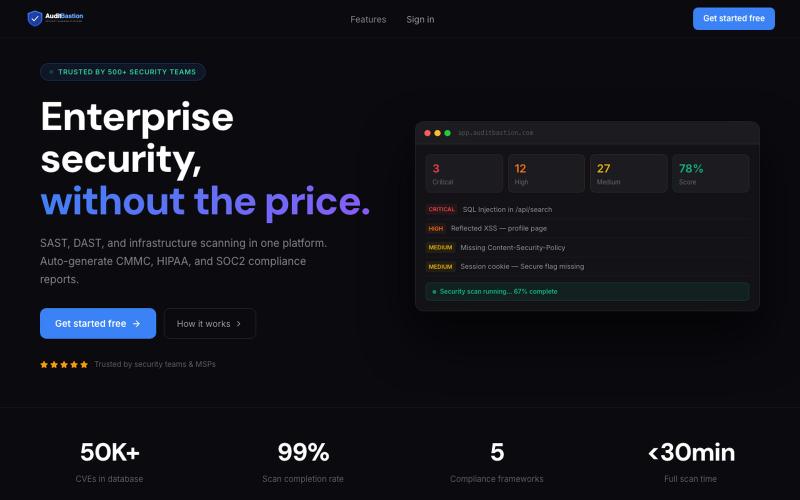
Free SAST, DAST, and infrastructure vulnerability scanning with automated CMMC, HIPAA, SOC2, and ISO27001 compliance reports. Built for developers, security teams, and MSPs.

@AuditBastion · X
Built something worth testing? Scan it with
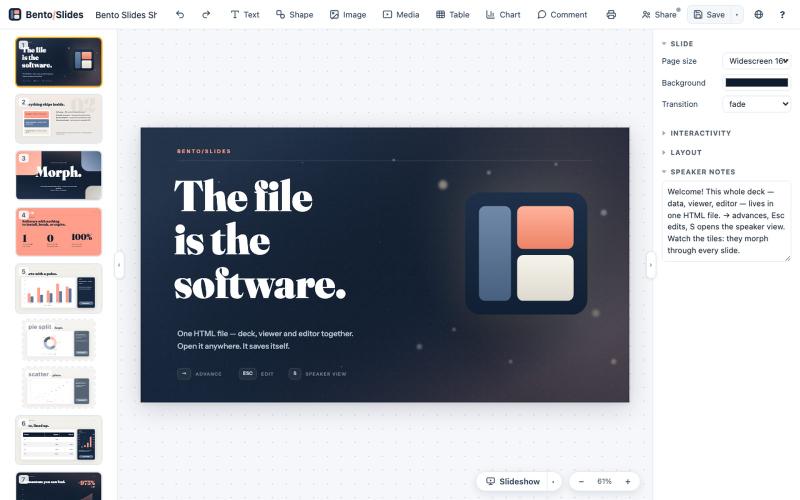
在单个HTML文件中创建和编辑演示文稿,支持实时协作。
starfallg · HN
Bento - An entire PowerPoint in one HTML file (edit+view+data+collab)
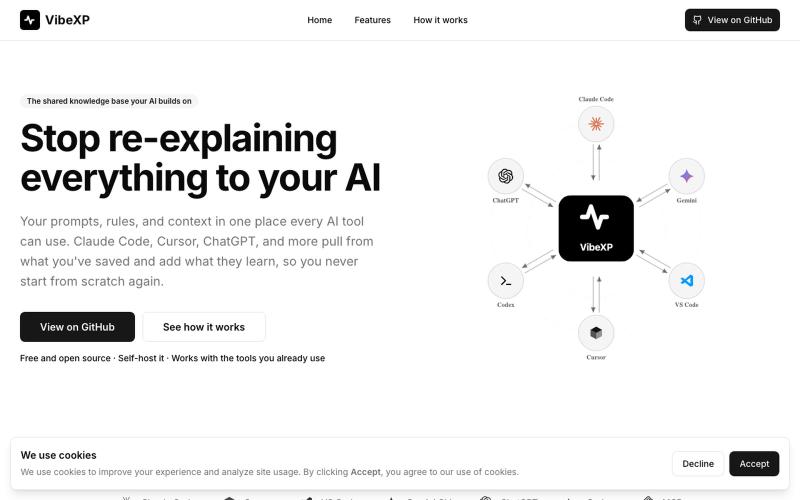
存储提示词和背景信息,通过 MCP 让 Claude Code、Cursor 等 AI 工具共享访问。

@vibexp_io · X
Your plan is now code. Claude Code Dynamic Workflows fan out up to 1,000 subagents, 16 at once, each in its own context, verifying until the results converge. Built for big bug hunts, migrations and audits. Source:
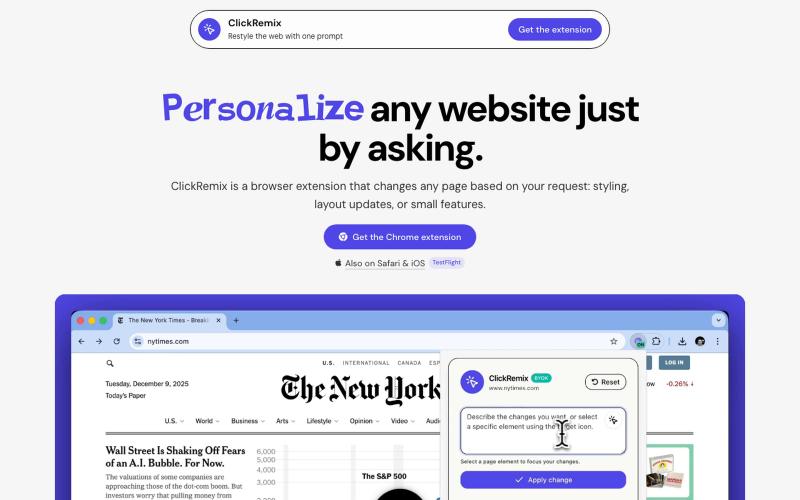
通过文本提示自定义网页样式、布局和小功能的浏览器扩展。
alentodorov · HN
built it in spring 2026--ready to share today. use opus 4.8 to create css and js snipptes to style the websites you visit the way you want. make nytimes more print-like, hn more matrix, or just replace any mention of AI with the :poop-emoji" -- your call.

在浏览器中编辑、压缩、转换和合并视频和音频文件。
zhw2590582 · V2EX
最近对网站进行了重构,做成了免费的视频工具站:[ArtPlayer Tools]( https://artplayer.org/tools/) 主要是围绕着 ffmpeg.wasm 和 mediabunny 实现的一些可以直接在浏览器里用的视频/音频工具,常用的有: - 视频压缩:[Compress Video]( https://artplayer.org/compress-video/) - 视频裁剪:[Crop Video]( https://artplayer.org/crop-video/) - 视频合并:[Merge Video]( https://artplayer.org/merge-video/) - 视频尺寸调整:[Resize Video]( https://artplayer.org/resize-video/) - 视频旋转:[Rotate Video]( https://artplayer.org/rotate-video/) - 视频调速:[Change Video Speed]( https://artplayer.org/change-video-speed/) - 添加文字到视频:[Add Text to Video]( https://artplayer.org/add-text-to-video/) - 添加水印:[Watermark Video]( https://artplayer.org/watermark-video/) - 提取字幕:[Subtitle Editor]( https://artplayer.org/subtitle-editor/) - HLS 转 MP4:[HLS to MP4]( https://artplayer.org/hls-to-mp4/) - 音频可视化:[Audio Visualizer]( https://artplayer.org/audio-visualizer/) 大部分工具都是本地处理,文件不会上传到服务器。最开始是因为自己偶尔要处理一些视频,开剪辑软件又有点重,在线工具又担心隐私,所以就慢慢做成了一个站。 目前还在持续完善,体验肯定还有不少粗糙的地方,比如不同浏览器的兼容、移动端操作、长视频性能之类的。 网站: [ArtPlayer Tools]( https:
