
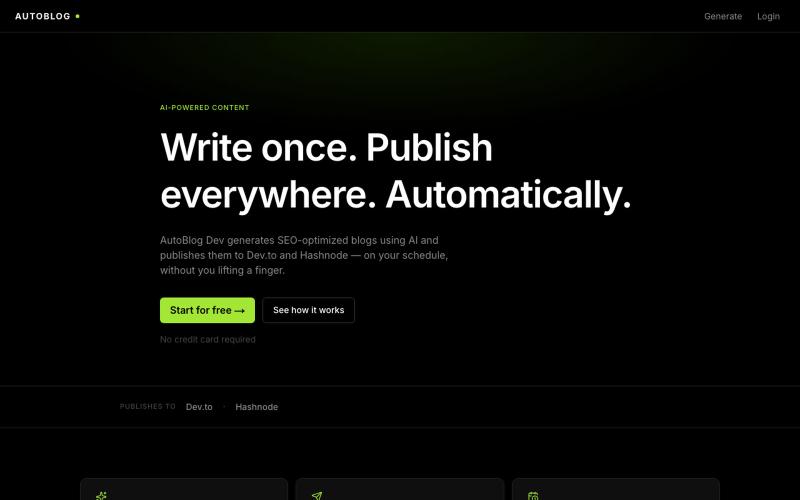
完整作品展
技术栈
30 projects
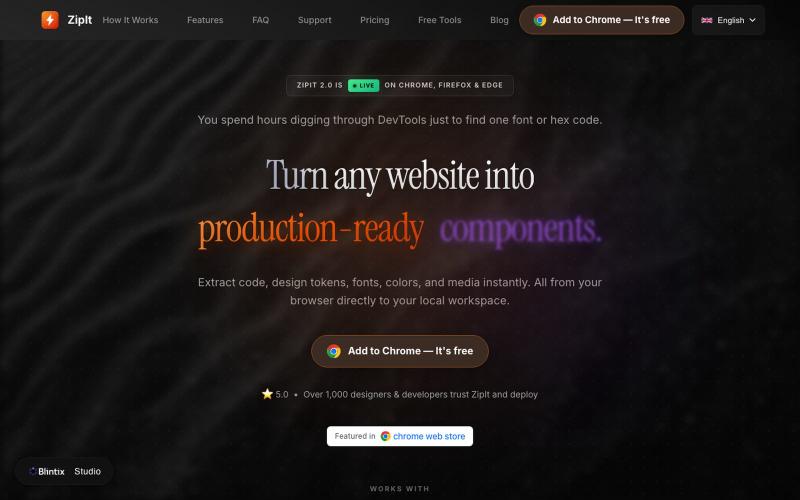
从任何网站提取代码、字体、颜色和设计素材,下载到你的工作区。

@bharatmodi2014 · X
Extract code, design tokens, fonts, colors, and media instantly. All from your browser directly to your local workspace

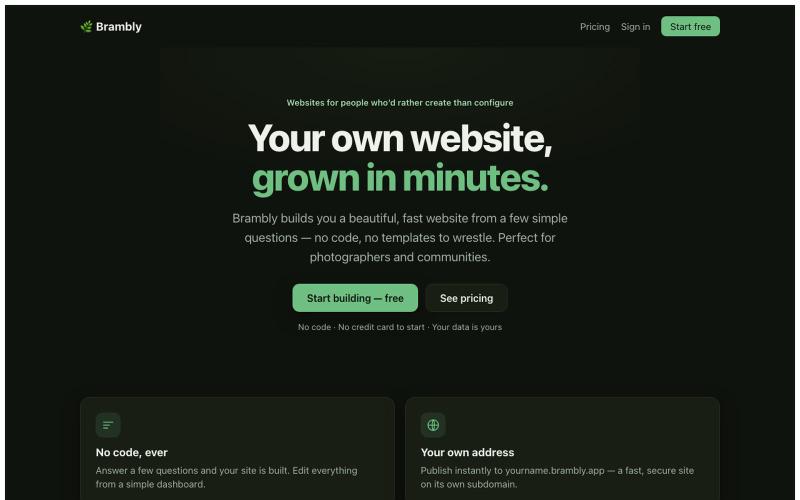
通过回答简单问题创建美观网站,无需编码。

@LukeyPunnett · X
Take a look at would love to hear your feedback - launched today 💪🙏
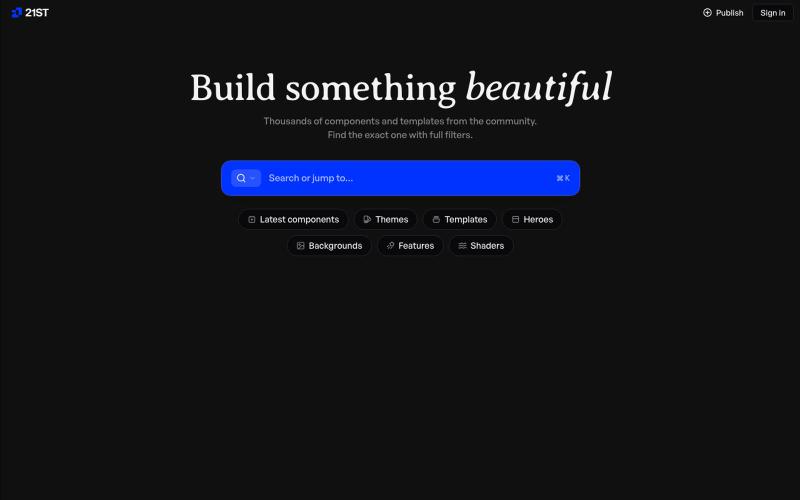
精心制作的 React 组件和模板,用于构建精美的用户界面。

@polyqoy · X
This video shows a fully animated 3D site built in 2 minutes with claude code. one terminal command. but the prompt was almost irrelevant. the real work was the pre-load: ui/ux pro max skill, a hero component from framer motion stacked in before claude touched anything the toolkit did the job. the prompt just pulled the trigger. that's also why most people's claude output looks generic. they skip the setup and blame the model.
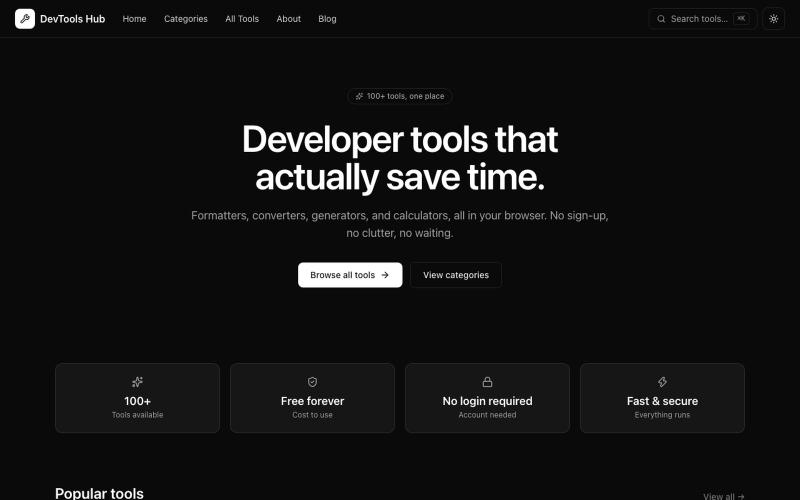
A fast, free, and modern collection of 100+ developer tools: JSON formatting, encoding, generators, converters, and more. No login required.

@messoudkhan · X

自动生成生产级的网站地图、架构标记、元标签和 robots.txt 文件。

@PeakVisibilitys · X
🚀 AI-powered SEO audits and AI search optimization. Would love some feedback!
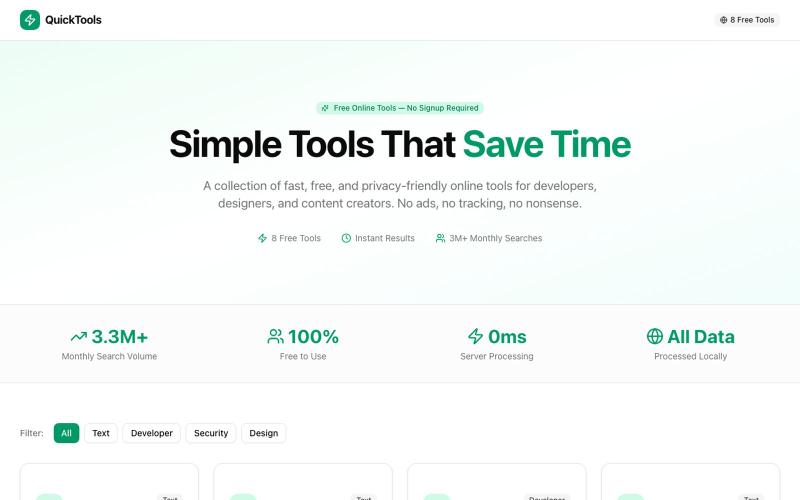
8个免费在线工具,包括格式化、编码、密码生成和取色。

@Supportpintutec · X
Just launched QuickTools — 8 free online tools 🛠️ Word Counter • JSON Formatter • Password Generator • Color Picker 100% browser-based, no signup 🔗 #SideProject #WebDev #FreeTools #BuildInPublic
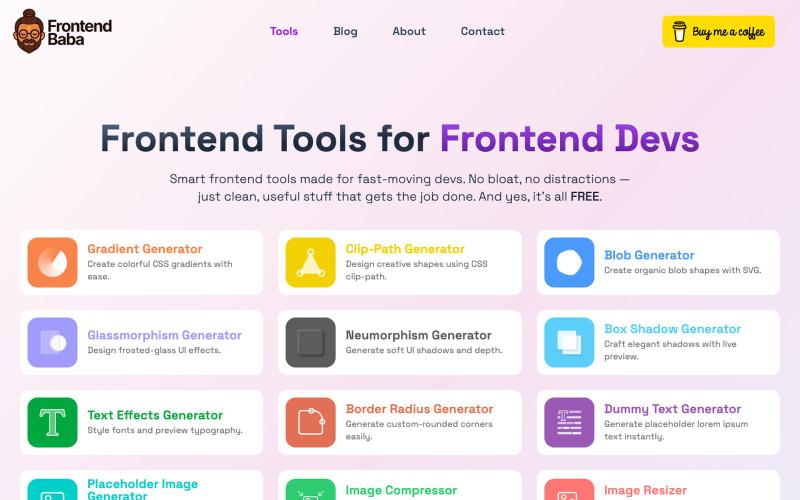
免费前端开发工具,包括CSS生成器、图像压缩等功能。

@iamdeepak89 · X
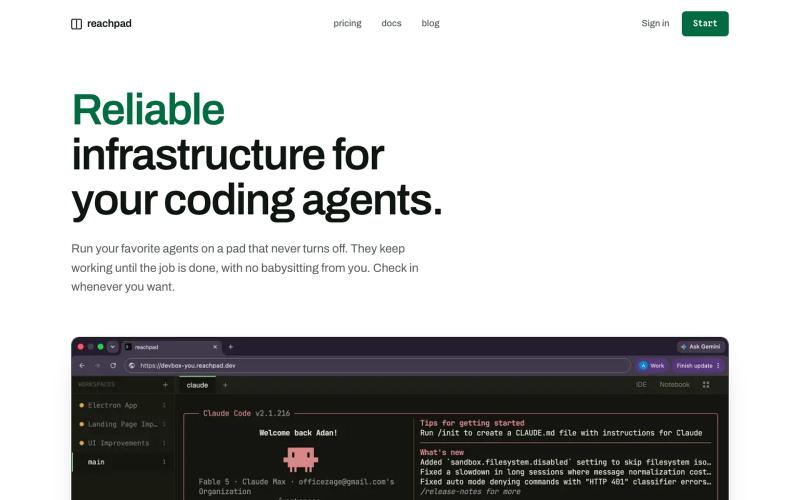
reachpad: 在浏览器中运行和监控编码代理的基础设施
sakuraiben · HN
Reachpad – Run all your coding agents from anywhere from the browser
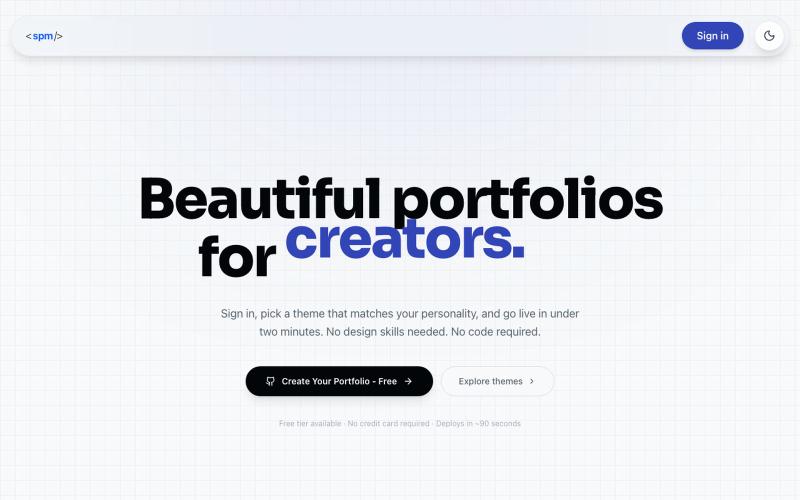
从简历和GitHub生成开发者作品集。
u/WhatTheCode04 · Reddit
Turn your CV + GitHub into a developer portfolio in 30 seconds (macOS/Bento themes and more). Free PRO lifetime access for the first 50 users! macOS theme at the end of the video! Hey everyone, A few months back, I was applying for roles and got rejected from a couple of interviews because my personal portfolio was completely out of date. Honestly, I just hated the chore of manually importing my GitHub repos, copy and pasting descriptions from my resume, and redesigning my
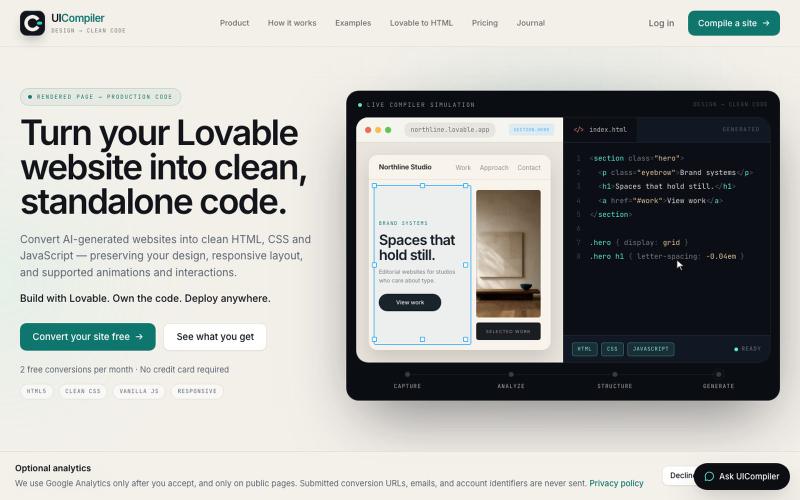
将 Lovable 和其他 AI 生成的网站转换为独立的 HTML、CSS 和 JavaScript 文件。

@UICompiler · X
Please have a look :
