
完整作品展
技术栈
60 projects
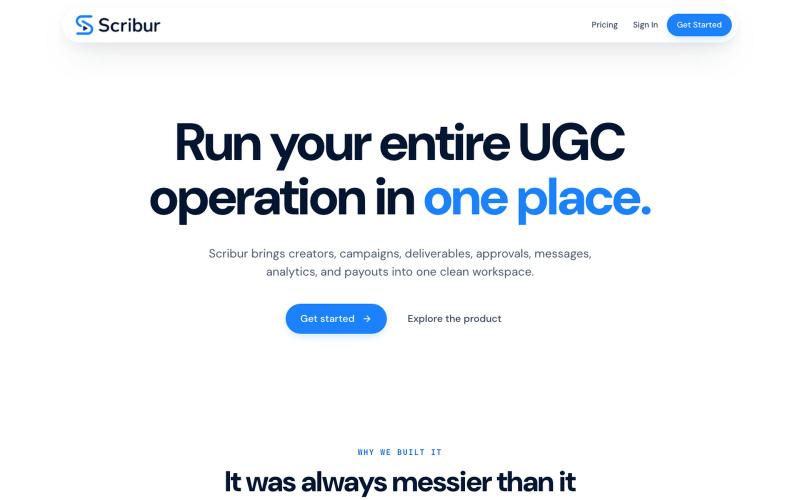
在一个工作区中规划、制作、审查和发布创作者内容。

@DaiwikShashi · X
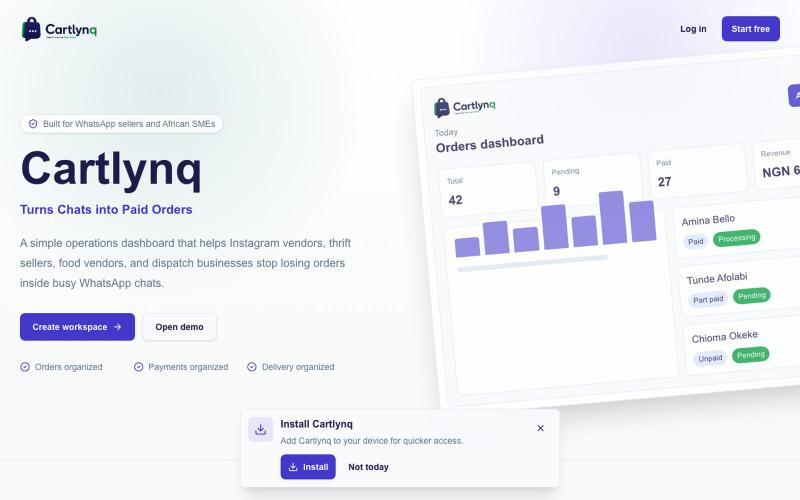
Building Scribur — the operating system for in-house UGC teams. We help in-house teams manage campaigns, content ideas, scripts, submissions, revisions, approvals, creator communication, and performance tracking all in one place.
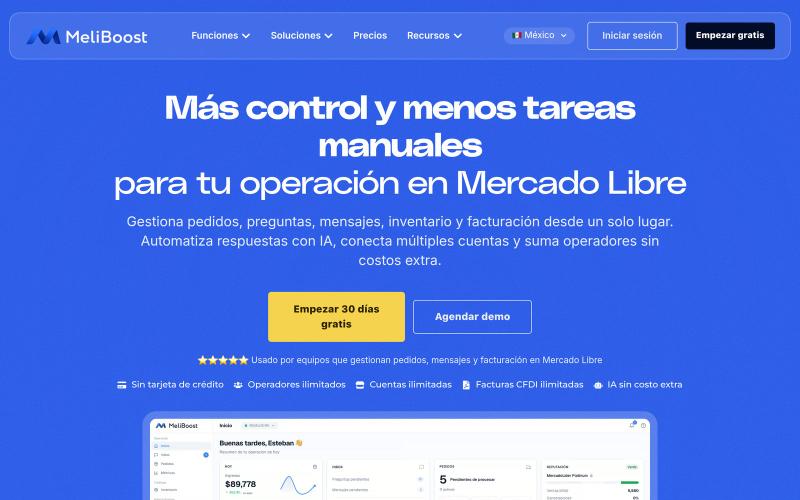
MeliBoost 是 Mercado Libre 卖家的一站式订单、库存和账单管理平台。

@soyoctaviosimon · X
Sounds cool!
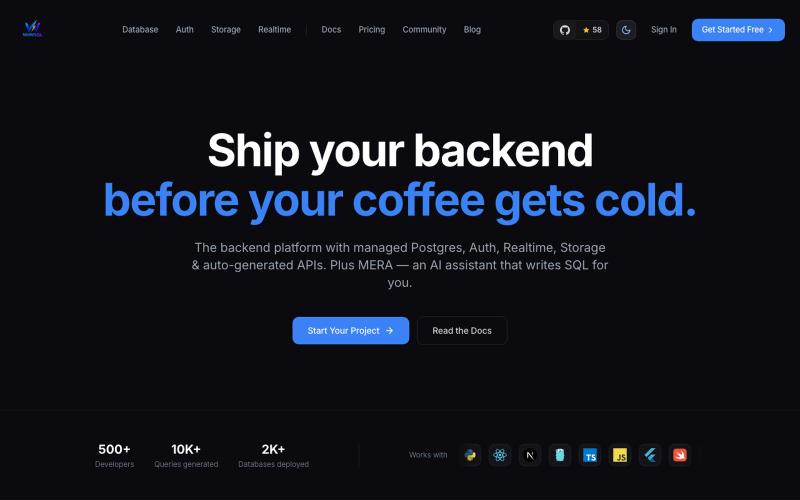
使用托管 Postgres、身份验证、实时订阅和自动生成的 API 构建后端。

@im_pradee_p · X
Backend as a service
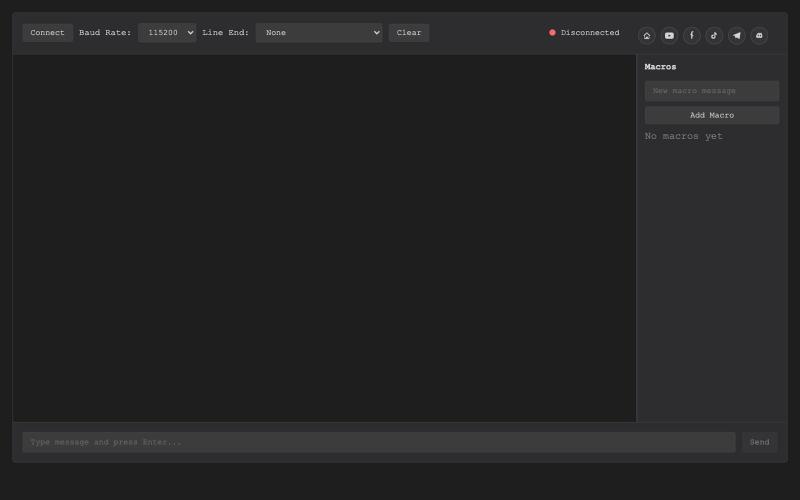
基于浏览器的USB串行终端,用于硬件调试和通信。

@thembeddevguy · X
The USB Type-C <-> RS-232 dongle got its well-deserved (and totally vibe-coded) browser-based serial terminal! No ads, no tracking, and the cookies are only there to store the settings.
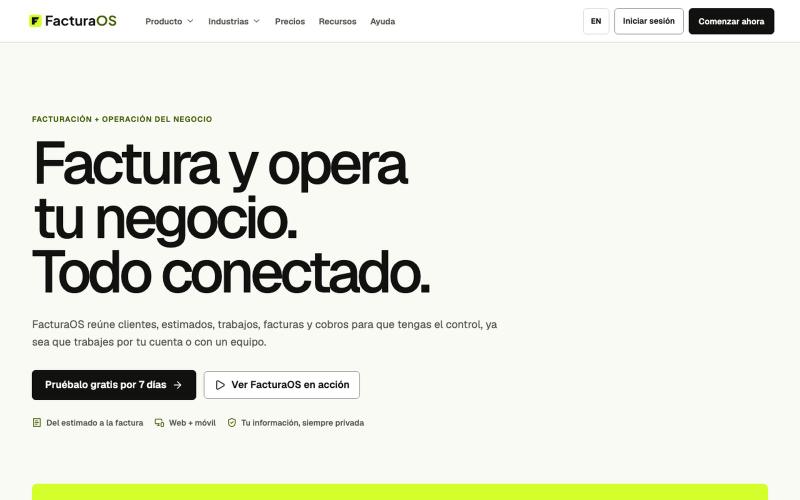
使用 FacturaOS 在一个平台管理服务业务的发票、客户、报价、工作、路线、供应商和收款。

@joelromanpr · X
para todos los microempresarios en el Caribe y latinoamerica. Also available in English

在 Claude 和 ChatGPT 中连接 Google Search Console 和 Google Analytics。

@aminfseo · X
I'm building this:
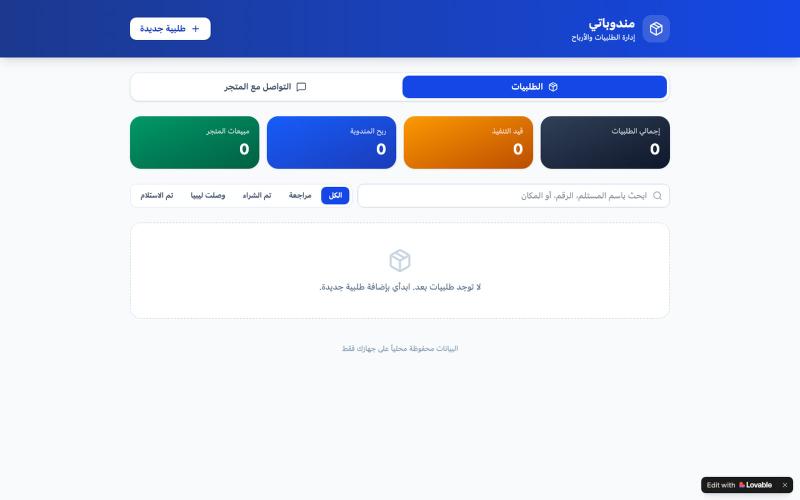
订单管理应用,帮助销售代表追踪利润和配送

@JwjwF67346 · X
Check out what I just built with Lovable!
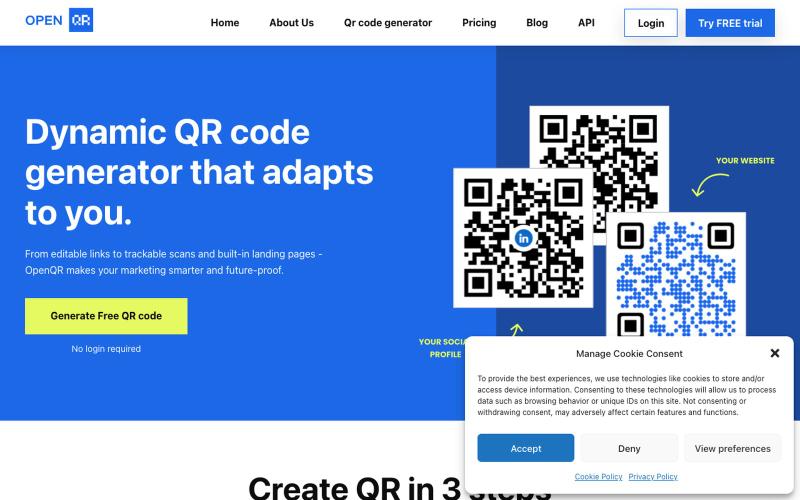
创建带有自定义徽标、颜色和使用情况跟踪的动态 QR 码

@IfeanyiArinze10 · X
What does What makes it unique?
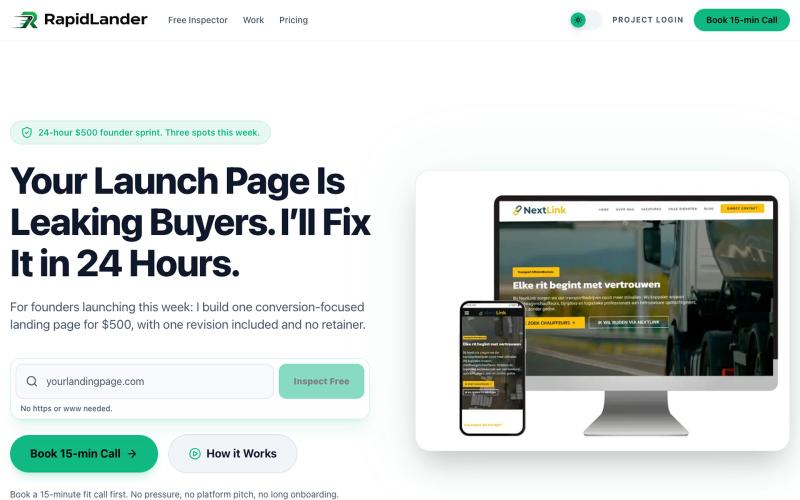
用免费检查工具分析落地页的转化潜力,或预订24小时内完成的自定义设计。

@rapidlander_ · X
I design and deliver landing pages in 24 hours for founders who are launching now. Free inspector on the site too, paste your URL and it scores your page on what actually kills conversions.

为 Codex Desktop 设计自定义主题,调整背景、颜色、透明度和视觉效果。
plutozc · V2EX
做了个 Codex Desktop 主题预览和切换工具,先调好再安装 最近一直在用 Codex Desktop ,觉得默认界面看久了有点单调,就顺手做了个主题编辑工具,分享一下: [Codex Skin]( https://getcodexskin.com) 可以先在网页里预览主题,调整背景透明度、面板透明度、颜色、模糊和圆角等参数,满意之后再下载并切换到 Codex Desktop 。 目前支持: - 自定义 JPG 、PNG 、WebP 背景 - 在线实时预览主题效果 - 调整透明度、颜色、模糊、圆角 - 预览满意后生成安装命令 - 不喜欢了可以恢复默认外观 目前主要面向 macOS 上的 Codex Desktop ,还是个人项目,功能和兼容性都在继续打磨。 欢迎试试,也想听听大家对主题参数、预览效果和安装流程的反馈。 直接网址: https://getcodexskin.com [轻喷 轻喷,可能还有些 bug

