

创意工具1 month ago
Screely — Free Screenshot Mockup Tool. Private, In Your Browser.
在浏览器中用 Screely 创建专业截图效果图,支持框架、背景和标注。

@Aticmatic_com · X
of course for people:
完整作品展
技术栈
28 projects
在浏览器中用 Screely 创建专业截图效果图,支持框架、背景和标注。
@Aticmatic_com · X
of course for people:
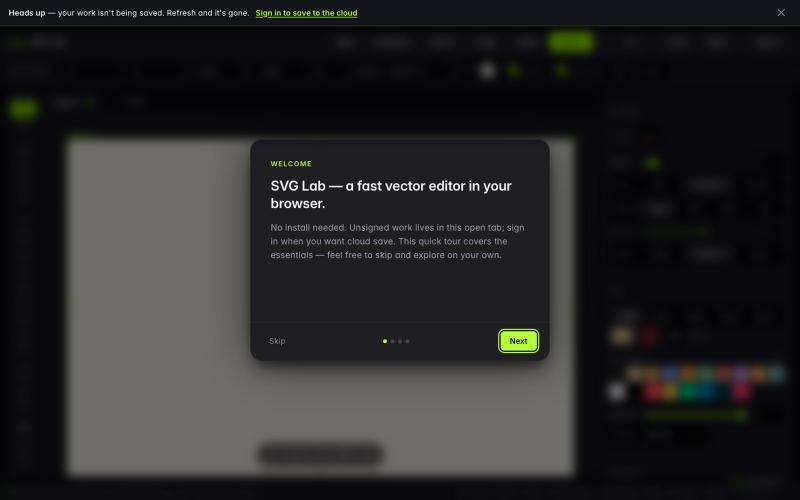
在浏览器中免费绘制、编辑和导出 SVG 文件。

@usman_basheers · X
Wohh. Roast this then:
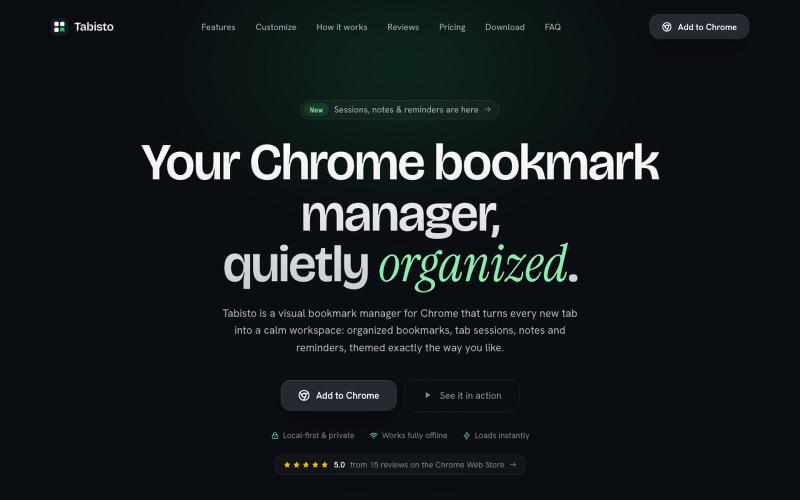
Chrome extension,在新标签页上可视化地组织书签,支持 workspaces 和 notes

@IamYashKapoor · X
Built Tabisto (bookmark manager), a free Chrome extension and launched it in 5 days using Claude Code. Must try, you will really love it.

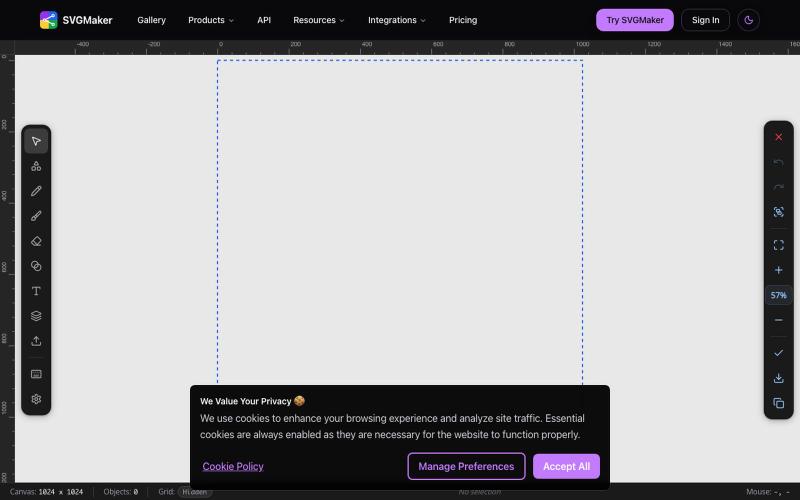
AI 驱动的 SVG 编辑器,在浏览器中生成和编辑矢量图形。
u/Every-Comment5473 · Reddit
I think I may have finally found a fully free alternative to BoxySVG. I came across this browser-based free SVG editor from svgmaker , and it feels pretty close to Apple Freeform in the way the canvas, grids, snapping, and alignment work. It also lets you edit paths, points, text, colors, shapes etc. Most of the things I used to open BoxySVG for, I can now do in this one—and it’s completely free. Honestly, I wasn’t expecting it to be this capable, especially since most AI image generation

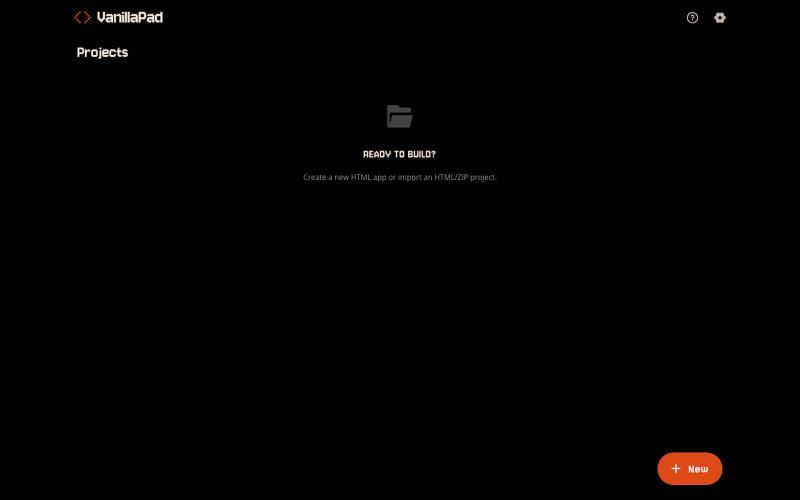
VanillaPad - 编辑和预览HTML应用的移动工作区,支持ChatGPT、Claude和Gemini。
u/heisenberg2995 · Reddit
I built a mobile workspace to edit and preview the HTML apps ChatGPT/Claude write for you. Hey everyone! I built VanillaPad , a mobile workspace for building simple HTML/CSS/JS projects. 👉 https://vanillapad.dev The idea came from something I kept running into. Sometimes I'd need a simple utility app or a quick landing page or to test a little game idea. Getting the initial code written was easy since I could just ask ChatGPT or Claude on my phone. The hard part came af
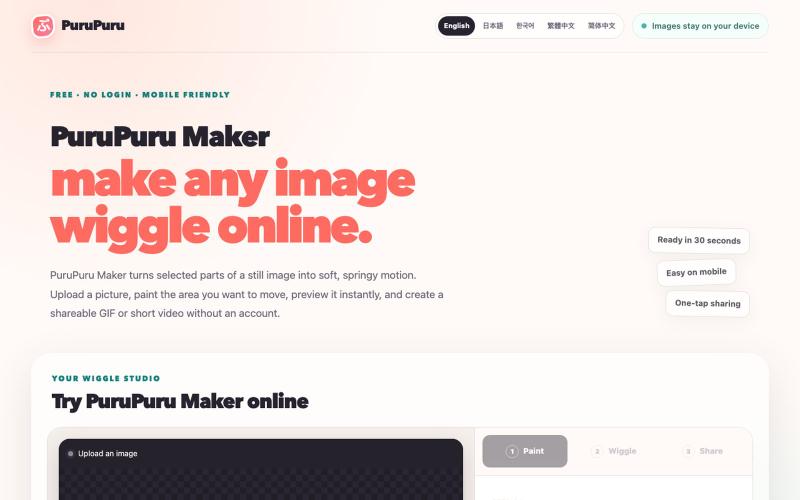
给图片的指定区域添加抖动效果,生成动画GIF或视频。
plutozc · V2EX
purupuru 抖动起来吧 部分图片区域抖动工具 二次元们 抖动起来吧 [purupuru maker]( https://purupuru-maker.com/) 二次元们 各位食用愉快😀 各种不同的抖动方式 优化了下手机端使用

为 Codex Desktop 设计自定义主题,调整背景、颜色、透明度和视觉效果。
plutozc · V2EX
做了个 Codex Desktop 主题预览和切换工具,先调好再安装 最近一直在用 Codex Desktop ,觉得默认界面看久了有点单调,就顺手做了个主题编辑工具,分享一下: [Codex Skin]( https://getcodexskin.com) 可以先在网页里预览主题,调整背景透明度、面板透明度、颜色、模糊和圆角等参数,满意之后再下载并切换到 Codex Desktop 。 目前支持: - 自定义 JPG 、PNG 、WebP 背景 - 在线实时预览主题效果 - 调整透明度、颜色、模糊、圆角 - 预览满意后生成安装命令 - 不喜欢了可以恢复默认外观 目前主要面向 macOS 上的 Codex Desktop ,还是个人项目,功能和兼容性都在继续打磨。 欢迎试试,也想听听大家对主题参数、预览效果和安装流程的反馈。 直接网址: https://getcodexskin.com [轻喷 轻喷,可能还有些 bug

在浏览器中直接编辑和筛选 RAW 照片,本地处理无需上传。

@am56ay · X


