
生产力1 month ago
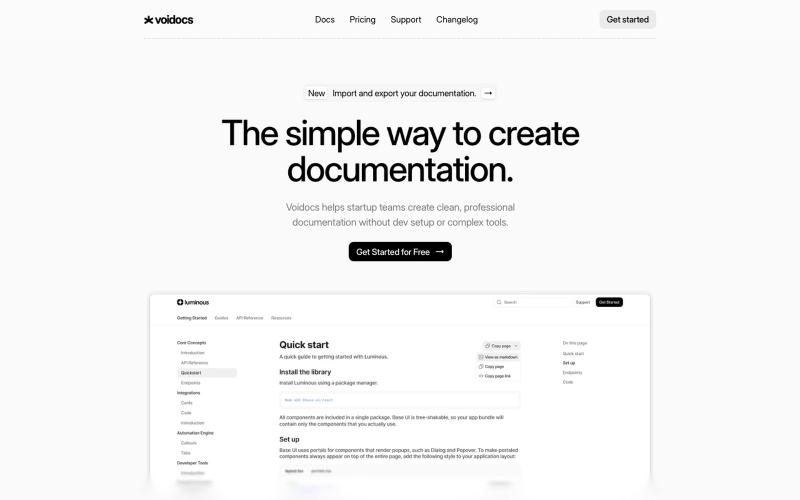
Voidocs - The simple way to create documentation
Voidocs 为初创团队创建专业文档,无需代码配置。

@hannah24_app · X
完整作品展
技术栈
24 projects
Voidocs 为初创团队创建专业文档,无需代码配置。
@hannah24_app · X
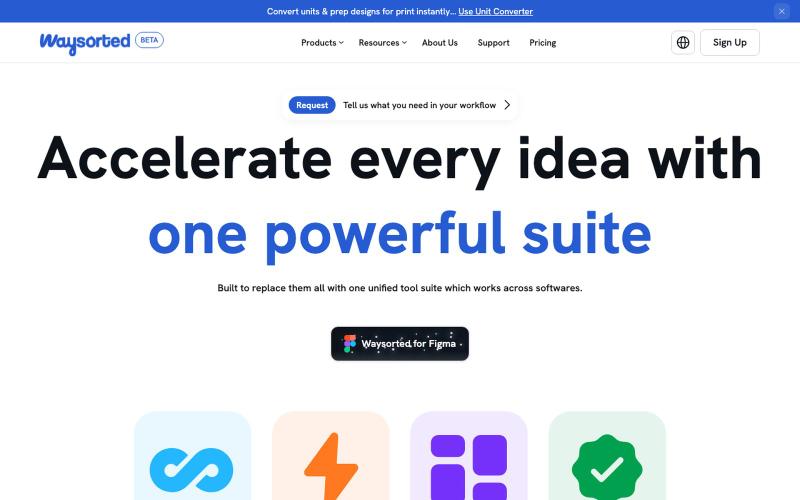
Waysorted - 与其他软件集成的设计工具套件

@aviralgarg05 · X
Here's what you get on One toolkit. Every design task.
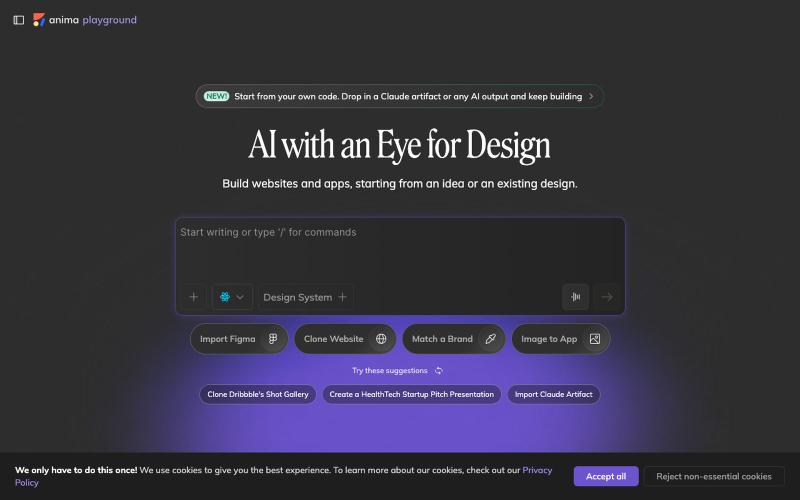
用AI自动将设计图转换成可用代码。

@AnimaApp · X
Image to code in 1 minute - 20x faster than Claude Code and with much higher fidelity. Try it at and let us know how we did 🤘
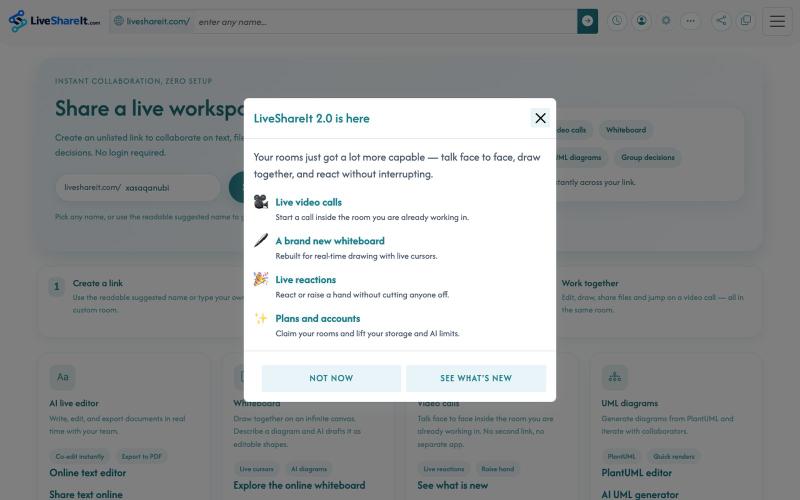
AI实时协作编辑器,支持文件共享、UML图表和群决策。
u/Hopeful-Can-1540 · Reddit
Trying to figure out distribution for a real-time collaboration tool LiveShareIt has been around for a bit, and the product has changed quite a lot recently. The basic idea is pretty simple: open a room, share the link, and start working together. No signup needed. People can share code/text, send files, use a collaborative whiteboard, and jump on a video call in the same room. One feature I’ve been playing with lately is the AI whiteboard. Instead of starting from a blank canvas, you
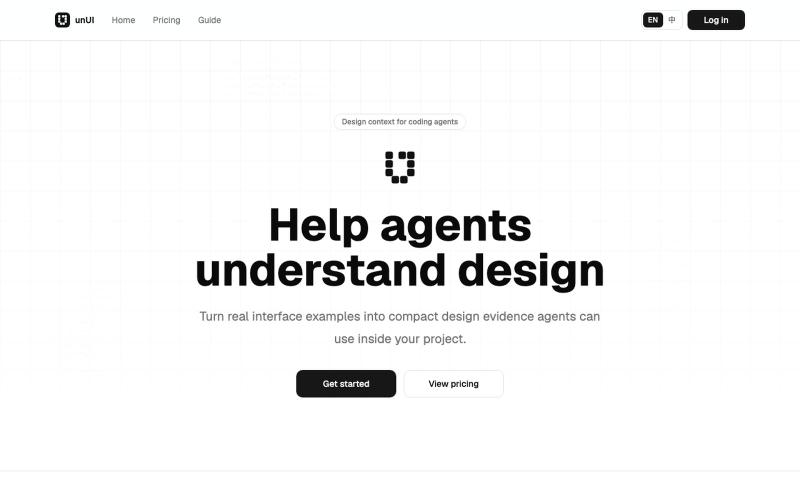
将网页设计元素压缩成AI可读格式,帮助代码代理做出更好的设计决策。
heywitt · HN
UnUI – Help coding agents make better design decisions
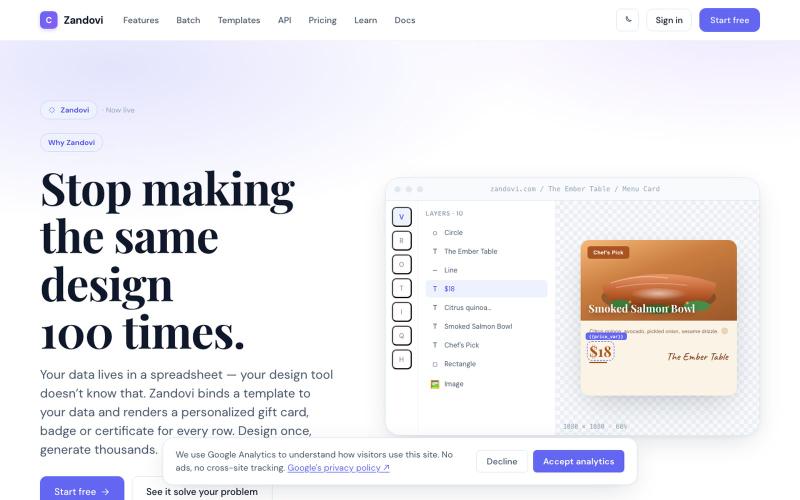
使用模板和变量从CSV或API生成大规模个性化设计。

@trebizant · X
Hi, I'm building : generating gift cards, invitations, basically any image using templates, variables by web or API
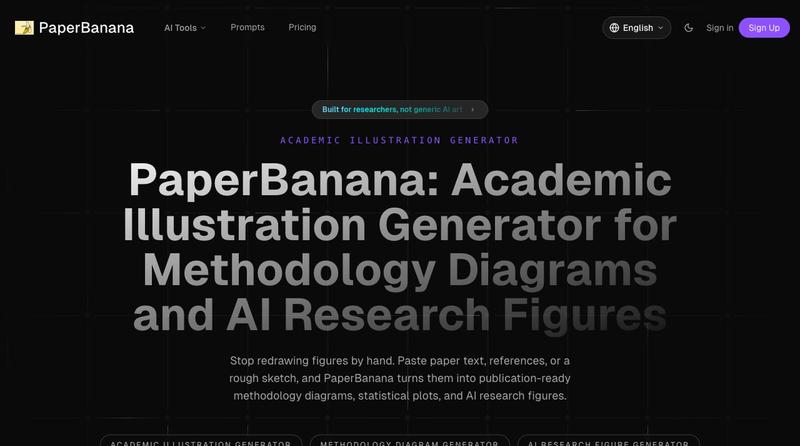
将学术论文和草图转化为发表就绪的研究图表。
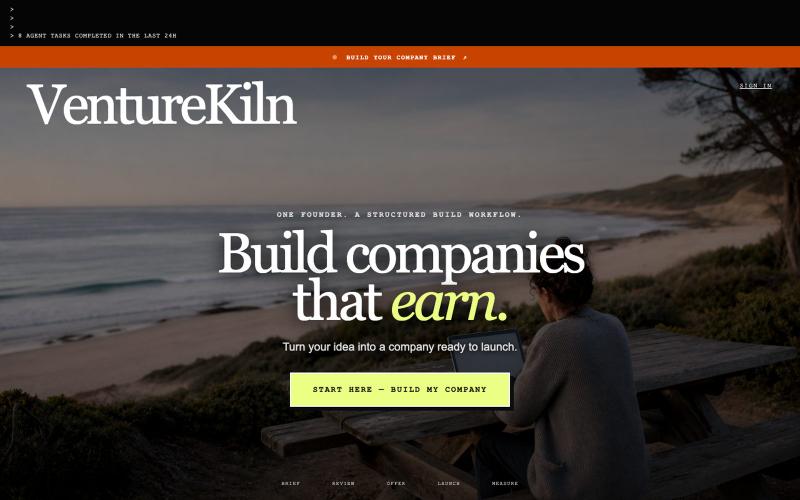
将商业问题转化为公司简案和可执行建设计划的AI原生操作系统。

@MarkZofMarkZ · X
- in process of updating it currently, making it better. How about you? What are you building?
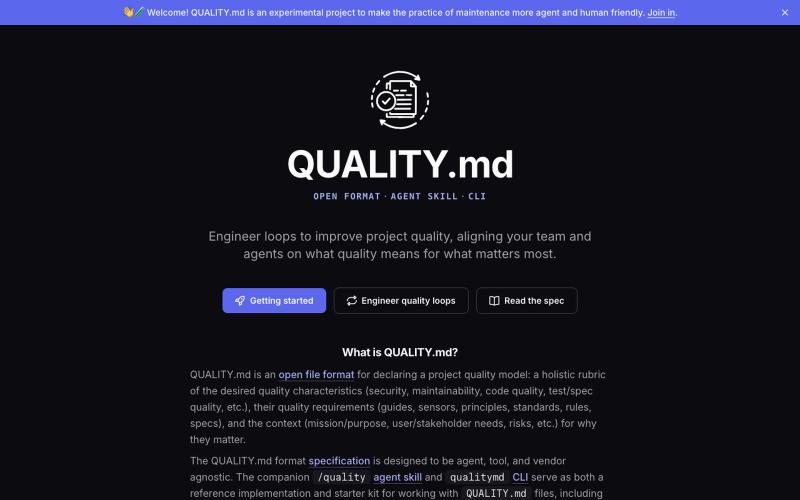
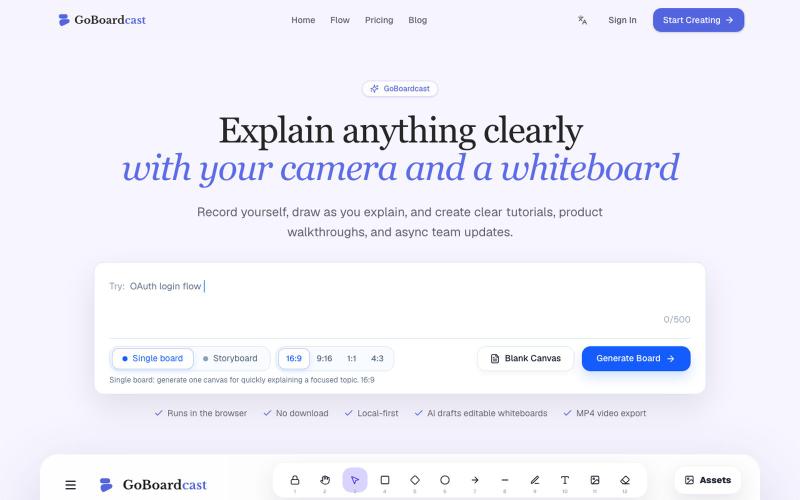
在白板上绘画并录制,创建教程视频和团队更新。
GoBoardcast — AI 白板讲解视频工具,把任意主题生成可编辑白板,并录制摄像头、麦克风、光标讲解后导出 MP4
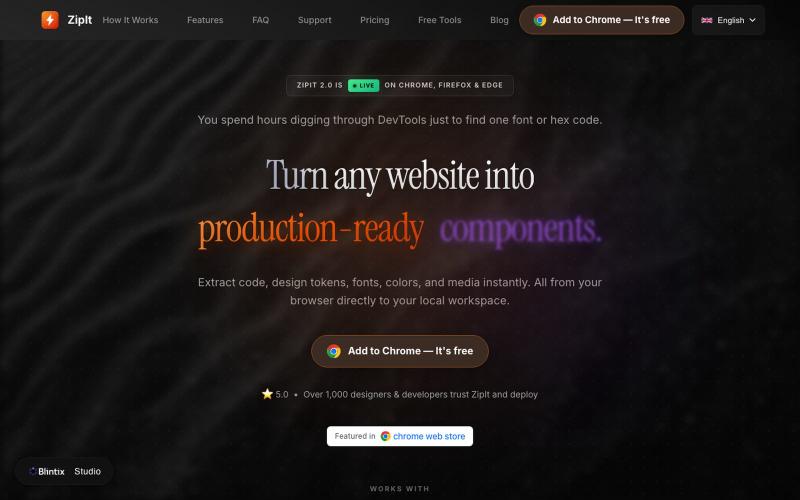
从任何网站提取代码、字体、颜色和设计素材,下载到你的工作区。

@bharatmodi2014 · X
Extract code, design tokens, fonts, colors, and media instantly. All from your browser directly to your local workspace

通过描述快速生成高保真UI界面,支持移动和网络应用。

@ninakolari · X
Google just dropped Stitch and it changes the entire vibe coding workflow. You describe what you want your app to look like. It builds full high-fidelity screens in seconds. No Figma. No designer. No credit card. Here is how to use it: Go to Sign in with your Google account. That’s it. You’re in. Instead of typing “make me an app” type this: “A lesson planning app for teachers. Clean and calm. Inspired by Notion. Minimal. White space.” The more specific you are the better your screens. Then refine with follow up prompts. Change the nav. Try dark mode. Get 3 menu variations. Or just speak it. Your screens become a clickable prototype in seconds. Click a button and Stitch generates the next screen automatically. Your entire app flow. Before you write one line of code. Then take it further. Export to Lovable or Cursor and build the logic on top. Use the MCP server to keep your design and code in sync. Pull any website’s design system in seconds. Save everything as