
创意工具1 month ago
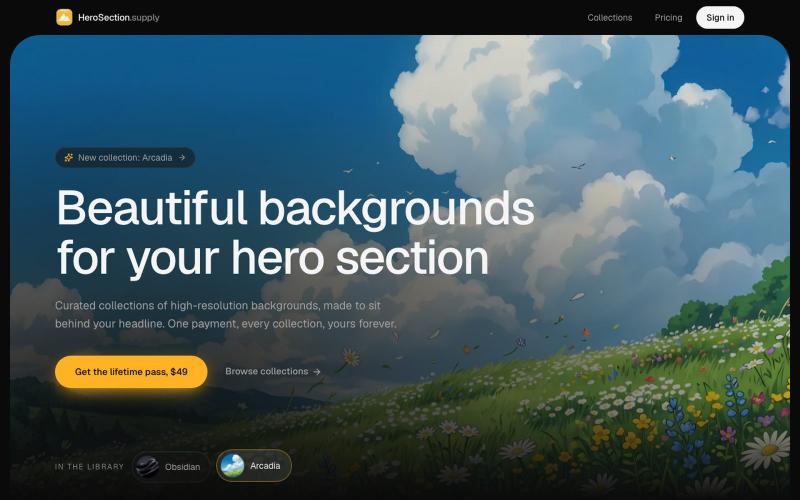
HeroSection.supply: beautiful backgrounds for your hero section
购买为 Hero Section 设计的精选背景图。

@ugo_builds · X
完整作品展
技术栈
31 projects
购买为 Hero Section 设计的精选背景图。
@ugo_builds · X
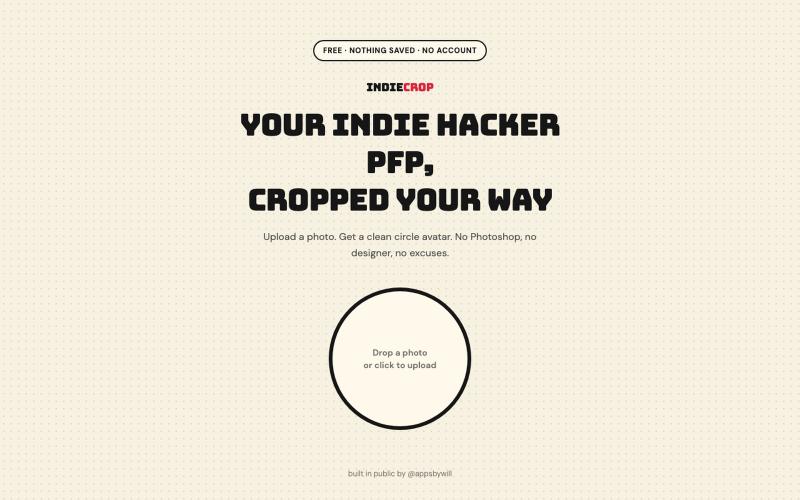
从任何照片生成圆形头像,浏览器中自动去背。

@appsbywill · X
i've been playing around with this profile picture maker, I really want to fine tune the background removal and add more styling templates. Let me know if you find more bugs!
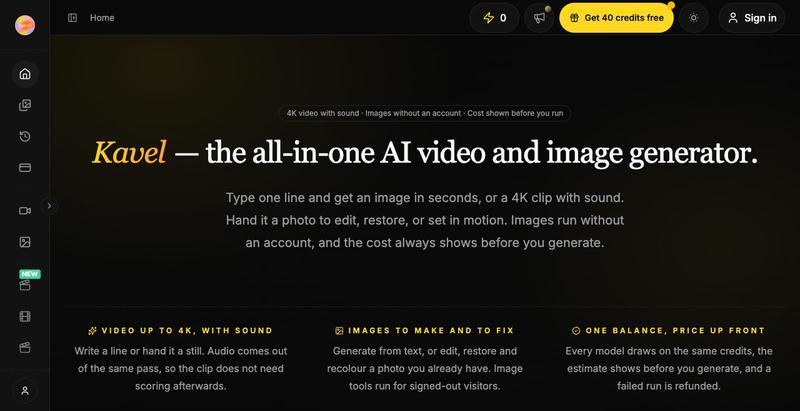
Kavel是免费AI图片和视频编辑工具,30+一键特效,无需注册。
kavel — AI 图片和视频生成工具,支持多种趣味场景的生图和生视频 — 免费
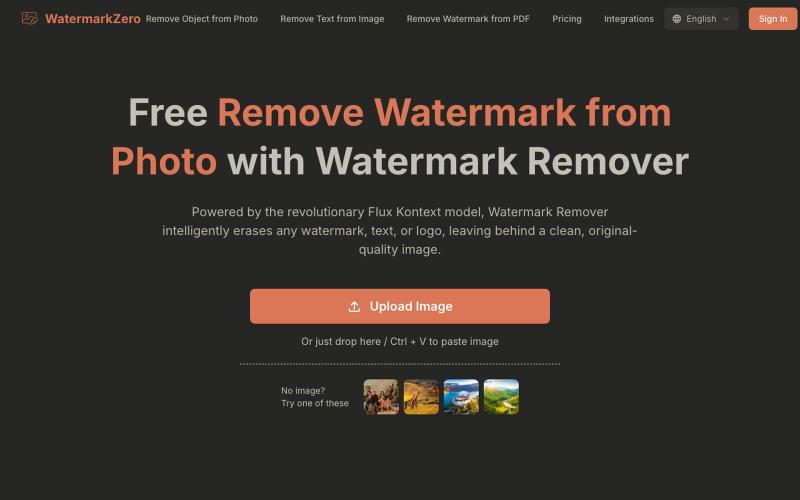
用AI去除照片中的水印和文字,智能重建自然背景。
Watermarkzero — AI 免费去除图片水印。擦除您照片上多余的水印、文字或标志。它并非仅仅涂抹或模糊水印,而是智能地重建水印后方的背景。 最终呈现的是一张完美干净、自然的照片,仿佛水印从未存在过
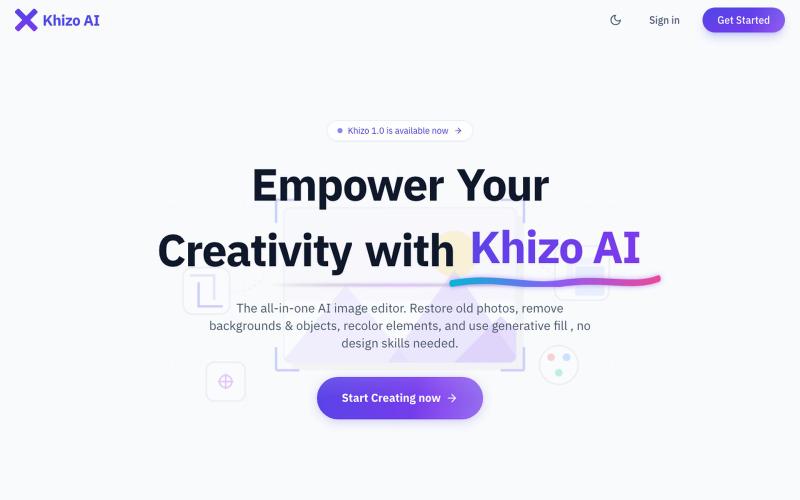
AI驱动的在线图像编辑器,支持照片修复、背景移除和生成填充。
u/Ok-Explanation8527 · Reddit
I created a simple workspace that brings AI image tools together in one place after encountering this problem at work. Hi everyone, While I was working on designing some interfaces and digital projects a while ago, I found myself drowning in many open tabs on my browser. I would use a site to generate an initial image, then move to another platform to remove its background, and turn to a third tool to erase small details or enhance the quality. This back-and-forth between dif

为 Codex Desktop 设计自定义主题,调整背景、颜色、透明度和视觉效果。
plutozc · V2EX
做了个 Codex Desktop 主题预览和切换工具,先调好再安装 最近一直在用 Codex Desktop ,觉得默认界面看久了有点单调,就顺手做了个主题编辑工具,分享一下: [Codex Skin]( https://getcodexskin.com) 可以先在网页里预览主题,调整背景透明度、面板透明度、颜色、模糊和圆角等参数,满意之后再下载并切换到 Codex Desktop 。 目前支持: - 自定义 JPG 、PNG 、WebP 背景 - 在线实时预览主题效果 - 调整透明度、颜色、模糊、圆角 - 预览满意后生成安装命令 - 不喜欢了可以恢复默认外观 目前主要面向 macOS 上的 Codex Desktop ,还是个人项目,功能和兼容性都在继续打磨。 欢迎试试,也想听听大家对主题参数、预览效果和安装流程的反馈。 直接网址: https://getcodexskin.com [轻喷 轻喷,可能还有些 bug
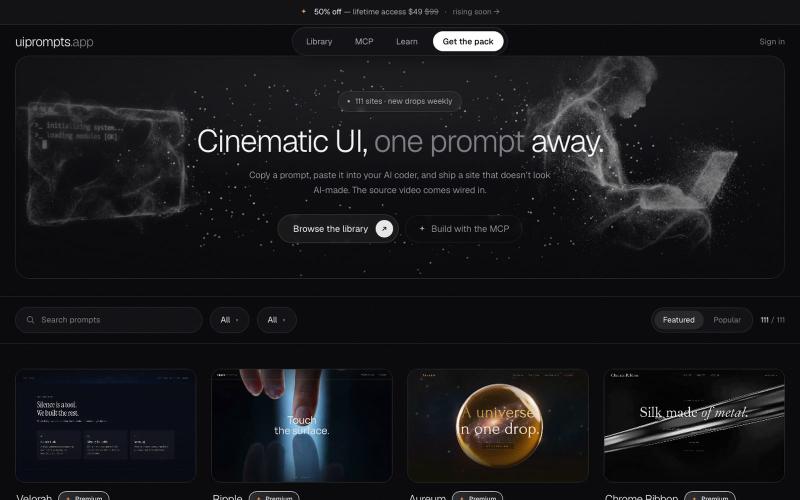
使用提示模板和AI视频背景创建电影级网站和首屏设计。
openwarehq · GitHub
websiteprompts 30 free copy-paste prompts that turn Claude Code, Cursor or v0 into a cinematic website — exact colours, easing and z-index, plus a background video that is already hosted.

浏览器中免费合并PDF、压缩图片、去除背景和其他实用工具。

@damiadeh · X
Your files utility tools stacks in your browser. No uploads, files stays on your pc.
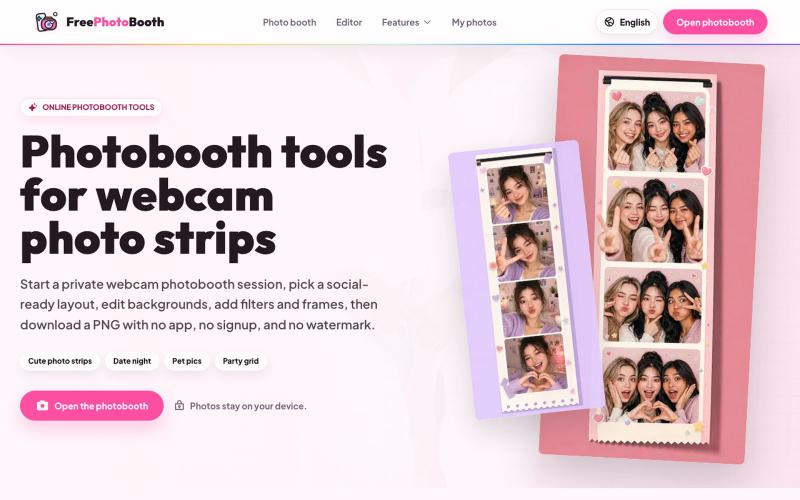
用摄像头拍摄照片纸条,支持滤镜、相框和背景编辑。
cmlanche · V2EX
做的在线照相亭本来还有点流量,结果我 301 瞎整一通,彻底废了,重新上了一个站 地址:[freephotobooth.online]( https://freephotobooth.online/) 上面是老地址,本来流量还可以,上站第二天就有 300 个新点击,但我嫌弃域名后期没有品牌优势,所以 301 到了另外一个域名,但上了之后看到流量没有了,又很焦虑,然后又把新站 301 到老站,现在彻底 game over 不得已重新写了一个站,再上,有兴趣可以围观一下,看看哪个更好,有啥问题我可以改改,主打听劝 新站地址:[https://photobooth100.com/]( https://photobooth100.com/)
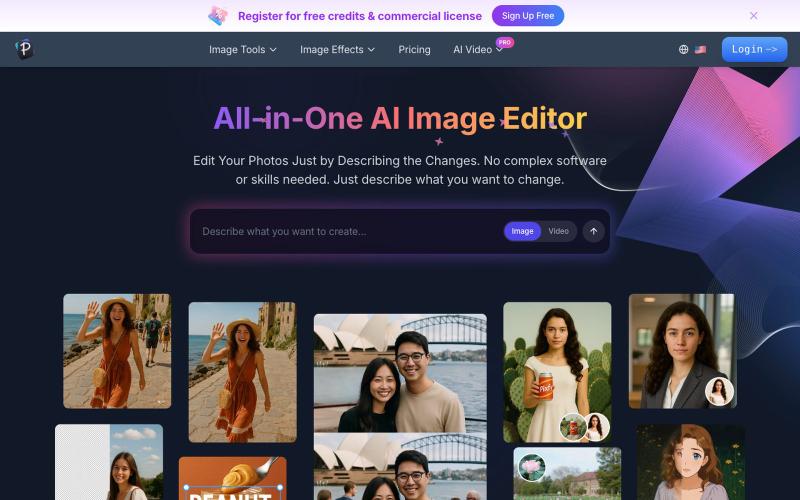
用文字描述来编辑照片:增强、去除背景、擦除物体、交换人脸。
AI 图像编辑器 — 图像编辑工具套件,集多种功能于一体。从照片质量、放大低分辨率图像、进行创意设计等等
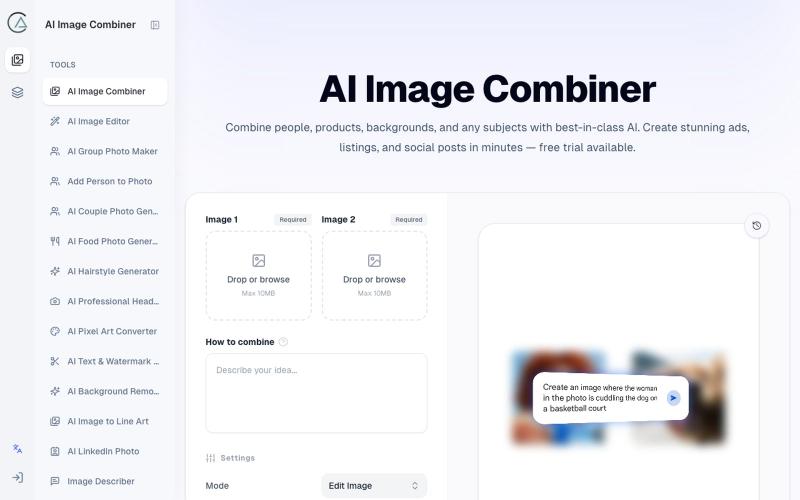
使用 AI Image Combiner 融合两张照片,快速生成专业级视觉效果。
ai image combine — AI 图像站,预设了一些场景的 prompt ,不用编写复杂的 prompt 直接使用
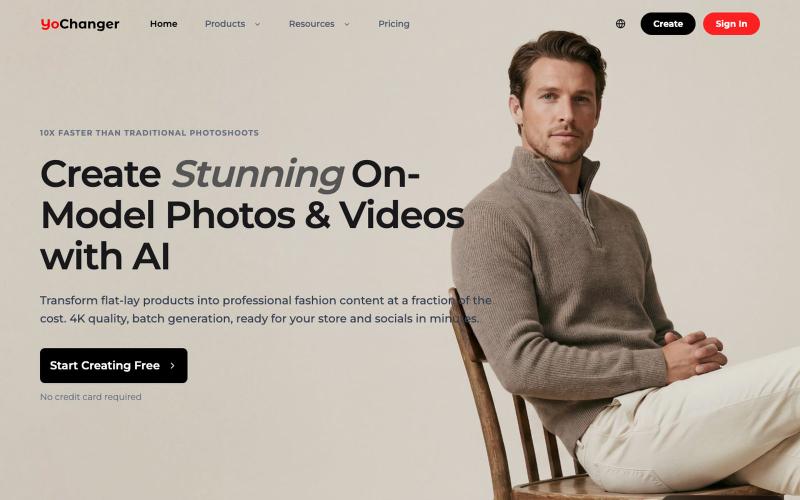
用AI将平铺商品照转换为穿衣效果图
YoChanger — AI 换装,在线试衣间