
实用工具2 weeks ago
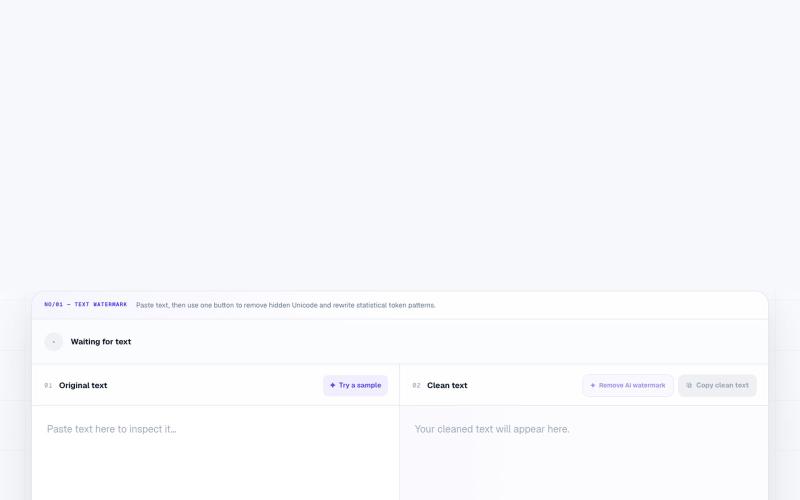
Free AI Watermark Remover for Text & Images | NoMark
NoMark - 在浏览器中移除文本和图像的AI水印和元数据
textcortex · HN
Remove AI Watermark from Text
完整作品展
技术栈
61 projects
NoMark - 在浏览器中移除文本和图像的AI水印和元数据
textcortex · HN
Remove AI Watermark from Text
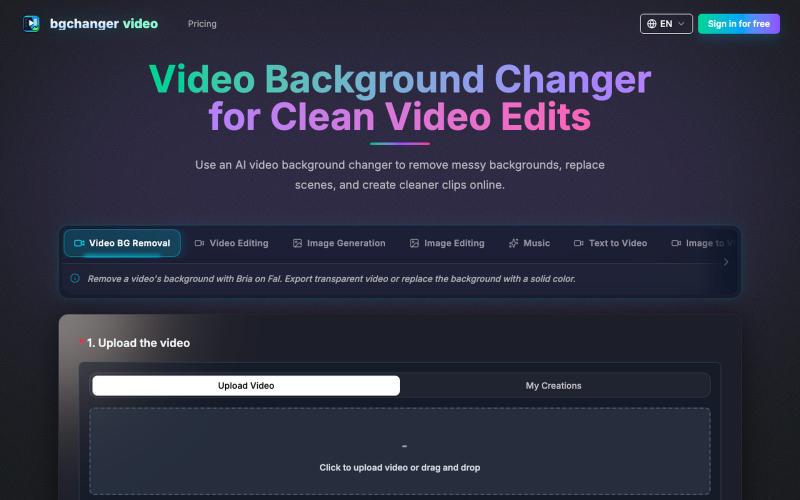
使用 AI 移除或替换视频背景,下载处理后的视频。
BGChanger - AI 视频背景移除与换脸 — 在浏览器中一键替换或移除视频背景,支持高精度 AI 换脸与基础视频剪辑,无需安装客户端与绿幕。
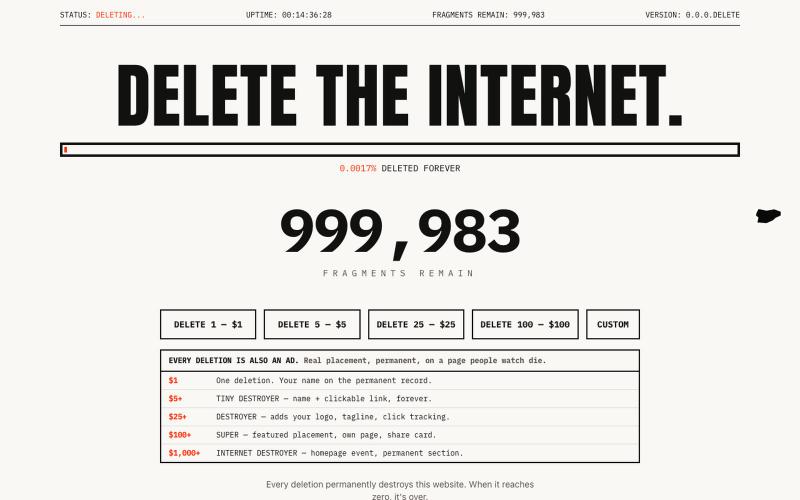
Pay to permanently destroy this website. Every deletion is forever. When it reaches zero, it's gone.

@webshark · X
I launched something stupid today. You can literally pay to destroy my website. Thought you’d appreciate it 😂
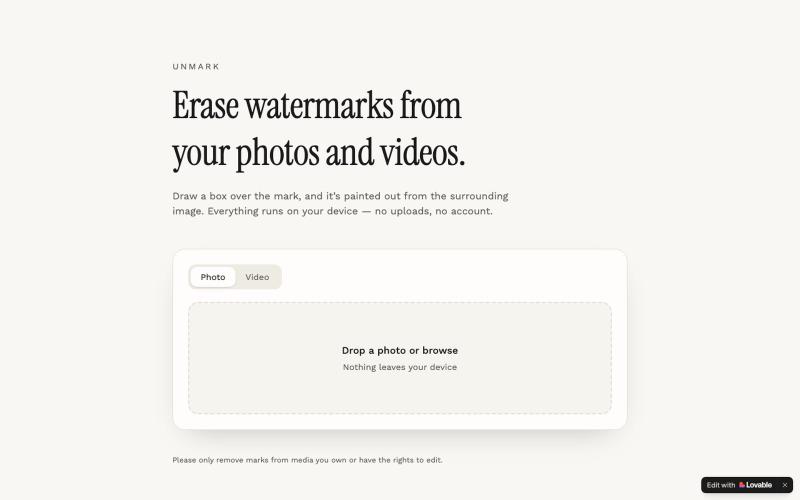
Unmark 可在浏览器中移除照片和视频的水印,绘制框区并擦除即可。

@ultra33gh · X
Check out what I just built with Lovable!
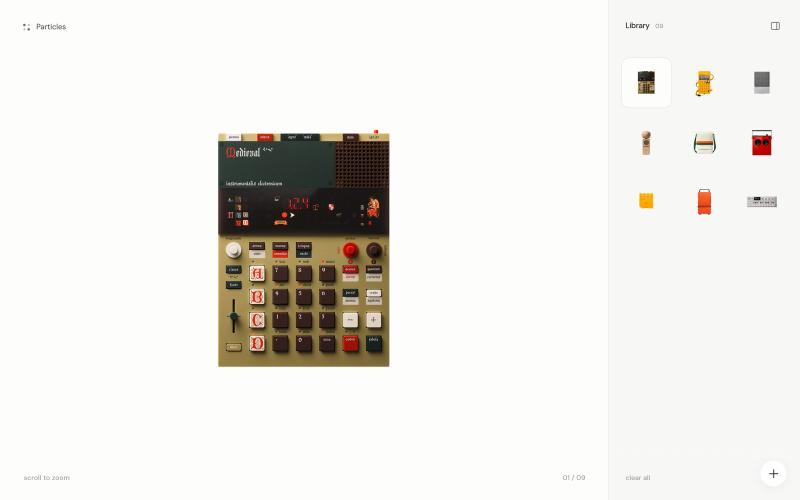
A tiny image playground where photographs dissolve into thousands of particles.

@TylerJBeauchamp · X
fun little particle experiment, built with codex 🤗 play with it here:
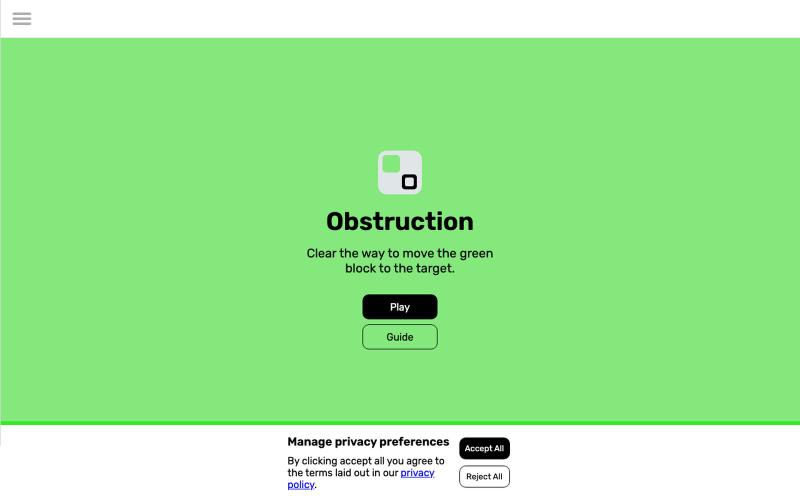
Obstruction 是一款日间滑动拼图游戏,不同颜色的方块有不同移动规则。
u/DailyObstruction · Reddit
Obstruction - A daily sliding puzzle Obstruction is a puzzle where the aim is to slide the green piece to the target. Sounds simple, but pieces have movement restrictions depending on their colour so the solution isn't always as easy as it seems. With a fresh puzzle every day and a short playtime, this game can become a fun habit that slips right into your daily routine. Compete with your friends to see who can solve it in the shortest time or fewest moves using the share button
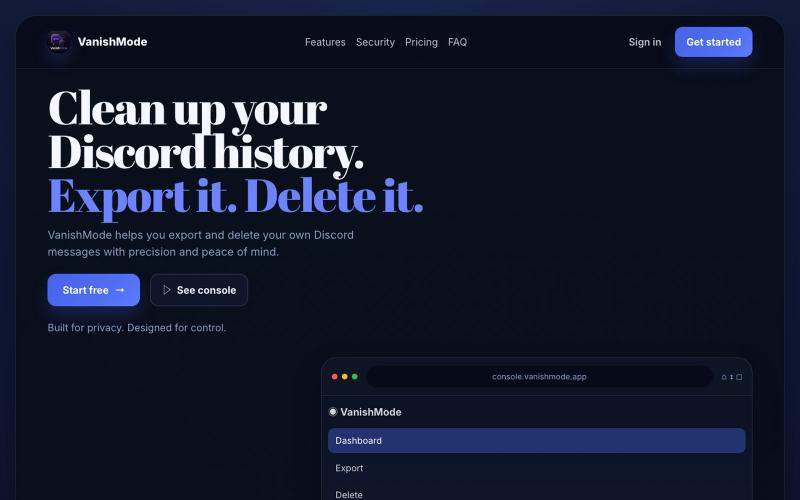
导出和删除 Discord 消息来保护隐私

@stephensternuk · X
Discord privacy export and delete...
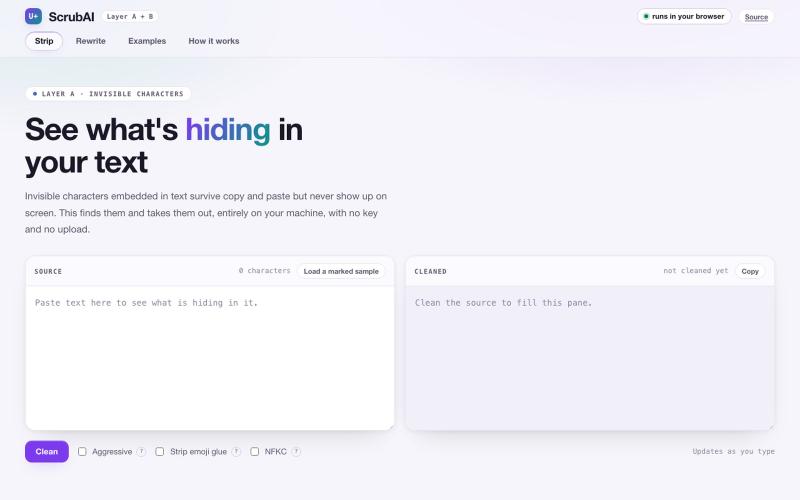
从AI生成的文本中移除隐形水印和统计水印。
yasir-mo · GitHub
AI-watermark-remover-GUI Tool to remove AI watermarks. It's tested for Claude text watermarking and is model agnostic and can be used to remove algorithmic watermarks.
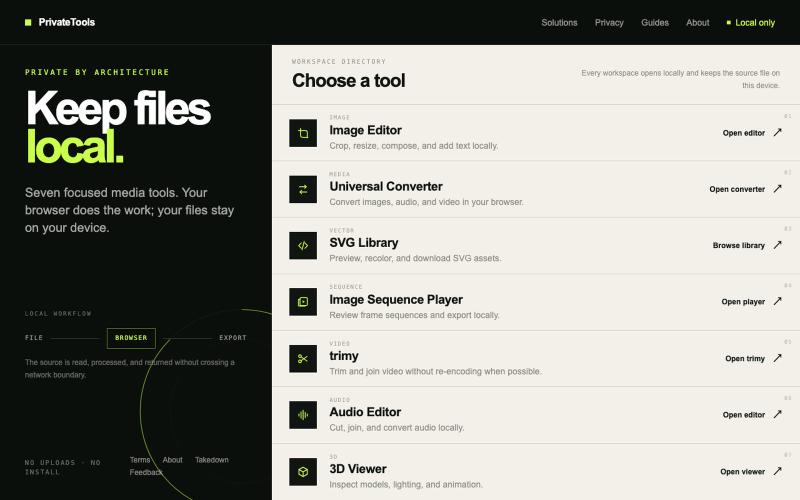
Edit images, convert files, browse SVGs, review sequences, trim video, edit audio, and inspect 3D models locally without uploads.

@motionvector3 · X
Useful online tools for creators
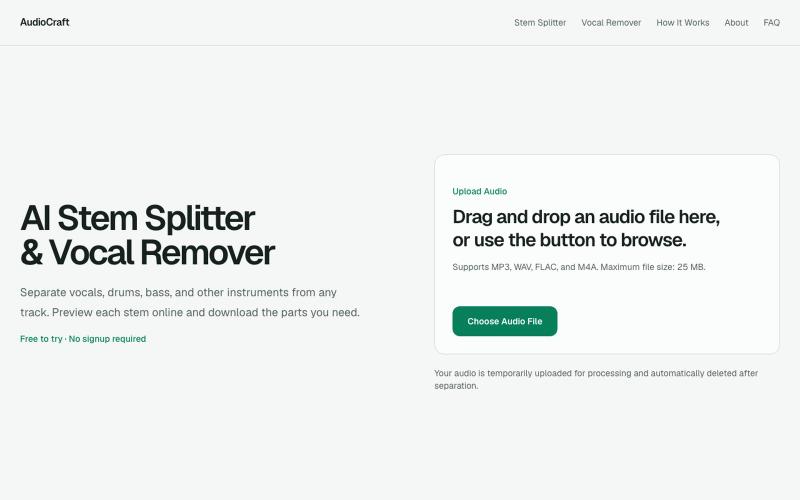
用浏览器AI工具将歌曲分离成人声、鼓声、贝斯和其他乐器。
gaoheyangnwpu · V2EX
AudioCraft – AI stem splitter and vocal remover with a browser-based mixer I’ve been building AudioCraft as a focused AI music tool for separating songs into useful stems. The main workflow is simple: * upload MP3, WAV, FLAC, or M4A * separate the track into vocals, drums, bass, and other instruments * preview the stems * mute, solo, and adjust individual tracks * create an instrumental version * download individual stems or all stems together AI Stem Splitter https://audiocraft.app/ A
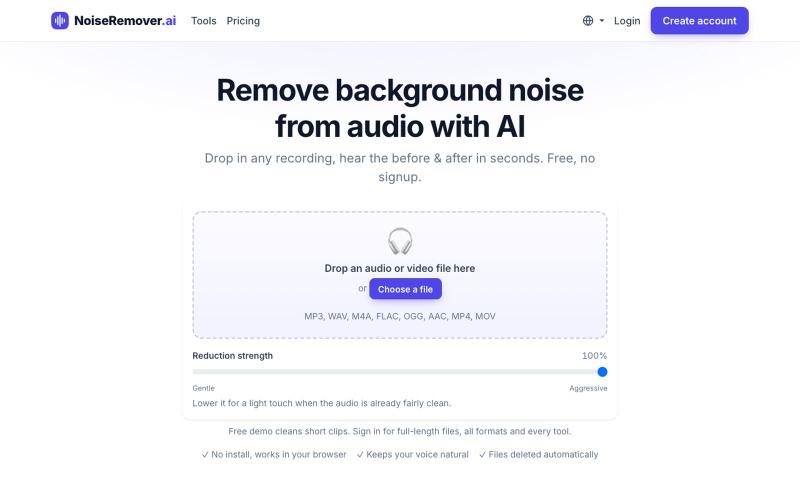
用 AI 移除音频和视频中的背景噪音。
nadermx · HN
NoiseRemover.ai – Remove background noise from audio

查找和删除暴露的个人数据,如地址和电话号码。

@erasepersonal · X