
创意工具1 week ago
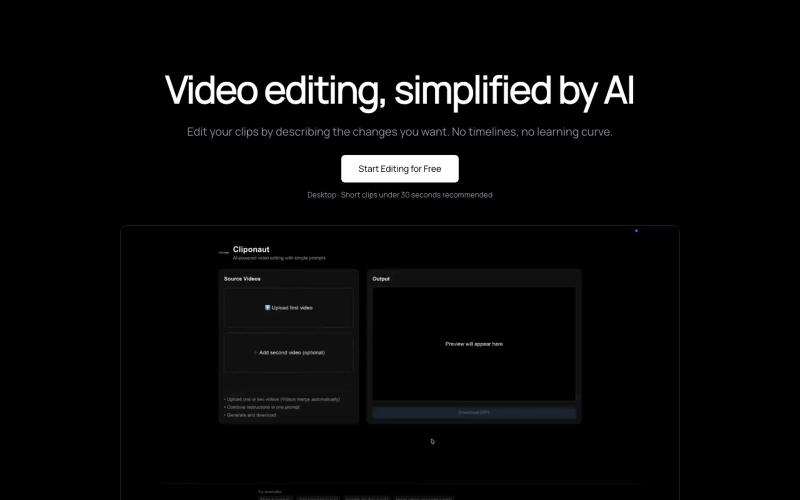
Cliponaut — Video editing, simplified by AI
通过描述来编辑视频。无时间轴。无复杂性。

@uxayaan · X
Building Cliponaut - ChatGPT for video editing
完整作品展
技术栈
23 projects
通过描述来编辑视频。无时间轴。无复杂性。
@uxayaan · X
Building Cliponaut - ChatGPT for video editing
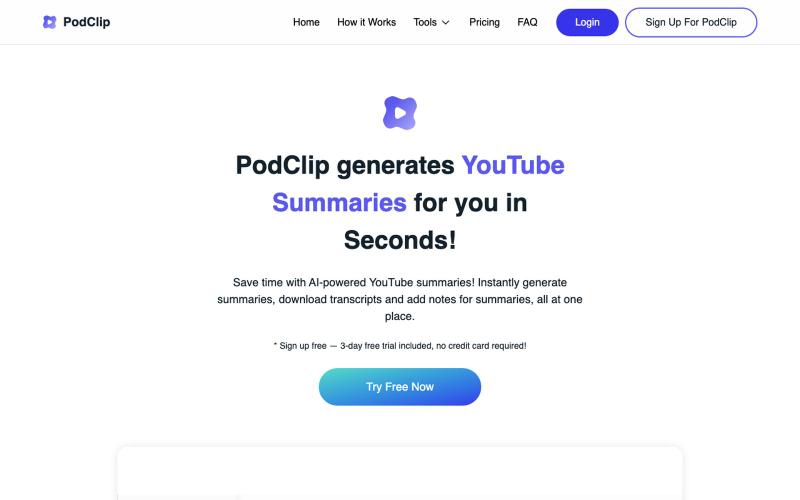
用AI摘要YouTube视频和播客,保存和下载摘要及文稿。

@slaven_ra · X
- recently added subscribe to Youtube channel feature to receive auto-summaries via email on each new published video
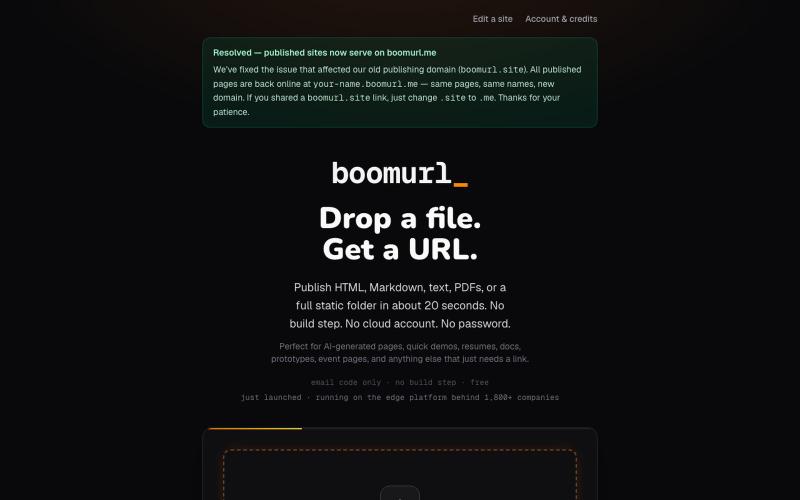
拖拽 HTML 文件或项目即可快速发布到自定义域名。

@dorongrinstein · X
drag and drop any .html and go live with a custom domain in 20 seconds
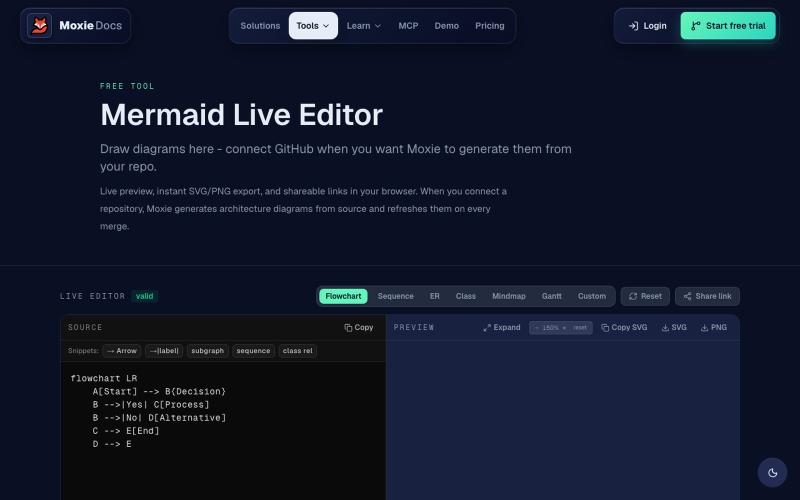
在线创建和导出流程图、序列图、实体关系图等 Mermaid 图表。
ghosts_ · HN
I've been slowly adding some new free tools to Moxie Docs (partly for SEO, partly to illustrate some of our feature sets before any commitment) for some reason this mermaid editor one blew up on Google rankings so I figured I'd share in case people find it useful! We also have ADR, AGENTS.md, LLMs, and a few other free tools.
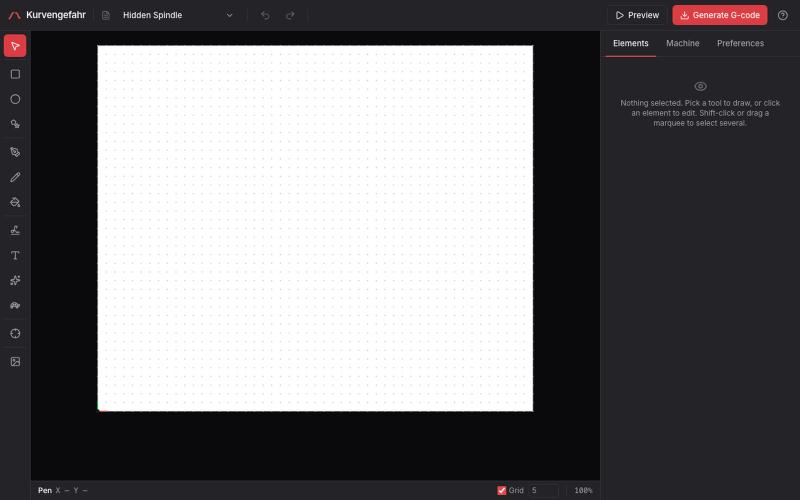
用于笔式绘图机的浏览器CAM工具,支持手写、文本和生成艺术。
tibordp · HN
Kurvengefahr – browser CAD/CAM for pen plotters
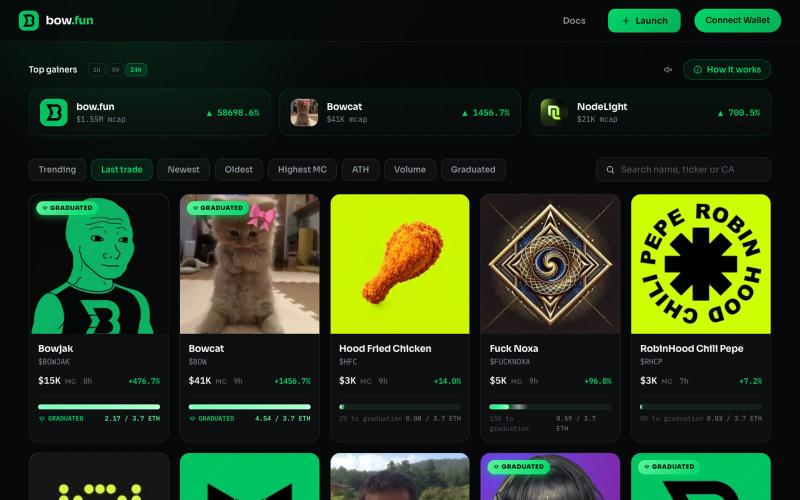
在Robinhood Chain上启动代币并锁定流动性。

@pino_999 · X
Just found after noxa rug & aped: 🏹 $BOW native Token 😻 $BOW Bowcat ♐️ $RBDH Robin Da Hood 🌈 $RAINBOW Rainbow 🐶 $DOGE dogewifbow 🐵 $STONKEY Stonk Monkey 💚 $GREEN Green App looks vibe coded NFA DYOR HF @RobinhoodCrypto @bowdotfun
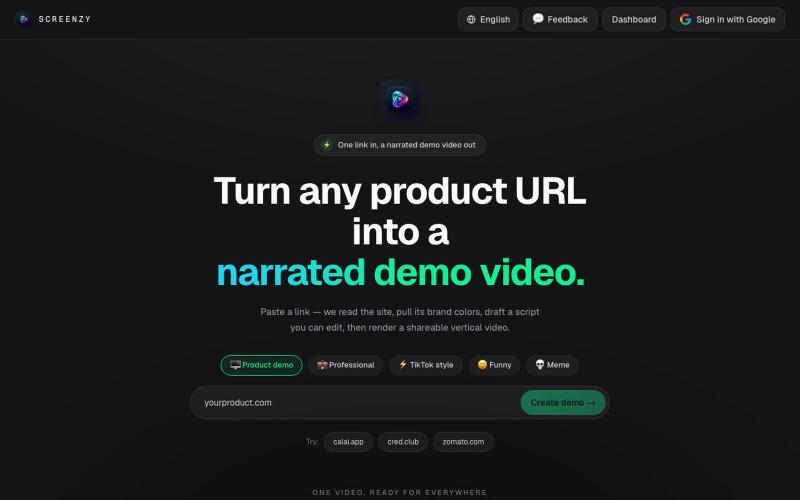
粘贴产品URL生成AI演示视频用于营销推广。
u/Rae_Shin_ · Reddit
Why spend hours making demo videos? Paste a URL and let AI do it These days everyone is building products, but promoting them is a completely different challenge. Recording demos, editing videos, adding captions, and making content for Shorts, TikTok, Reels, or ads takes a lot of time. So I built Screenzy.pro. Just paste your product URL, and it automatically creates product demo videos that explain what your product does. It works well for social media content, launch videos, tutoria
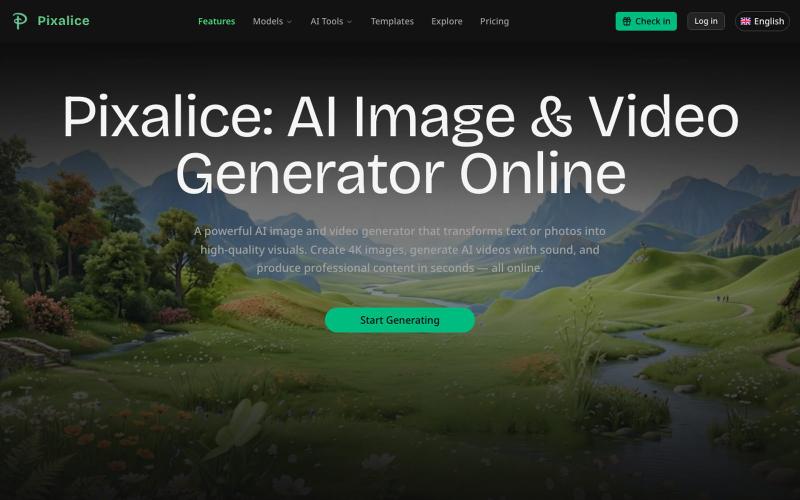
用多个AI模型和模板从文字或照片生成AI图像和视频。
Pixalice — AI 生图与视频生成平台,内置多个图片模板,一键生成,支持 Nano Banana、SeeDream、Sora2 等多种模型
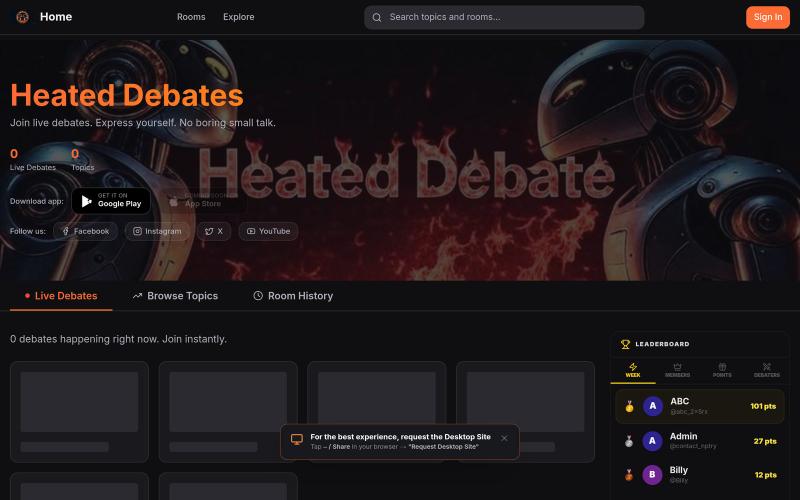
通过文字、语音和视频与他人讨论和辩论各种话题。

@nameisnotanoun · X
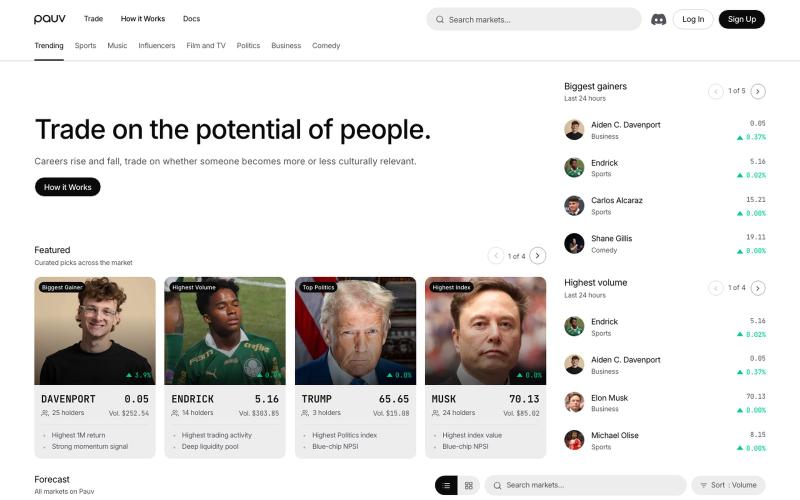
在Pauv交易实时公众舆情,投资于运动员、政治人物和文化名人。
u/Maleficent-Ad-5181 · Reddit
got roasted, made some changes, ready to get roasted again A few weeks ago, we posted about our marketing, and we got the following feedback on our website: I visited your site and have no idea what it is that you do This site is garbage 🙂 Very confused on what the website is for. Ai slop I have no fucking idea what your company does or how any of what I’m looking at works. Discouraging? A little. BUT it was actually very helpful to hear some brutal feedback we hadn't heard ye

ArtPlayer 免费浏览器视频和音频编辑工具,支持压缩、裁剪、合并和格式转换。
zhw2590582 · V2EX
最近对网站进行了重构,做成了免费的视频工具站:[ArtPlayer Tools]( https://artplayer.org/tools/) 主要是围绕着 ffmpeg.wasm 和 mediabunny 实现的一些可以直接在浏览器里用的视频/音频工具,常用的有: - 视频压缩:[Compress Video]( https://artplayer.org/compress-video/) - 视频裁剪:[Crop Video]( https://artplayer.org/crop-video/) - 视频合并:[Merge Video]( https://artplayer.org/merge-video/) - 视频尺寸调整:[Resize Video]( https://artplayer.org/resize-video/) - 视频旋转:[Rotate Video]( https://artplayer.org/rotate-video/) - 视频调速:[Change Video Speed]( https://artplayer.org/change-video-speed/) - 添加文字到视频:[Add Text to Video]( https://artplayer.org/add-text-to-video/) - 添加水印:[Watermark Video]( https://artplayer.org/watermark-video/) - 提取字幕:[Subtitle Editor]( https://artplayer.org/subtitle-editor/) - HLS 转 MP4:[HLS to MP4]( https://artplayer.org/hls-to-mp4/) - 音频可视化:[Audio Visualizer]( https://artplayer.org/audio-visualizer/) 大部分工具都是本地处理,文件不会上传到服务器。最开始是因为自己偶尔要处理一些视频,开剪辑软件又有点重,在线工具又担心隐私,所以就慢慢做成了一个站。 目前还在持续完善,体验肯定还有不少粗糙的地方,比如不同浏览器的兼容、移动端操作、长视频性能之类的。 网站: [ArtPlayer Tools]( https: