

创意工具2 days ago
Snapester - Turn Screenshots into Beautiful Visuals
用 Chrome 扩展和网页编辑器将屏幕截图转化为精美设计。

@buildwithshyam · X
完整作品展
技术栈
21 projects
用 Chrome 扩展和网页编辑器将屏幕截图转化为精美设计。
@buildwithshyam · X
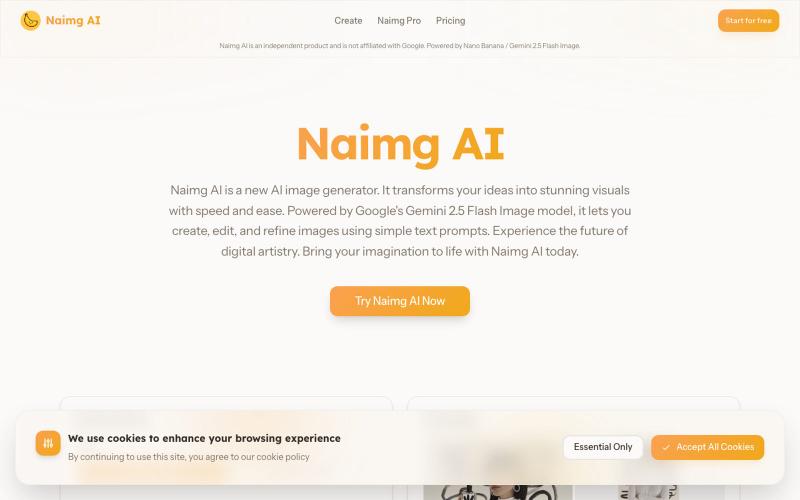
用 Google Gemini 生成和编辑 AI 图像
Nano Banana AI — 基于市面上最强的 AI 图像编辑模型 Nano Banana 开发的图片编辑器,用嘴改图、保持角色一致性、控制细节、图片融合
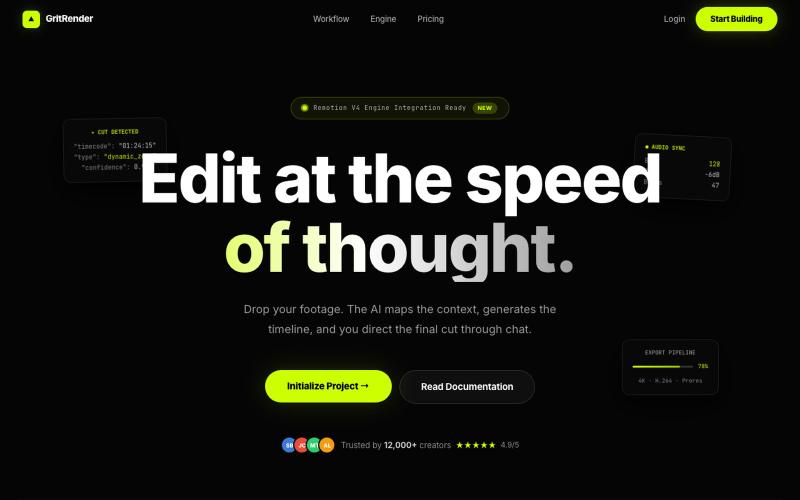
使用AI辅助编辑视频,同时保持完全的创意控制。
u/Juliur_ · Reddit
Built a "Cursor for Video Editing" because I couldn't stand another AI editor making decisions for me I've been building video tools for a while and here's my honest take: fully automated AI video editors are garbage. They cut the wrong frames, misplace captions, and you're stuck manually undoing everything. It's faster to just edit the damn thing yourself—but that takes 4+ hours per video. The problem isn't AI. It's that AI editors pretend they know better than you. They don't. So I buil
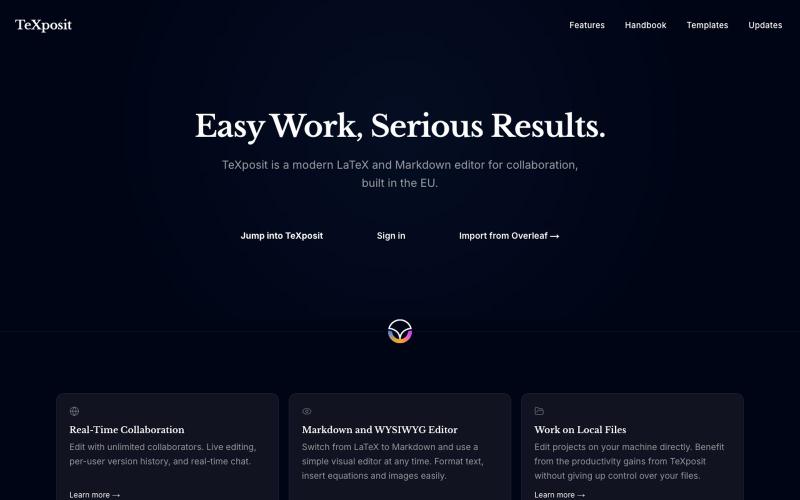
支持Markdown的协作LaTeX编辑器,提供实时编辑和参考文献管理。
danielszabo · HN
Online editor with LaTeX, Markdown, LaTeX+Markdown Hybrid and WYSIWYG (MD only) support, AI assistant with resource lookup and anti-hallucination features, live collaboration and more fun things. Still in quite early beta. First institutional deployment scheduled in the autumn. Feel free to play around.
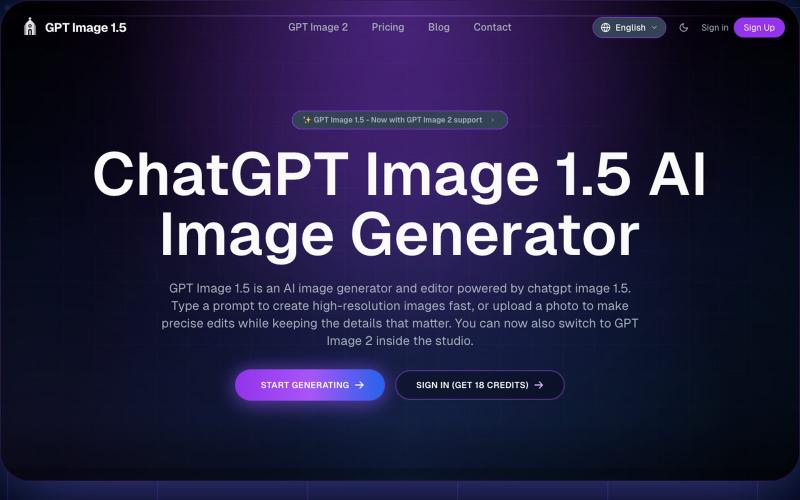
AI图像生成编辑工具,从文本或照片创建图像
GPT Image 1.5 — AI 图片生成网站,基于 GPT Image 1.5
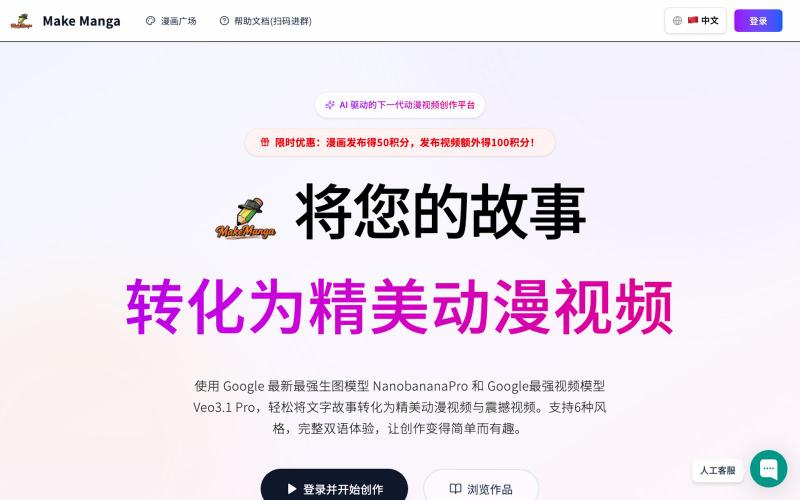
Make Manga:用 AI 将故事转化为漫画和视频。
MakeManga — AI 生成漫画,支持 Nano Banana 和 Seedream 4.0 模型,只需提供故事,剩下的分镜和角色生成等都交给 AI
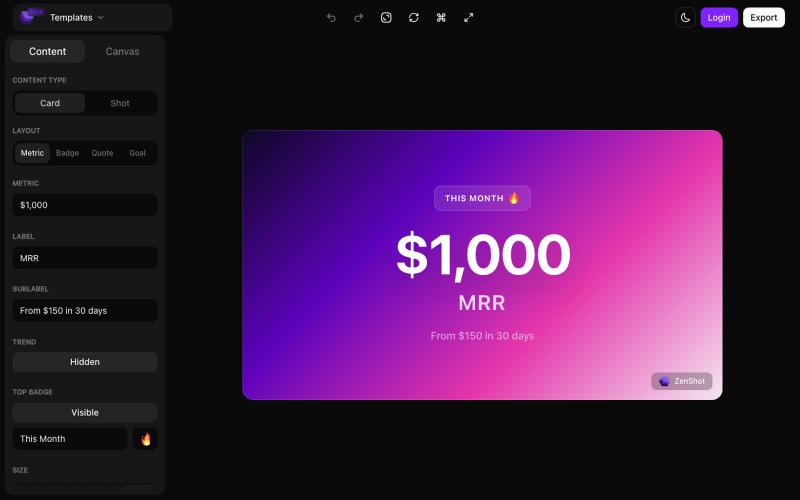
创建精美的 screenshots 和 progress cards,准备好与您的受众分享。

@shreyassihasane · X

通过文本提示生成和编辑AI图像,创建产品图、广告图、头像和缩略图。
Plugcamp · V2EX
最近在折腾一个小站,主要是围绕 Nano Banana 2 Lite 做图片生成和图片编辑: https://nanobanana2lite.me/ 一开始只是自己想要一个比较轻的入口,用来快速试 prompt 。后来发现每次测图都会遇到几个重复问题: - prompt 写完之后,不知道适合什么比例 - 文生图和图生图入口经常混在一起 - 想找几个可复制的 prompt 示例,但很多站要么太重,要么示例不够直观 - 只是想快速生成一张产品图、头像、广告图、封面图,不想进一个很复杂的工作台 所以就做了这个站。 目前主要有几个部分: - Text to Image:直接输入 prompt 生成图 - Image to Image:上传一张图,再用 prompt 做改图 - AI Image Editor:偏日常编辑,比如换背景、改光线、改风格 - Prompt Library:整理了一些可直接复制的 prompt - Gallery:放了一些 before/after 和示例图 我自己比较在意的是首页别太像传统 SaaS 落地页,所以最近一直在改视觉。之前太干了,后来加了一些更丰富的样张和暗色主题,但也还在调。 这个站不是 Google 官方产品,只是一个第三方工具站。现在更多是想把「轻量、直接、可复制」这件事做好。 如果大家有空的话,想请教几个问题: 1. 首屏看起来会不会太营销,还是说信息还算清楚? 2. 对图片工具来说,大家更想先看到生成表单,还是先看到效果案例? 3. Prompt Library 这种页面有没有用,还是大家更习惯直接自己写? 4. 如果你平时会用 AI 生成图,最常用的场景是产品图、头像、封面、广告图,还是别的? 欢迎拍砖,尤其是 UI 、文案、信息结构这块。 链接再放一次: https://nanobanana2lite.me/
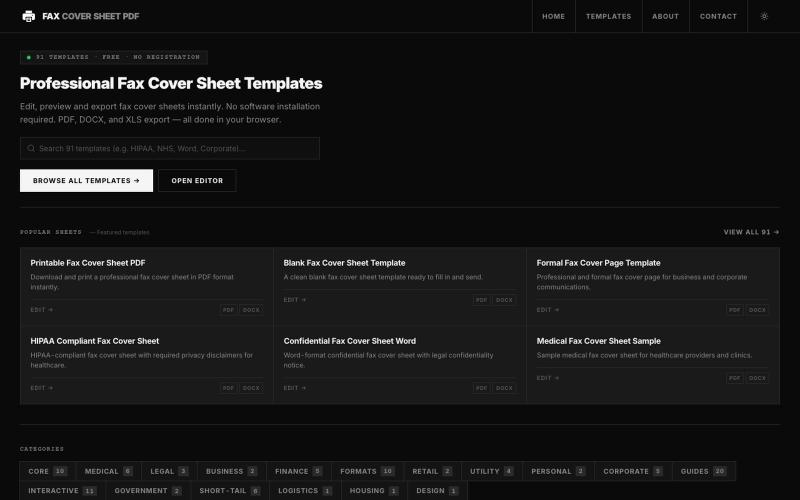
在线浏览和编辑50多种专业传真封面模板,无需软件。

@darsh0891 · X
Fax Cover Sheet PDF is a web-based repository providing zero-cost, printable, and fillable fax cover templates designed for administrative and regulatory compliance. #buildinpublic #saas #webapp