
开发者工具5 days ago
Coohoo — Click-to-comment feedback for staging sites
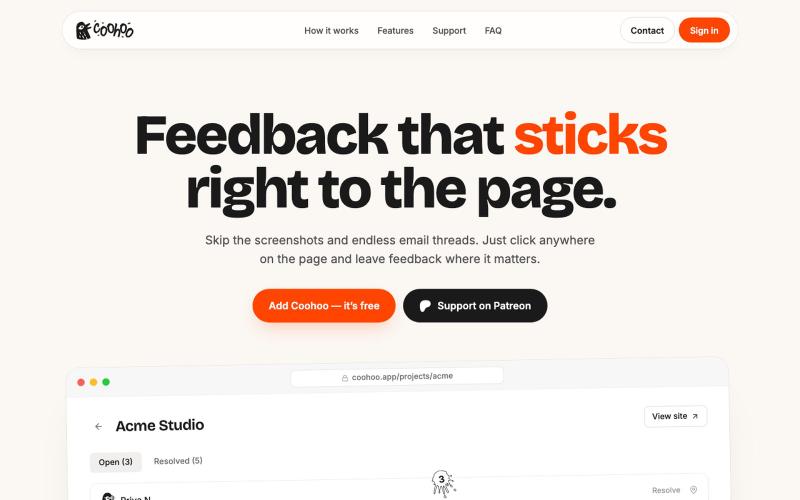
Coohoo 是一个无需登录的视觉反馈小工具,可在测试网站上点击元素留言。

@vova_tsurkan · X
Built my first app with @shipstudio_app Now Coohoo is live on Product Hunt! 🚀
完整作品展
技术栈
60 projects
Coohoo 是一个无需登录的视觉反馈小工具,可在测试网站上点击元素留言。
@vova_tsurkan · X
Built my first app with @shipstudio_app Now Coohoo is live on Product Hunt! 🚀
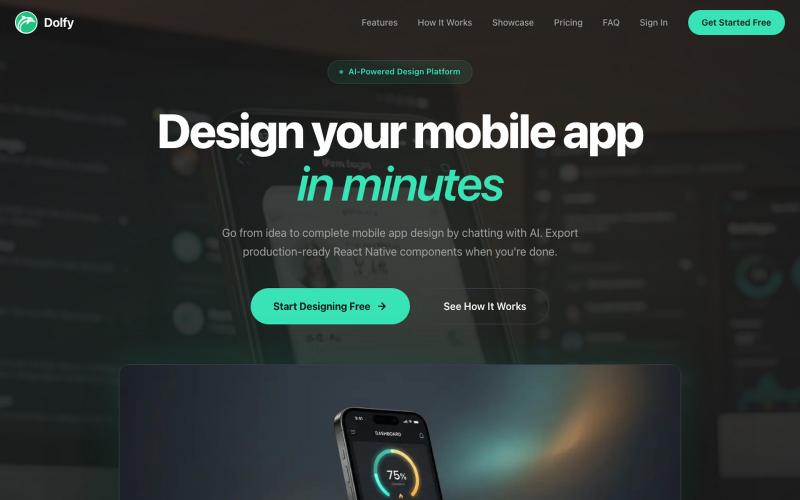
用AI引导设计移动应用,导出生产级React组件。

@DolfySocial · X
Vibe coders design for one screen size, then panic when a tablet or a small phone breaks the layout. Dolfy's token spec scales spacing and type proportionally, so screens hold up at every breakpoint without a second design pass. #mobiledev #vibecoding

使用AI设计电子邮件模板,导出为HTML或React Email格式。

@aaryanpatel_06 · X
If you have an app and you have to design emails, then you also have
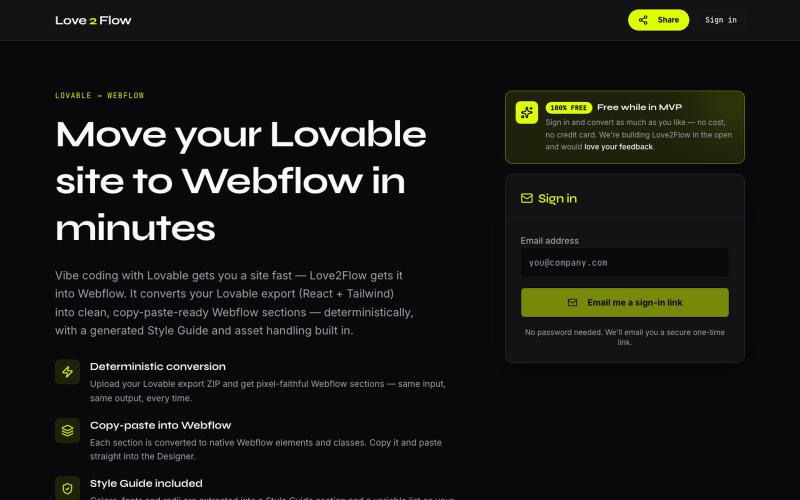
将 Lovable React 导出转换为 Webflow 可粘贴部分

@philippxroth · X
Turn your vibe-coded @Lovable site into clean, paste-ready Webflow sections. Upload your export, organize your migrations in projects, paste straight into @webflow. Free MVP. No password, no credit card — just a magic link and you're in. ✨
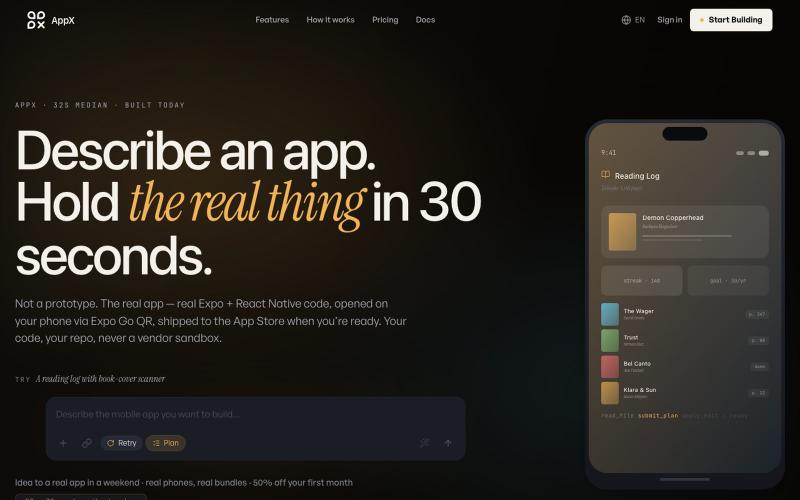
描述移动应用需求,AppX 即时生成生产级别 React Native 代码。

@ilyosme · X
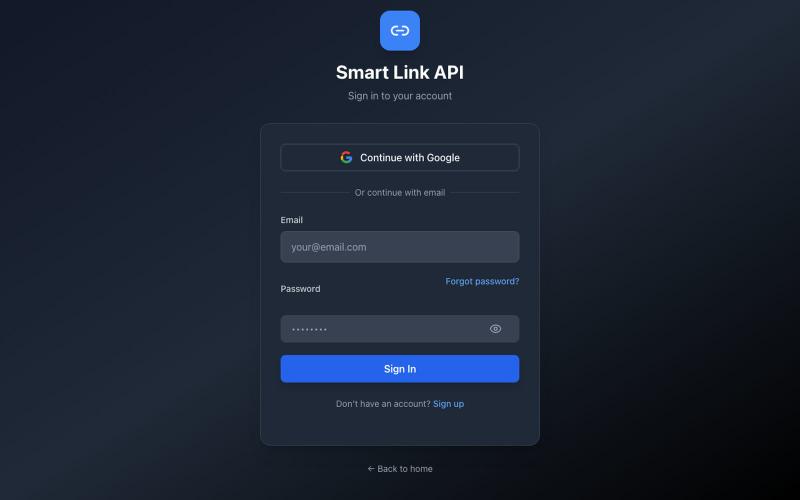
Smart Link:链接追踪平台,支持地理定位、机器人防护和A/B测试。

@smartlinkpro10 · X
Building Smart Link Marketing infrastructure for serious marketers. One platform replacing: → Link tracker → Bot protection → Geo targeting → A/B testing → Deep analytics

具有重新设计评论界面的社交平台。

@Asifansari6767 · X
Redesigned the comments page for Mews. The old one was vibe coded. Charcoal texts and bg everywhere. Everything inside cards. Very outdated design. let me know what you think of it. website: #vibecoding #uiux #productdesign
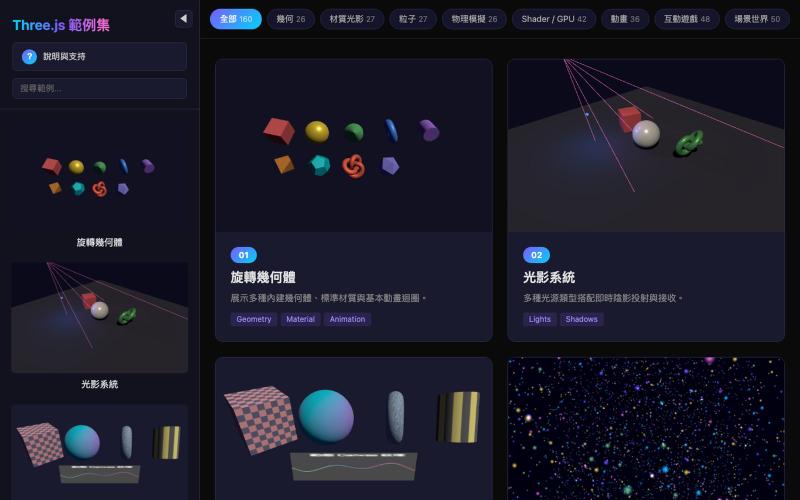
探索160个Three.js示例集合,了解3D网络图形和WebGL技术。

@maxchu2021 · X
160 Three.js examples built with Claude through vibe coding. AI didn’t replace coding—it accelerated experimentation and iteration. Next step: turning these demos into production-ready products. Link: #ThreeJS #WebGL #AI #Claude #VibeCoding
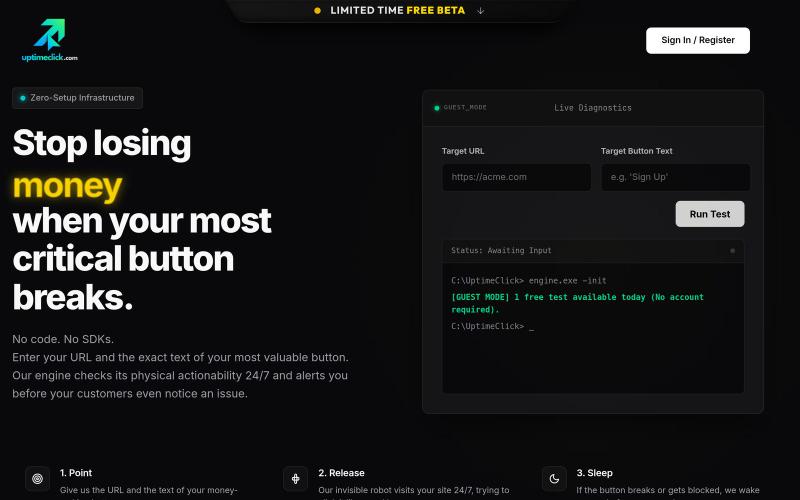
24/7 监控关键网站按钮,通过自动化浏览器测试并在故障时接收告警。

@ardayesilgul · X
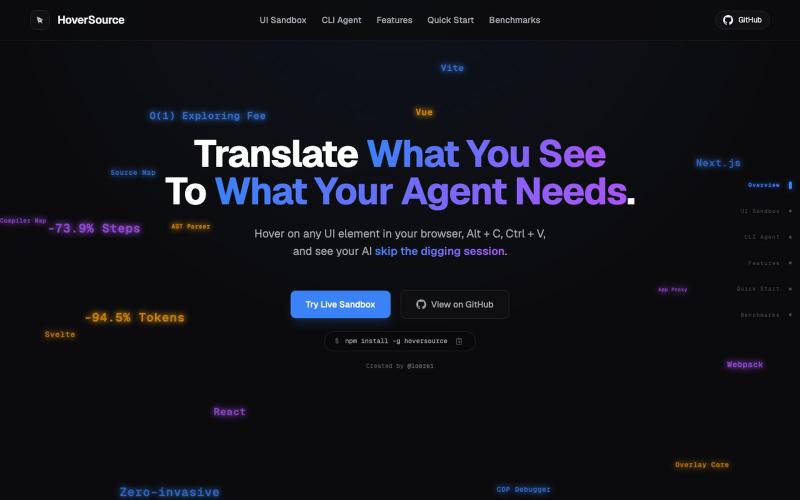
捕获UI元素及其代码上下文,与AI代理分享以调试视觉缺陷。
Loerei · HN
I found that describing where a broken UI is and taking screenshots for AI agents really sucks. I’m too lazy to explain an indescribable visual bug or capture a millisecond-long flash. I also don’t want to remember which file defines an element, whether it's right in the .tsx or a problem with the Parent Styles in .css. And even if you can point out the exact file, your agent still has to dig through thousands of lines of code to know what on earth you're yapping about. In a 7700-file monorepo like Cal.com, simply giving the right file in the prompt for your agent saves about 68.9% of execution time and 94.2% of the tokens your agent needs to digest. HoverSource gives all the needed information and further pushes it to -88.5% time and -94.5% tokens, basically skipping the entire digging session and jumping straight to reasoning and executing. The save is linear to how big your codebase is. I want to save tokens, but don’t want to spend my time and energy digging manually, and a junio
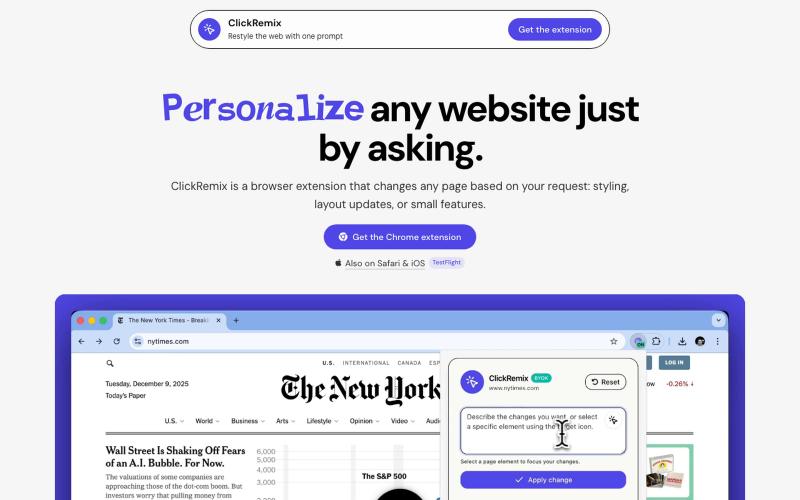
通过文本提示自定义网页样式、布局和小功能的浏览器扩展。
alentodorov · HN
built it in spring 2026--ready to share today. use opus 4.8 to create css and js snipptes to style the websites you visit the way you want. make nytimes more print-like, hn more matrix, or just replace any mention of AI with the :poop-emoji" -- your call.

用 Kitbase 跟踪事件、了解用户,快速发布产品。

@kitbasedev · X
We just launched, check us out at