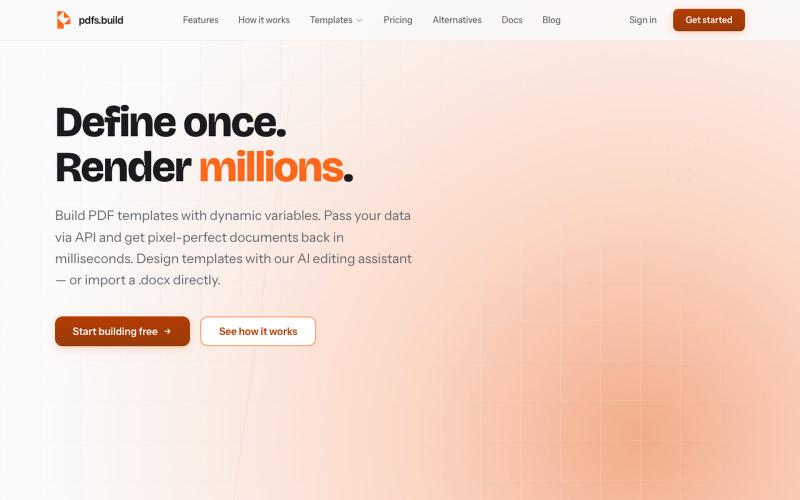
Zandovi — Design once. Generate thousands. Template-based design with variables,
使用模板和变量从CSV或API批量生成个性化设计。
@trebizant · X
Hi, I'm building : generating gift cards, invitations, basically any image using templates, variables by web or API
完整作品展
技术栈
29 projects

使用模板和变量从CSV或API批量生成个性化设计。
@trebizant · X
Hi, I'm building : generating gift cards, invitations, basically any image using templates, variables by web or API

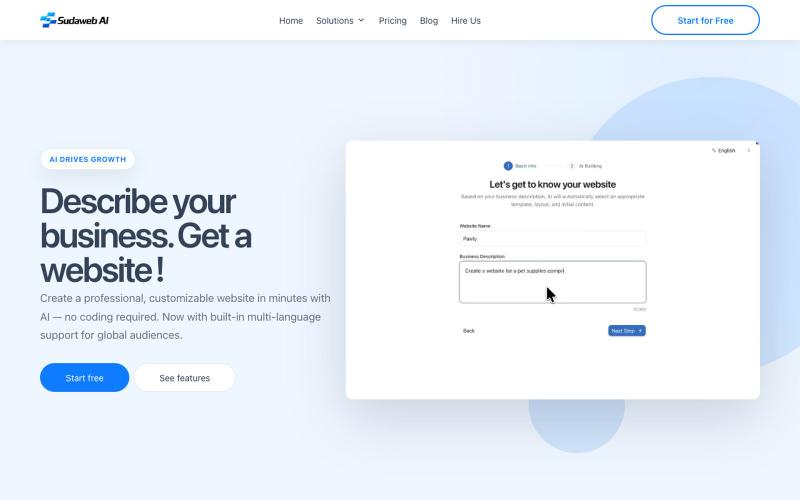
用AI或模板在几分钟内创建和发布专业网站,支持在线编辑。
@KhaledMMatar · X

为 Codex Desktop 设计自定义主题,调整背景、颜色、透明度和视觉效果。
plutozc · V2EX
做了个 Codex Desktop 主题预览和切换工具,先调好再安装 最近一直在用 Codex Desktop ,觉得默认界面看久了有点单调,就顺手做了个主题编辑工具,分享一下: [Codex Skin]( https://getcodexskin.com) 可以先在网页里预览主题,调整背景透明度、面板透明度、颜色、模糊和圆角等参数,满意之后再下载并切换到 Codex Desktop 。 目前支持: - 自定义 JPG 、PNG 、WebP 背景 - 在线实时预览主题效果 - 调整透明度、颜色、模糊、圆角 - 预览满意后生成安装命令 - 不喜欢了可以恢复默认外观 目前主要面向 macOS 上的 Codex Desktop ,还是个人项目,功能和兼容性都在继续打磨。 欢迎试试,也想听听大家对主题参数、预览效果和安装流程的反馈。 直接网址: https://getcodexskin.com [轻喷 轻喷,可能还有些 bug

一次编写,多格式导出为笔记、幻灯片、PDF、PPTX、DOCX 或画布。
@mr_wickedhacks · X
Write the doc once → get a notebook, slide deck, canvas, or resume from the same source. No rewriting for every format.

在共享层中记录产品决策、背景和推理,团队不会遗忘决策背后的原因。
@TimEngng · X
Stop losing the "why" behind product decisions -

生成式AI工具,可将各类素材转化为精美设计的幻灯片演示。
@leahlibest · X
the most aesthetic AI slides website

粘贴链接并选择模板来创建您的作品集页面。
@lovestolead · X
a founder focused linkinbio tool that has the most generous free tier including waitlist functionality. From nothing to elegant portfolio in a couple minutes.

在浏览器中用 Screely 创建专业截图效果图,支持框架、背景和标注。
@Aticmatic_com · X
of course for people:

输入软件名称和功能,AI一键生成软著申请材料
软著 Pro — AI 软著生成器,帮助用户生成软件著作权申请文档

Arbor Nota — 跨浏览器书签管理器,支持团队文件夹共享。
@TimoPrescott · X
I'm working on my bookmark app, It will allow users to manage all of their bookmarks in a singular Universal location, and it will allow teams the ability to share bookmarks in an intuitive way. I didn't like the existing options, so now I'm here 😎


为自由职业者创建客户获取社交媒体帖子的AI助手
@SlakzieArt · X