
生产力2 weeks ago
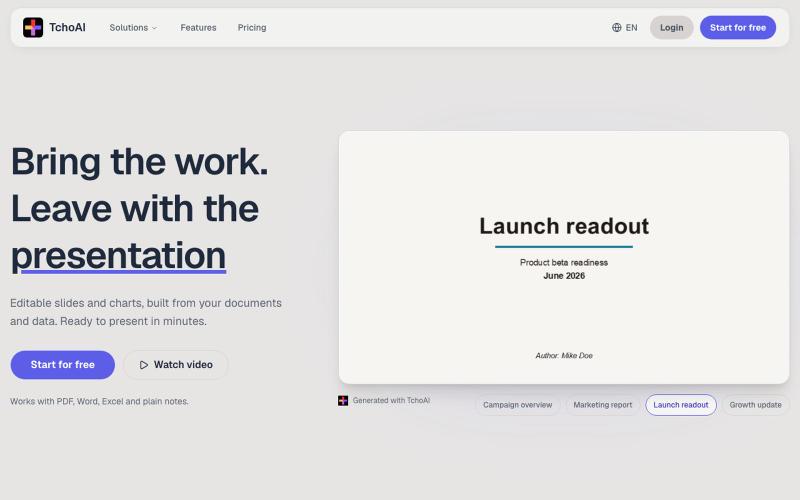
TchoAI - The AI workspace for presentations
TchoAI:将文档和笔记转换为可编辑的演示幻灯片和图表。
dyfang · HN
TchoAI – Transform your documents into editable slide decks
完整作品展
技术栈
20 projects
TchoAI:将文档和笔记转换为可编辑的演示幻灯片和图表。
dyfang · HN
TchoAI – Transform your documents into editable slide decks
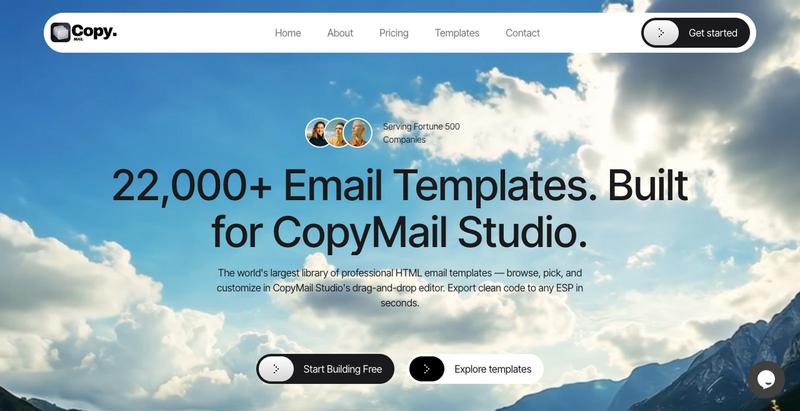
22,000+ HTML email templates. Drag-and-drop editor. Export to any ESP in seconds.

@sauravio · X
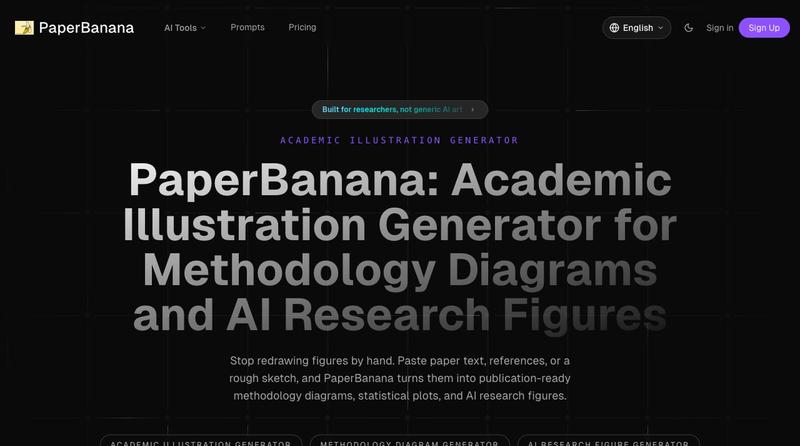
将学术论文和草图转化为发表就绪的研究图表。
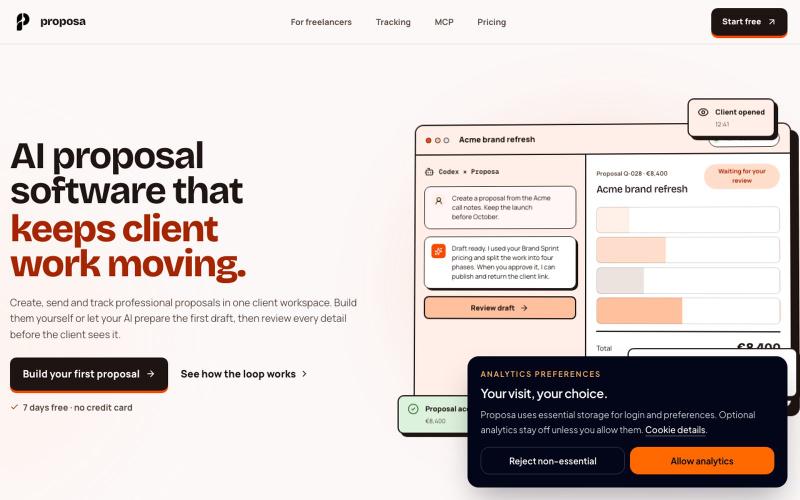
Create, send and track professional proposals in one client workspace. Draft with your AI, review every detail and start free for 7 days.

@manudecegliee · X
Proposals for agentic era.
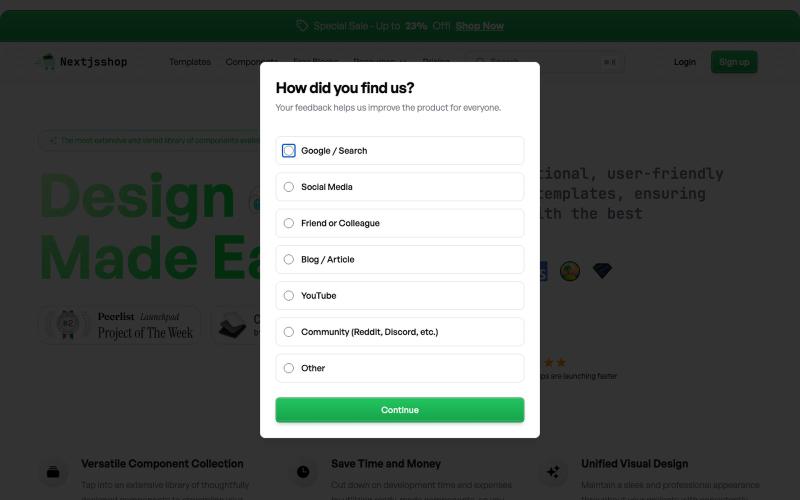
Browse premium multipage templates and components built with Next.js, Tailwind CSS, and modern CMS solutions. Designed for freelancers, developers, and small businesses.

@taher_max_ · X
Building and

使用AI设计电子邮件模板,导出为HTML或React Email格式。

@aaryanpatel_06 · X
If you have an app and you have to design emails, then you also have

为 Codex Desktop 设计自定义主题,调整背景、颜色、透明度和视觉效果。
plutozc · V2EX
做了个 Codex Desktop 主题预览和切换工具,先调好再安装 最近一直在用 Codex Desktop ,觉得默认界面看久了有点单调,就顺手做了个主题编辑工具,分享一下: [Codex Skin]( https://getcodexskin.com) 可以先在网页里预览主题,调整背景透明度、面板透明度、颜色、模糊和圆角等参数,满意之后再下载并切换到 Codex Desktop 。 目前支持: - 自定义 JPG 、PNG 、WebP 背景 - 在线实时预览主题效果 - 调整透明度、颜色、模糊、圆角 - 预览满意后生成安装命令 - 不喜欢了可以恢复默认外观 目前主要面向 macOS 上的 Codex Desktop ,还是个人项目,功能和兼容性都在继续打磨。 欢迎试试,也想听听大家对主题参数、预览效果和安装流程的反馈。 直接网址: https://getcodexskin.com [轻喷 轻喷,可能还有些 bug

使用 SpecIQ 自动生成符合标准的产品规格表和技术文档。

@speciq_app · X
is a documentation engine that transforms unstructured product details into professional, compliant technical documents. Unlike generic AI chat tools, SpecIQ provides structured templates and branded outputs tailored for real business use.