
创意工具2 months ago
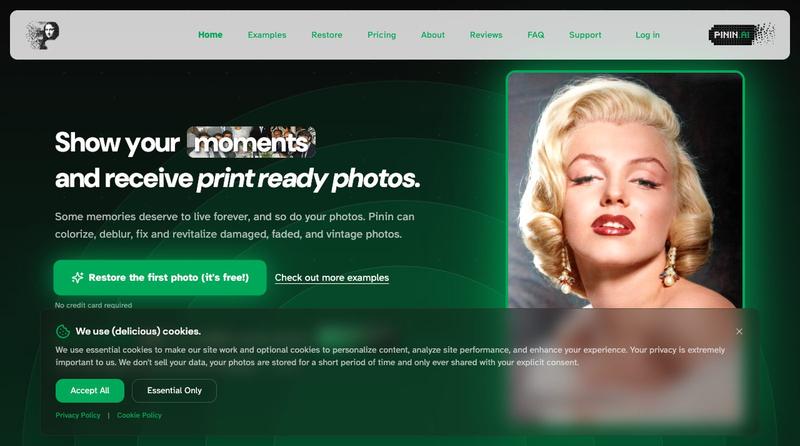
Pinin — restore, colorize, and enhance old photos with AI
使用AI修复和着色老照片,修复损伤并改善清晰度

@Umitech_AU · X
AI photo restoration without the AI slop.
完整作品展
技术栈
25 projects
使用AI修复和着色老照片,修复损伤并改善清晰度
@Umitech_AU · X
AI photo restoration without the AI slop.
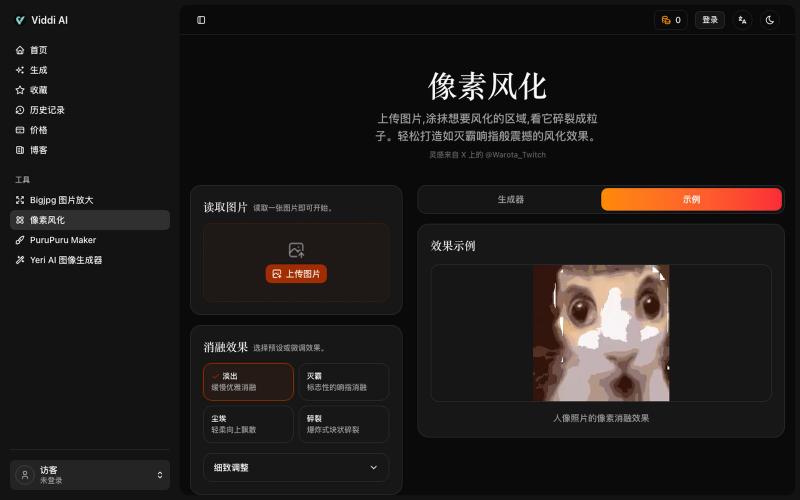
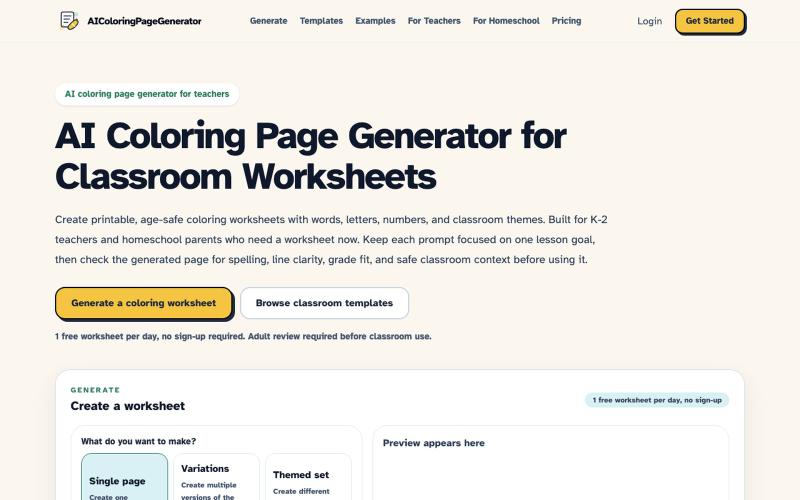
根据文本提示为小学低年级班级生成AI着色页。
robot1996 · HN
AI Coloring Page Generator for printable classroom worksheets
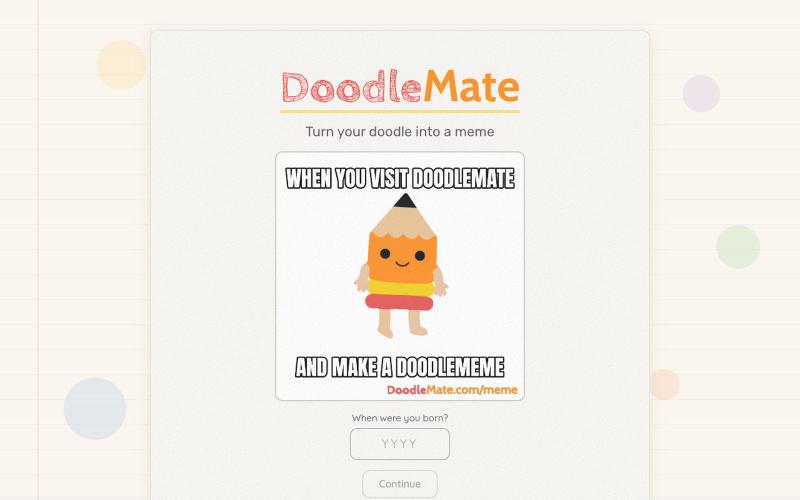
将手绘涂鸦转换为动画表情包。
hjessmith · HN
I like doodling, and I like character animation. I made a little tool that can animate your hand drawn characters and put them into an animated meme. It's free, there's no login needed, and it uses an animation pipeline (not generative AI) to create the outputs. Works on desktop and mobile. If you give it a try, I'd love to hear your feedback. Thanks!
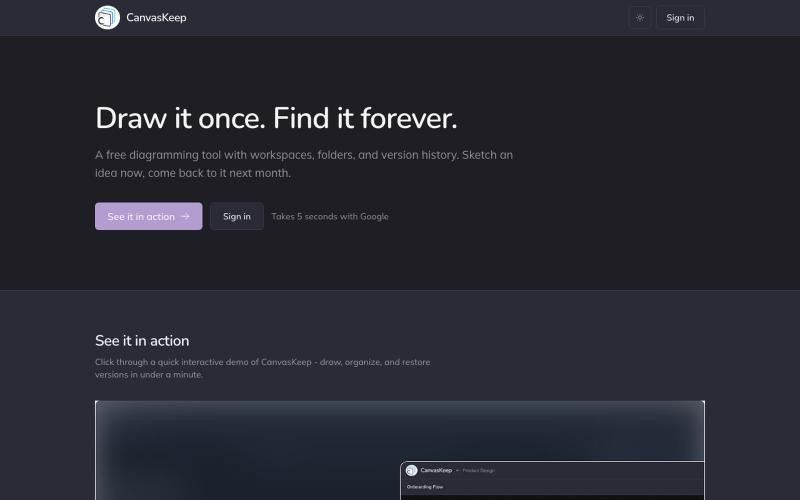
A free diagramming tool with workspaces, folders, and version history. Sketch an idea now, come back to it next month.

@_aniruddha_d · X
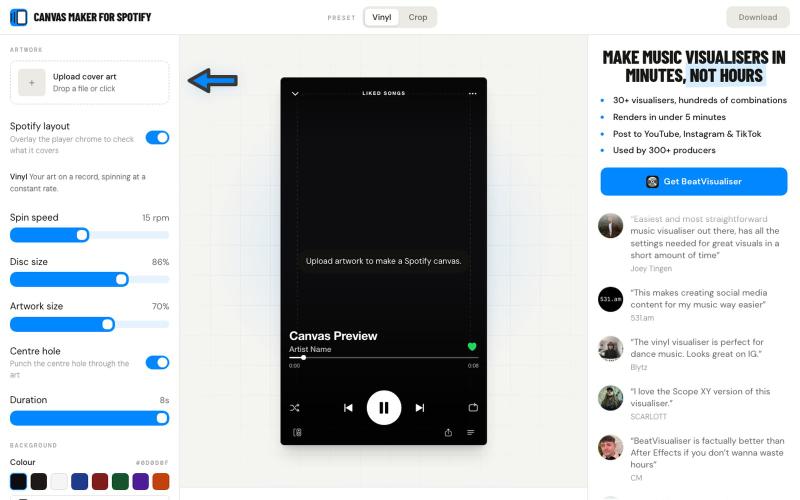
上传封面艺术生成 Spotify Canvas 8 秒循环视频
matherslabs · HN
CanvasForMusic – I made a free Spotify Canvas maker that doesn't suck
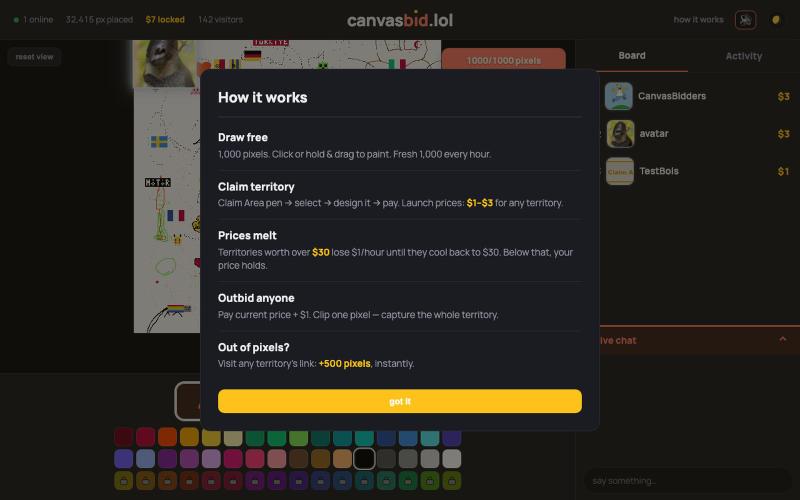
A live shared pixel canvas. Draw 1,000 pixels free — or lock glowing gold territory with your design and link before someone outbids you.

@canvasbid · X
checkout our new canvas at
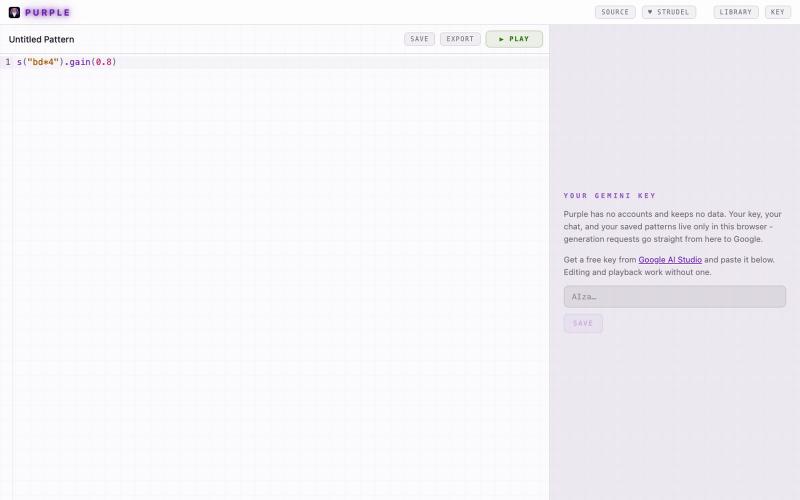
Make editable music with AI-generated Strudel patterns, directly in your browser.

@ferdousbhai · X
Vibe coding for music production is here. Open source, runs entirely in your browser. With AI music, typically you get audio you can't edit directly with fine-grain control. But with a Web Audio framework like strudel, the AI writes live-coding patterns and the code is the music.
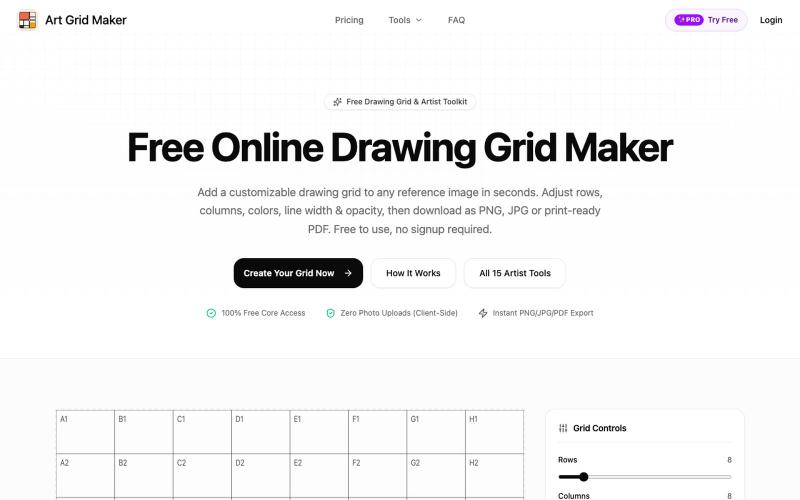
上传图片,添加可定制的网格辅助绘画练习,支持多种格式导出。
ShawnHacks · V2EX
做了一个免费的在线 Grid Maker,给画画/临摹用的 最近做了个小工具:[Art Grid Maker]( https://artgridmaker.com/) 主要是给画画、临摹的时候给参考图片加网格。上传图片后可以调整行列数、颜色、线宽、透明度等,然后导出 PNG / JPG / PDF 。 图片处理都在浏览器本地完成,不会上传服务器。 除了 Grid Maker ,还顺手做了一些绘画相关的小工具,比如比例计算、可打印网格、透视网格、Worksheet Maker 等。 目前还在持续完善中,欢迎大家体验,有任何建议或者发现 bug 都可以告诉我 🙏 [https://artgridmaker.com/]( https://artgridmaker.com/)
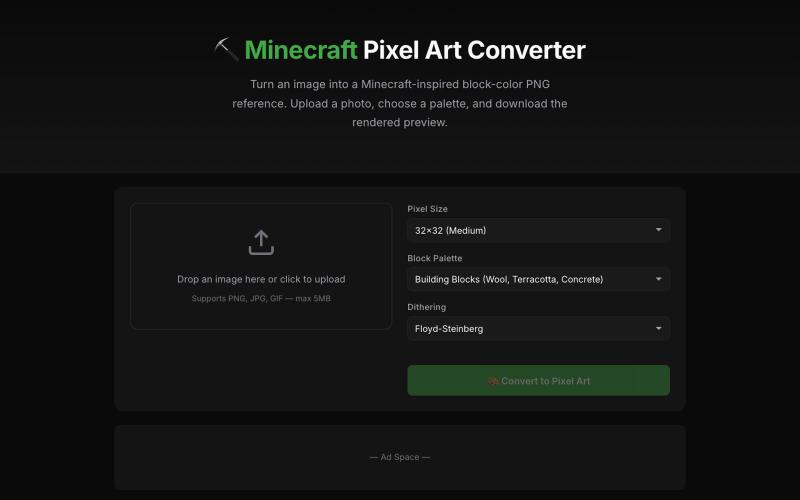
将图片转换为 Minecraft 像素画,可调整调色板和尺寸。
Minecraft Pixel Art Converter — 把图片转换为 Minecraft 方块像素画,支持调整尺寸、调色板并导出材料清单

为 Codex Desktop 设计自定义主题,调整背景、颜色、透明度和视觉效果。
plutozc · V2EX
做了个 Codex Desktop 主题预览和切换工具,先调好再安装 最近一直在用 Codex Desktop ,觉得默认界面看久了有点单调,就顺手做了个主题编辑工具,分享一下: [Codex Skin]( https://getcodexskin.com) 可以先在网页里预览主题,调整背景透明度、面板透明度、颜色、模糊和圆角等参数,满意之后再下载并切换到 Codex Desktop 。 目前支持: - 自定义 JPG 、PNG 、WebP 背景 - 在线实时预览主题效果 - 调整透明度、颜色、模糊、圆角 - 预览满意后生成安装命令 - 不喜欢了可以恢复默认外观 目前主要面向 macOS 上的 Codex Desktop ,还是个人项目,功能和兼容性都在继续打磨。 欢迎试试,也想听听大家对主题参数、预览效果和安装流程的反馈。 直接网址: https://getcodexskin.com [轻喷 轻喷,可能还有些 bug

Fudge: 浏览来自真实网站的设计灵感、字体和调色板。
sim04ful · HN
Fudge – Web Design References for AI
