
生产力2 weeks ago
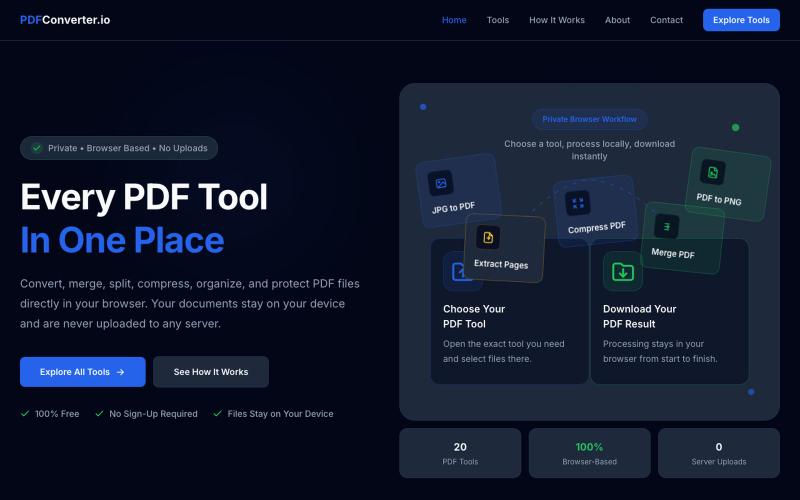
PDFConverter.io | Free Browser Based PDF Tools
使用20个免费浏览器PDF工具来转换、合并、拆分和压缩PDF文件。

@meuzairqureshi · X
完整作品展
技术栈
60 projects
使用20个免费浏览器PDF工具来转换、合并、拆分和压缩PDF文件。
@meuzairqureshi · X
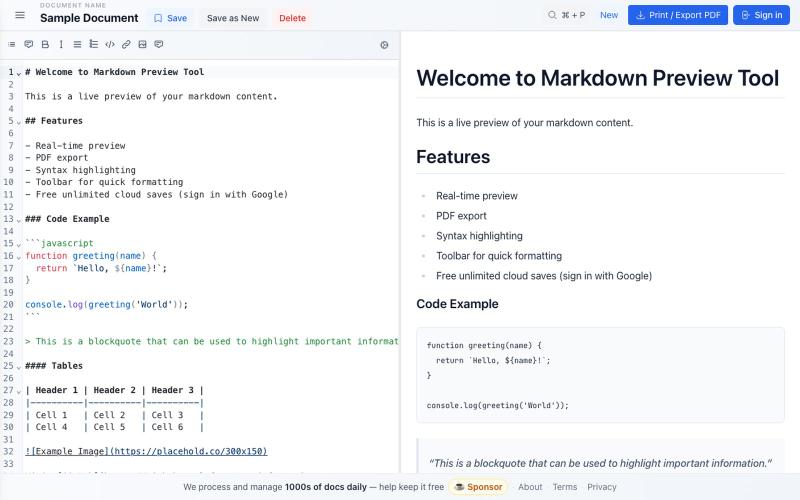
免费 Markdown 编辑器,实时预览、云保存和 PDF 导出。

@bheru_l · X

免费在线PDF工具,支持合并、拆分、转换和编辑,文件不离开您的设备。
u/Key_Caramel_5578 · Reddit
Built a free PDF toolkit solo (with AI help) — need feedback on the in-browser text editor before I keep pushing on it Been heads-down on this for a while: thepdftool.in Standard PDF stuff : merge, split, compress, convert, OCR — but most of the conversion tools run entirely client-side (WASM), so files never leave your browser for those. Built solo, leaned on AI tools for a good chunk of the code and debugging. The feature I care most about right now is an inline text editor :— click i
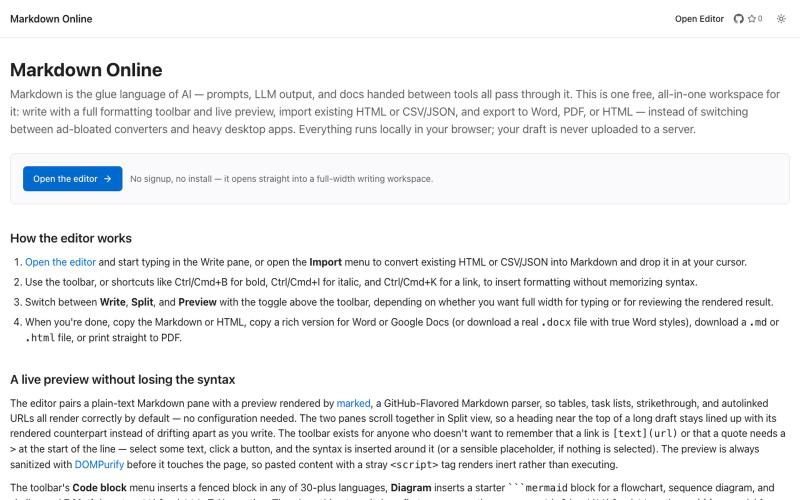
浏览器Markdown编辑器,支持实时预览和导出为HTML、Word、PDF。
u/Eleraffa · Reddit
Built a browser-only Markdown editor for my own daily LLM workflows — live DBML schemas, proper DOCX export, token counts Hey r/SideProject , I move a lot of text between LLMs, local docs, and web tools every day. I couldn't find a lightweight browser editor that handled a few specific micro-annoyances without shoving ads in my face, requiring a signup, or routing text through a server. So I vibe-coded Markdown Online (mostly hacked together with Claude) to solve my own itch. It’s a plai
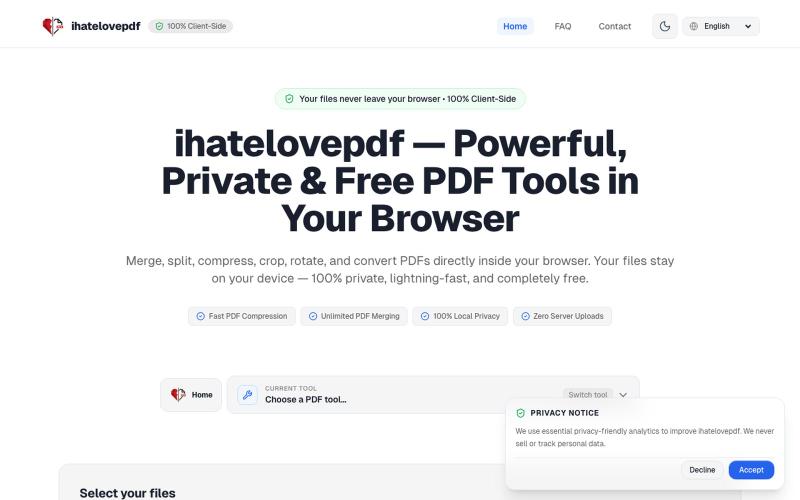
在浏览器中本地合并、压缩、分割和转换 PDF 文件。

@notApplicaky · X
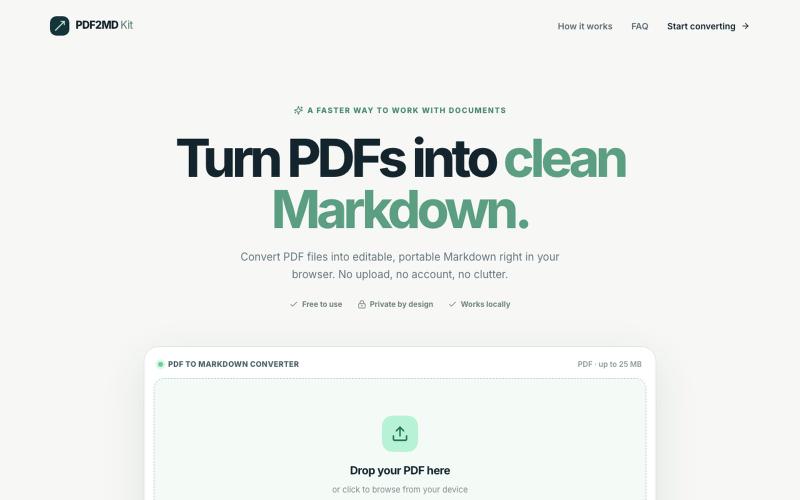
在浏览器中本地将 PDF 转换为 Markdown,无需上传文件。
halofanfan · V2EX
做了个浏览器本地处理的 PDF 转 MD 工具: PDF2MD Kit 因为经常要把 PDF 转成 Markdown 进笔记软件,觉得网上的工具太重还要上传服务器,就自己写了一个:**[PDF2MD Kit]( https://pdf2mdkit.com/)** * **纯前端解析**:文件零上传,比较安全 * **轻量**:无广告、免登录、最大 25M * **导出标准 .md** 网页地址:[https://pdf2mdkit.com/]( https://pdf2mdkit.com/) 第一次发,欢迎试用和反馈 bug 。
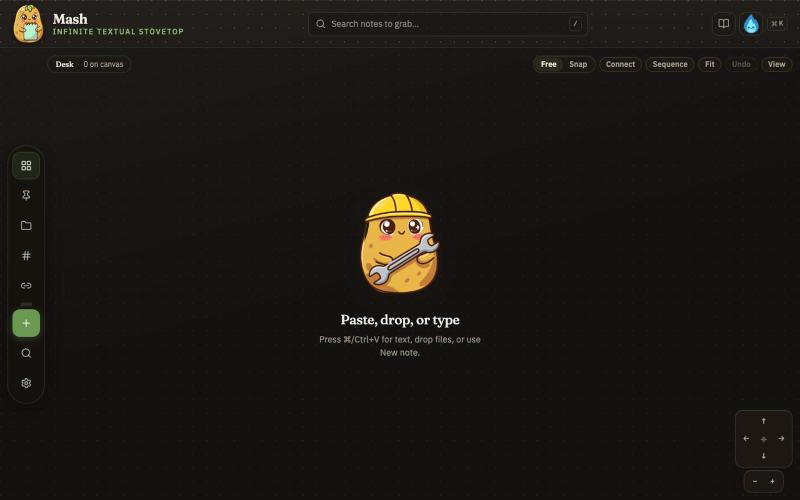
在无限画布上创建笔记,组合并导出为 PDF 页面。

@JonnyD · X
I'm happy to announce "Mash" A local first browser based app for compiling notes and ideas on an infinite canvas. Make as many notes as you want, drag and drop to "Mash" them by combining. Create "sequences" that allow you to export a pdf with each sticky as it's own page. Drop in PDF or DocX or images to easily browse the file and select your favorite clippings to a new canvas, and manipulate them or export them how you want to. Drop a GIF to get all the individual frames. Mash features a roster of cute food themed mascots because this is your infinite textual stove top. Pull in some ingredients, mash them together, stitch them together, arrange them into a flow chart, whatever you find useful, and then get out quickly. Mash is for the little moments that speed up work, and the spontaneous thoughts that inspire new directions. There is no fancy AI feature, no data collection, no login, just a utility for you. Free open source licence. Run it offline if you want
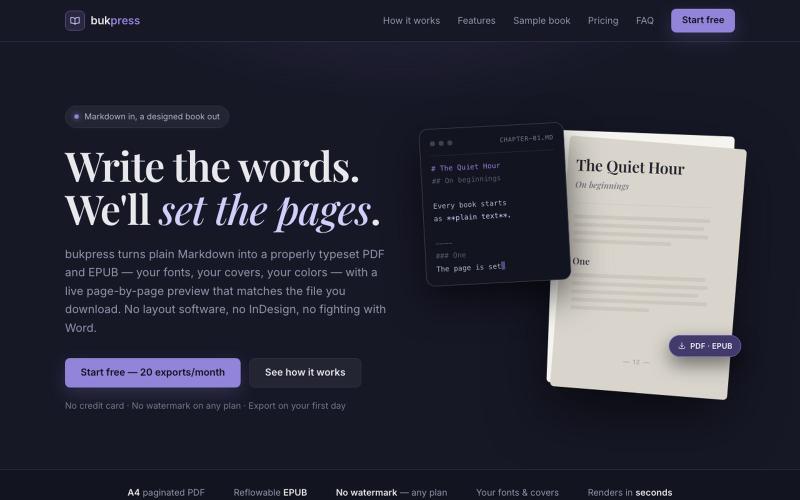
将 Markdown 转换为排版精美的 PDF 和 EPUB,支持自定义字体和颜色。

@hiddenbydigital · X
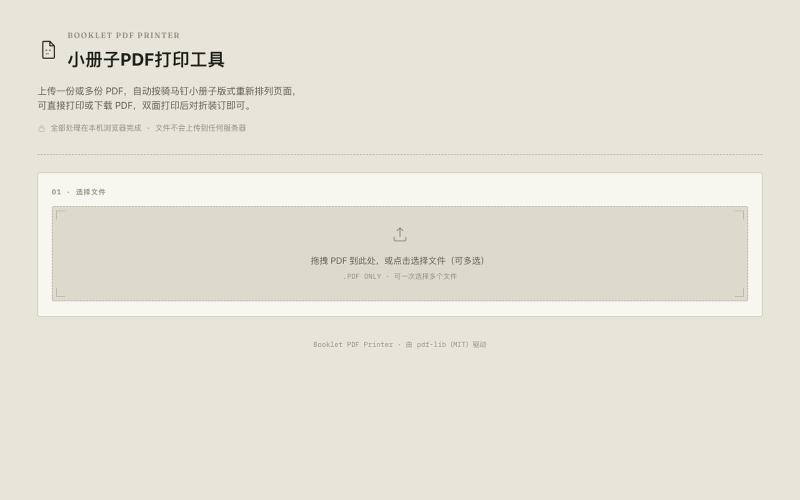
将A4 PDF转换为双面A5小册子,节省纸张。

@33357xyz · X
最近买保险发现文件太多了不好打印。就做了一个小册子打印网站,可以吧A4的pdf双面打印成A5的小册子,节省一半的纸张。网站可以预览小册子的效果,支持手动双面打印和自动双面打印,感兴趣的可以来玩玩。
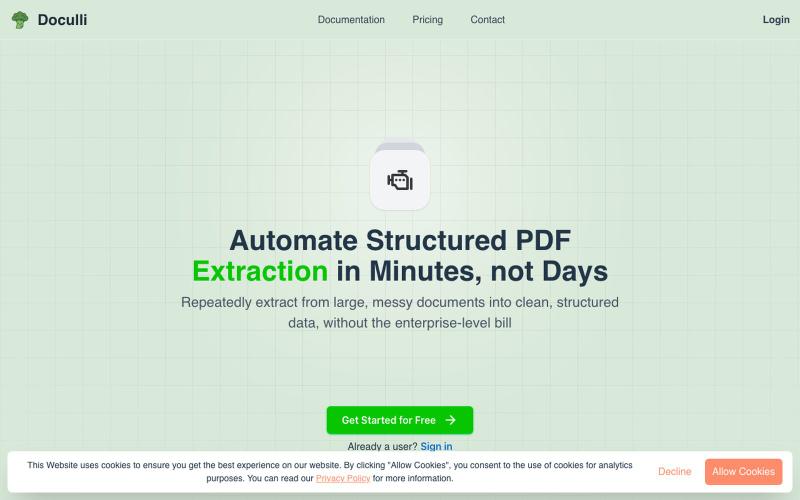
从 PDF 自动提取结构化数据,用于工作流自动化。
u/yonnnyy · Reddit
How should I revive my Saas after 300 hours spent developing To provide context, a couple months ago I created a pdf to JSON ai extraction engine. I know... There are hundreds of products like this but for me the value proposition is that other solutions were heavy weight, expensive, non intuitive templates, and was slow. Therefore I created my own and I met my goals. I see genuine value in my product but the lack of users says otherwise. I think my best option is to build on top of this
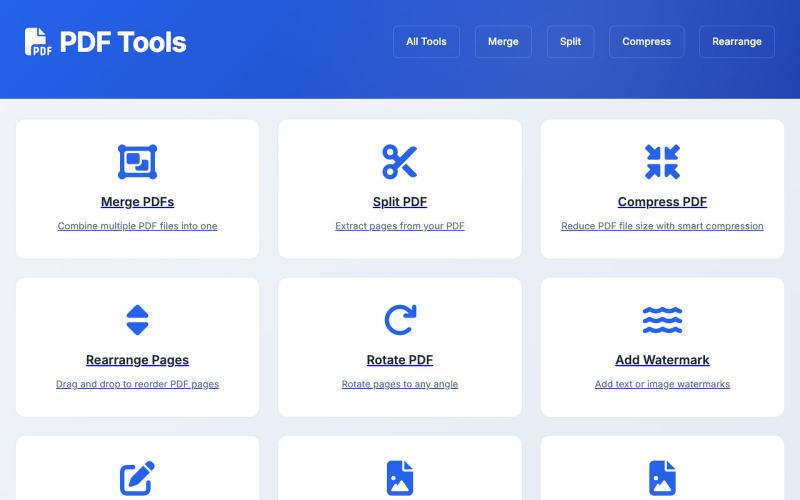
基于浏览器的PDF工具,支持编辑、转换和文档管理。

@influnexe · X
thanks James. you can use all my tools for free here😄 :
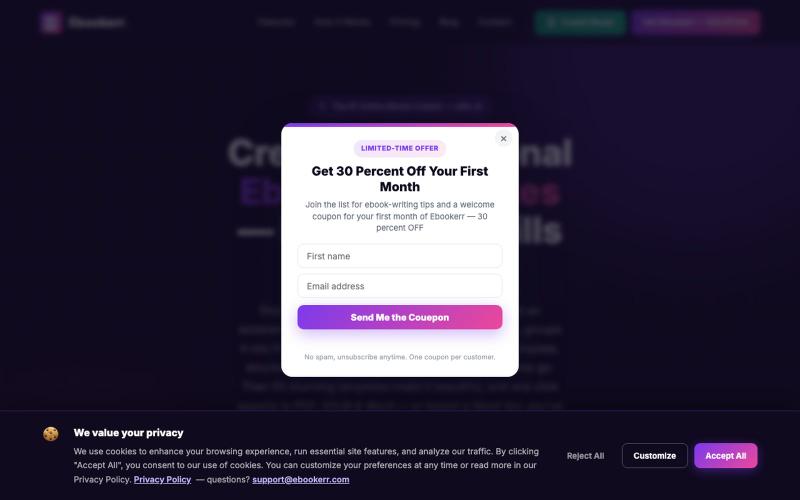
用AI写作助手和专业模板快速创建、设计和发布电子书。
ebookerr · Product Hunt
ebookerr - Your Ebook Creator Create a complete ebook with AI — no writing skills needed