
生产力17 hours ago
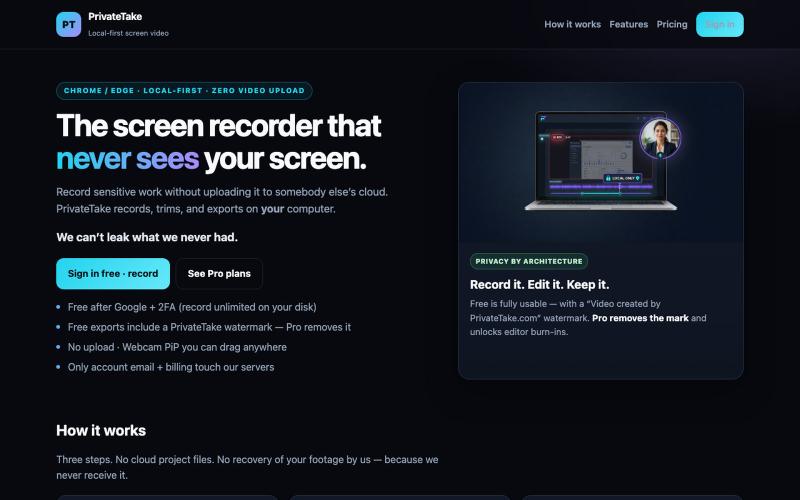
PrivateTake | Local-First Private Screen Recorder
在本地录制和编辑屏幕视频,无云存储和上传。

@MarkZofMarkZ · X
Screen Recorder that doesn't share your recordings to the cloud:
完整作品展
技术栈
60 projects
在本地录制和编辑屏幕视频,无云存储和上传。
@MarkZofMarkZ · X
Screen Recorder that doesn't share your recordings to the cloud:
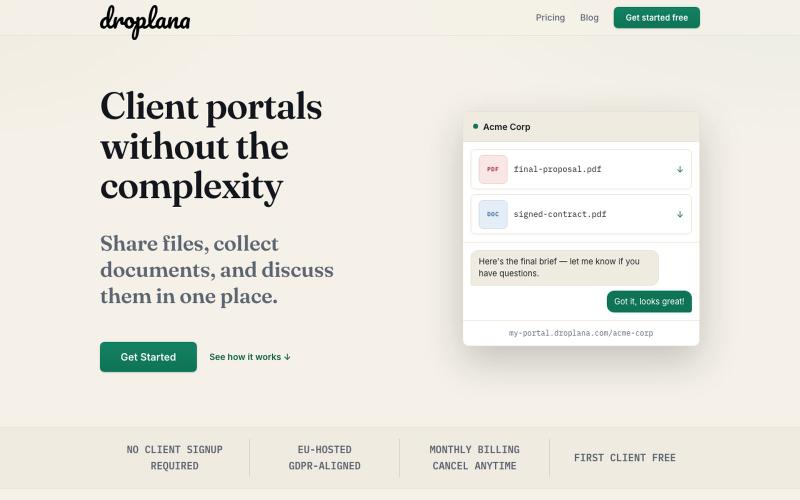
与客户共享文件和讨论文档的门户,无需客户注册。

@droplana_com · X
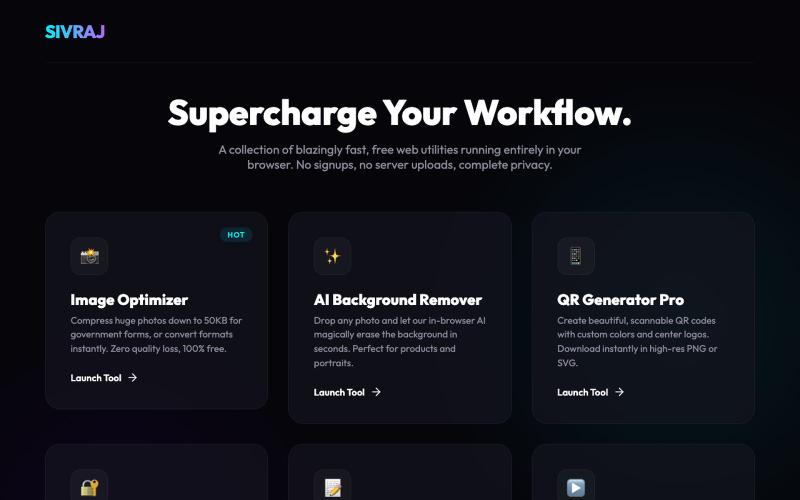
免费在线工具合集,用于图像压缩、PDF合并和文件处理,无需创建账户。
u/Numerous_Western_146 · Reddit
Literally guyss u need to check this 🤯 Hey guys, I was getting really annoyed with all those "free" online tools that compress images or merge PDFs but then force you to create an account or pay a premium fee to download your file. Also, uploading sensitive documents to random servers always felt sketchy to me. So, I built a collection of 9 web tools that process everything 100% locally in your browser. No data is ever uploaded to a server, there are no signups, and it's completely free.

ArtPlayer 免费浏览器视频和音频编辑工具,支持压缩、裁剪、合并和格式转换。
zhw2590582 · V2EX
最近对网站进行了重构,做成了免费的视频工具站:[ArtPlayer Tools]( https://artplayer.org/tools/) 主要是围绕着 ffmpeg.wasm 和 mediabunny 实现的一些可以直接在浏览器里用的视频/音频工具,常用的有: - 视频压缩:[Compress Video]( https://artplayer.org/compress-video/) - 视频裁剪:[Crop Video]( https://artplayer.org/crop-video/) - 视频合并:[Merge Video]( https://artplayer.org/merge-video/) - 视频尺寸调整:[Resize Video]( https://artplayer.org/resize-video/) - 视频旋转:[Rotate Video]( https://artplayer.org/rotate-video/) - 视频调速:[Change Video Speed]( https://artplayer.org/change-video-speed/) - 添加文字到视频:[Add Text to Video]( https://artplayer.org/add-text-to-video/) - 添加水印:[Watermark Video]( https://artplayer.org/watermark-video/) - 提取字幕:[Subtitle Editor]( https://artplayer.org/subtitle-editor/) - HLS 转 MP4:[HLS to MP4]( https://artplayer.org/hls-to-mp4/) - 音频可视化:[Audio Visualizer]( https://artplayer.org/audio-visualizer/) 大部分工具都是本地处理,文件不会上传到服务器。最开始是因为自己偶尔要处理一些视频,开剪辑软件又有点重,在线工具又担心隐私,所以就慢慢做成了一个站。 目前还在持续完善,体验肯定还有不少粗糙的地方,比如不同浏览器的兼容、移动端操作、长视频性能之类的。 网站: [ArtPlayer Tools]( https:
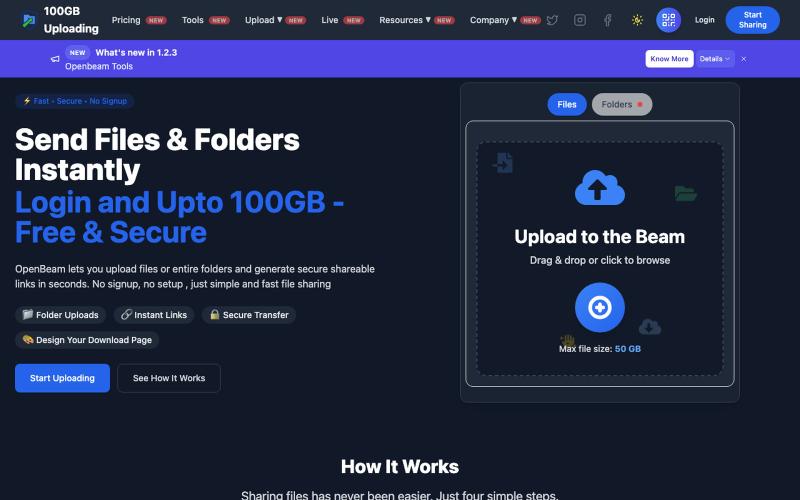
OpenBeam:无需注册,即时分享高达100GB的文件和文件夹。

@Abhishe33854772 · X
Replace Files, Keep the Same Link Upload a file once and share the link Need to update the file later? Simply replace it in and the original link continues to work.

上传产品图片,选择场景,AI生成专业级摄影照片。

@aftertakenai · X
for AI e-commerce product photography
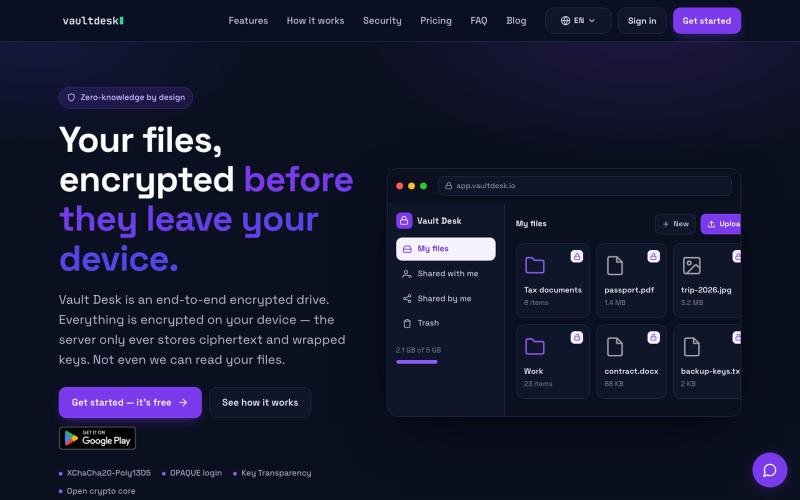
用端到端加密存储和同步文件,对服务器完全隐藏。

@vaultdesk · X
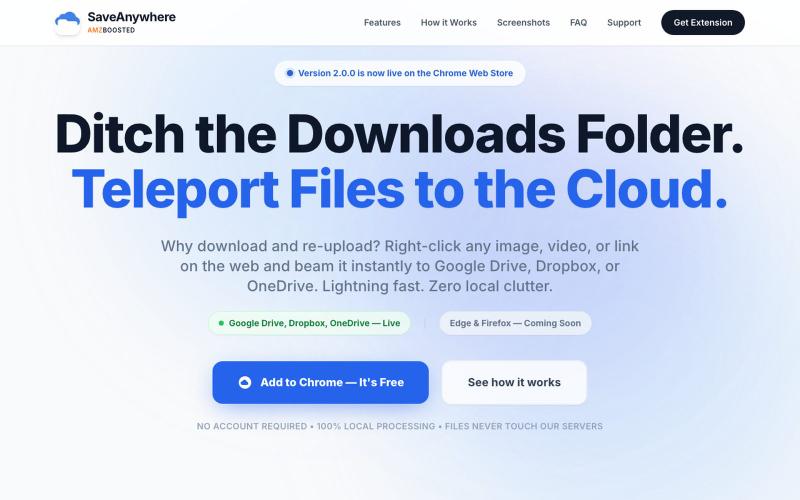
SaveAnywhere是Chrome扩展,直接将文件、图片、链接保存到Google Drive、Dropbox和OneDrive,本地处理。

@SaveAnywhere · X
Free chrome extension :
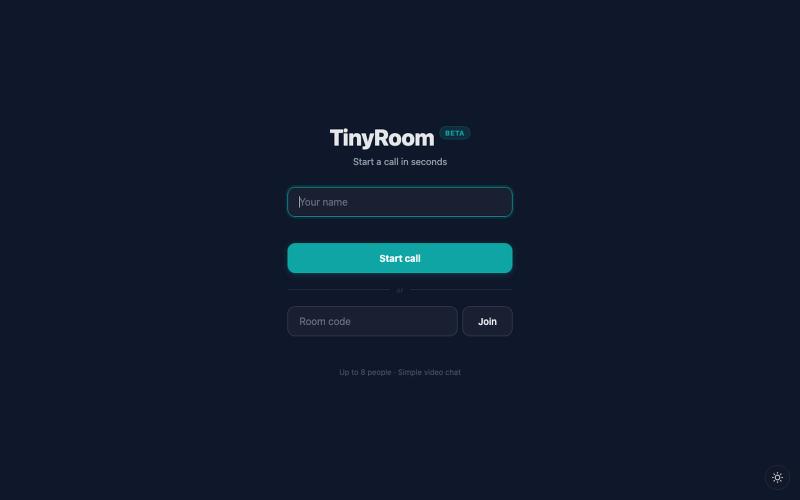
分享链接即可进行视频聊天,无需注册。
u/abcde12399 · Reddit
I always begged engineers to fix even a typo. Now I've built my own video call app. I come from business and design. I was always the one begging engineers to fix even a typo. Then I found vibecoding and started building things myself!!! TinyRoom is my first real project. You share a link, people click it, you're in a video call. No accounts, no downloads. Up to 8 people (4 for mobile). Basically Zoom without everything annoying about Zoom. I use it for my own community's weekly sessions
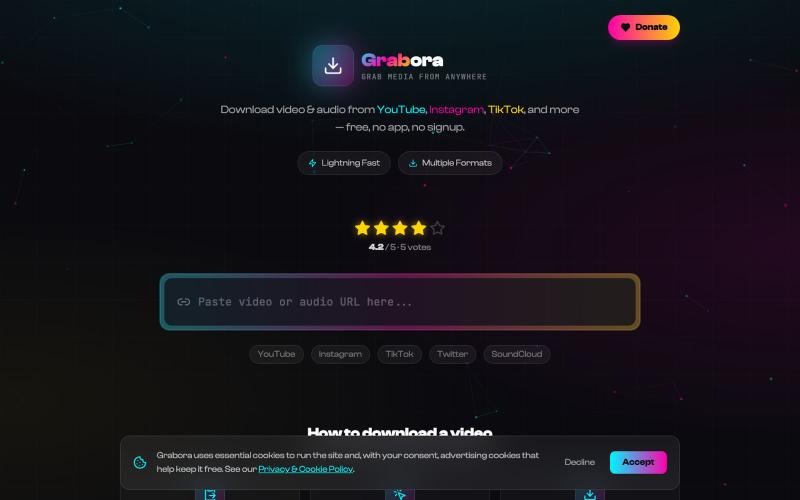
从YouTube、TikTok、Instagram等平台免费下载视频和音乐。

@myrrakle · X

一个共享记忆层,在不同的 AI 工具和设备间保留你的决定、偏好和项目。
upload — 跨 AI 的长期记忆层,让 ChatGPT、Claude、Codex、Hermes、OpenClaw、WorkBuddy 等共用同一份记忆,换工具换设备都接着上次继续,注册即用免装插件
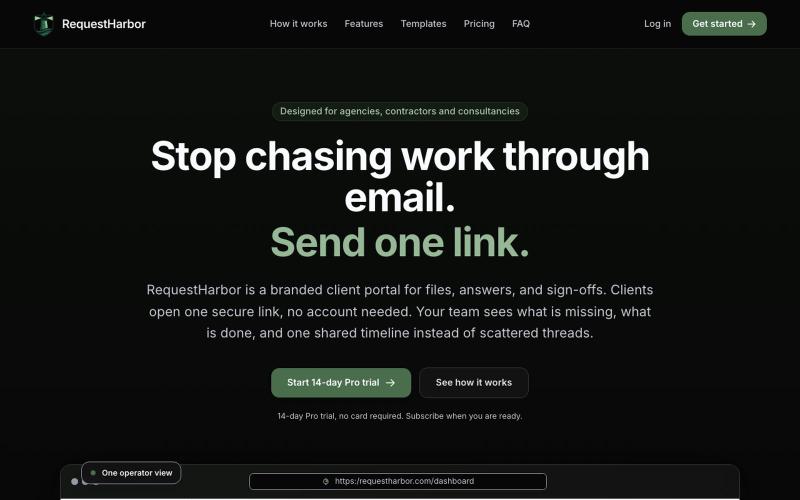
RequestHarbor 安全客户门户,用于共享文件、答案和批准,实时可见状态。

@danielkleach · X
is a branded client portal for files, answers, sign-offs, and signatures. No more scattered email threads, docs in Google Drive, or confusion about who is waiting for whom. Business and client both see what is done and what is in progress on both sides, in