
创意工具1 month ago
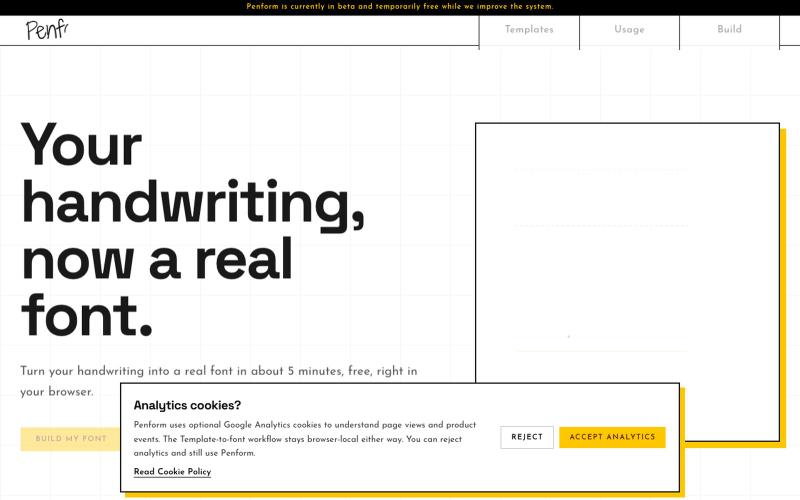
Penform | Turn handwriting into an installable font
将你的笔迹转化为可安装的OTF字体

@alpsariyer · X
Building Penform, a browser-based tool that turns handwriting into a real installable font with supporting alternates.
完整作品展
技术栈
60 projects
将你的笔迹转化为可安装的OTF字体
@alpsariyer · X
Building Penform, a browser-based tool that turns handwriting into a real installable font with supporting alternates.
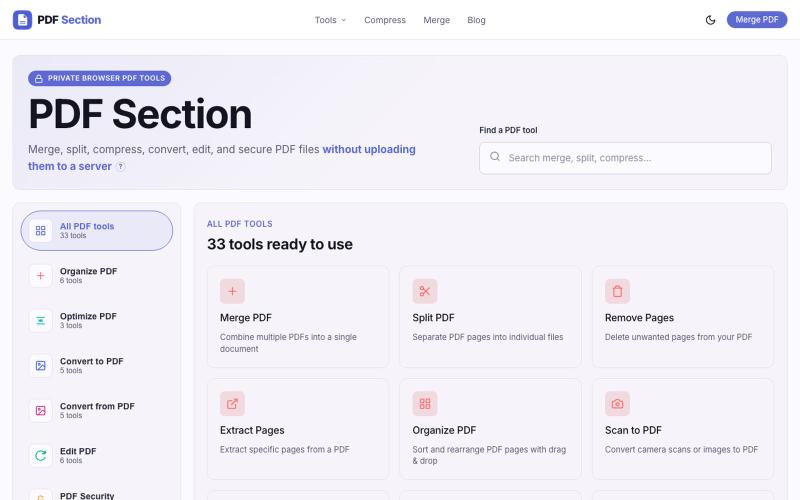
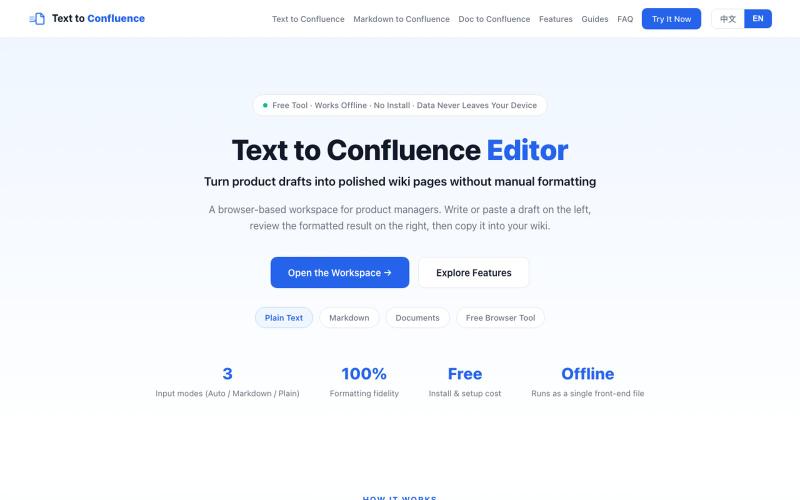
粘贴 Markdown 或纯文本,转换为 Confluence 格式。
sskhnje · V2EX
Text to Confluence|解决 Markdown 复制到 Confluence 的格式折磨 作为产品经理,做产品写 PRD ,经常要把 Markdown 文档迁移到 Confluence 。 直接复制粘贴会出现一系列格式问题: ·标题层级错乱 ·列表、表格、代码块样式丢失 ·粘贴完成后需要大量手动二次调整格式 ·团队不同成员粘贴导入,最终输出样式不统一 针对这个高频痛点,做了一个简易工具:Text to Confluence 🔗 访问地址: https://www.texttoconfluence.com/ 工具目标 将 Markdown / 纯文本内容,尽可能无损转换适配 Confluence ,减少重复手工格式调整工作。 个人使用场景 ·PRD 草稿 ·产品文档 ·技术说明文档 如果你也日常使用 Confluence ,欢迎试用,如有问题或优化建议,非常欢迎反馈。
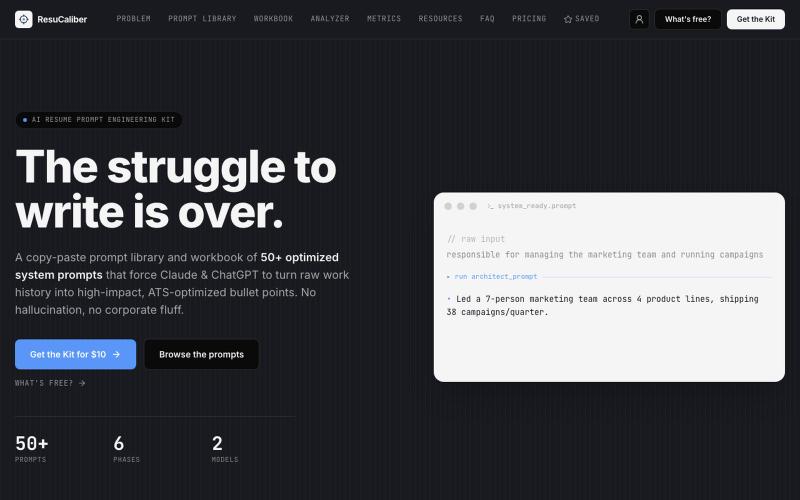
Stop letting AI write generic resume fluff. ResuCaliber's 54 prompt library builds precise, ATS-ready bullet points you can defend in interviews.

@ResuCaliber · X
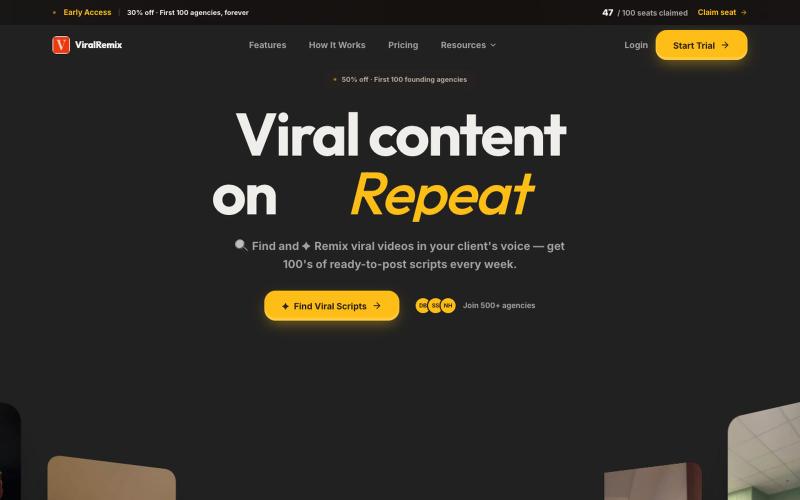
自动用你的品牌声调改写热门视频,实现即时内容创建。

@furkanships · X
I currently building for content creator and content creator agency
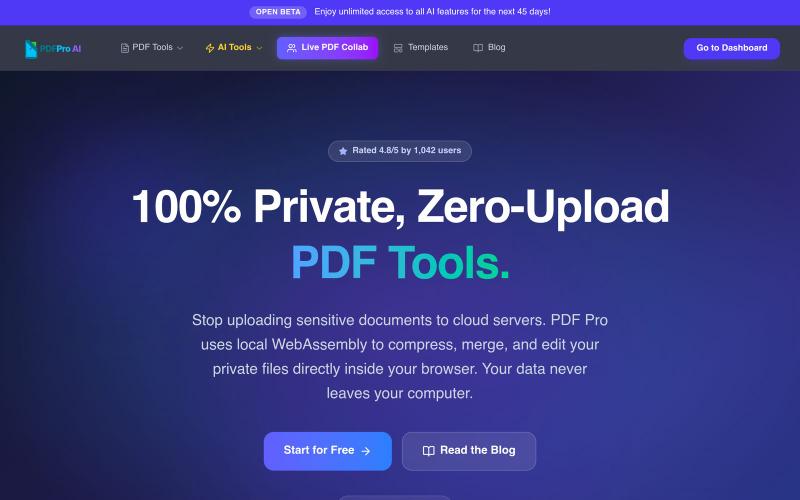
在浏览器中编辑PDF,支持压缩、合并、AI分析,无云上传。

@pdfproindia · X
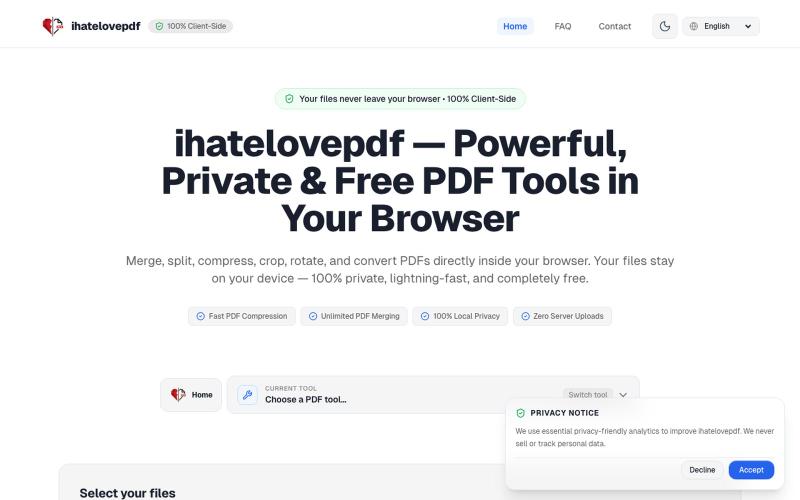
在浏览器中即刻合并、压缩、拆分和转换 PDF,无需上传文件。

@notApplicaky · X
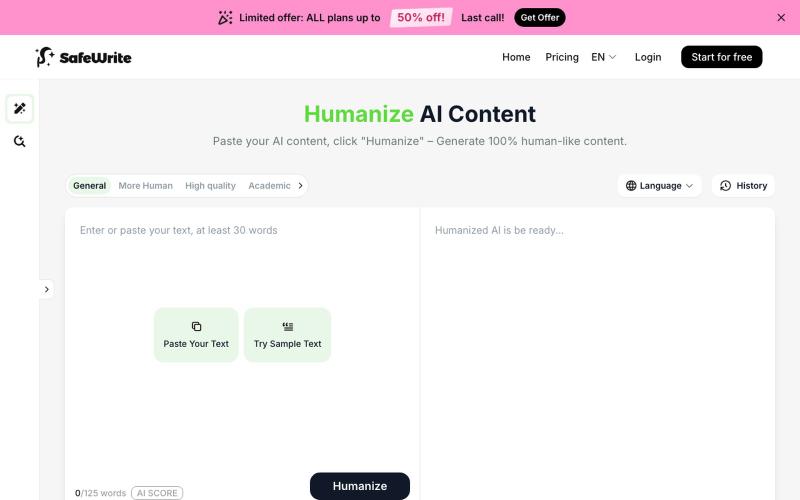
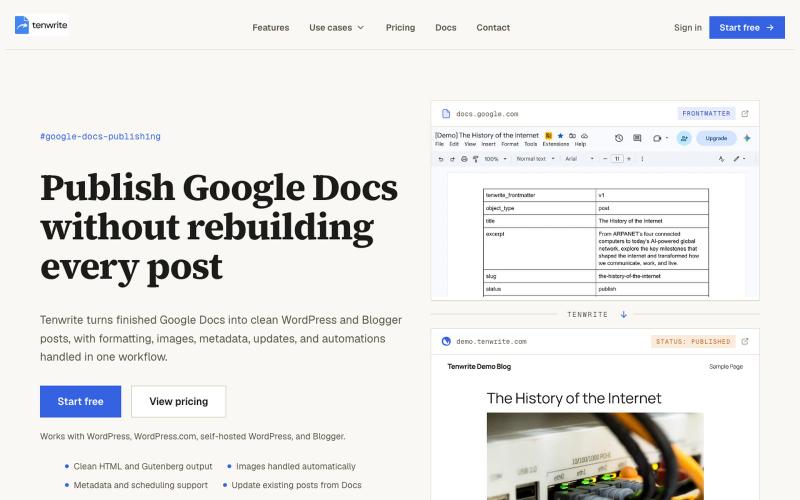
SafeWrite 将 AI 文本转化为你的个人风格,内置 AI 内容检测。
SafeWrite AI — 结合 AI Humanizer 与 AI 检测功能的写作工具,帮助用户生成更自然、难以被检测为 AI 的内容。支持训练私有化的 Humanizer,模拟个人文风并确保隐私不泄露。同时整合 GPTZero、Turnitin 等检测器,一键获取多平台检测结果。通过“改写-检测-再改写”的自动流程,有效提升内容通过率,适用于学生、自由写手及内容创作者。
@Kiriakoscls4 https://t.co/Wfzhj5BCet

@aakashH242 · X
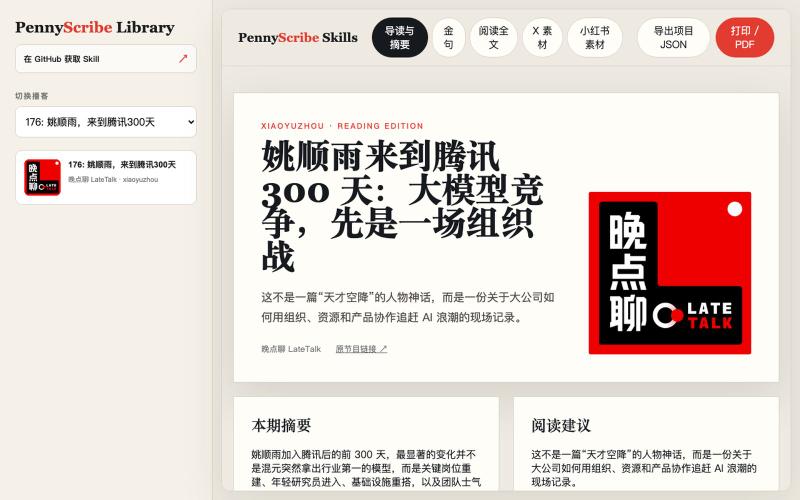
从播客和视频生成转录、社媒文章和小红书卡片,内置编辑功能。
yedaxia · V2EX
开源一个把播客变成小红书和 X 帖子的 Agent Skill 给它一个公开的播客或视频链接,它可以完成: - 支持 YouTube 、Apple Podcasts 、小宇宙、B 站等平台 - 下载音频并生成转写 - 把转写整理成分章节、适合阅读的完整全文 - 提取摘要、核心观点和金句 - 生成适合 X 的帖子和 Thread - 生成小红书标题、发布文案和图片卡片 - 提供 10 种小红书卡片风格 - 在网页里直接编辑文案和卡片 - 将单张卡片复制到剪贴板,或者导出 PNG - 将全部卡片打包成 ZIP 下载 - 把多期播客组织成可以本地访问和切换的网站 目前卡片支持手绘涂鸦、新粗野主义、剪纸、中世纪现代、漫画书、包豪斯、杂志排版、复古未来主义等风格。 我用一期《晚点聊》做了在线 Demo ,可以直接体验完整的全文、摘要、金句以及小红书卡片编辑效果: Demo: https://pennyscribe-skills-demo.pages.dev GitHub: https://github.com/YeDaxia/pennyscrib
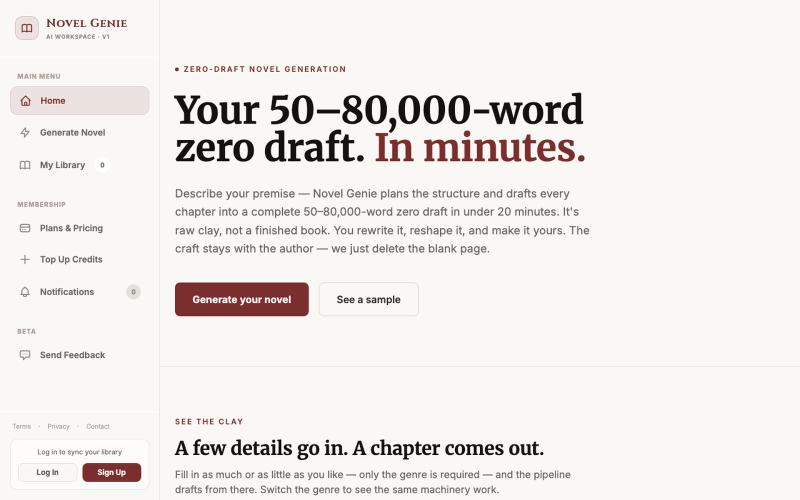
在20分钟内为你的故事生成50-80k字小说初稿。

@adnilrey · X
Generates a 50-80k word novel zero-draft under 20 minutes
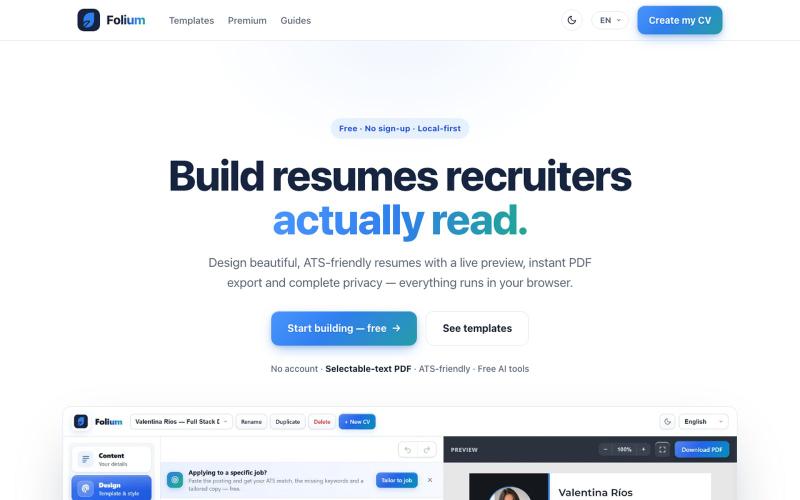
Folium - 免费简历生成器,24个模板、实时预览、PDF导出,无需登录。
u/Bulky-Walk-2745 · Reddit
I built the cv builder I always wanted to use ⭐ I got tired of cv builders making me create an account, fill out everything, and then asking for money when I just wanted to download my resume. So I started building my own. What began as a small side project has slowly turned into a full resume builder with: • 24 customizable templates • live preview while you edit • ATS match analysis • AI-generated tailored cvs and cover letters • clean PDF export One thing I wanted from day one was
