

创意工具1 month ago
Snapester - Turn Screenshots into Beautiful Visuals
用 Chrome 扩展和网页编辑器将屏幕截图转化为精美设计。

@buildwithshyam · X
完整作品展
技术栈
20 projects
用 Chrome 扩展和网页编辑器将屏幕截图转化为精美设计。
@buildwithshyam · X

DevToolAdda provides 100+ free online developer tools, formatters, decoders, CSS generators, Regex testers, and cheat sheets with 100% private, client-side browser processing.

@suketudigital · X
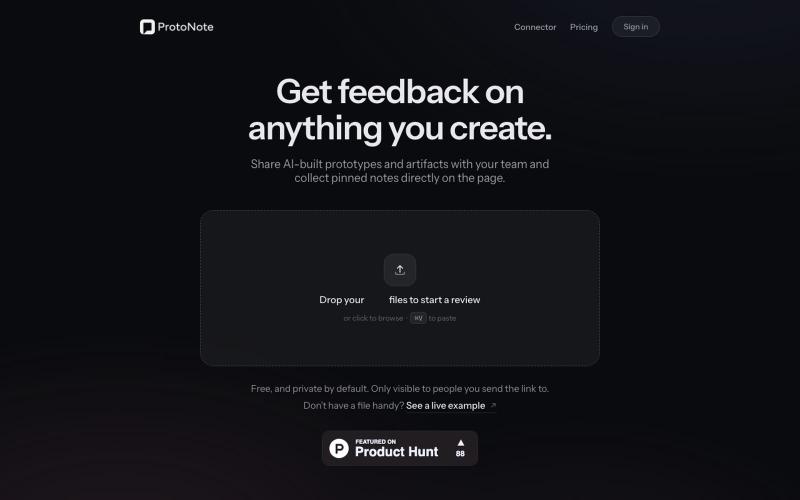
Share AI-built prototypes and Claude artifacts with your team and collect pinned notes directly on the page. Upload HTML, Markdown, images, or PDFs — free.

@tara_schomburg · X
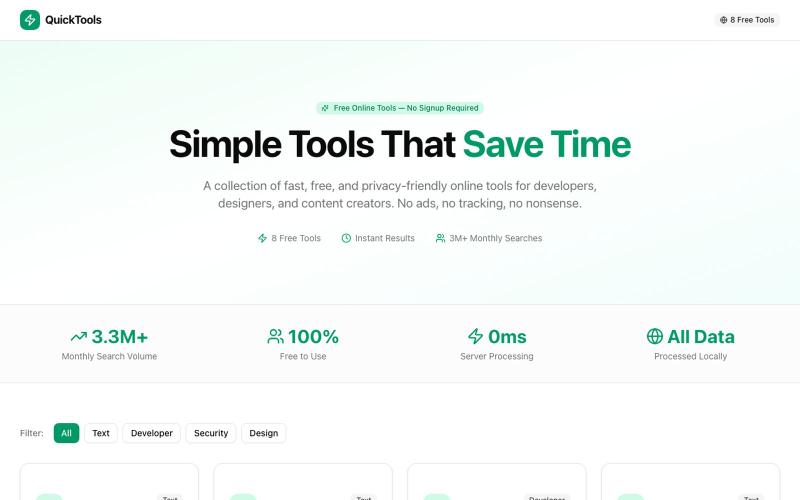
8个免费在线工具,包括格式化、编码、密码生成和取色。

@Supportpintutec · X
Just launched QuickTools — 8 free online tools 🛠️ Word Counter • JSON Formatter • Password Generator • Color Picker 100% browser-based, no signup 🔗 #SideProject #WebDev #FreeTools #BuildInPublic
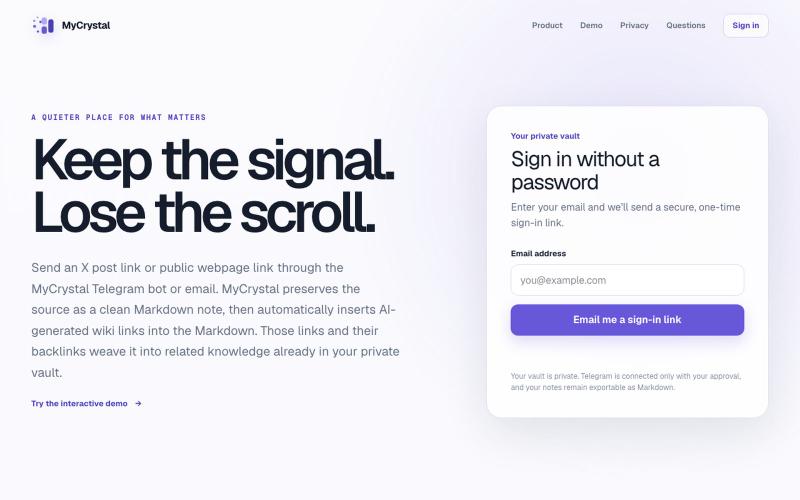
通过邮件或Telegram保存网页链接,将其转化为相互关联的笔记。

@MyCrystalSite · X
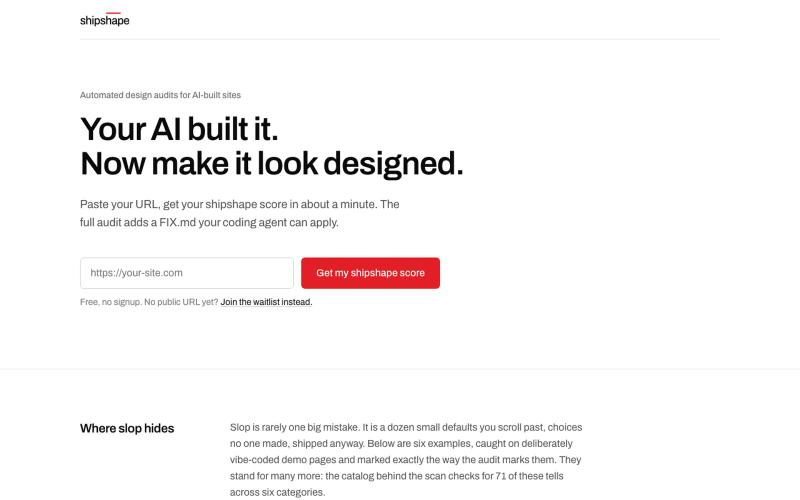
Paste your URL, get a shipshape score from 0 to 100, and remove the AI defaults with a FIX.md your coding agent applies. We score the defaults, not your taste.

@zllhff · X
Paste your URL, get a design score out of 100 in about a minute, free. shipshape flags the generic AI look your tool shipped by default, then writes a FIX.md you can use with your tools to remove it. The result looks designed, not vibe-coded.

使用AI设计电子邮件模板,导出为HTML或React Email格式。

@aaryanpatel_06 · X
If you have an app and you have to design emails, then you also have

图片转 ASCII 字符画、复制符号、查看码表、进制转换——全在浏览器。
HeStudy · V2EX
做了个纯前端的 ASCII 工具站:图片转字符画、banner 生成、符号一键复制 平时偶尔需要查 ASCII 码表、复制一些特殊符号(箭头、制表符这类),每次都是搜一个满屏广告的老站凑合用,索性自己做了一个: https://getascii.com 目前有这些工具: 图片转 ASCII 字符画(拖一张图进去就行,支持调宽度/字符集/反色) 文字转 ASCII banner 大字 常用符号一键复制(箭头、制表符、数学符号、颜文字) 完整 ASCII 码表 + 一个交互式键盘映射图(点键盘上的键显示对应的 dec/hex 码) 进制转换器( hex/dec/bin ↔ ASCII ) 几个实现上的点: Astro 构建的纯静态站,所有工具都是纯客户端计算,图片不会上传到任何服务器 没有账号系统,没有付费墙,打开就用 整站是绿色荧光终端风( CRT 扫描线 + JetBrains Mono ),算是给终端审美交个作业 顺手给它做了个 25 秒的宣传片: https://www.youtube.com/watch?v=AjzU5mw1PrI