
其他3 days ago
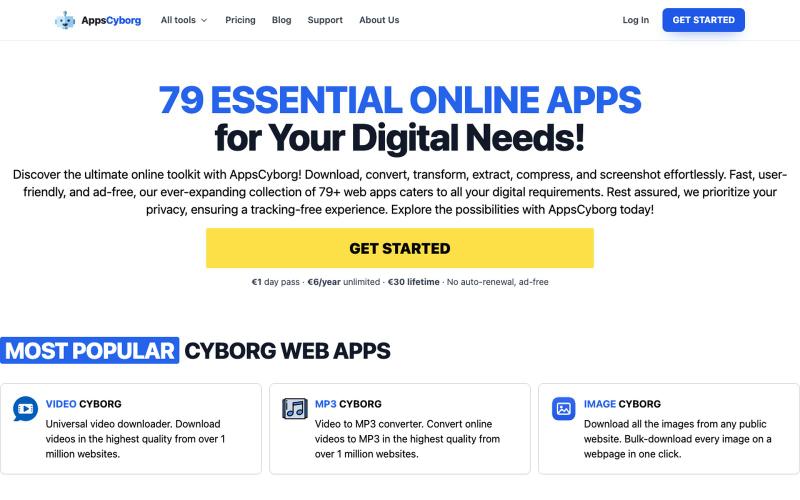
AppsCyborg — 79+ Tools: Convert, Compress, Download Files
79+ privacy-first online tools to convert, compress, and download files. Ad-free, no tracking. €1 day pass, €6/year, or €30 lifetime — no SaaS lock-in.

@philippenamias · X
完整作品展
技术栈
60 projects
79+ privacy-first online tools to convert, compress, and download files. Ad-free, no tracking. €1 day pass, €6/year, or €30 lifetime — no SaaS lock-in.
@philippenamias · X
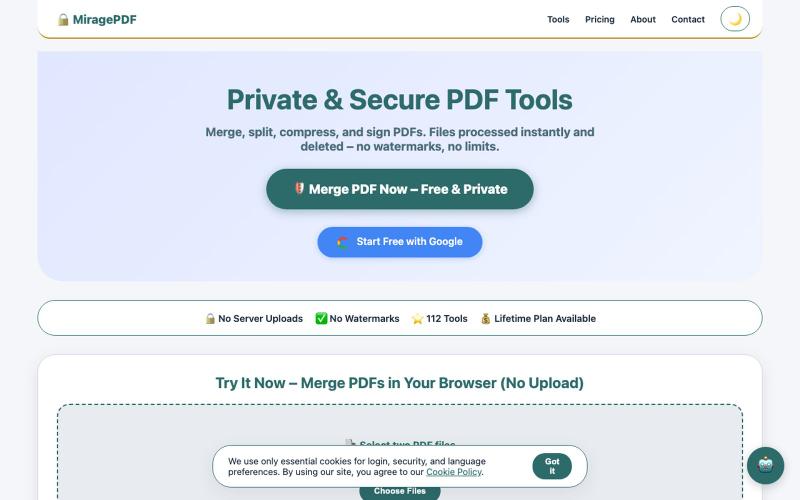
免费浏览器PDF工具,合并、拆分、压缩和保护文件。

@magictoolshup · X
This unique website handles everything for you with great precision and professionalism. A key feature is that it never uploads your files—they remain solely within your browser for maximum privacy. Give it a try,you will discover something impressive.
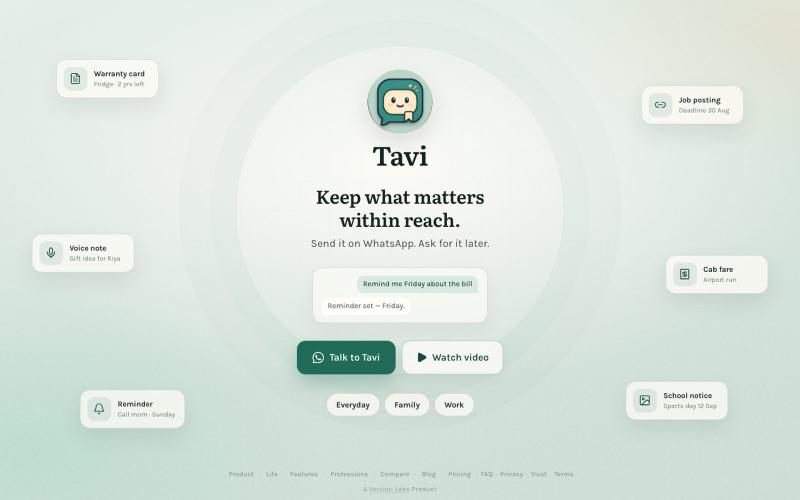
Send links, files, notes, photos and reminders to Tavi on WhatsApp. Find them later simply by asking. No folders. No organising.

@daxeelsoni · X
Send it to Tavi now. Find it when you need it.
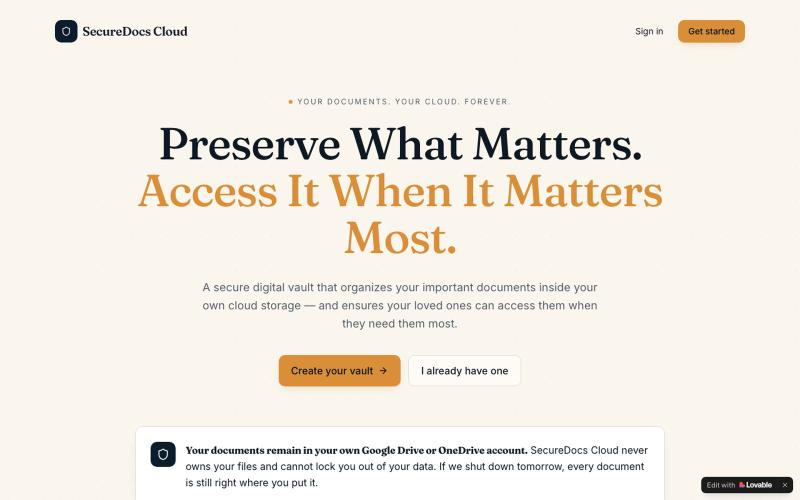
SecureDocs Cloud — 安全云存储,支持家庭成员共享重要文件。

@DwivediNitil · X
Go physical to digital
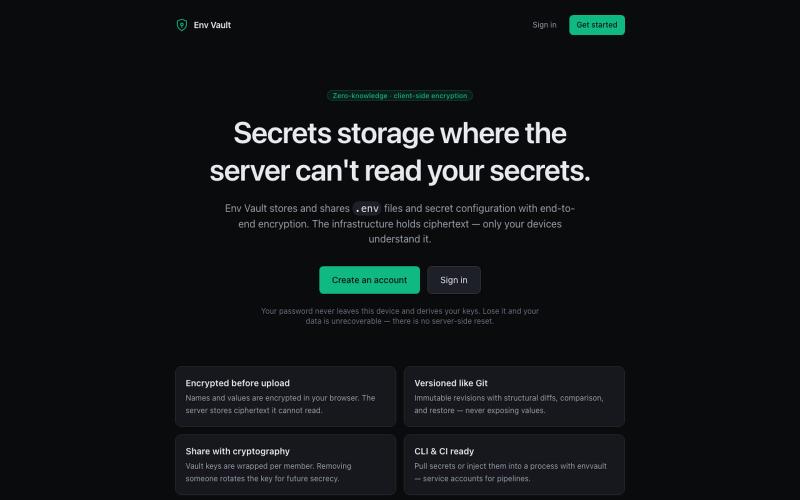
Zero-knowledge encrypted storage and sharing for .env secrets and secret files. Everything is encrypted in your browser — the server stores ciphertext it cannot read. Versioned lik

@theDevSoham · X
Built this multi level encrypted key value storage for storing and versioning environment variables so you don't have to share even dev environment variables on slack or whatsapp Check it here:
用零知识加密发送自毁笔记和文件,支持截图保护。
minpym · HN
Flashpaper – Self-destructing secret sharing with no database
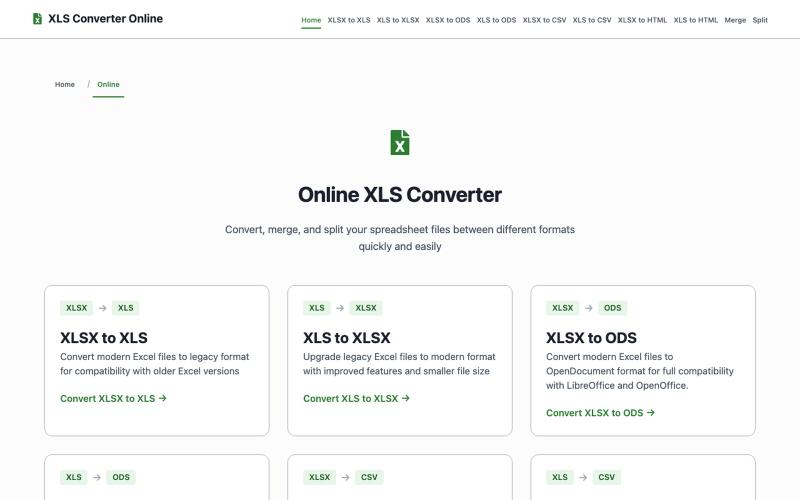
Convert, split, and merge Excel files (XLSX, XLS, CSV, ODS) online for free. Convert/split up to 100MB, merge up to 50MB per file. Secure processing, no registration required

@DmitryFounder_ · X
Hi, i am marketing my first SaaS Let's connect🥹
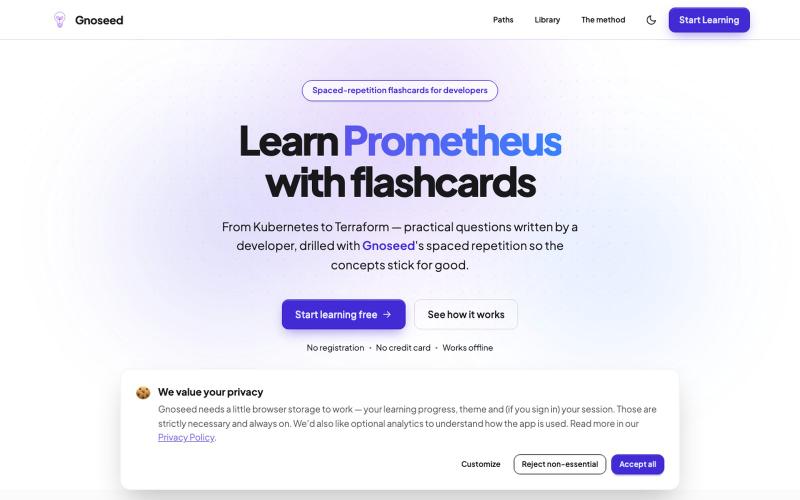
免费闪卡应用,采用间隔重复法学习 DevOps、Kubernetes、AI 和 Linux 概念。
Agoreddah · HN
I built Gnoseed – free flahscards to learn K8s, DevOps, AI and more
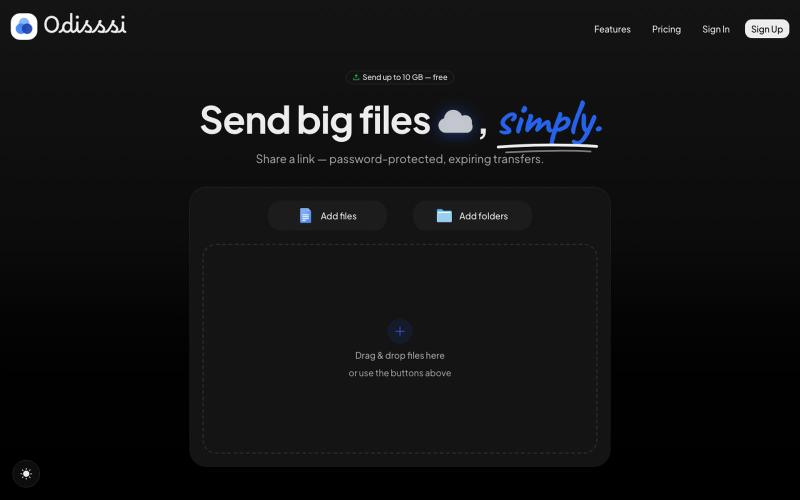
Send large files with a simple link. Password-protected, expiring transfers — no account needed to receive.

@Odisssi · X
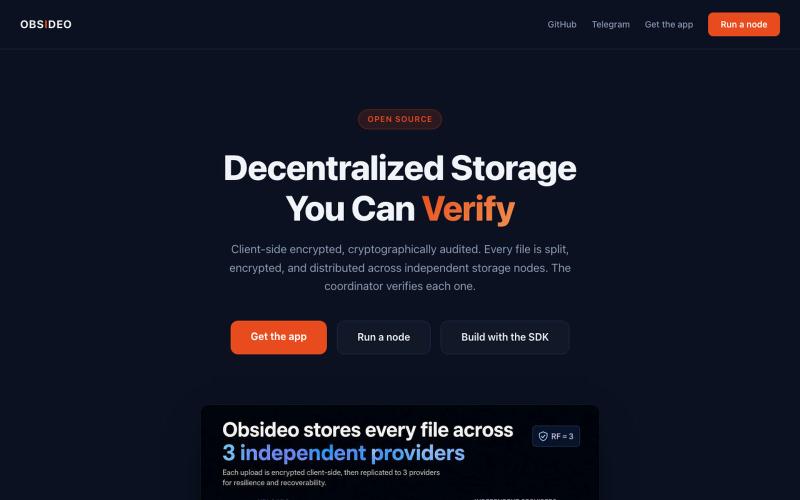
具有S3兼容API和TypeScript SDK的加密去中心化存储

@Regan_Obsideo · X
Obsideo — the storage layer for privacy-first apps. If your product tells users 'we can't see your stuff,' your storage backend shouldn't be able to either. Ours can't. S3-compatible, pay per terabyte-day.
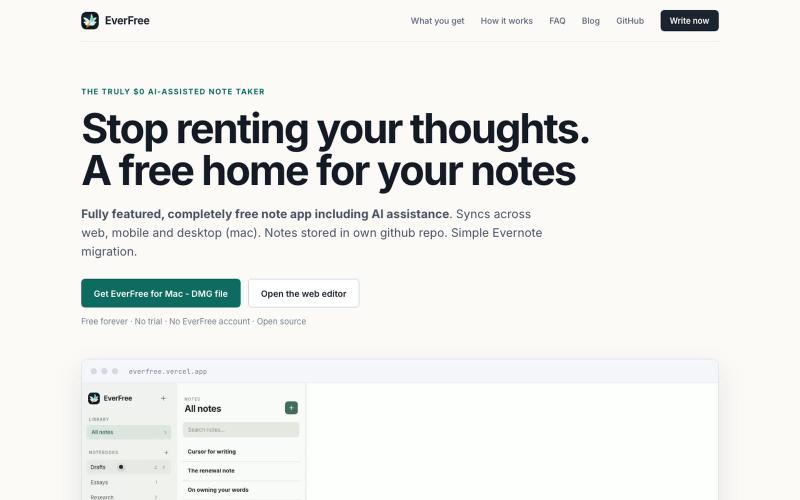
使用内置AI助手免费写笔记,永久免费并支持Evernote导入
adi2907 · HN
Everfree -AI cowriter note app on GitHub backend & Evernote migration
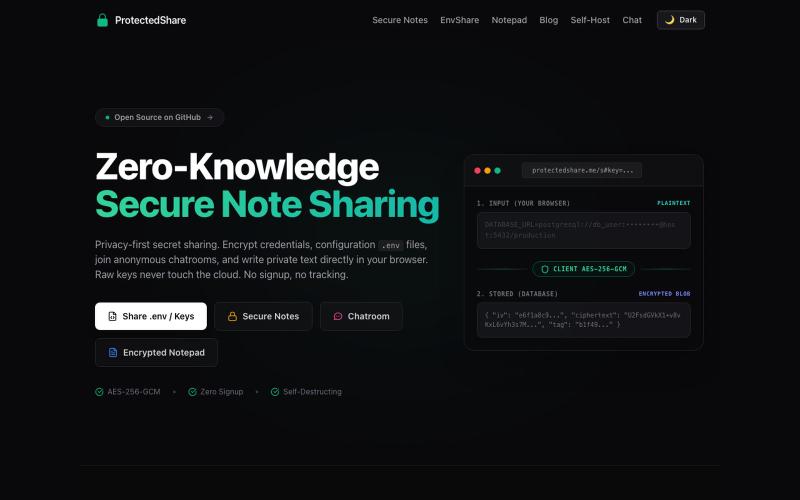
The modern ProtectedText alternative and secret sharing website. Free encrypted online notepad, .env file sharing (EnvShare), and self-destructing secret links — all with AES-256 z

@kunal_twts · X