
创意工具1 month ago
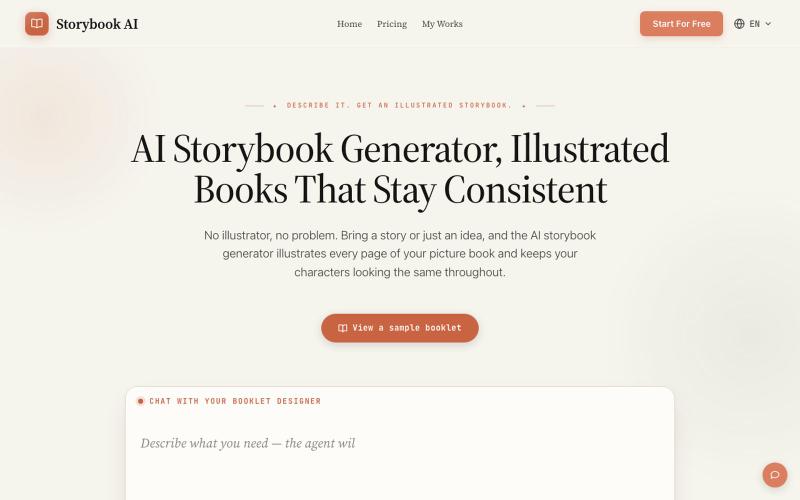
AI Storybook Generator, Illustrated Books, One Consistent Cast
用AI生成角色一致的插图故事书。
AI故事书生成器 — AI 生成故事书
完整作品展
技术栈
60 projects
用AI生成角色一致的插图故事书。
AI故事书生成器 — AI 生成故事书
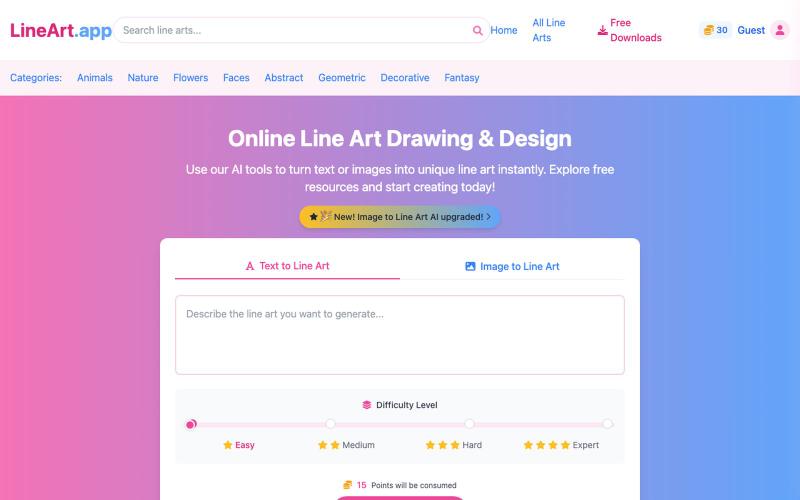
用 AI 在线生成线稿绘画和设计。
AI Line Art Generator — 功能强大的 AI 线稿生成平台,为用户提供多样化的线稿创作与获取服务 - [更多介绍](https://lineart.app/about)
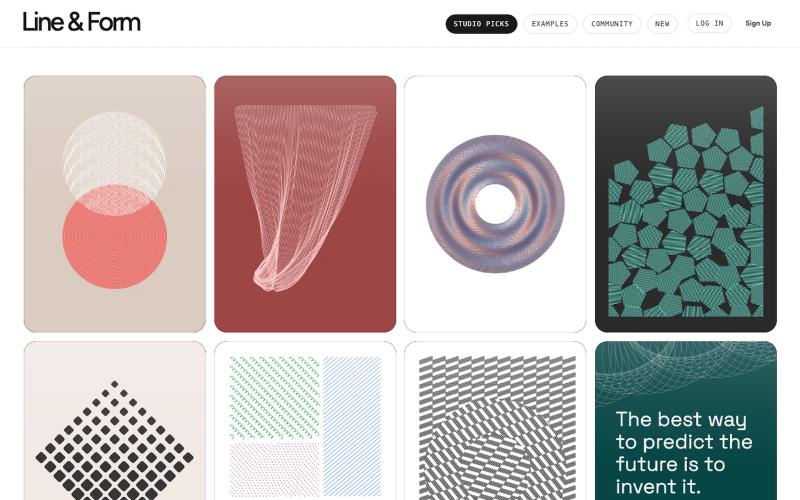
用线条和形状在浏览器中设计视觉艺术

@josephflaherty · X
by @golnik is the best vibe-coded software project I've seen, both in its aesthetics and the difficulty of its accomplishment. You can see the finished output of his work here:
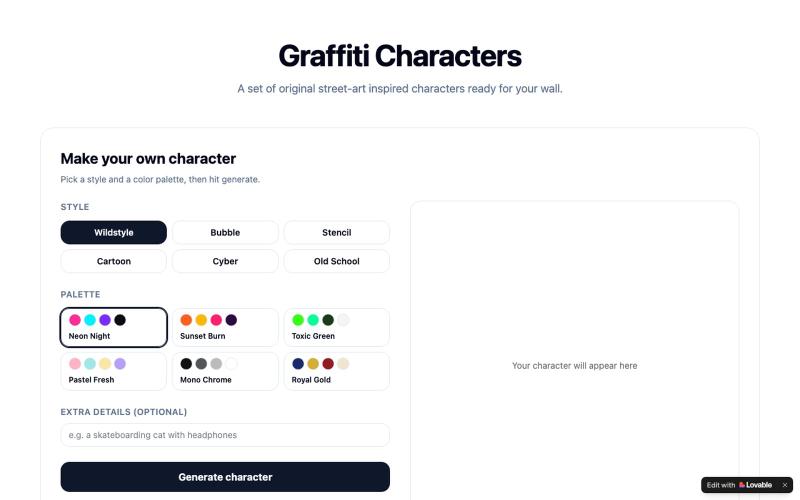
通过选择样式和颜色生成自己的涂鸦角色,或浏览现有作品。

@CHRISFOX1330969 · X
Check out what I just built with Lovable!
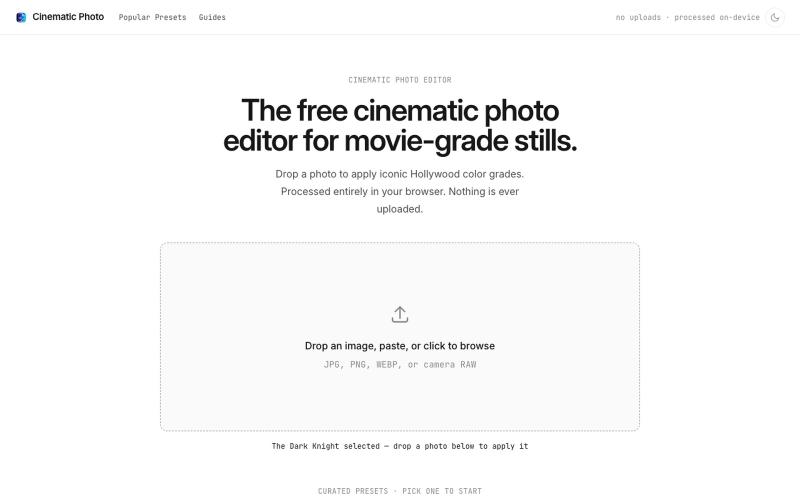
Cinematic Photo Editor 可在浏览器中对照片一键应用电影风格调色
u/huuughmangasorr · Reddit
I built a tool that gives your photos a movie color grade (no AI generation) I kept seeing photo tools that "cinematic-ify" images by running them through AI and spitting out something that's basically a different picture. I wanted the opposite: keep my actual photo, just make it feel like a frame from a film. So I built CinematicPhoto — a browser tool where you upload a photo, pick a movie look, and get a graded version back. Your original stays intact; it's color grading and effects d
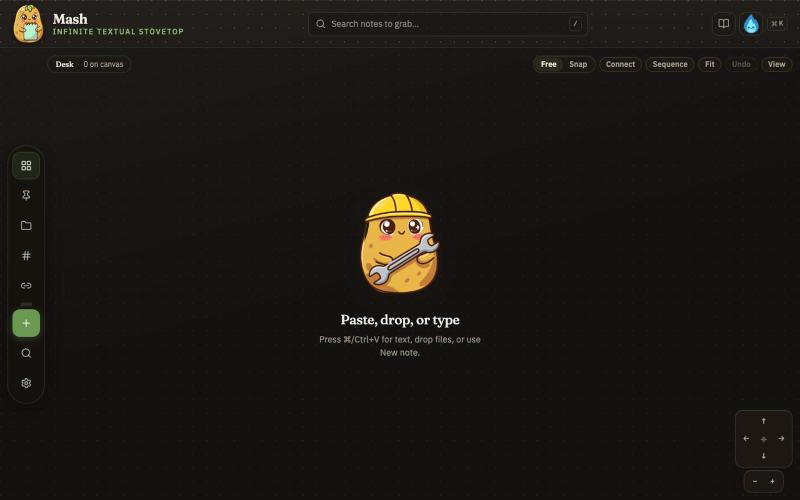
在无限画布上创建笔记,组合并导出为 PDF 页面。

@JonnyD · X
I'm happy to announce "Mash" A local first browser based app for compiling notes and ideas on an infinite canvas. Make as many notes as you want, drag and drop to "Mash" them by combining. Create "sequences" that allow you to export a pdf with each sticky as it's own page. Drop in PDF or DocX or images to easily browse the file and select your favorite clippings to a new canvas, and manipulate them or export them how you want to. Drop a GIF to get all the individual frames. Mash features a roster of cute food themed mascots because this is your infinite textual stove top. Pull in some ingredients, mash them together, stitch them together, arrange them into a flow chart, whatever you find useful, and then get out quickly. Mash is for the little moments that speed up work, and the spontaneous thoughts that inspire new directions. There is no fancy AI feature, no data collection, no login, just a utility for you. Free open source licence. Run it offline if you want
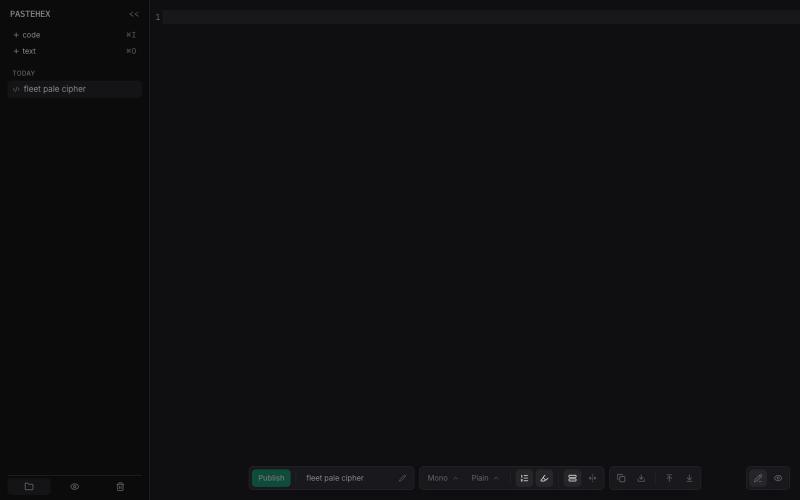
为 HTML 和 Markdown 页面添加加密的绘图和注释。
pandrre · HN
I've built tldraw for HTML and Markdown pages (with encryption)
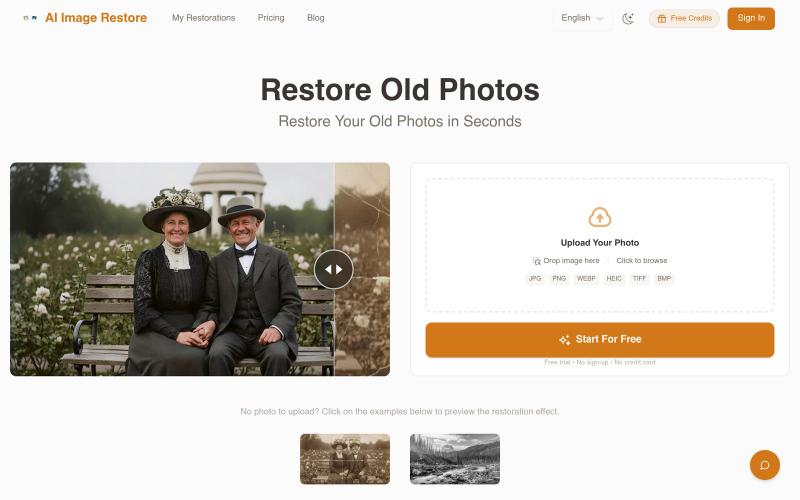
使用 AI 修复受损照片并为黑白图像着色。
PhotoRestore.ai — AI 照片修复工具,支持老照片修复、划痕去除、黑白照片上色与图像增强,上传即可自动修复,无需注册
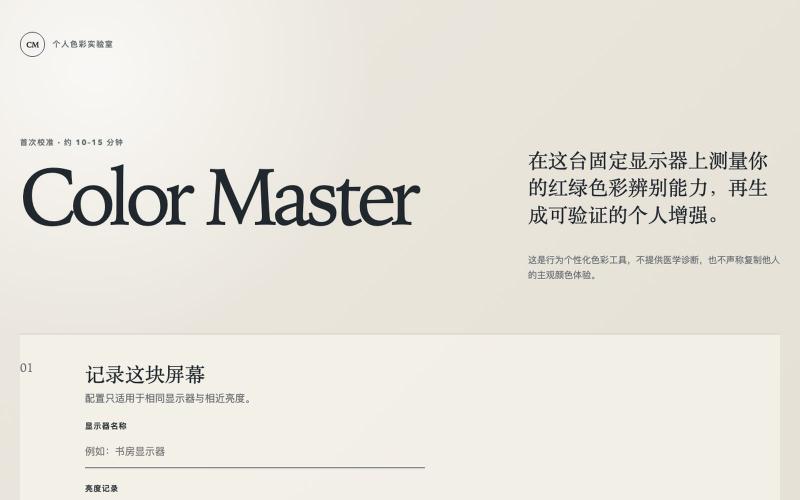
个性化色彩校准工具,帮助色盲用户增强艺术作品欣赏体验。

@daniel_du · X
Color Master MVP 上线了 🎨 过去一段时间在做一个本地优先的个性化红绿色彩辨别与画作增强工具,现在部署到了 Vercel: 已落地的部分: • 56 题自适应校准(4 条阶梯) • 24 题独立盲测验证 • 6 幅耶鲁/大都会公共领域画作
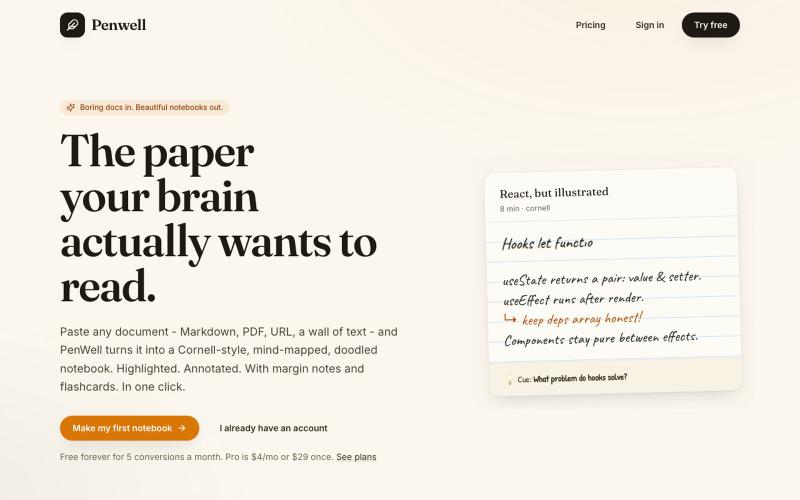
粘贴文档,Penwell 用 AI 生成康奈尔笔记和思维导图。

@penwellapp · X
Boring docs in. Beautiful notebooks out. Try it here: 🚀 We just launched on Product Hunt! Your support would mean the world: #BuildInPublic #ProductHunt #AI #Notes #IndieHackers #CornellNotes #Productivity #StudyNotes #Penwell
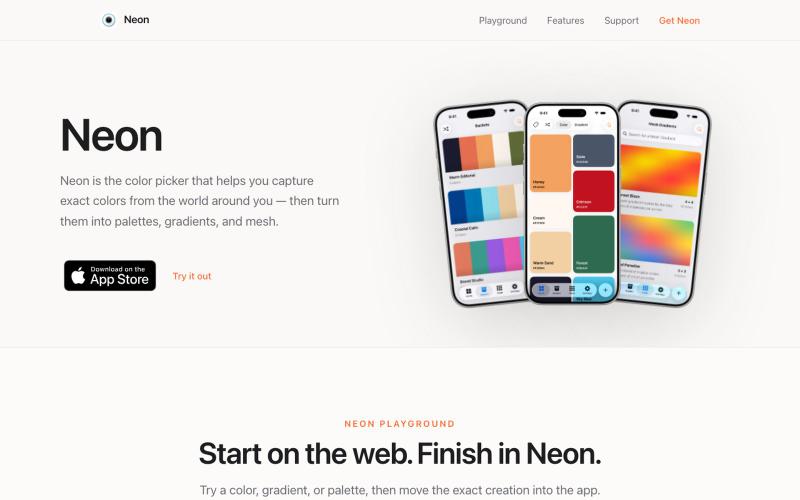
从摄像头捕获颜色,创建支持多种格式的调色板。

@SwapnanilDhol · X
Uploading a new version of my first app ( to the App Store tomorrow built in-part with Codex!

为 Codex Desktop 设计自定义主题,调整背景、颜色、透明度和视觉效果。
plutozc · V2EX
做了个 Codex Desktop 主题预览和切换工具,先调好再安装 最近一直在用 Codex Desktop ,觉得默认界面看久了有点单调,就顺手做了个主题编辑工具,分享一下: [Codex Skin]( https://getcodexskin.com) 可以先在网页里预览主题,调整背景透明度、面板透明度、颜色、模糊和圆角等参数,满意之后再下载并切换到 Codex Desktop 。 目前支持: - 自定义 JPG 、PNG 、WebP 背景 - 在线实时预览主题效果 - 调整透明度、颜色、模糊、圆角 - 预览满意后生成安装命令 - 不喜欢了可以恢复默认外观 目前主要面向 macOS 上的 Codex Desktop ,还是个人项目,功能和兼容性都在继续打磨。 欢迎试试,也想听听大家对主题参数、预览效果和安装流程的反馈。 直接网址: https://getcodexskin.com [轻喷 轻喷,可能还有些 bug