
创意工具1 month ago
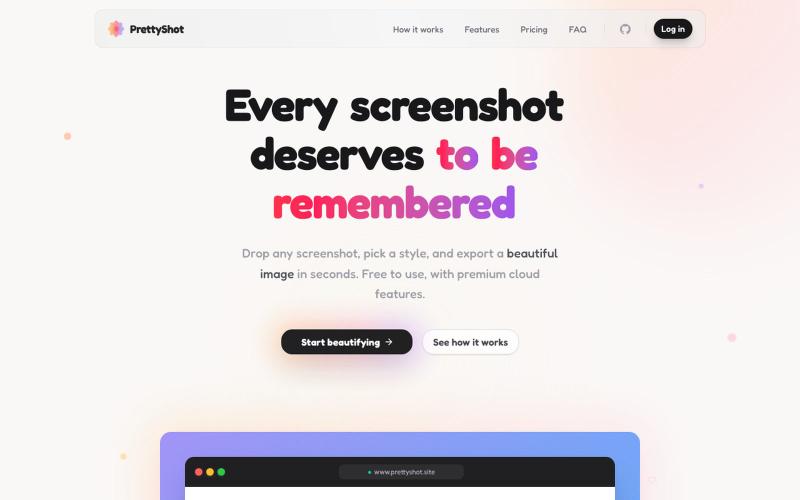
PrettyShot | Every screenshot deserves to be remembered
给截图添加样式并即时导出美化图像。
Open source

@prassami · X
- instantly turns your boring raw screenshots into beautiful images.
完整作品展
技术栈
60 projects
给截图添加样式并即时导出美化图像。
@prassami · X
- instantly turns your boring raw screenshots into beautiful images.
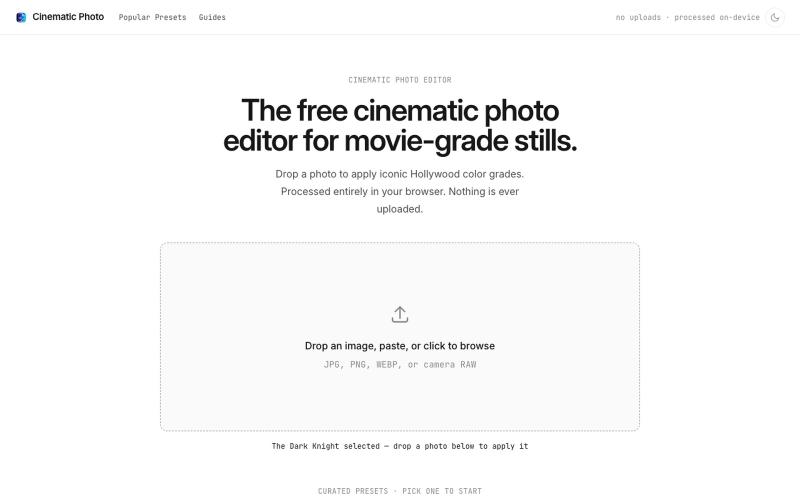
Cinematic Photo Editor 可在浏览器中对照片一键应用电影风格调色
u/huuughmangasorr · Reddit
I built a tool that gives your photos a movie color grade (no AI generation) I kept seeing photo tools that "cinematic-ify" images by running them through AI and spitting out something that's basically a different picture. I wanted the opposite: keep my actual photo, just make it feel like a frame from a film. So I built CinematicPhoto — a browser tool where you upload a photo, pick a movie look, and get a graded version back. Your original stays intact; it's color grading and effects d

屏幕录制Chrome扩展,内置自动缩放效果和自定义背景功能。

@gabani_vatsal · X
Building Screen recorder which adds zoom effects and custom backgrounds

在浏览器中直接编辑和筛选 RAW 照片,本地处理无需上传。

@am56ay · X
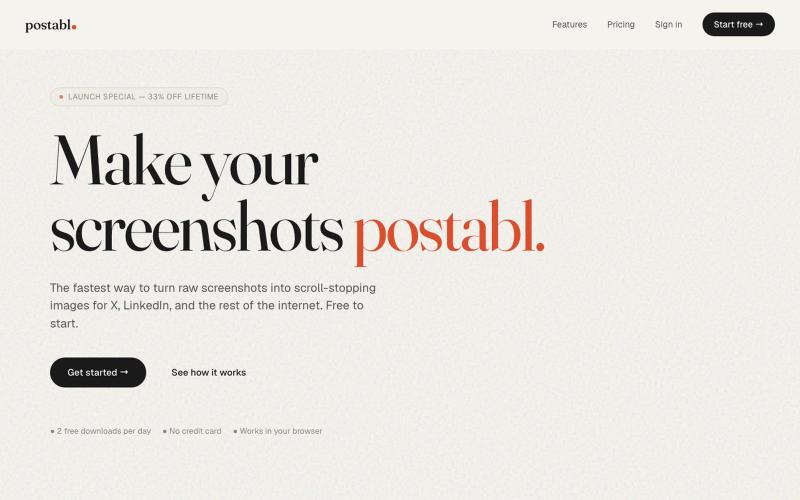
The fastest way to turn raw screenshots into scroll-stopping images for X, LinkedIn, and the rest of the internet.

@soham_nayak04 · X
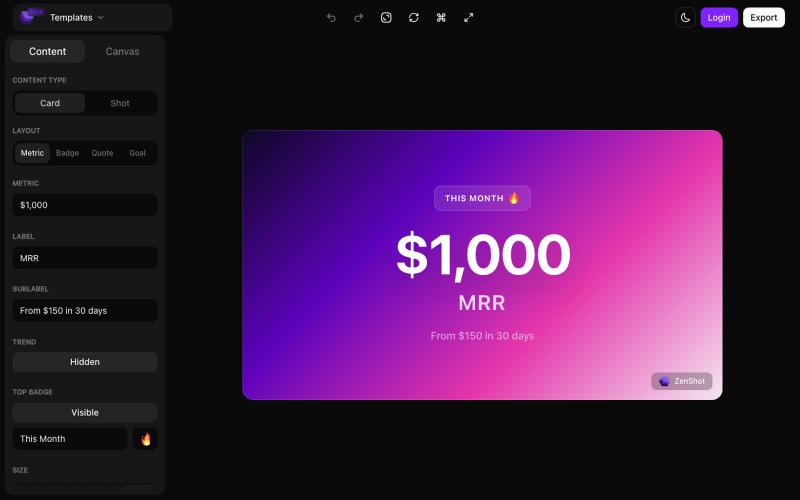
创建精美的 screenshots 和 progress cards,准备好与您的受众分享。

@shreyassihasane · X
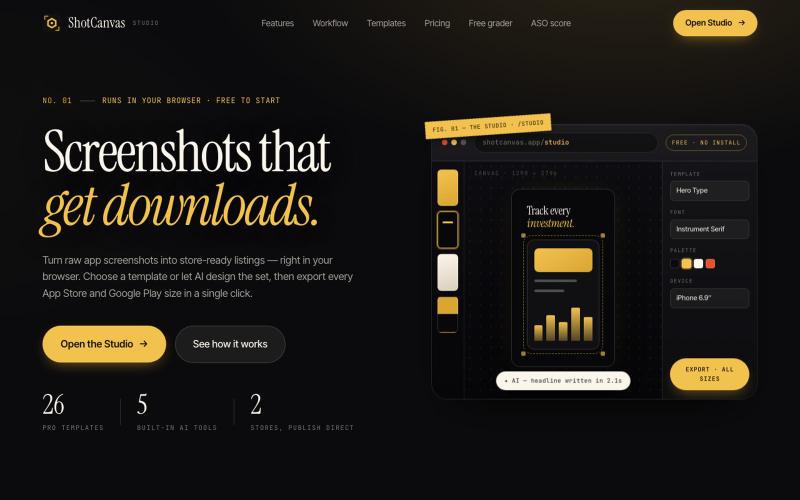
ShotCanvas Studio turns raw app screenshots into store-ready listings — 26 pro templates, AI-designed layouts and headlines, and one-click export in every App Store and Google Play

@shotcanvasapp · X
anyone willing to give feedback, ill do the same in return!

将社交媒体帖子转换为精美可分享图像,支持多个平台。

@larsbuilds · X
here's the link for the lazy ones :)
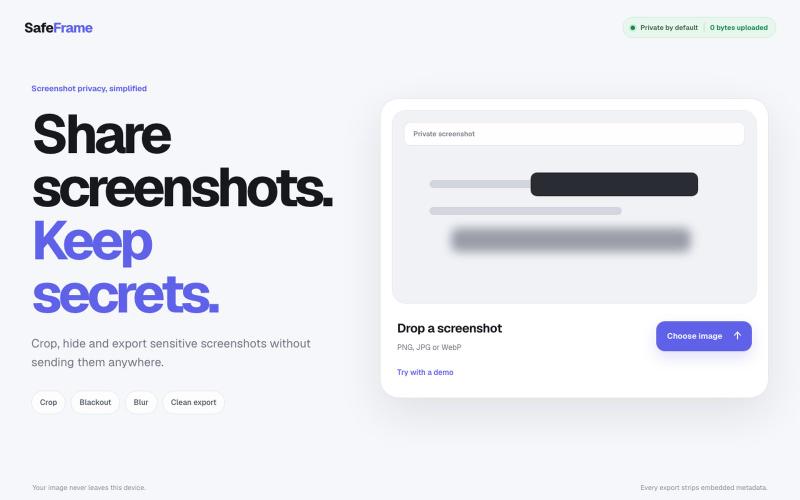
裁剪、编辑、模糊和导出截图,完全私密,无需上传任何数据。

@noshkass · X
Built SAFEFRAME a private, browser-only screenshot sanitizer. Crop, blackout, blur, and export sensitive screenshots without uploading a single byte. Try it: Built with ChatGPT Sites. @chatgptapp #Giveaway
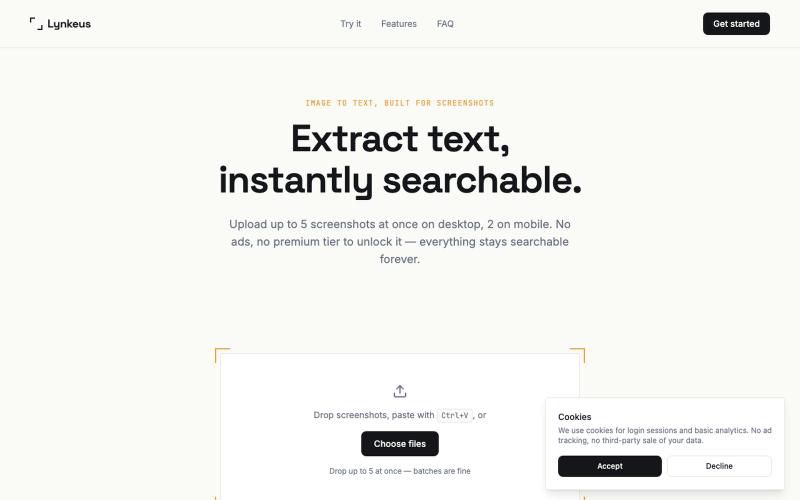
将截图转换为可搜索、可编辑的文本,无需登录。

@DoriaJefferson3 · X
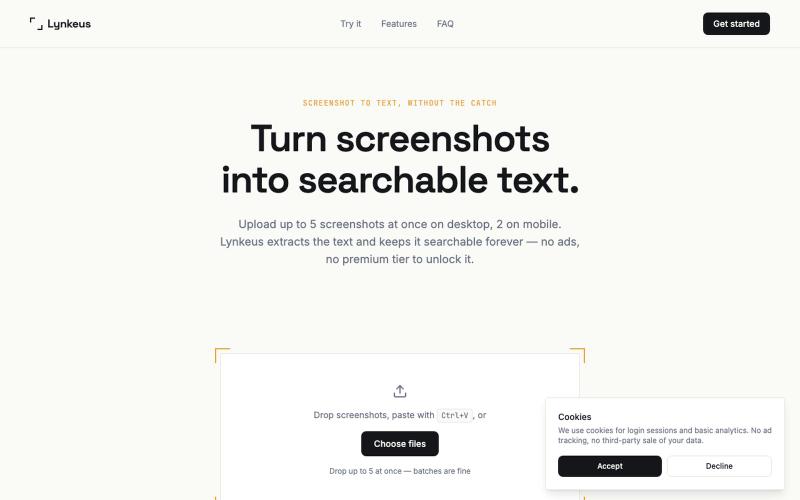
从截图中提取文本,完全免费,无广告,历史可搜索。
@DoriaJefferson3 · X
Checked reviews of a popular screenshot-to-text app before building Lynkeus. Same complaints every time: ads everywhere, $15/week paywall, unusable free tier. Lynkeus has none of that. Upload, extract, search forever — free tier is actually free.
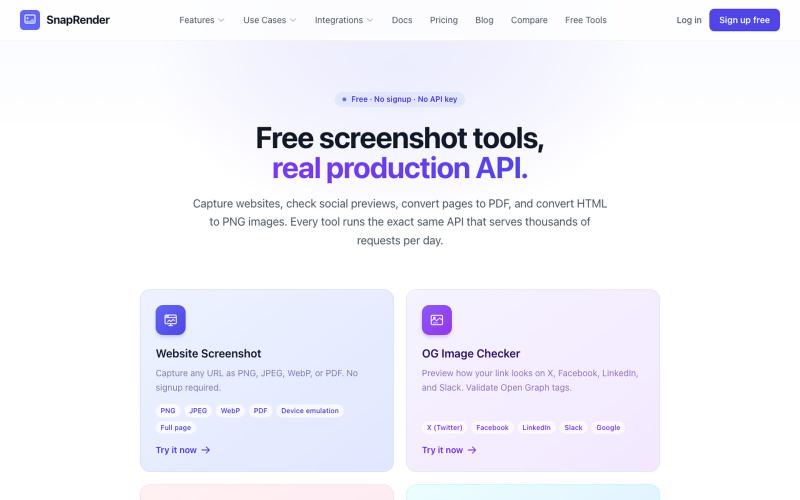
无需登录,支持网站截图、PDF/PNG转换和OG图像检查。
u/SpecificNo8047 · Reddit
I built a screenshot API because my personal Puppeteer setup kept breaking. Six months later it has an MCP server and hundereds of users Solo founder here, this is my product, full disclosure. It started as super simple helper self hosted tool for myself: I needed website screenshots for a project, self-hosted Puppeteer, and spent more time babysitting Chromium than building. So I turned the babysitting into a product, because why not. What it does: one GET request in, rendered screenshot