

生产力2 weeks ago
Cubix Capture – Free Screen Recorder with Auto Zoom | Mac & Windows
Mac & Windows 屏幕录制工具,支持点击自动缩放、渐变背景和摄像头叠加。

@zuess05 · X
Shipped some banger updates to
完整作品展
技术栈
23 projects
Mac & Windows 屏幕录制工具,支持点击自动缩放、渐变背景和摄像头叠加。
@zuess05 · X
Shipped some banger updates to
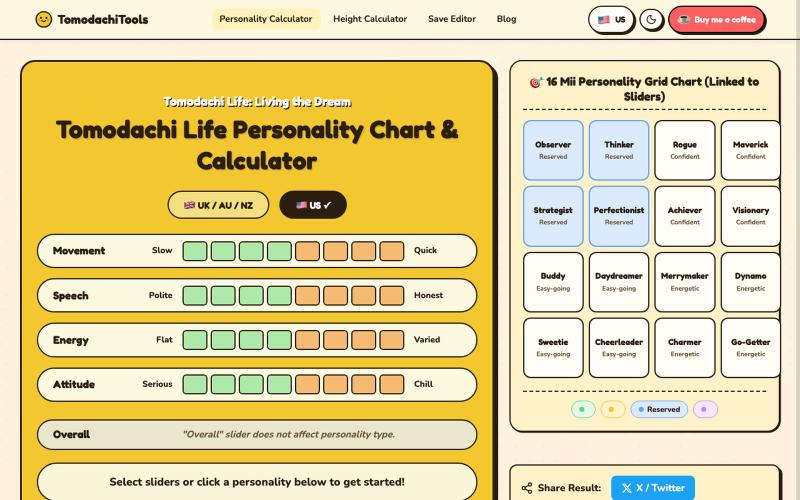
调整滑块为Tomodachi Life计算Mii角色性格。
langren · V2EX
[分享创造]Tomodachi Life Personality Chart & Calculator Tomodachi Life Personality Chart & Calculator:https://tomodachi-tools.com
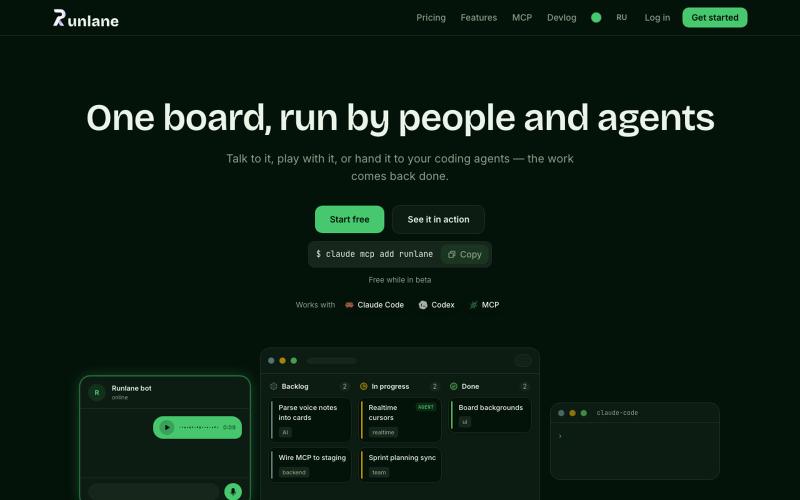
一个看板,语音笔记变成任务卡片,AI代理协助完成工作。
u/EloWeld · Reddit
I got tired of copy-pasting tickets into Claude Code, so I built a Kanban board that hands cards to a local agent Just a delegate to local agent feature Upfront disclaimer: it's my own project, don't take it as an ad — I genuinely just want feedback. Why yet another kanban board? • First I got tired of sorting through a pile of messages from my boss and bugs the team found by hand -> made a Telegram bot you just forward stuff to, and it writes the task up properly and
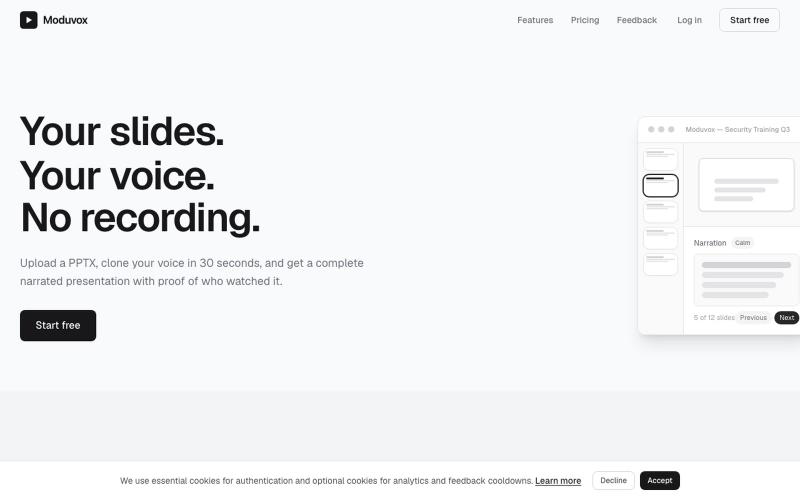
上传PowerPoint和语音样本,用您的克隆声音生成完整讲述。
u/sludge_dev · Reddit
I built a tool that narrates PowerPoint slides in your cloned voice. Launching it today, keeping it small for a week to fix what breaks. I just got into my College holidays a few weeks ago and I spent the last 6 weeks building Moduvox . You upload a PPTX deck, record 30 seconds of your voice, and it generates per-slide narration audio with a shareable link and viewer analytics. The idea came from a friend manually record voiceovers for training decks. Every update meant re-recording whole
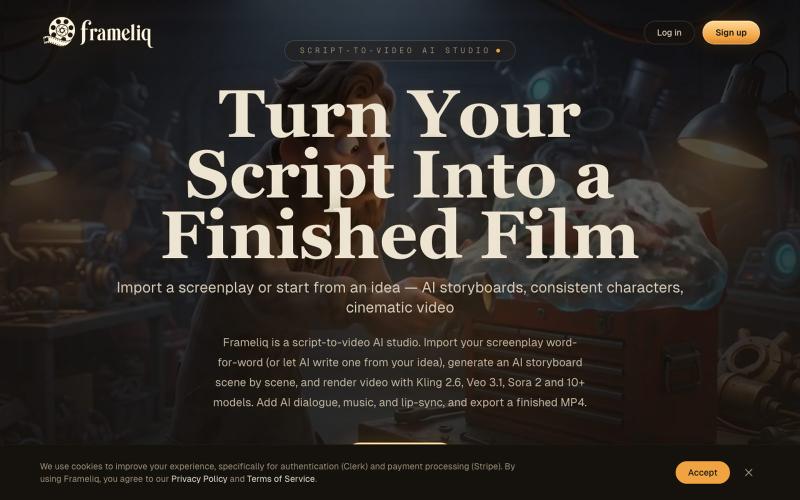
用AI故事板和一致的角色将剧本转换为视频

@tinkerersanky · X
You can make films with AI
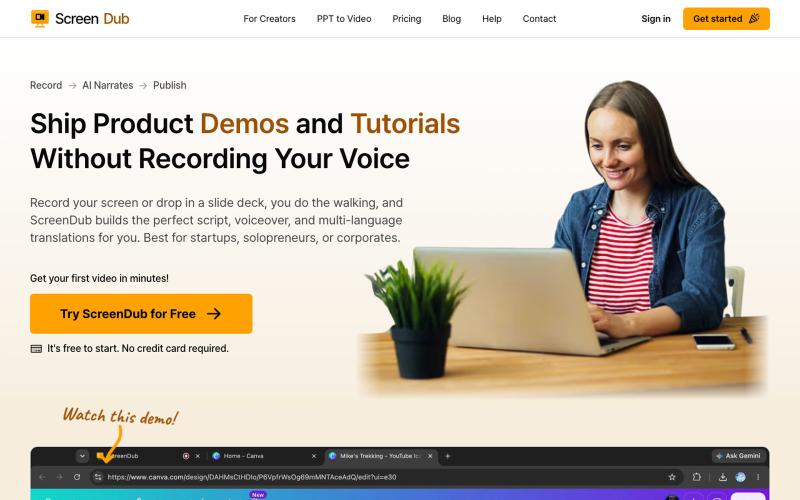
录制屏幕或幻灯片,ScreenDub 用 AI 生成脚本、配音,支持 70+ 种语言的产品演示和教程。

@me_using_x · X
Do you need a product demo or wanna make tutorial/help videos? Your problem is solved for ever now! Try: PS: I am the developer who built this and I am self promoting it via this thread. 😀
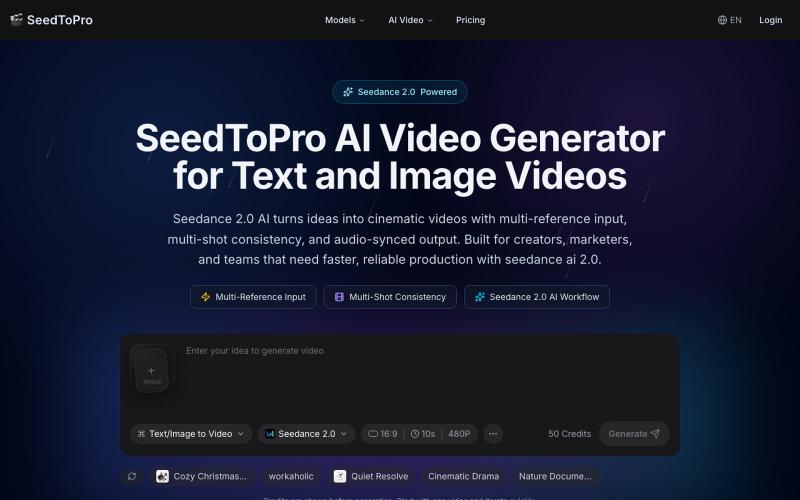
从文本和多张图片生成具有角色一致性和多镜头的电影级短视频。
Seedance 2 Pro — 多模态 AI 视频生成平台。支持文本+多张图片+视频+音频参考同时输入,实现角色一致性、多镜头叙事、音频同步动作、精准镜头控制。几分钟生成商业级短视频,适合营销、电商、社交媒体、品牌故事、预可视化等高频内容创作需求。比传统文生视频更可控、更接近导演级表达
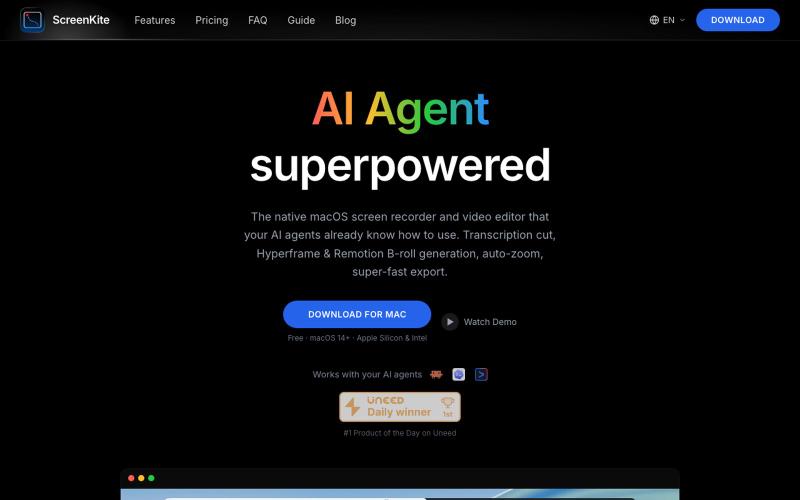
免费的原生 macOS 屏幕录像机,内置编辑器和自动缩放。

@screenkite_com · X

为 Codex Desktop 设计自定义主题,调整背景、颜色、透明度和视觉效果。
plutozc · V2EX
做了个 Codex Desktop 主题预览和切换工具,先调好再安装 最近一直在用 Codex Desktop ,觉得默认界面看久了有点单调,就顺手做了个主题编辑工具,分享一下: [Codex Skin]( https://getcodexskin.com) 可以先在网页里预览主题,调整背景透明度、面板透明度、颜色、模糊和圆角等参数,满意之后再下载并切换到 Codex Desktop 。 目前支持: - 自定义 JPG 、PNG 、WebP 背景 - 在线实时预览主题效果 - 调整透明度、颜色、模糊、圆角 - 预览满意后生成安装命令 - 不喜欢了可以恢复默认外观 目前主要面向 macOS 上的 Codex Desktop ,还是个人项目,功能和兼容性都在继续打磨。 欢迎试试,也想听听大家对主题参数、预览效果和安装流程的反馈。 直接网址: https://getcodexskin.com [轻喷 轻喷,可能还有些 bug
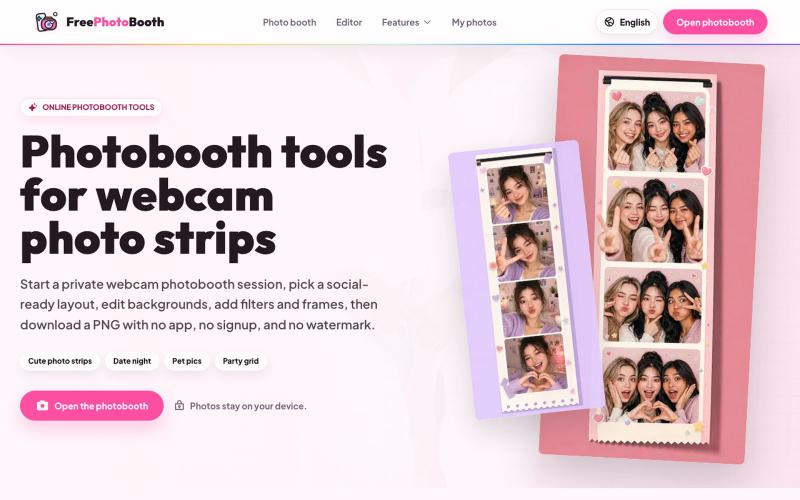
用摄像头拍摄照片纸条,支持滤镜、相框和背景编辑。
cmlanche · V2EX
做的在线照相亭本来还有点流量,结果我 301 瞎整一通,彻底废了,重新上了一个站 地址:[freephotobooth.online]( https://freephotobooth.online/) 上面是老地址,本来流量还可以,上站第二天就有 300 个新点击,但我嫌弃域名后期没有品牌优势,所以 301 到了另外一个域名,但上了之后看到流量没有了,又很焦虑,然后又把新站 301 到老站,现在彻底 game over 不得已重新写了一个站,再上,有兴趣可以围观一下,看看哪个更好,有啥问题我可以改改,主打听劝 新站地址:[https://photobooth100.com/]( https://photobooth100.com/)
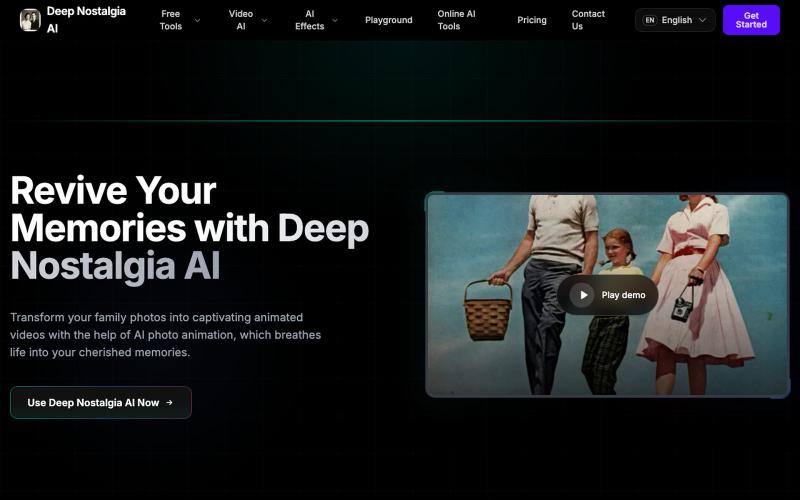
Deep Nostalgia AI 将老照片转为生动视频,保留珍贵回忆。
Deep Nostalgia AI — 借助人工智能照片动画,将家庭照片转变为引人入胜的动画视频,为珍贵的回忆注入活力的网站