
完整作品展
技术栈
25 projects
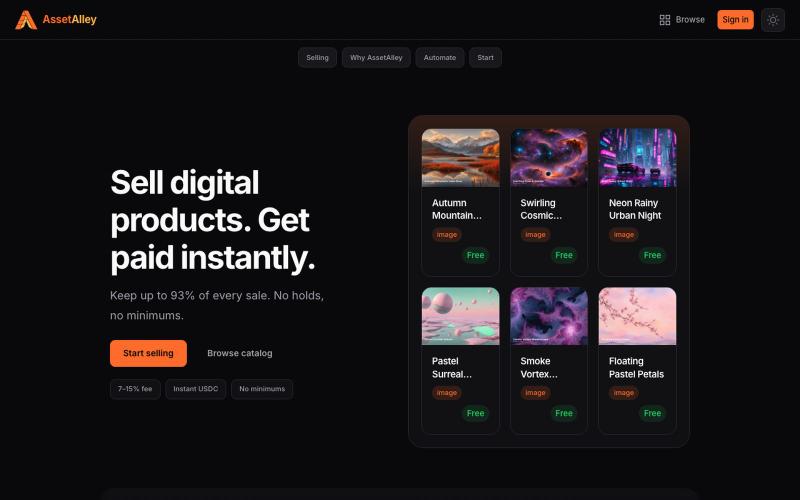
A digital product marketplace for sellers. List images, graphics, presets, and templates. Low fees, instant USDC payouts, no waiting on your money.

@TheTaiClaw · X

跨越30多个区块链网络交易和管理数字资产

@abhijeethganji1 · X

@launch_llama 正在完善自己 :) 联系我: https://t.co/33nmIh4ZNU

@textluxhq · X
Just working on myself :) text me:
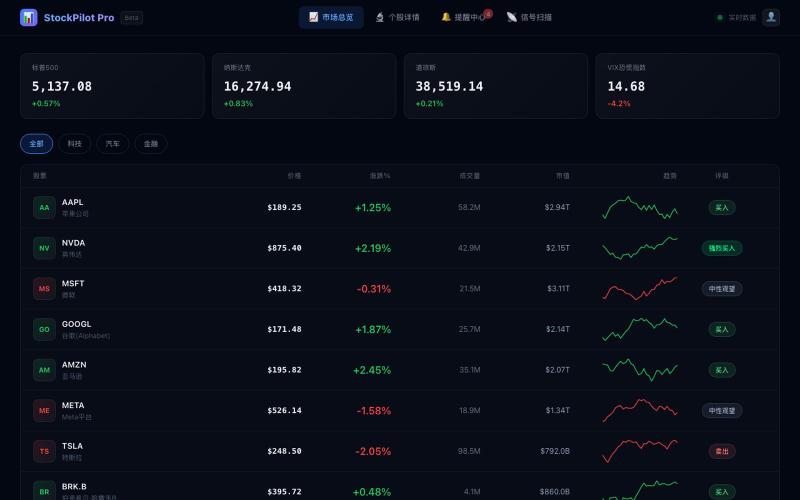
美股交易信号平台,分析市场数据识别交易机会。

@MEJ50749 · X
用 @dappOS_com coding 做了一个美股信号网站: 它和普通美股行情网站最大的区别是:普通网站更多是“给你看行情”,而这个网站更像一个“辅助交易工作台”。 大多数美股网站会把价格、涨跌幅、新闻、财报、K 线分散展示出来,信息很多,但用户还要自己判断: 哪只股票值得看? 现在是什么信号? 这个信号强不强? 有没有触发提醒? 后续要不要复盘? 我这个站的核心思路不是堆信息,而是把交易前的观察流程做成工具: 1. 市场总览不是单纯看涨跌 首页会把美股标的放进观察池里,比如 AAPL、NVDA、MSFT、GOOGL、AMZN、META、TSLA 等,不只是显示价格,还会结合涨跌幅、成交量、市值、PE/PB、行业、52 周区间等信息,让我先快速判断哪些票值得继续看。 2. 最重要的是信号扫描器 这个功能是普通行情站很少直接做成工作流的地方。 网站里有“智能信号扫描器”,可以扫描技术形态,并把信号归类成突破、反转、动量、超卖、超买、金叉、死叉、背离等类型。 比如: NVDA 出现强势突破、量能放大、均线多头排列; AAPL 出现 MACD 金叉、RSI 超卖反弹、布林带下轨支撑; MSFT 出现 MACD 背离,需要注意短期回调; TSLA 出现均线死叉,提示中期下行压力。 这就不是简单告诉我“今天涨了多少”,而是帮我回答一个更交易化的问题: 这只股票现在为什么值得关注,关注点在哪里? 3. 个股详情页更像交易前检查清单 普通网站的个股页往往是行情 + 新闻 + 财务数据。 我这个站的个股详情页更偏“交易前判断”:价格、评级、52 周区间、K 线/成交量、基本面、技术信号、资讯都放在一起。 它的价值是把“发现信号”之后的下一步接住。 扫描器告诉我哪只票有异动,详情页帮我进一步看这个信号有没有质量。 4. 提醒中心是我最喜欢的功能 这个站不是看完就结束,而是有 Alerts Center。 里面可以看到全部提醒、已触发提醒、等待中提醒,还能新建价格/信号提醒。 比如: NVDA 突破 900 美元触发提醒; AAPL 出现 MACD 金叉提醒; TSLA 等待成交量异常触发; META 跌破支撑提醒止损风险; AMZN 突破近期高点提醒动能增强。 这和普通美股网站最大的差异就在这里: 它不只是信息展示,而是把“观察 →
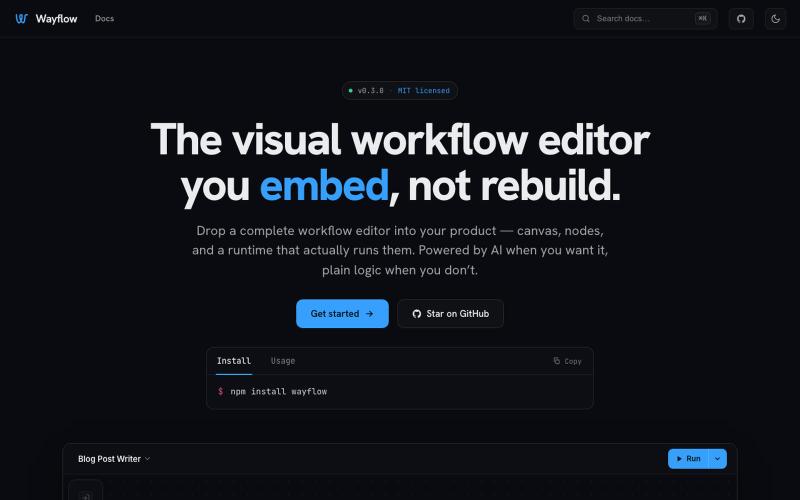
可嵌入的可视化工作流编辑器,支持AI驱动或纯逻辑设计。
tahazsh · HN
Hi! I’m Taha. In many agentic products that support workflows (including one I worked on), I noticed they either don’t support node-based editors, or use React Flow and go through the difficult work of integrating it into their product to run it and work with their existing logic. So I thought about creating a tool that could help with this by closing the gap between the editor and the runtime. That’s why I created Wayflow. The basic architecture is simple: you just need to create a graph (which is a JSON object) that the runtime knows how to run. The runtime doesn’t care where that graph is coming from, it just needs the right schema. And with the help of the editor, you can create the graph, and then export it or directly save it on your backend in your database. And then when you want to execute it, you just hand it to the runtime. The runtime can either stream the execution (which is useful for the editor), or give you the final result. How you execute the graph is up to you: t
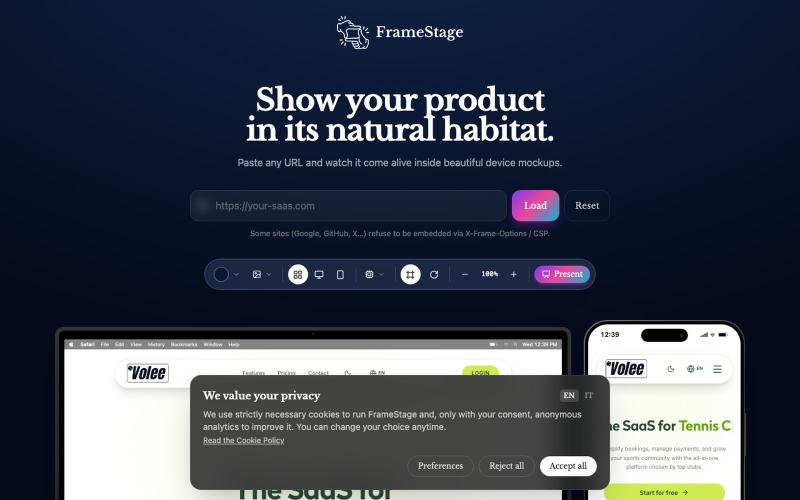
粘贴任何 URL 即可在设备模型(桌面、平板、手机)上预览项目。

@AndreaPericoli · X
I couldn’t find a simple tool that did exactly what I needed, so I built one in @Lovable Frame Stage lets you paste a URL and instantly preview your project on desktop, tablet, or mobile. No mockups. No setup. 🌐 #vibecoding #AI
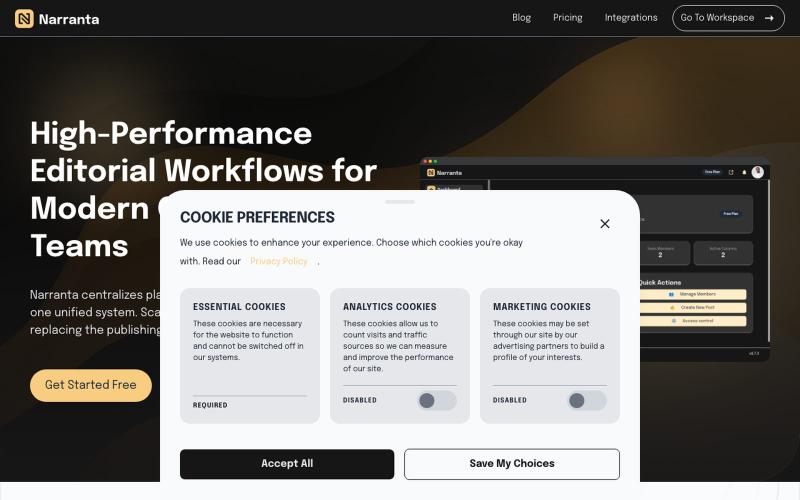
Narranta 是团队编辑工作流平台,支持内容规划、撰写、审核和发布。

@duke_can_c_u · X
Hi I’m the founder of a content collaboration platform for teams and creators, with focus on editorial workflows. Always looking to connect with people passionate about content, SaaS, and building great products.
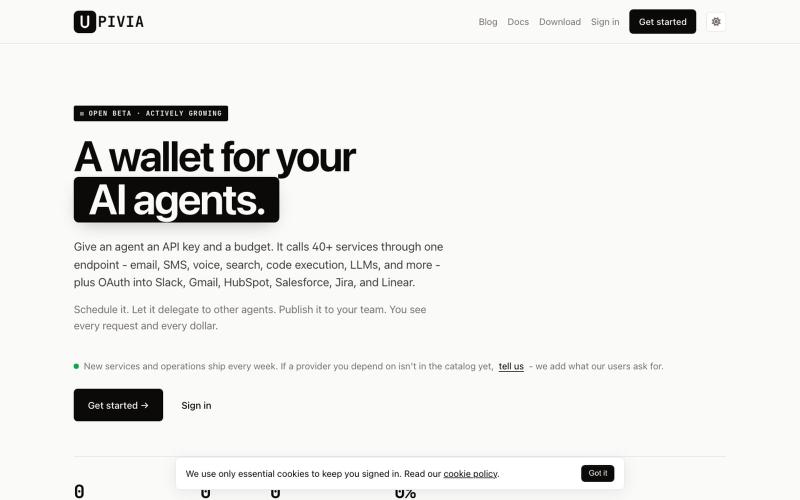
AI代理的钱包,管理支出预算和API访问权限。

@ceoludera · X
Financial and governance for your agents
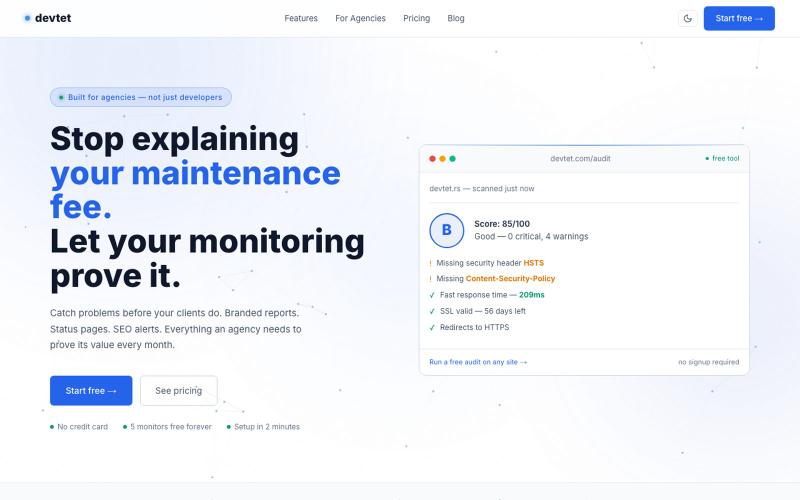
DevTet为网络代理商提供网站监控与维护报告,涵盖正常运行时间、SSL及SEO监控。

@devtet_mon · X
Building DevTet — monitoring + maintenance reports for web agencies. It helps agencies prove the value of website maintenance with uptime, SSL/domain, ping, key monitoring, WordPress maintenance log, WP plugin, Client groups and branded client reports.
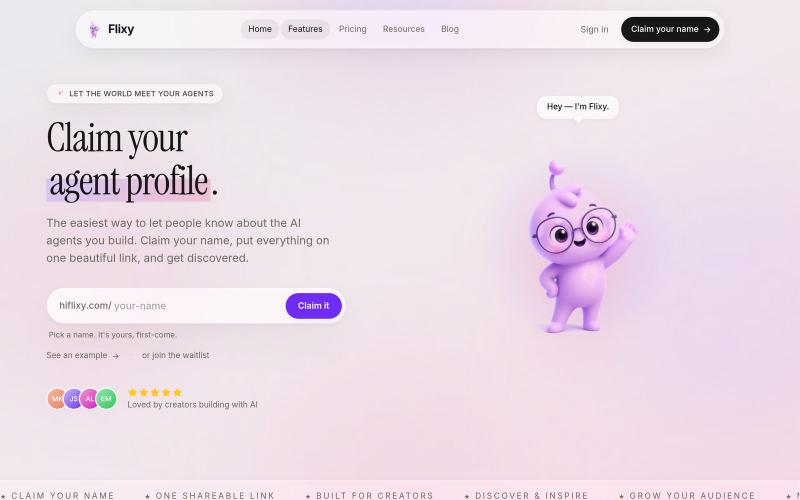
为您的 AI 代理创建个人资料,并通过一条链接分享所有内容。

@Samly139 · X
Linktree for agents!

