
其他1 week ago
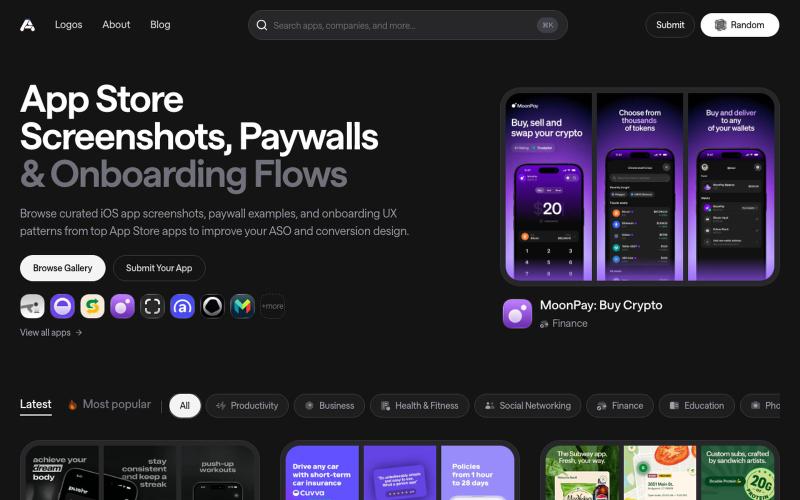
Asoinspo | App Store Screenshot Inspiration
Discover the latest iOS App Store screenshot examples, onboarding ideas, and paywall inspiration.

@taher_max_ · X
Building and
完整作品展
技术栈
60 projects
Discover the latest iOS App Store screenshot examples, onboarding ideas, and paywall inspiration.
@taher_max_ · X
Building and
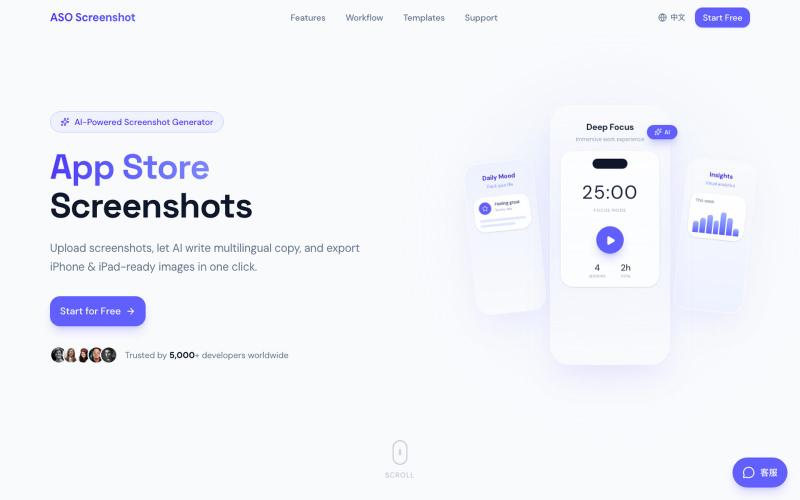
上传应用截图,AI自动生成多语言营销文案和适配所有设备尺寸的商店截图。

@zihengli163713 · X
每次上线APP的时候,做这个截图都要花费很多时间。 所以我做了一个网站,导入你的APP界面,直接一键生成对应的宣传图页面,自动生成6种语言 自动适配尺寸,一键推送到App Store Connect里面。 目前完全免费开放给大家用,欢迎反馈!

无需设计技能,用AI生成应用商店截图、图标和营销素材。

@Erdousky · X
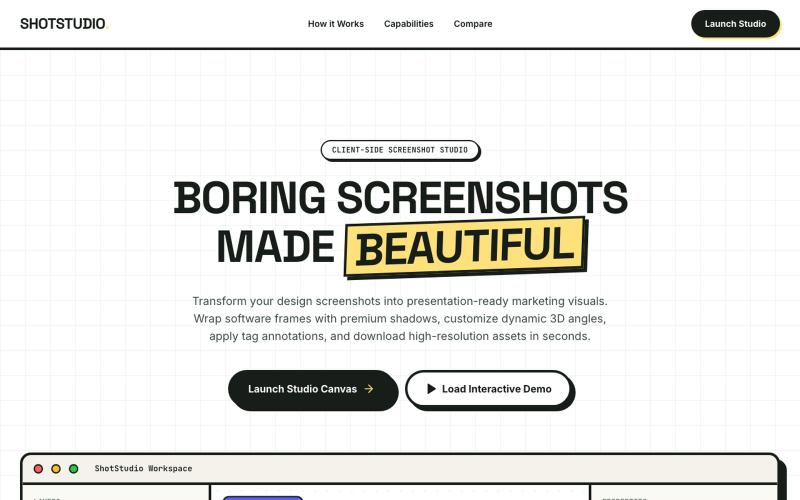

在浏览器中用 Screely 创建专业截图效果图,支持框架、背景和标注。

@Aticmatic_com · X
of course for people:
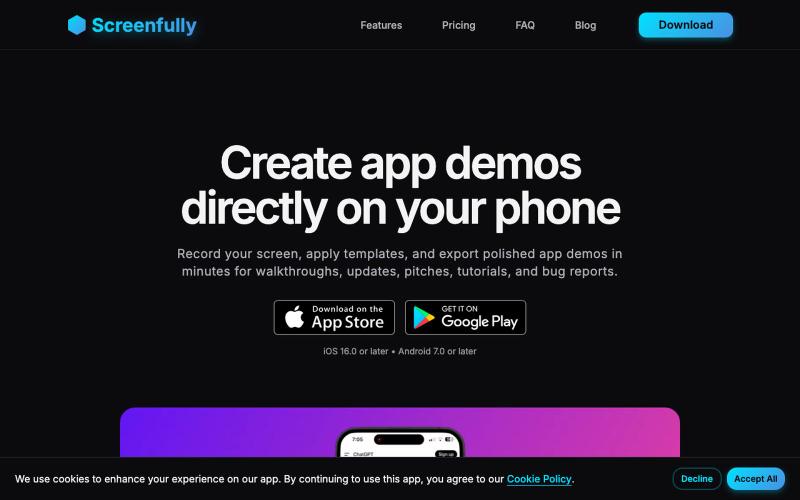
在您的手机上直接创建精美的移动应用演示和原型。

@startappdev · X
I'm working on a mockup and demo creation tool straight on your phone so you can build in public easily.
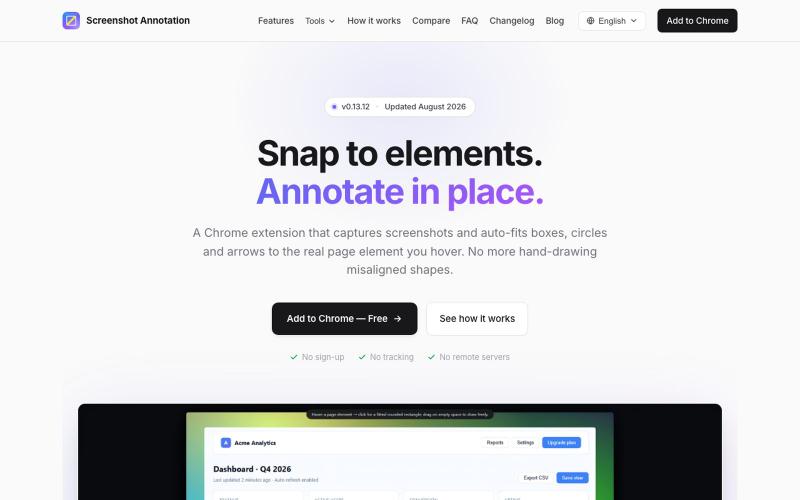
Chrome 扩展程序,自动调整注释框和箭头以标注网页元素。

@virgil_dean94 · X
Just launched my new screenshot plugin! 🎉 ✅ Smart zoom effects on key details ✅ Text extraction ✅ 100% Free Perfect for devs, designers, and anyone who wants to communicate visually with clarity! Try it out! 👇 #BuildInPublic #ProductLaunch
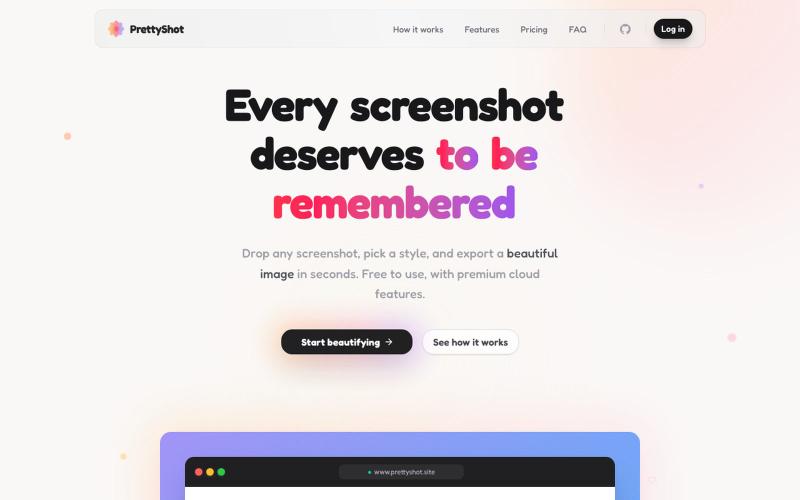
给截图添加样式并即时导出美化图像。

@prassami · X
- instantly turns your boring raw screenshots into beautiful images.
标记和提取截图部分分享给 ChatGPT 或 Claude。
akshitdandyan · Product Hunt
Label.Photos Make screenshots easier for AI to understand
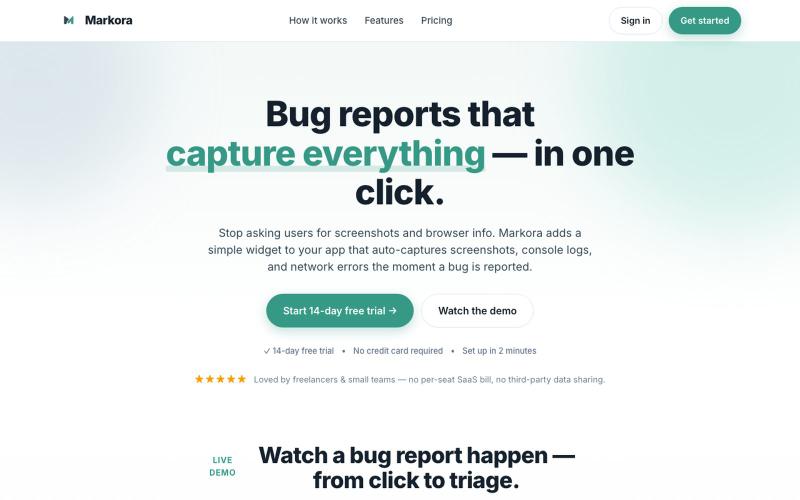
向应用添加小部件,自动捕获用户报告错误时的截图、控制台日志和网络错误。

@markoradotme · X

将社交媒体帖子转换为精美可分享图像,支持多个平台。

@larsbuilds · X
here's the link for the lazy ones :)
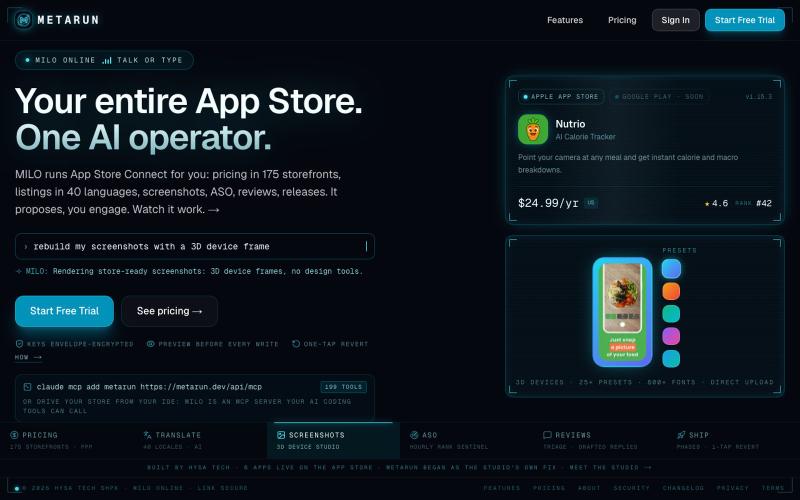
自动化App Store Connect任务,包括批量定价、截图、翻译和发布。

@RedjanHysa · X
App Store Connect makes simple things painful, so I built . Localizing pricing across every available storefront, writing and translating all app's metadata, editing screenshots in one tool and uploading them in another... well, that just takes time from actually building. With MetaRun you have everything in one place: bulk pricing with ppp-based localization, AI-translated metadata, screenshot studio where you edit screenshots, translate them in every language you support and publish them with one click, and many other tools. Oh, you can also use MetaRun directly in Claude Code, Codex, or whatever agent you're using, via MCP, so you never leave your IDE :). Check it out and tell me what you think.
