
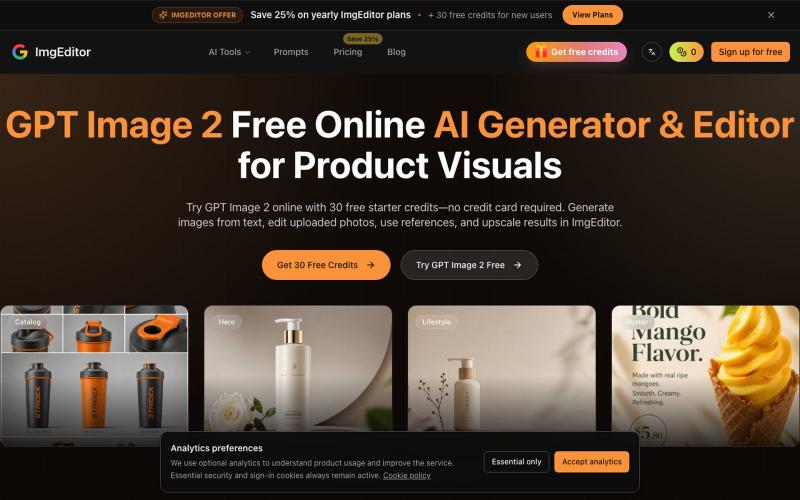
创意工具1 month ago
GPT Image 2 Free Online | AI Generator & Editor | ImgEditor
使用 GPT Image 2,通过文本提示生成和编辑图像。
GPT Image 2 — AI 图片生成工具,支持快速生成高质量图片,适合用于设计灵感、内容创作、社交媒体配图等场景。
完整作品展
技术栈
38 projects
使用 GPT Image 2,通过文本提示生成和编辑图像。
GPT Image 2 — AI 图片生成工具,支持快速生成高质量图片,适合用于设计灵感、内容创作、社交媒体配图等场景。
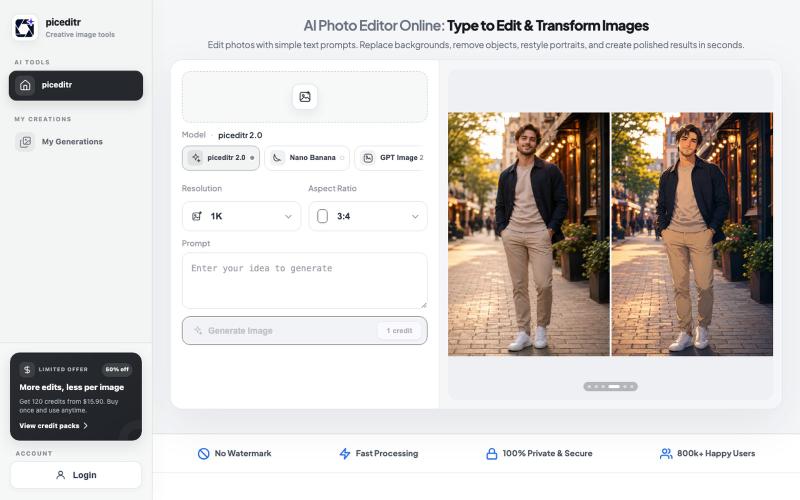
用文本指令编辑照片,支持背景替换、风格转换和细节改变。
new_user___35220255499a20a23f47674 · Product Hunt
piceditr Free AI Photo Editor Online - Type to Edit & Transform Image
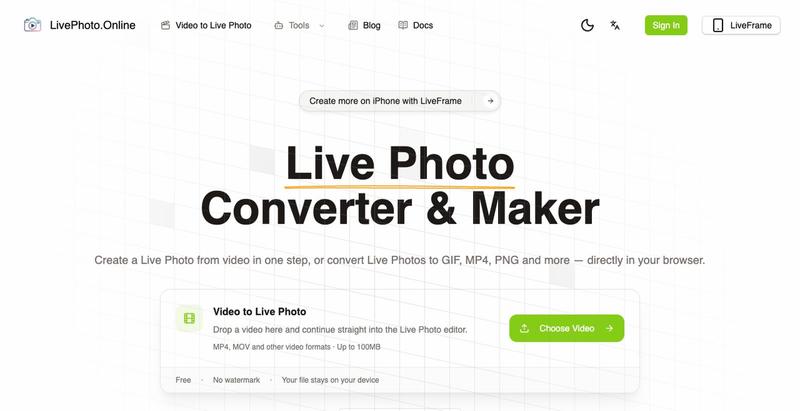
在浏览器中将视频、GIF转换为iPhone Live Photos或多种图像格式
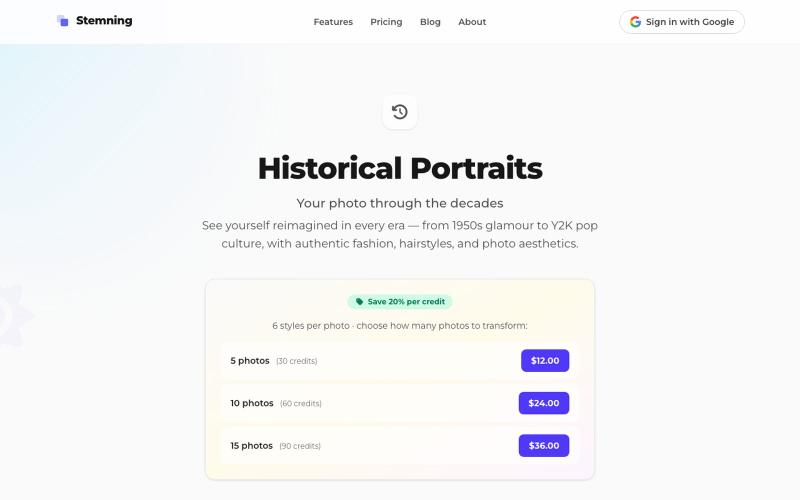
将你的照片转换成1950年代至2000年代的历史肖像。
theill · HN
ClaudeNovo是免费矢量编辑器,配备AI背景移除和图像放大。

@qazzhoubin · X
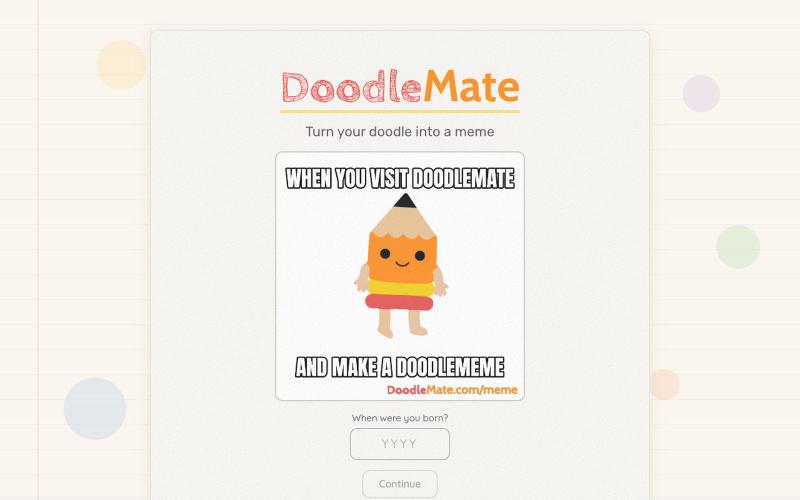
将手绘涂鸦转换为动画表情包。
hjessmith · HN
I like doodling, and I like character animation. I made a little tool that can animate your hand drawn characters and put them into an animated meme. It's free, there's no login needed, and it uses an animation pipeline (not generative AI) to create the outputs. Works on desktop and mobile. If you give it a try, I'd love to hear your feedback. Thanks!
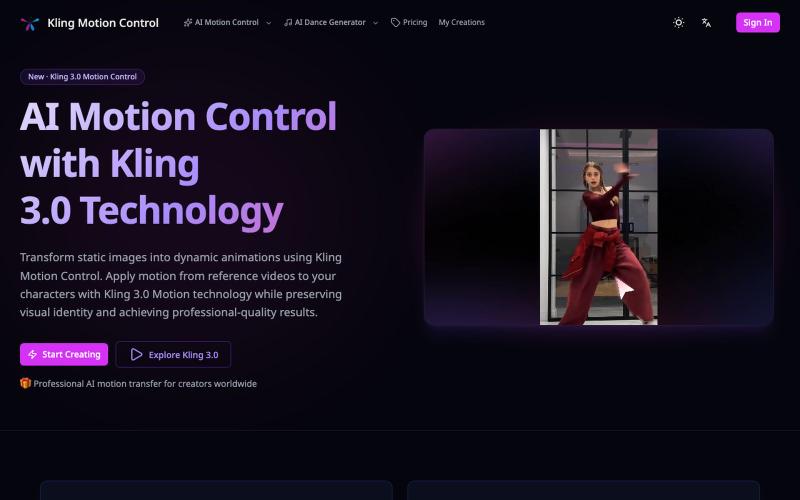
使用参考视频的动作将静态图像转换为动画。
Kling Motion Control — AI Motion Transfer with Kling 3.0
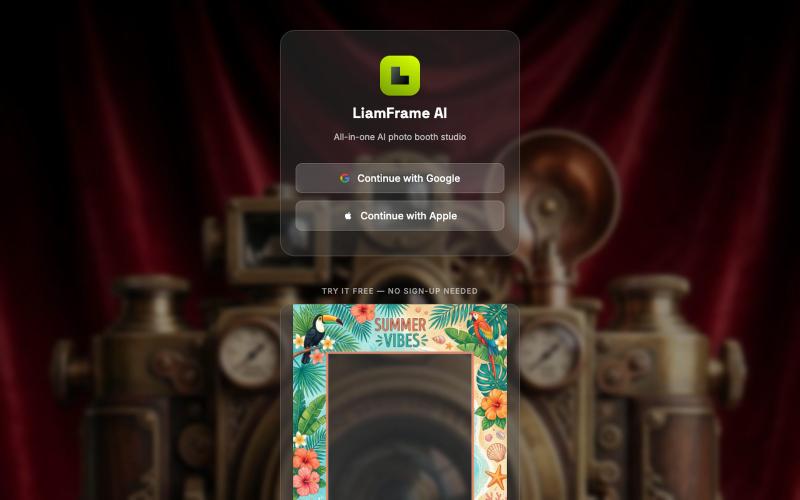
生成AI相馆相框,自动移除背景,创建品牌活动相册。

@bobmata · X
Check out what I just built with Lovable!

Banana AI 图片生成器 - 生成、编辑图片和视频,支持风格转换。
Nano Banana Pro — AI 图像与视频生成平台,支持精准区域编辑、照片修复、风格转换、多图融合、角色一致性保持及视频生成
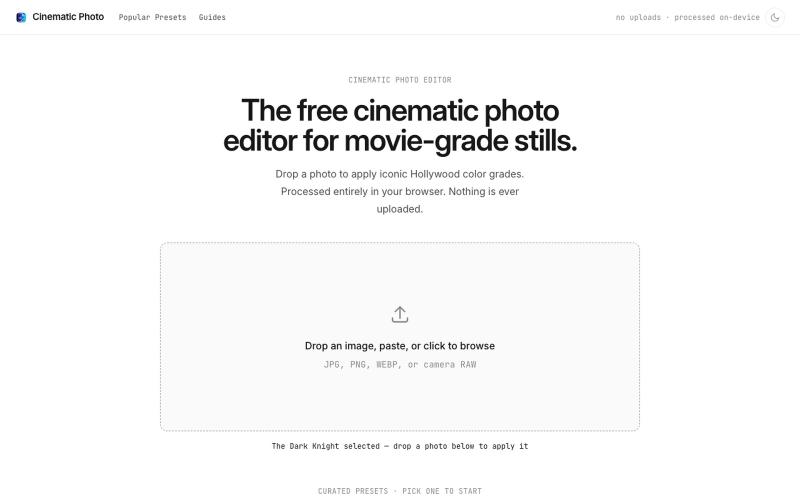
Cinematic Photo Editor 可在浏览器中对照片一键应用电影风格调色
u/huuughmangasorr · Reddit
I built a tool that gives your photos a movie color grade (no AI generation) I kept seeing photo tools that "cinematic-ify" images by running them through AI and spitting out something that's basically a different picture. I wanted the opposite: keep my actual photo, just make it feel like a frame from a film. So I built CinematicPhoto — a browser tool where you upload a photo, pick a movie look, and get a graded version back. Your original stays intact; it's color grading and effects d
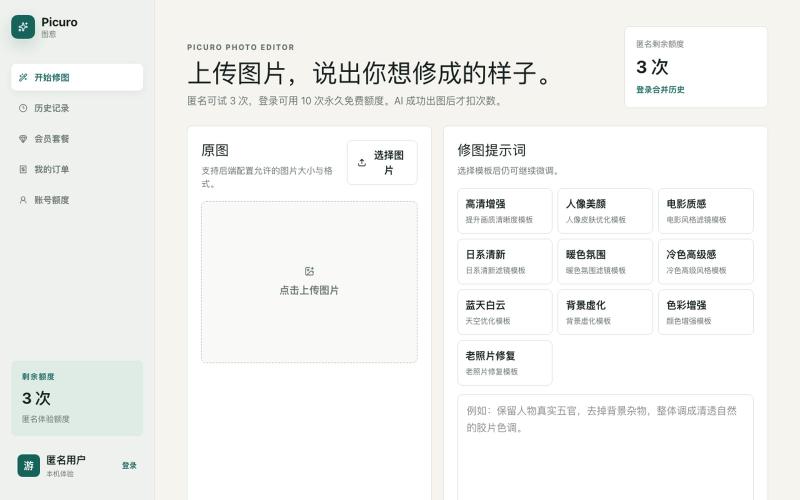
用AI按自然语言描述编辑照片。

@wyfcoder · X
最近做了一个 AI 修图网站:Picuro Photo Editor。 不用复杂参数,上传图片后,直接说出你想修成的样子,比如“更清晰”“电影质感”“日系清新”“蓝天白云”,AI 就会帮你生成效果。 目前还在早期版本,欢迎试用,也欢迎提建议 🙌
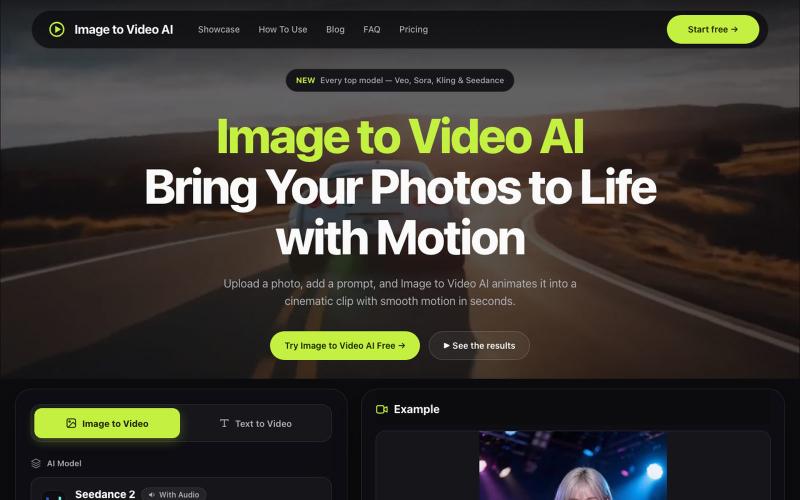
用多个 AI 模型(Veo、Kling、Sora)将照片转换为视频,支持运动控制和 4K 输出。
alexwang0707 · V2EX
AI 视频生成也太好使了,一个入口体验多个图生视频模型 如果平时会用图片转视频,很容易遇到一个问题:不同模型各有所长,同一张图在 Veo 、Kling 或 Seedance 里的效果可能完全不同。 为了对比结果,经常要在几个网站之间切换,重复上传素材、调整参数,整个过程比较割裂。 Image to Video AI 把 Veo 、Sora 、Kling 、Seedance 、Runway 等模型放到了同一个入口。上传 JPG 、PNG 或 WebP 图片,再写一句运动提示词,就能选择模型和画面比例生成视频。它还支持镜头平移、缩放、倾斜、首尾帧控制,以及最高 4K 、无水印 MP4 输出。 网站里有一些不同场景的生成案例,可以直接看看各类图片动起来后的效果。如果你也在测试图生视频模型,可以体验一下,也欢迎分享实际效果和踩坑经验。 https://imagestovideoai.com/