
实用工具2 weeks ago
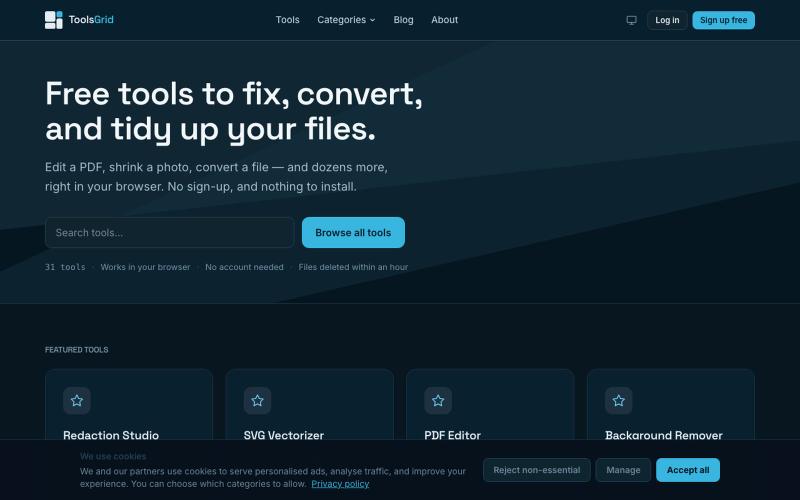
Free Online PDF, Image and File Tools | ToolsGrid
编辑和转换 PDF、图像、视频、JSON、SVG 和电子邮件文件的免费在线工具。

@bigchusstheory · X
完整作品展
技术栈
25 projects
编辑和转换 PDF、图像、视频、JSON、SVG 和电子邮件文件的免费在线工具。
@bigchusstheory · X
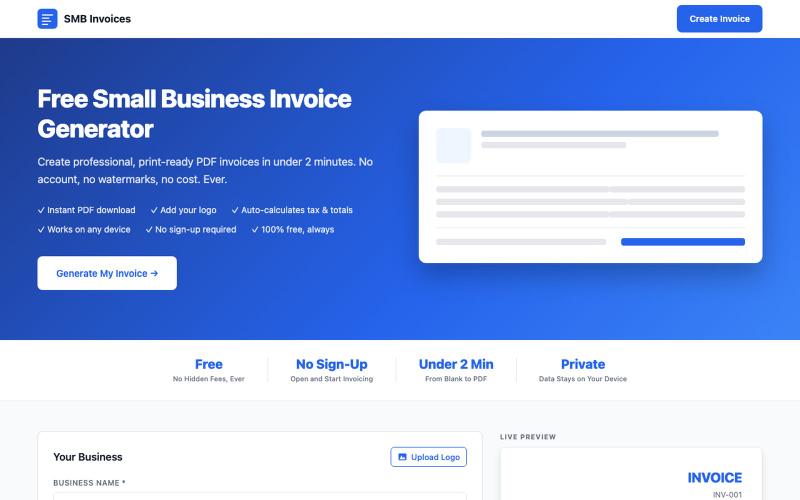
创建并下载专业PDF发票,包含您的Logo和自动税务计算。

@jcolementor · X
Fast free invoice generator for small businesses
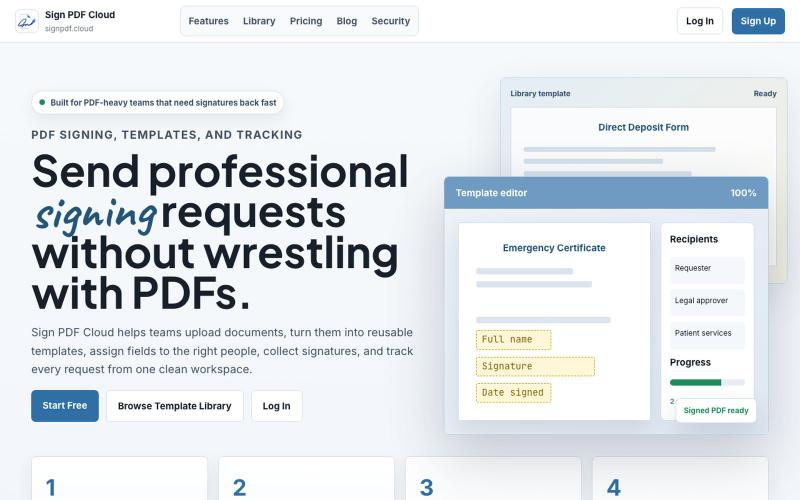
Sign PDF Cloud - 在线PDF签署工具和文档自动化平台。

@qayyumabro · X
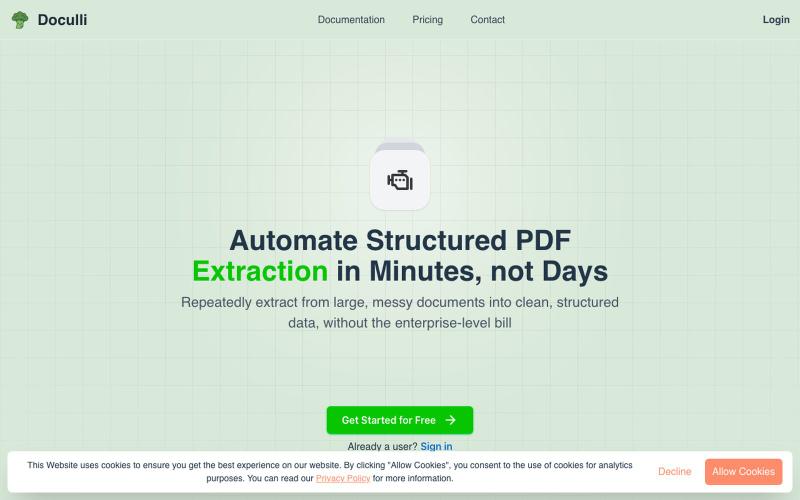
从 PDF 自动提取结构化数据,用于工作流自动化。
u/yonnnyy · Reddit
How should I revive my Saas after 300 hours spent developing To provide context, a couple months ago I created a pdf to JSON ai extraction engine. I know... There are hundreds of products like this but for me the value proposition is that other solutions were heavy weight, expensive, non intuitive templates, and was slow. Therefore I created my own and I met my goals. I see genuine value in my product but the lack of users says otherwise. I think my best option is to build on top of this

免费在线PDF工具,支持合并、拆分、转换和编辑,文件不离开您的设备。
u/Key_Caramel_5578 · Reddit
Built a free PDF toolkit solo (with AI help) — need feedback on the in-browser text editor before I keep pushing on it Been heads-down on this for a while: thepdftool.in Standard PDF stuff : merge, split, compress, convert, OCR — but most of the conversion tools run entirely client-side (WASM), so files never leave your browser for those. Built solo, leaned on AI tools for a good chunk of the code and debugging. The feature I care most about right now is an inline text editor :— click i
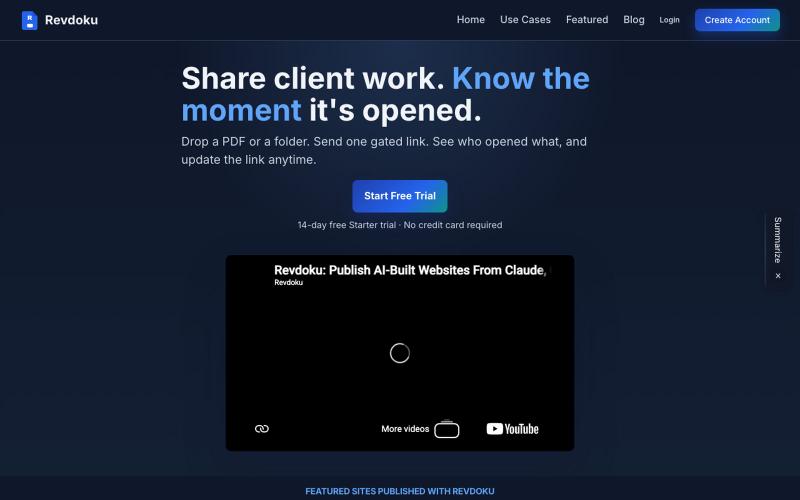
与客户分享 PDF,追踪打开时间

@emironic · X
- free plugin for Claude and Codex to put your work as public website with single line `publish to Revdoku` prompt.
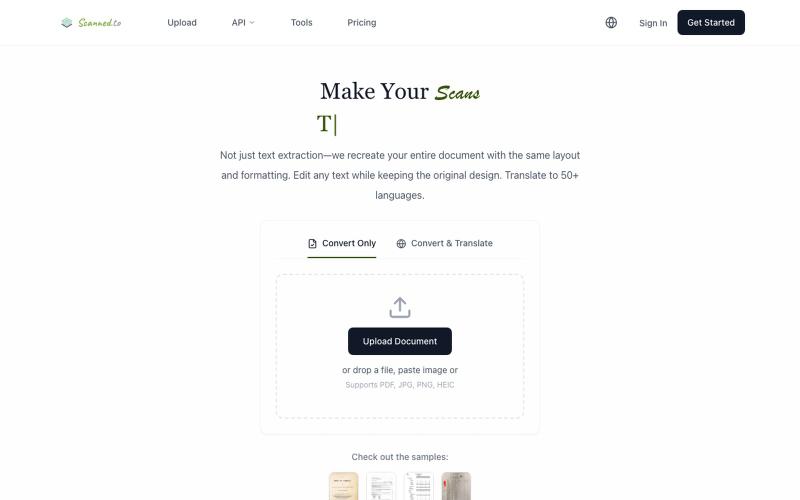
Scanned.to:用 AI OCR 将扫描文档转为可编辑 Word 或文本,支持多语言翻译。
Scanned.to — AI 驱动的 OCR 文档识别与翻译平台,将扫描 PDF/图片转为可编辑 Word/Text,保留原始排版,支持 50+ 语言翻译
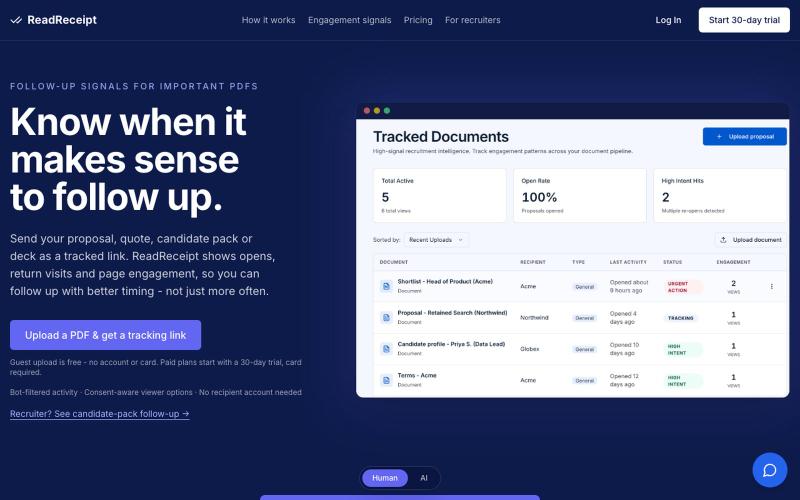
追踪PDF浏览互动,自动为提案和演讲稿生成后续跟进消息的AI代理。

@Naftali_JR · X
Document engagement tracking
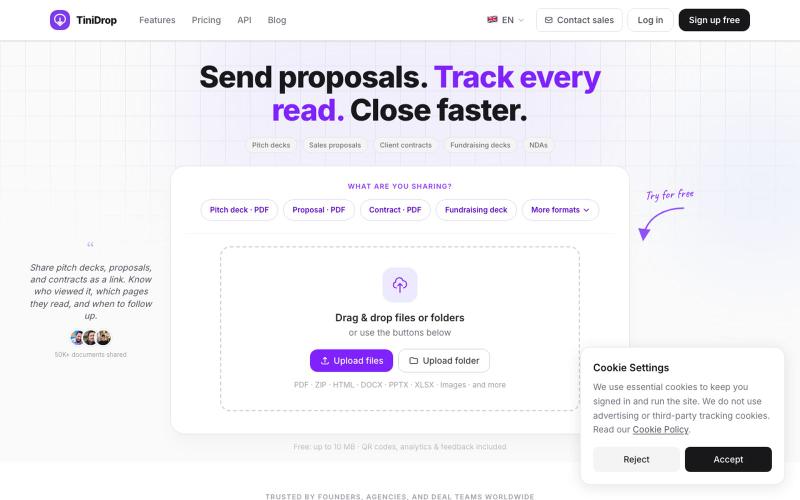
安全分享PDF文件,追踪每位查看者浏览了哪些页面。

@adhikari_premi · X
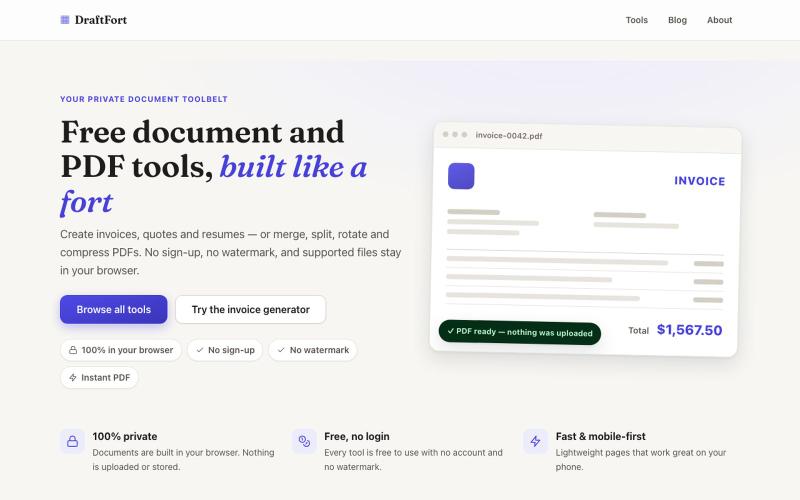
创建和编辑发票、简历和信函等PDF文档 - 免费且无需登录。

@Numatlas · X
Building made me switch from Claude Code to Codex. Claude’s token usage was too expensive for my workflow. GPT-5.6 Sol + Codex lets me focus on building instead of watching usage limits. Loving it so far! 🚀 @OpenAI @thsottiaux
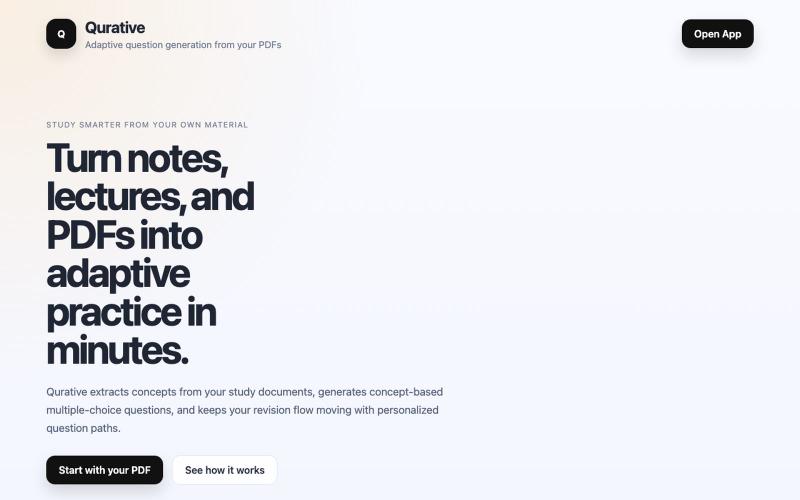
Qurative将PDF转换为自适应练习题和个性化复习流程。

@qurative · X
vibe coded a landing page for seo and shit, will fix it later focusing on adding features to the dasboard
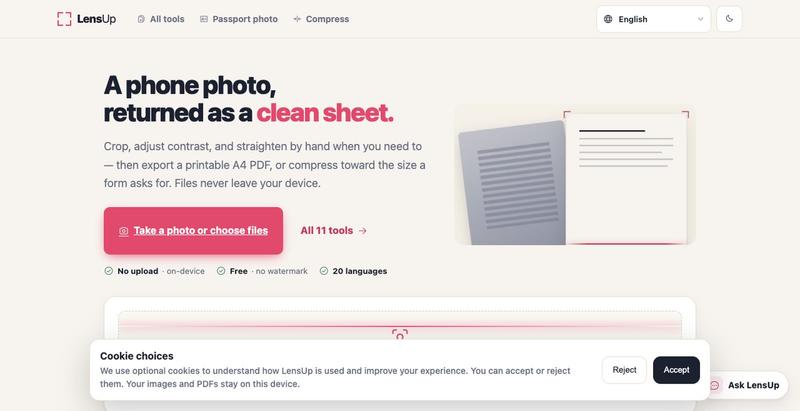
将照片转换为清晰、可打印的PDF,支持自动裁剪、去阴影和压缩。