
生产力1 week ago
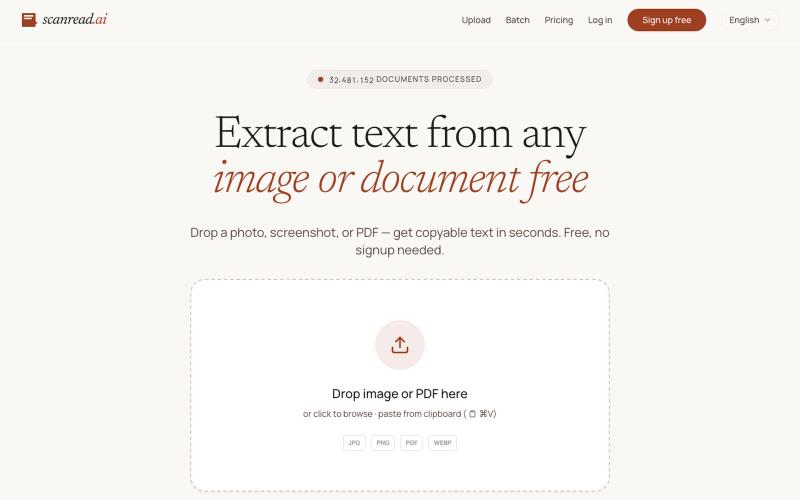
Extract text from any image or document free — ScanRead.ai
从图片、PDF和截图中提取文本,支持100多种语言,免费无需注册。
ScanRead.ai — OCR 文字提取工具,支持 100+ 语言,可从图片、PDF、截图和手写文档中提取文字
完整作品展
技术栈
39 projects
从图片、PDF和截图中提取文本,支持100多种语言,免费无需注册。
ScanRead.ai — OCR 文字提取工具,支持 100+ 语言,可从图片、PDF、截图和手写文档中提取文字
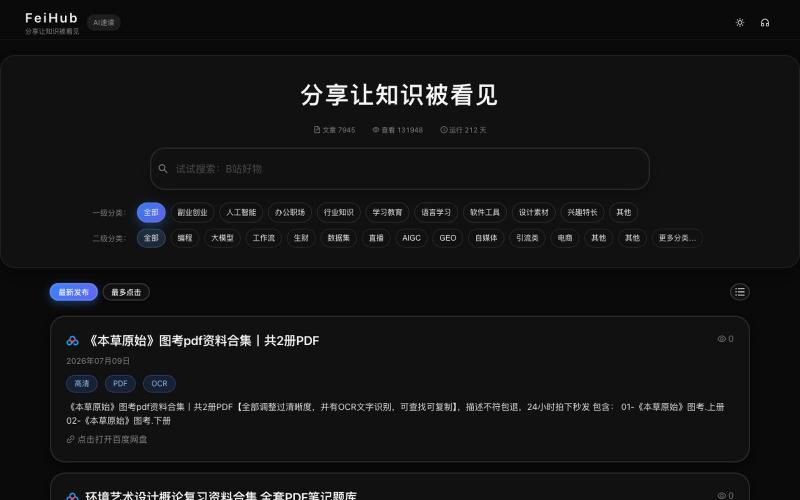
搜索6000+飞书文档,涵盖AI产品、商业工具和技术资源。
FeiHub — 公开的飞书文档搜索,已收录包括:垂直小店、Gemini、AI产品、Claude Code、CPS、Sora、AI工作流、AI视频、AI短剧、AI漫剧、AI漫画、YouTube、小红书电商、电商选品、AI自媒体、n8n、私域运营、B站好物、外卖推客、RPA等 6000+的知识文档。
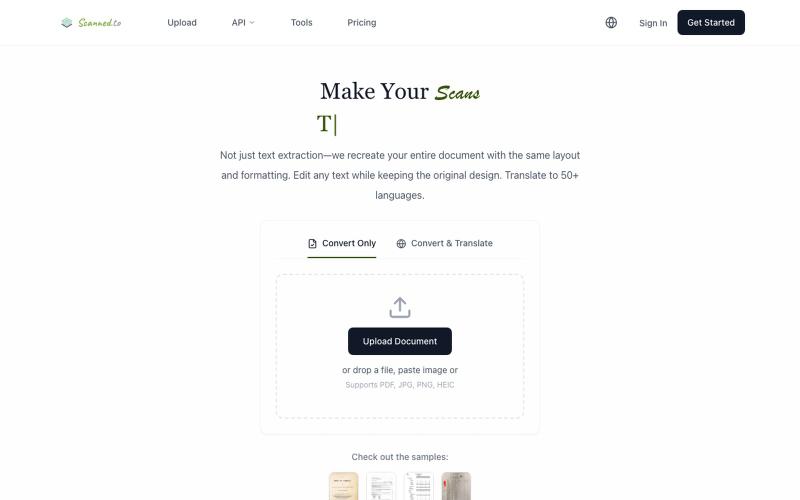
Scanned.to:用 AI OCR 将扫描文档转为可编辑 Word 或文本,支持多语言翻译。
Scanned.to — AI 驱动的 OCR 文档识别与翻译平台,将扫描 PDF/图片转为可编辑 Word/Text,保留原始排版,支持 50+ 语言翻译

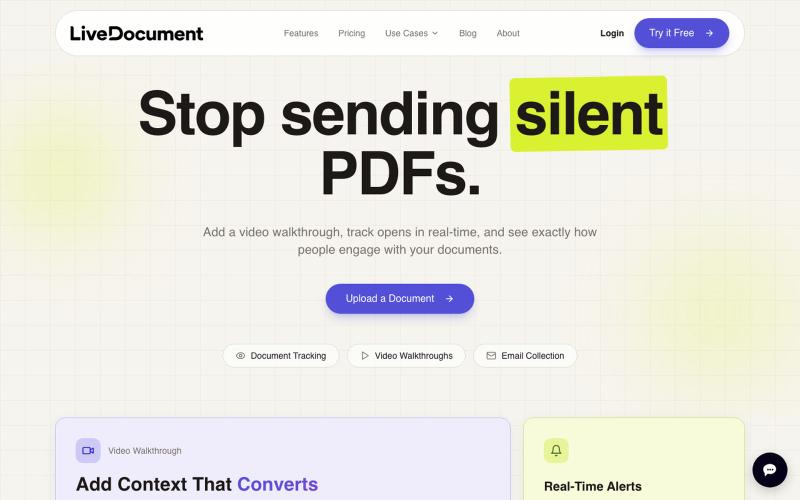
在 PDF 文档中嵌入视频,跟踪观众参与度和分析数据。

@Cam_james05 · X
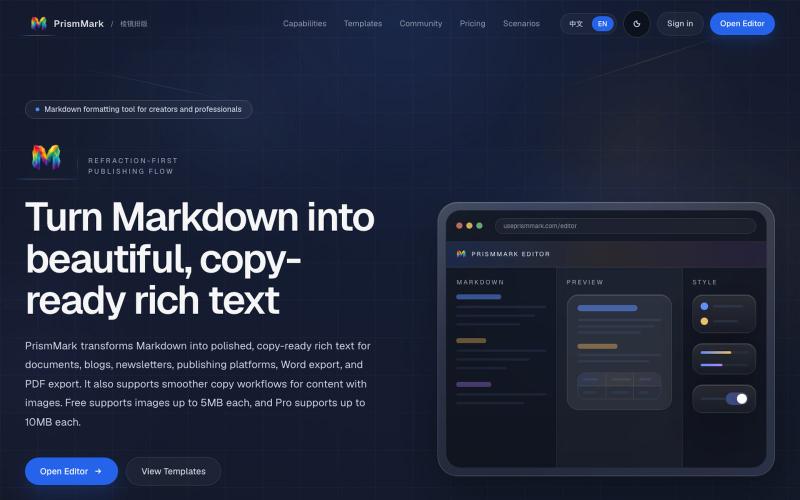
将 Markdown 转换为适合微信公众号、Word 和 PDF 的排版内容。

@bingobray · X
我做了一个类似的工具: 除了支持公众号,还支持word和pdf😁

使用450+隐私友好的工具,在浏览器中直接格式化、转换和处理PDF和图像。

@tentaco_cc · X
Hey! I built 🐙 It’s a privacy-first web space packed with over 450+ free micro-tools for tech, design, marketing, and PDFs. The best part? Everything runs 100% locally in your browser. No registration, no ads. Let's connect! 🛠️
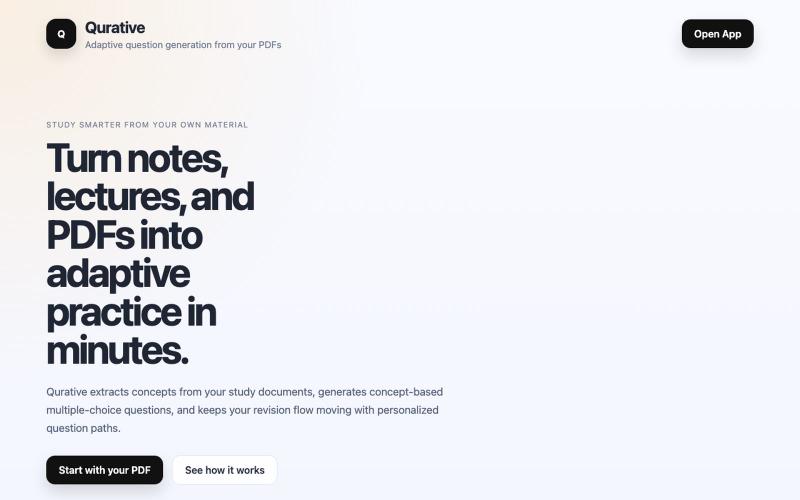
Qurative将PDF转换为自适应练习题和个性化复习流程。

@qurative · X
vibe coded a landing page for seo and shit, will fix it later focusing on adding features to the dasboard
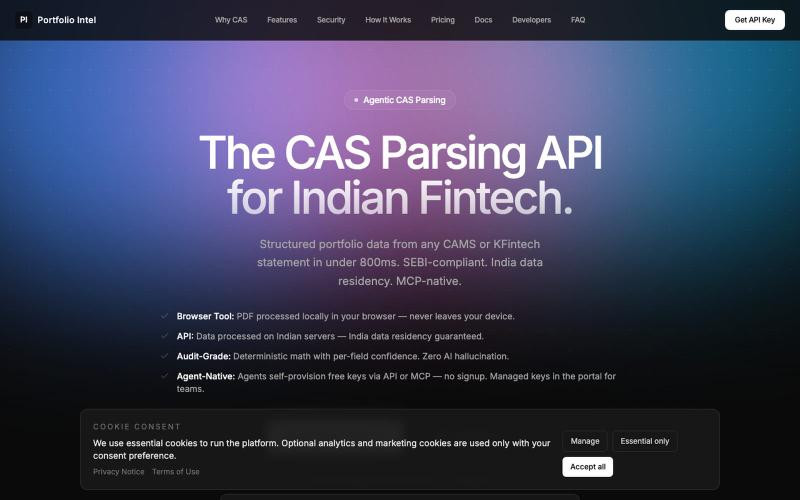
上传 CAS PDF 获取 AI 驱动的基金组合分析和配置洞见。

@iASHeeesh · X
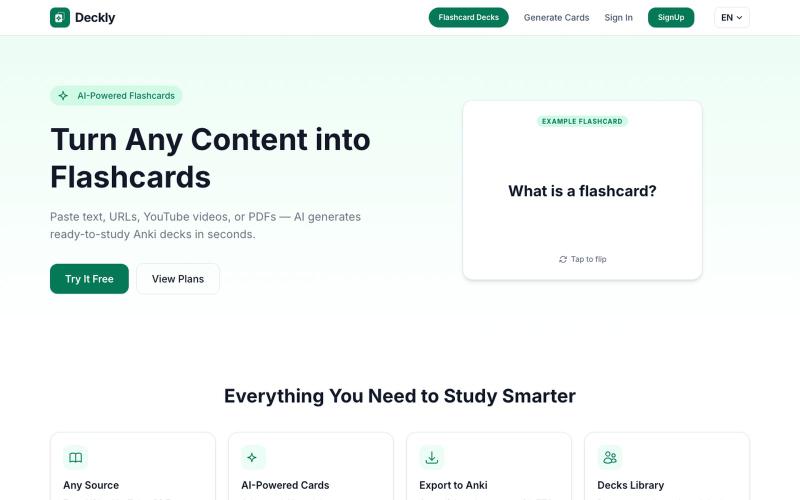
将 YouTube、PDF 转换为 Anki 学习卡,AI 自动生成。
u/holios89 · Reddit
Built an AI SaaS that turns your notes/articles/PDFs into study flashcards — looking for harsh feedback (and bugs) Hey folks, Solo/small side project here: Deckly ( deckly.one ) — an AI-powered flashcard generator for spaced-repetition learning (Anki-compatible export). You give it text, a PDF, or an article link, it generates a deck of flashcards (Q&A, Cloze, or multiple choice), optionally with TTS audio and images per card, and you can study it right in the browser or export to `.apkg`.
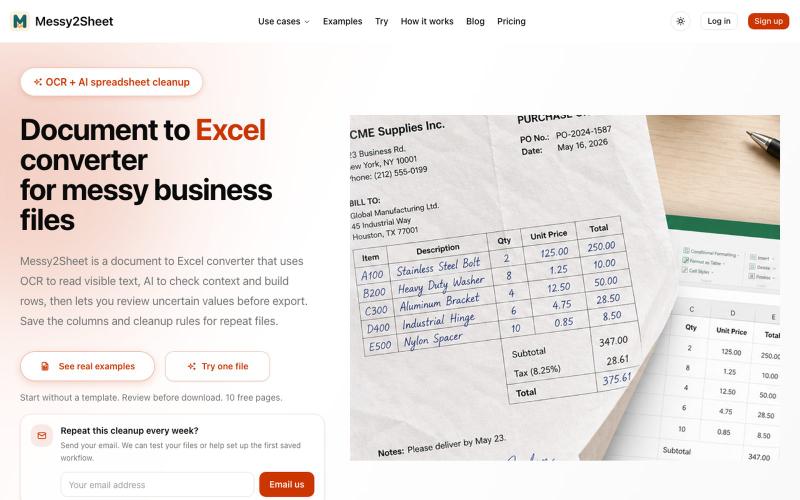
用AI和OCR将PDF、截图和邮件转换为整理好的Excel表格。
Messy2Sheet — AI 文档转表格工具,把截图、邮件订单和 PDF 价格表按自定义字段整理成 Excel/CSV,支持保存可复用 Recipe
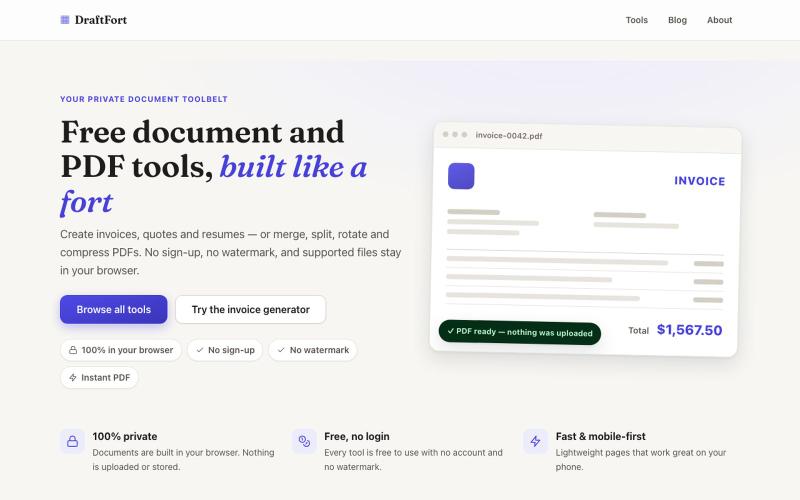
创建和编辑发票、简历和信函等PDF文档 - 免费且无需登录。

@Numatlas · X
Building made me switch from Claude Code to Codex. Claude’s token usage was too expensive for my workflow. GPT-5.6 Sol + Codex lets me focus on building instead of watching usage limits. Loving it so far! 🚀 @OpenAI @thsottiaux