
游戏娱乐2 weeks ago
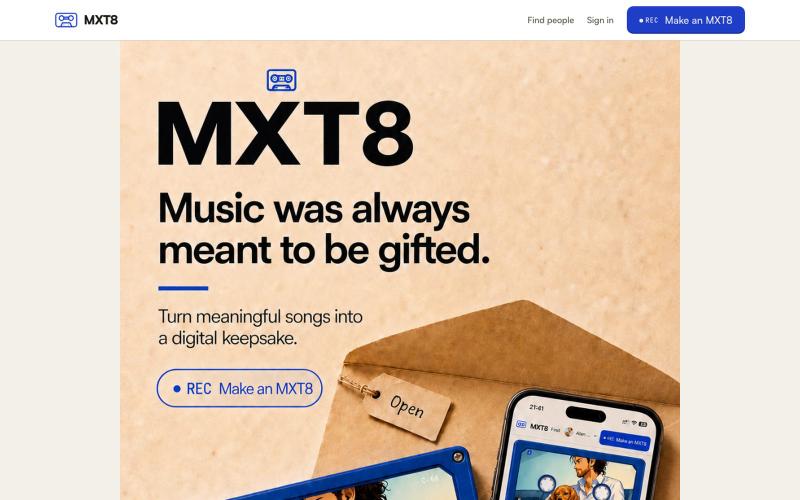
MXT8. Not a playlist. A tape.
Turn songs you love into a two-sided digital keepsake with an optional memory place and up to twelve Polaroid-style photographs. MXT8 stores metadata, not music audio.

@Alan_John_Riley · X
完整作品展
技术栈
26 projects
Turn songs you love into a two-sided digital keepsake with an optional memory place and up to twelve Polaroid-style photographs. MXT8 stores metadata, not music audio.
@Alan_John_Riley · X
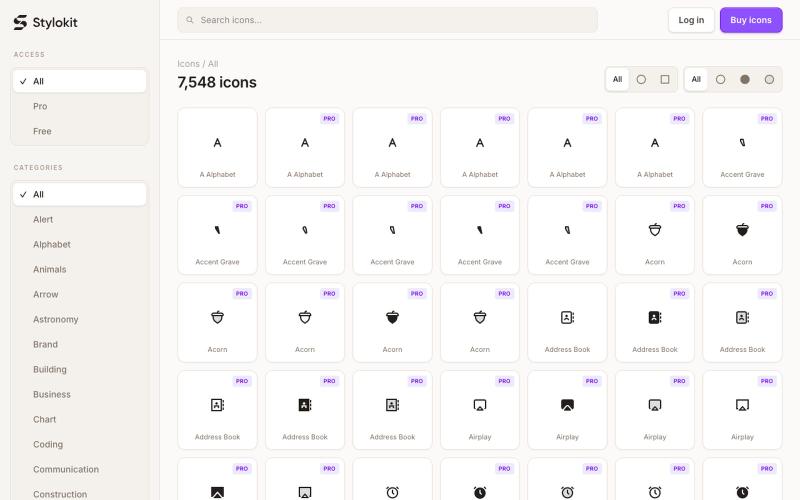
Browse 7,584+ consistent SVG icons for React, Figma, and Framer. Search Round and Sharp icon styles, then copy clean SVG, TSX, or React components for your next product.

@Dmytri_Design · X
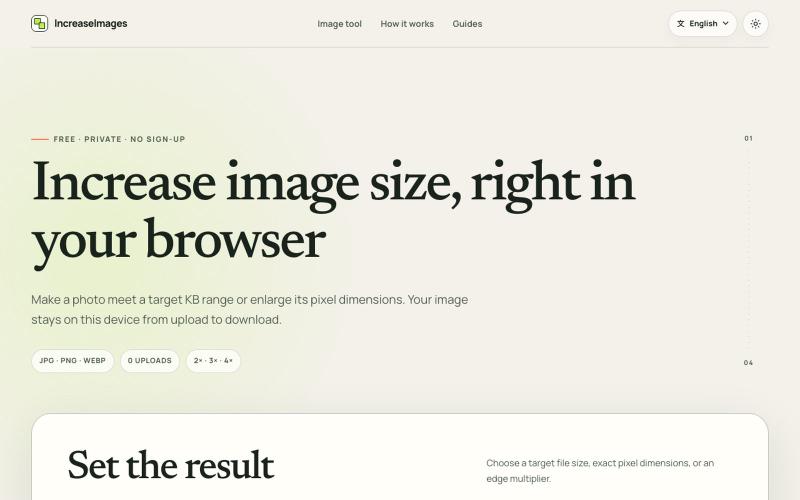
IncreaseImages:在浏览器中调整和压缩图片至目标KB或尺寸。
lby910722 · V2EX
做了一个完全在浏览器本地处理的图片 KB / 尺寸调整工具: IncreaseImages 大家好,最近做了一个免费图片调整工具 **IncreaseImages**: https://increaseimages.org/ 最初想解决的是一个很具体的问题:很多报名、考试或资料上传表单,同时限制图片的 KB 、像素尺寸和格式。普通压缩工具往往只告诉你“压小了多少”,但不会把目标要求和实际输出放在一起核对。 目前支持: - 按目标 KB 或 KB 区间重新编码 - 按宽高尺寸调整,或按 2×–4× 放大 - JPG 、PNG 、WebP 输入与输出 - 生成前后预览尺寸、格式和文件大小 - SSC 、IBPS 、UPSC 等常见上传范围示例(仍会提示以最新官方要求为准) - 英文及 8 种本地化语言页面 我比较在意隐私,所以图片从选择、处理到下载都留在当前浏览器里,不会上传到 IncreaseImages 服务器,也不需要注册。 它不是 AI 超分工具:可以增加像素或文件字节,但不会声称恢复原图里不存在的细节。当前版本主要想把“像素变大”和“
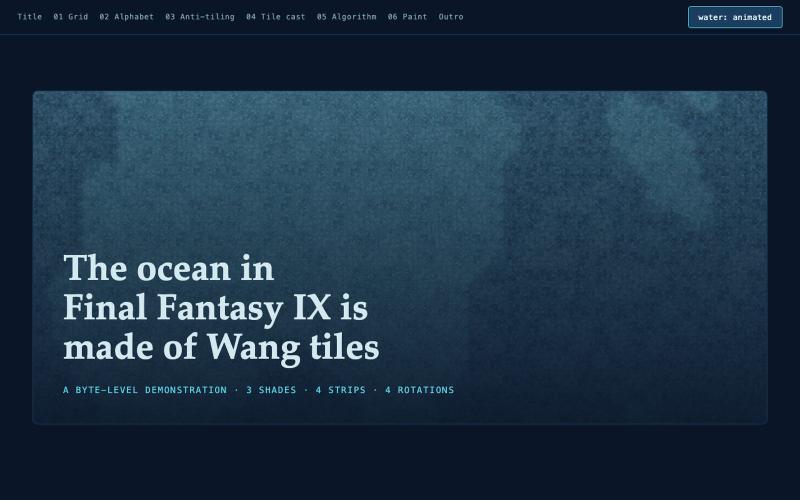
交互式绘制FF9海洋中的Wang瓦片程序化图案
jawnston · HN
made a fun little website with AI to explain how the Oceans in FFIX are authored after days of slamming my head against the keyboard trying to deconstruct it
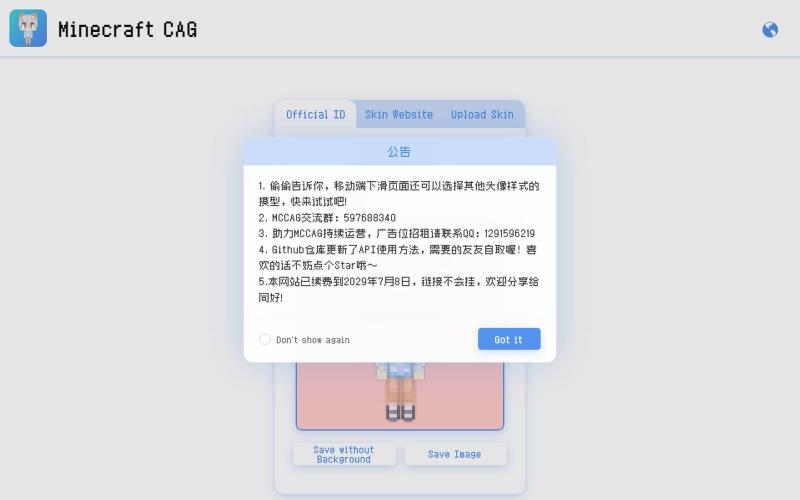
从游戏ID或皮肤文件生成个性化Minecraft头像。

@_Gufan_ · X
我做了一个网站,只需要输入Minecraft的ID或者上传皮肤文件,就能生成不同种类的可爱皮肤头像!
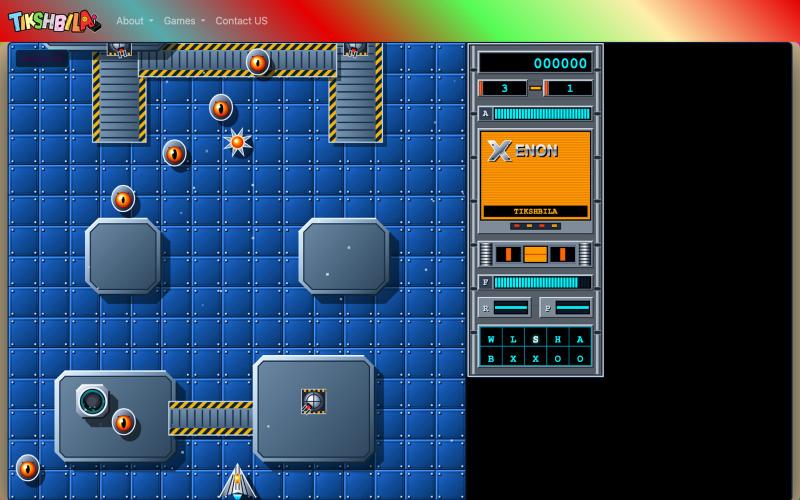
High-definition modern recreation of the classic Commodore Amiga shoot 'em up Xenon, featuring real-time vector graphics, dual-mode craft transformation, and procedural levels.

@YounElan · X
In today's #vibecoding session I got #ai to remake iconic #game Xenon from #Atari & #Amiga days. Not 100% there but @Google #Gemini close enough. As usual, on my github or #play online in my Tikshbila Gaming museum where I remade 50 games from my past at
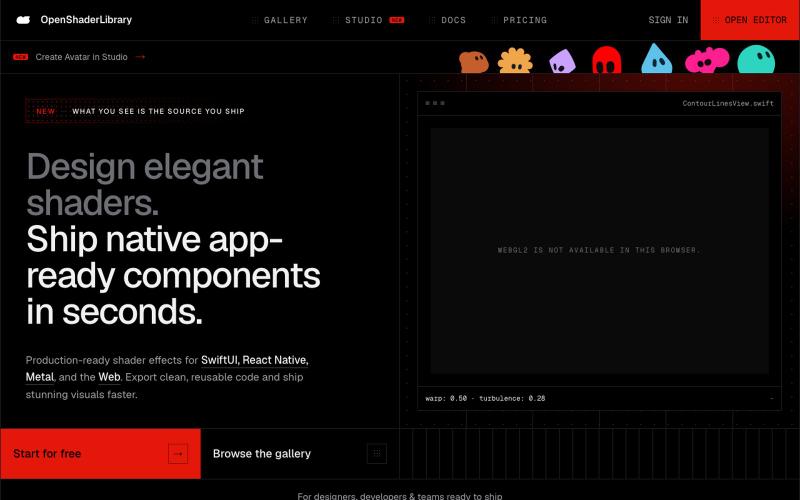
Browse parametric visual effects, tune them live in the browser, and export compiling source for SwiftUI, React Native, and the web.

@dotvonesy · X
Beautiful Effects for Mobile and Web:
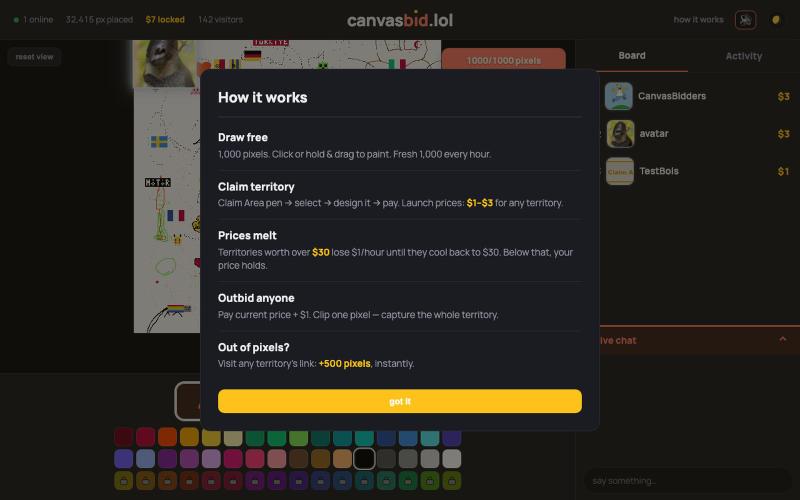
A live shared pixel canvas. Draw 1,000 pixels free — or lock glowing gold territory with your design and link before someone outbids you.

@canvasbid · X
checkout our new canvas at
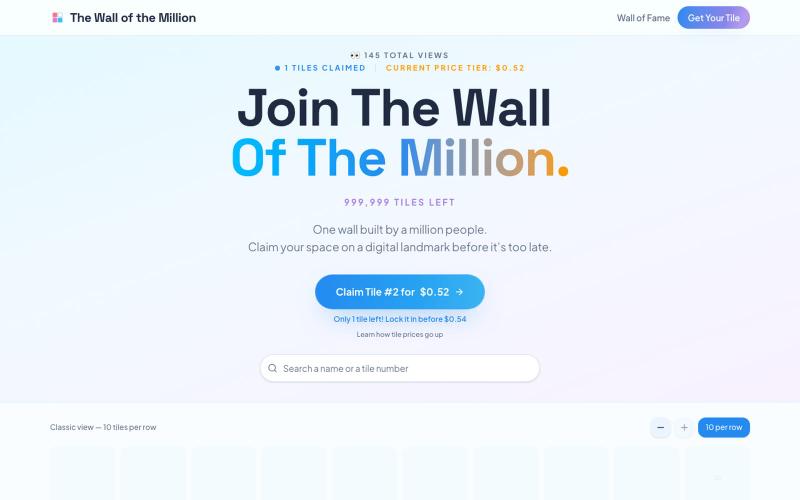
1,000,000 tiles, one name each. Pick your color, emoji and a personal link to stay forever in internet history. Starting at $0.50 and rising with every purchase.

@onemilliontiles · X
Hello 👋 want some tiles?
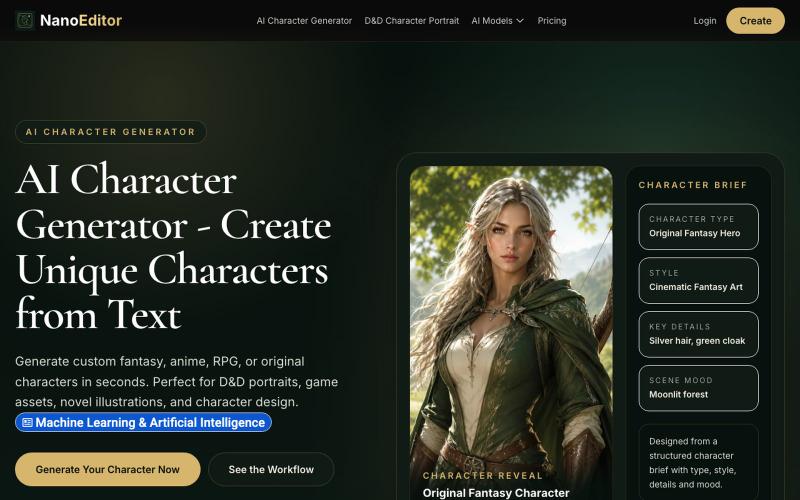
为游戏、OC 和 RPG 战役生成自定义 AI 角色艺术。
NanoEditor — 对话式 AI 生图平台

纯前端马赛克隐藏敏感图片,仅你可以还原。
mqx · V2EX
图片转马赛克网站 简介:可以把敏感的图片生成马赛克,然后发送给别人,别人再上传还原,纯前端(隐私安全) 网站地址: https://e5660498.pinme.dev/ 放一张测试图片在一楼

为 Codex Desktop 设计自定义主题,调整背景、颜色、透明度和视觉效果。
plutozc · V2EX
做了个 Codex Desktop 主题预览和切换工具,先调好再安装 最近一直在用 Codex Desktop ,觉得默认界面看久了有点单调,就顺手做了个主题编辑工具,分享一下: [Codex Skin]( https://getcodexskin.com) 可以先在网页里预览主题,调整背景透明度、面板透明度、颜色、模糊和圆角等参数,满意之后再下载并切换到 Codex Desktop 。 目前支持: - 自定义 JPG 、PNG 、WebP 背景 - 在线实时预览主题效果 - 调整透明度、颜色、模糊、圆角 - 预览满意后生成安装命令 - 不喜欢了可以恢复默认外观 目前主要面向 macOS 上的 Codex Desktop ,还是个人项目,功能和兼容性都在继续打磨。 欢迎试试,也想听听大家对主题参数、预览效果和安装流程的反馈。 直接网址: https://getcodexskin.com [轻喷 轻喷,可能还有些 bug