
创意工具1 month ago
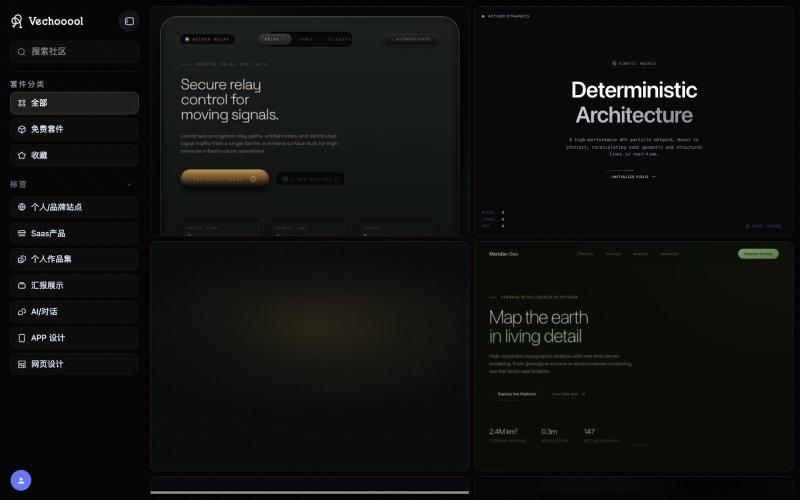
Vechooool — AI Design Tokens & Template Library
从优秀产品中提炼可复用的设计系统和模板,助力快速创建专业一致的产品设计。

@KlchanMe · X
最近做了一个网站, Vechooool 里面有几百个品牌网站的design md,能帮助广大开发者快速搭建自己的产品,有需要的朋友可以试试哈 团队都来自鹅厂,有设计,开发需求的可以私信
完整作品展
技术栈
19 projects
从优秀产品中提炼可复用的设计系统和模板,助力快速创建专业一致的产品设计。
@KlchanMe · X
最近做了一个网站, Vechooool 里面有几百个品牌网站的design md,能帮助广大开发者快速搭建自己的产品,有需要的朋友可以试试哈 团队都来自鹅厂,有设计,开发需求的可以私信
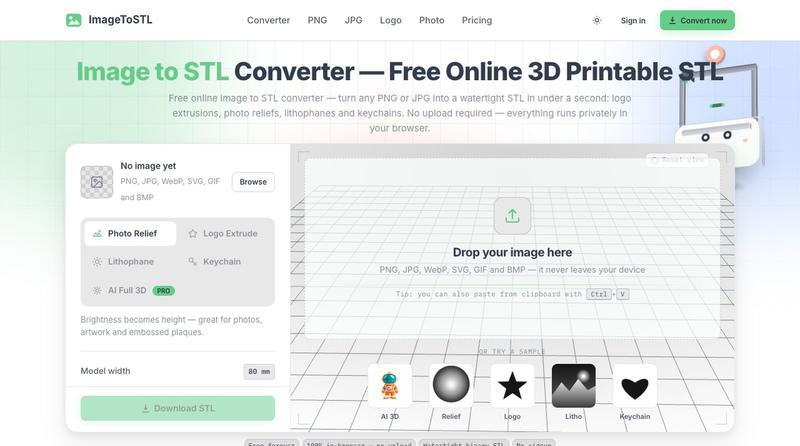
用AI矢量追踪将设计提取转换为可编辑的SVG文件。
u/Strong-Thing-8888 · Reddit
I built an AI tool that turns complex artwork into clean, editable SVG files I created DesaynClaw for designers who spend too much time manually tracing logos, jersey graphics, and detailed artwork. Upload a PNG or JPG, let the tool extract and clean the design, then export it as an editable SVG. It also includes background removal, image upscaling, palette tools, and before-and-after comparison. The platform is still improving, so I’m looking for designers who can test it
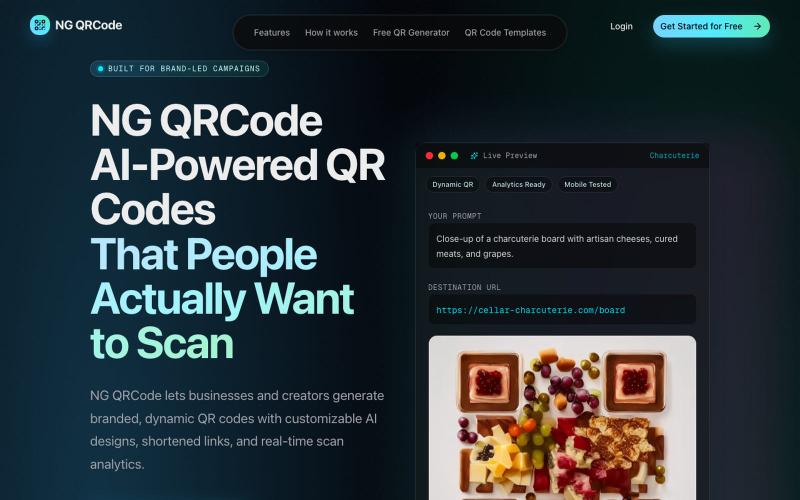

为 Codex Desktop 设计自定义主题,调整背景、颜色、透明度和视觉效果。
plutozc · V2EX
做了个 Codex Desktop 主题预览和切换工具,先调好再安装 最近一直在用 Codex Desktop ,觉得默认界面看久了有点单调,就顺手做了个主题编辑工具,分享一下: [Codex Skin]( https://getcodexskin.com) 可以先在网页里预览主题,调整背景透明度、面板透明度、颜色、模糊和圆角等参数,满意之后再下载并切换到 Codex Desktop 。 目前支持: - 自定义 JPG 、PNG 、WebP 背景 - 在线实时预览主题效果 - 调整透明度、颜色、模糊、圆角 - 预览满意后生成安装命令 - 不喜欢了可以恢复默认外观 目前主要面向 macOS 上的 Codex Desktop ,还是个人项目,功能和兼容性都在继续打磨。 欢迎试试,也想听听大家对主题参数、预览效果和安装流程的反馈。 直接网址: https://getcodexskin.com [轻喷 轻喷,可能还有些 bug
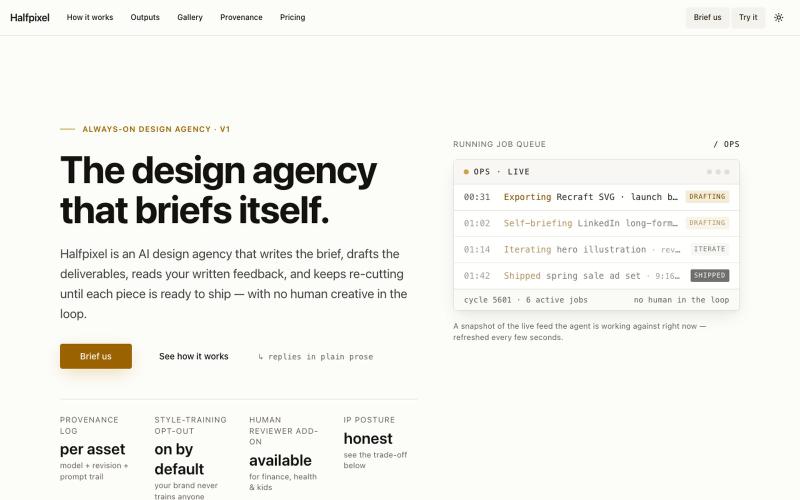
自动为SaaS生成品牌化设计资源的AI服务。

@polsia · X
Vibe-coded your SaaS in a weekend. The logo is still a placeholder gradient. Halfpixel ships the design before you finish the README.
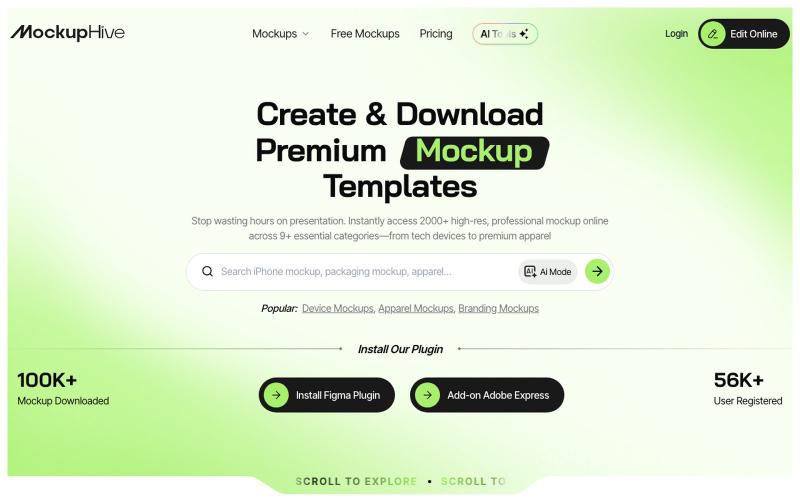
为UI/UX、品牌和产品设计创建和展示逼真的设计效果图。

@mhroxy3112 · X
