
其他1 week ago
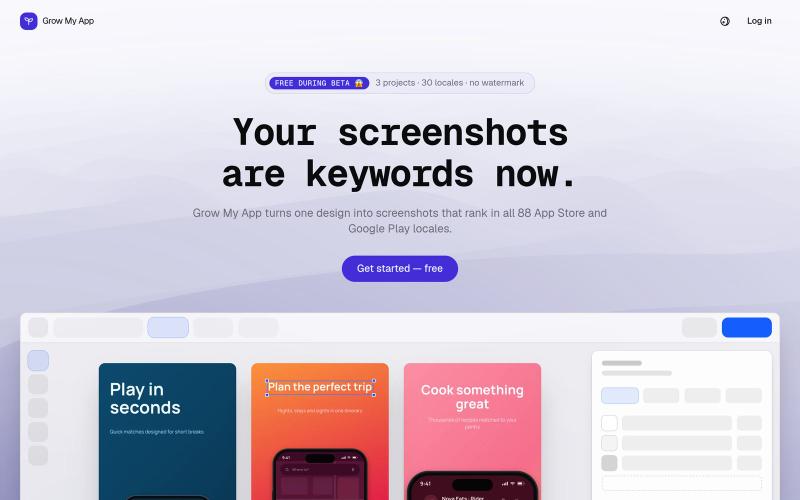
Screenshots that rank - Grow My App
Design App Store and Google Play screenshots once, translate them into every locale, and export a fastlane-ready ZIP. Free while in beta.

@uzenkov_ · X
Just launched 🚀
完整作品展
技术栈
22 projects
Design App Store and Google Play screenshots once, translate them into every locale, and export a fastlane-ready ZIP. Free while in beta.
@uzenkov_ · X
Just launched 🚀
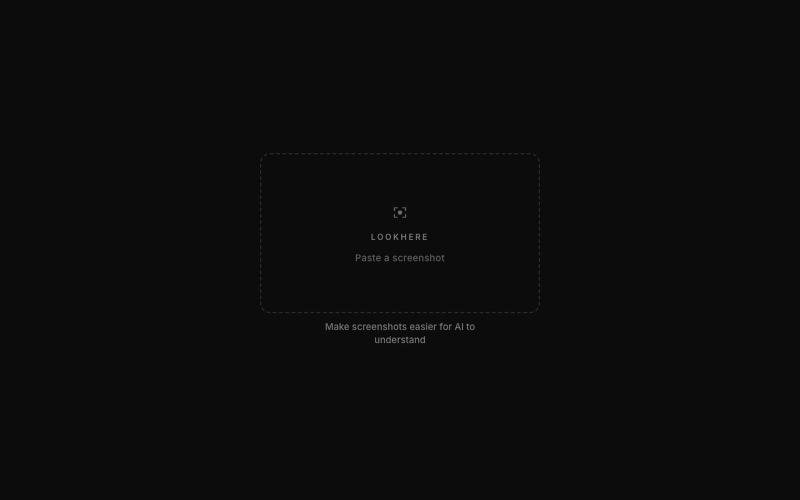
标记和提取截图部分分享给 ChatGPT 或 Claude。
akshitdandyan · Product Hunt
Label.Photos Make screenshots easier for AI to understand
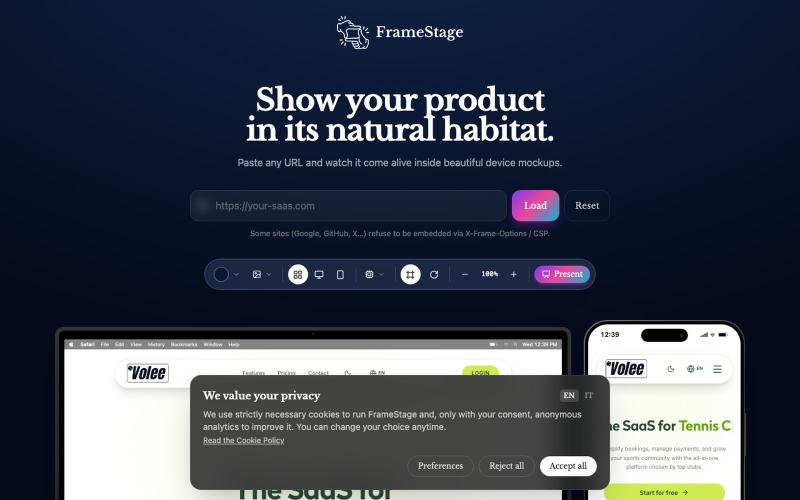
粘贴任何 URL 即可在设备模型(桌面、平板、手机)上预览项目。

@AndreaPericoli · X
I couldn’t find a simple tool that did exactly what I needed, so I built one in @Lovable Frame Stage lets you paste a URL and instantly preview your project on desktop, tablet, or mobile. No mockups. No setup. 🌐 #vibecoding #AI
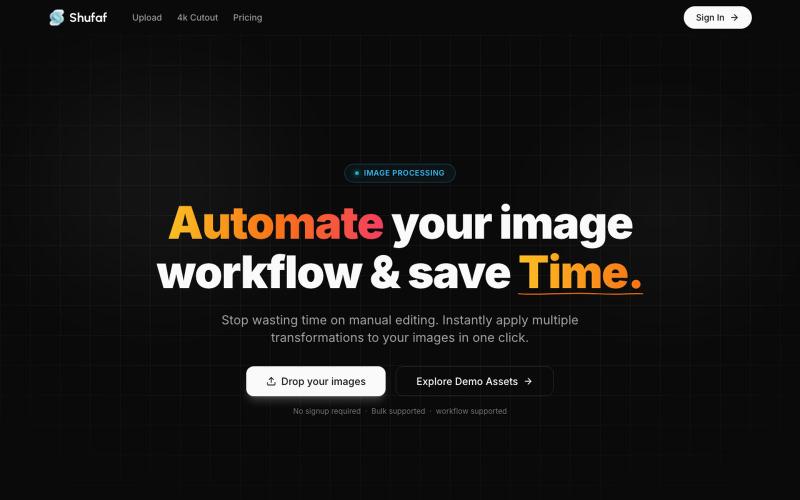
Shufaf is an interactive image workspace built to help developers and designers instantly visualize, test, and perfect their assets in different UI components and mockups before de

@ramio_io · X
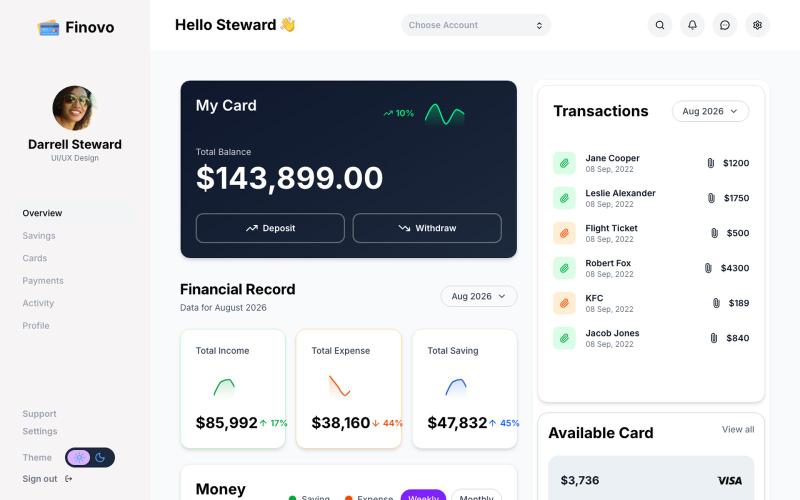
用 Next.js、React 和 Tailwind CSS 构建的现代金融仪表板 UI 模板。

@Ram4c5 · X
🚀 Just launched Finovo by Aethra. A modern finance dashboard UI built with: ⚡ Next.js 16 ⚛️ React 🎨 Tailwind CSS Perfect for SaaS, fintech, admin panels, and analytics dashboards. 💳 Buy: 🌐 Demo: #buildinpublic #saas
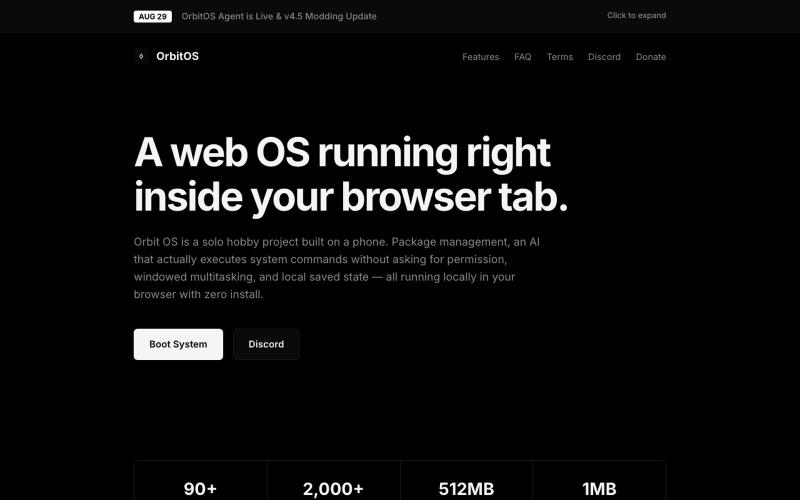
Orbit OS是一款在浏览器标签页中运行的网络操作系统,具有多窗口、终端和包管理器。
blank9485 · HN
Hi all! It has a graphical UI with windowed multitasking, a terminal, 90+ commands and apps, an APT-style package manager, local IndexedDB storage, games, and a process manager. The terminal and graphical interface use the same underlying system rather than being separate demos. The newest update also introduces OrbitOS Agent, an AI assistant that can understand the current OrbitOS screen and app context, suggest actions, and execute multiple OrbitOS commands directly without requiring confirmat

为 Codex Desktop 设计自定义主题,调整背景、颜色、透明度和视觉效果。
plutozc · V2EX
做了个 Codex Desktop 主题预览和切换工具,先调好再安装 最近一直在用 Codex Desktop ,觉得默认界面看久了有点单调,就顺手做了个主题编辑工具,分享一下: [Codex Skin]( https://getcodexskin.com) 可以先在网页里预览主题,调整背景透明度、面板透明度、颜色、模糊和圆角等参数,满意之后再下载并切换到 Codex Desktop 。 目前支持: - 自定义 JPG 、PNG 、WebP 背景 - 在线实时预览主题效果 - 调整透明度、颜色、模糊、圆角 - 预览满意后生成安装命令 - 不喜欢了可以恢复默认外观 目前主要面向 macOS 上的 Codex Desktop ,还是个人项目,功能和兼容性都在继续打磨。 欢迎试试,也想听听大家对主题参数、预览效果和安装流程的反馈。 直接网址: https://getcodexskin.com [轻喷 轻喷,可能还有些 bug
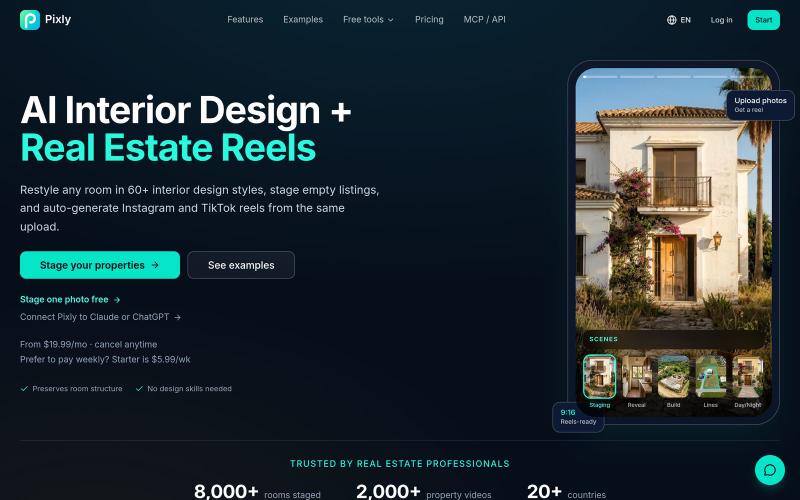
Restyle any room in 60+ AI interior design styles, stage empty listings and auto-generate real estate reels — all from one photo. Free tier, no card needed.

@JanKratochvil1 · X
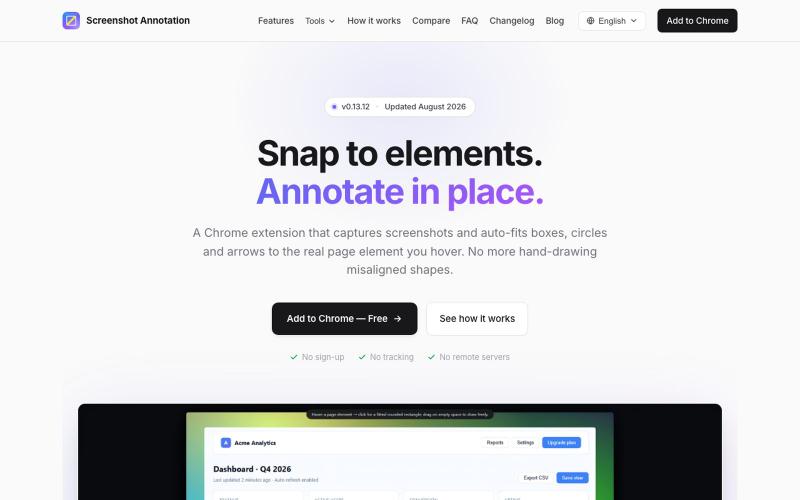
Chrome 扩展程序,自动调整注释框和箭头以标注网页元素。

@virgil_dean94 · X
Just launched my new screenshot plugin! 🎉 ✅ Smart zoom effects on key details ✅ Text extraction ✅ 100% Free Perfect for devs, designers, and anyone who wants to communicate visually with clarity! Try it out! 👇 #BuildInPublic #ProductLaunch

免费的原生macOS屏幕录制工具,带内置编辑器和自动缩放。

@screenkite_com · X